- Shopping, made easy.
- /
- Get the app!
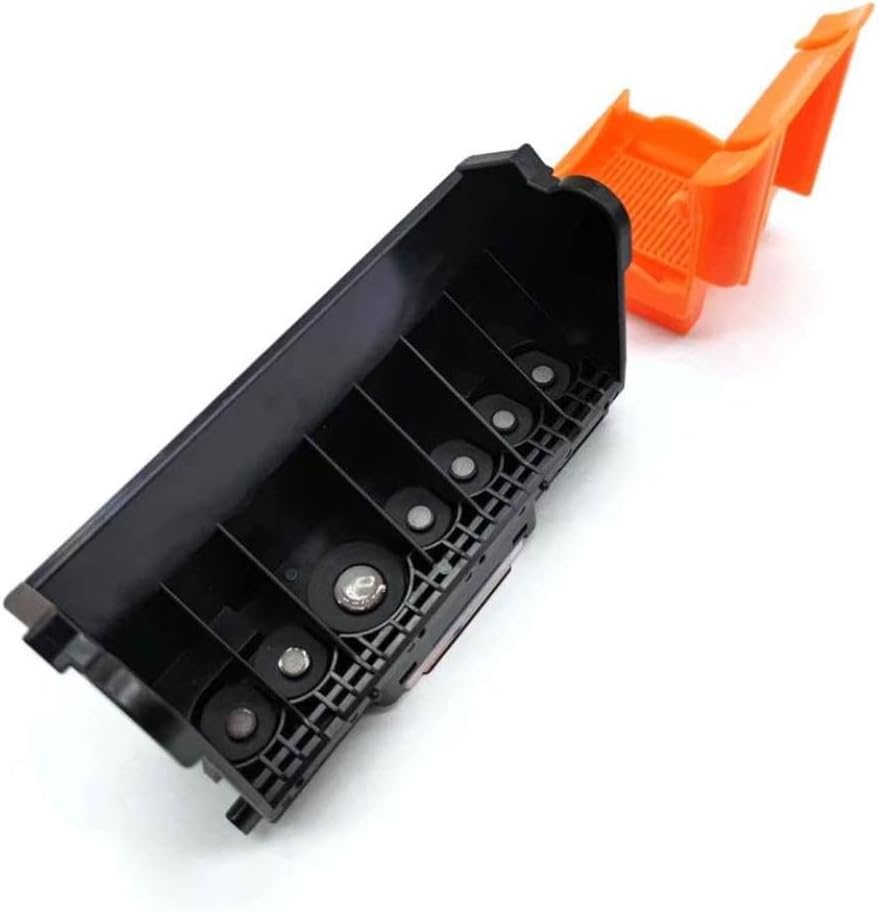
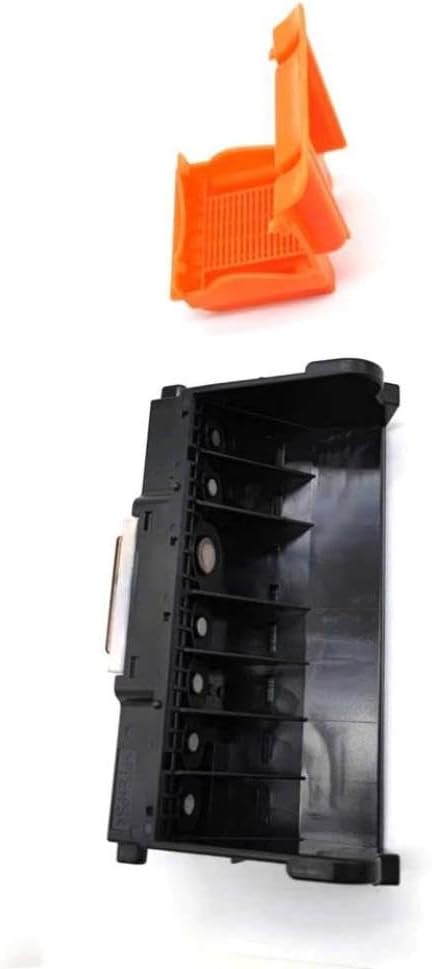
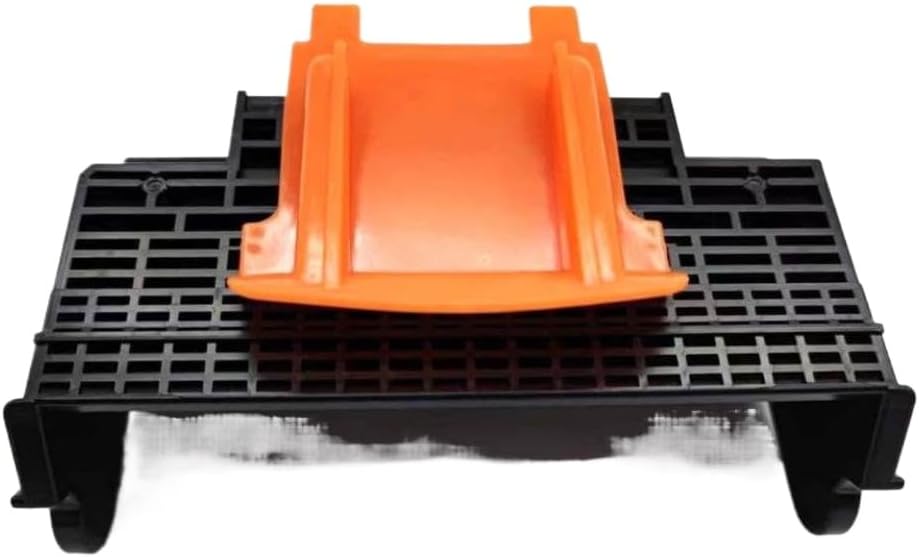
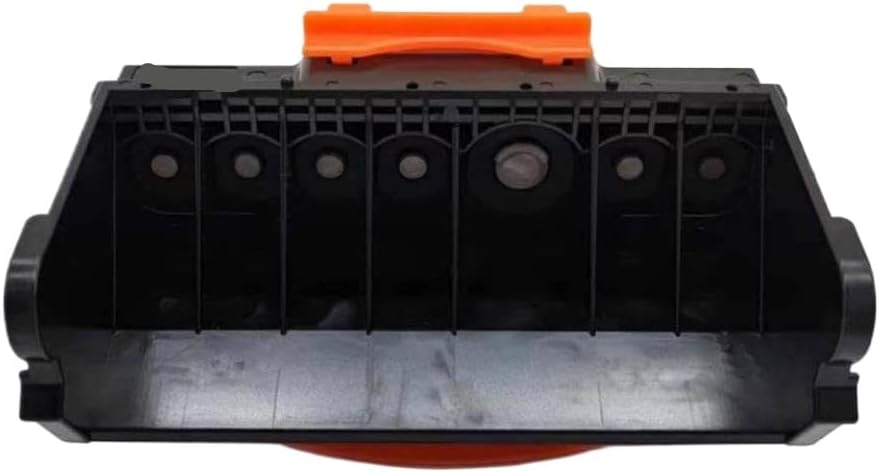
Print Head Printhead QY6-0062 Compatible With Inkjet Printers MP960, MP970, iP7500, MP950, and iP7600. This is a used replacement printhead, removed from a previously installed, functional printer.It is intended for use as a direct replacement to restore printer functionality. The printhead is compatible with the following models: MP960, MP970, iP7500, MP950, and iP7600. Error code 1401, 1403, or 1405 (orange light flashes 5 times) may indicate the print head is not installed or is improperly installed.To resolve, the printhead is correctly seated and secured in the carriage; then power off and restart the printer. Error code B200 (orange/green light flashes 10 times alternately) may indicate abnormal print head voltage and can be resolved by replacing the print head. Error code 5200 (orange/green light flashes 8 times alternately) may indicate abnormal print head temperature and can be resolved by replacing the print head. To enter maintenance mode: Press and hold the RESUME button, then press and hold the POWER button to turn on the printer.Release the RESUME button while continuing to hold the POWER button.Then double-click the RESUME button.Release both buttons when the power light turns green. This is a compatible aftermarket part.References to brands or models do not imply OEM association.
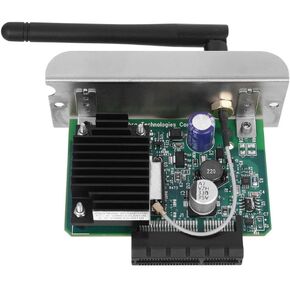 Net Internal Wireless Module Compatible with ZT410 ZT420 ZT230 ZT220 ZT210 Barcode Printer WiFi Card
SAR 1,635
Net Internal Wireless Module Compatible with ZT410 ZT420 ZT230 ZT220 ZT210 Barcode Printer WiFi Card
SAR 1,635
 Actuator Replacement C8981408531 CA100017800 8981408531 Compatible with D-MAX 4JJ1 2.5L Axle 4x4 Twin Turbo Diesel TFS86TT
SAR 1,903
Actuator Replacement C8981408531 CA100017800 8981408531 Compatible with D-MAX 4JJ1 2.5L Axle 4x4 Twin Turbo Diesel TFS86TT
SAR 1,903
 Print Head Compatible with Workforce 600 WF-3540 WF-40 WF-7015 WF-7010 WF-3520 WF-633 WF-3541 WF-7520 WF-7525 WF-635 WF-840 WF-7515 WF-7510
SAR 266
Print Head Compatible with Workforce 600 WF-3540 WF-40 WF-7015 WF-7010 WF-3520 WF-633 WF-3541 WF-7520 WF-7525 WF-635 WF-840 WF-7515 WF-7510
SAR 266
 Printhead Compatible with IP7200 IP7220 IP7230 IP7240 IP7250 IP7260 IP7280 MG5420 MG5460 MG5750 QY6-0082
SAR 418
Printhead Compatible with IP7200 IP7220 IP7230 IP7240 IP7250 IP7260 IP7280 MG5420 MG5460 MG5750 QY6-0082
SAR 418

 Saudi Arabia