- Shopping, made easy.
- /
- Get the app!
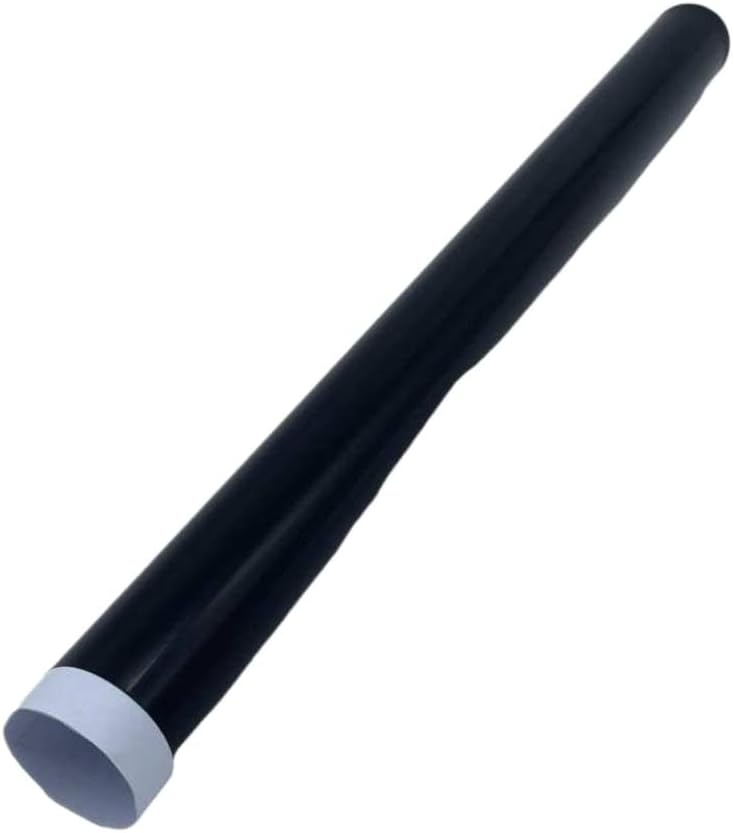
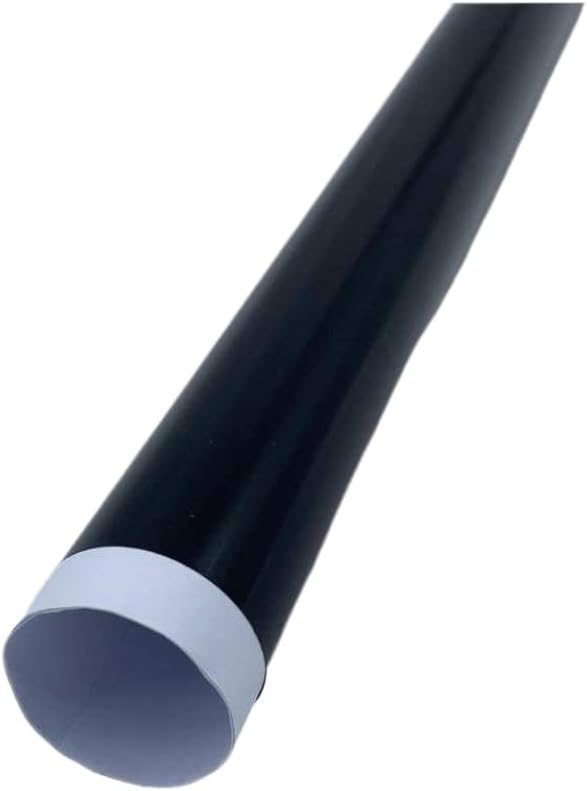
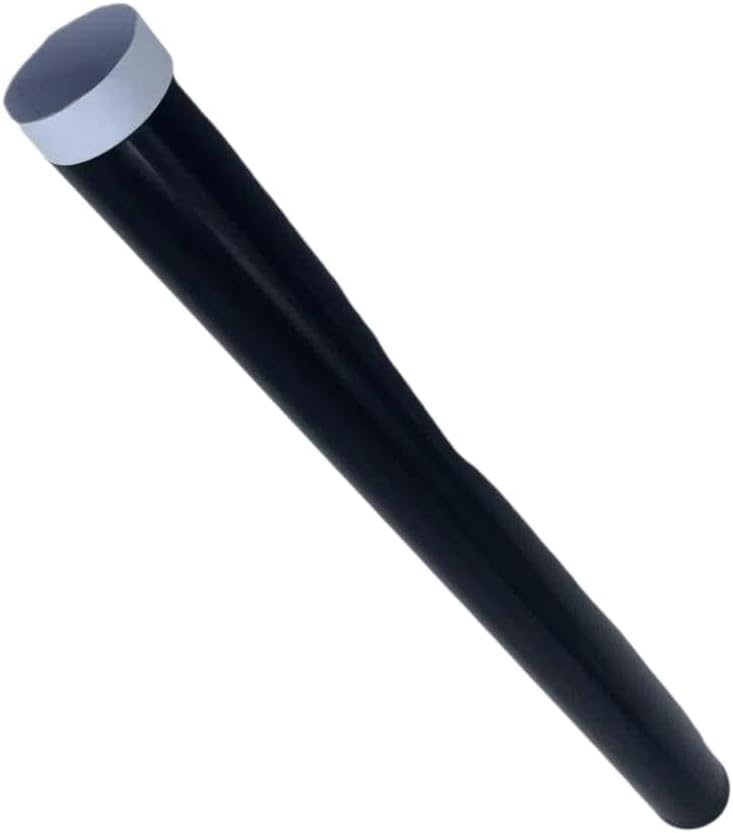
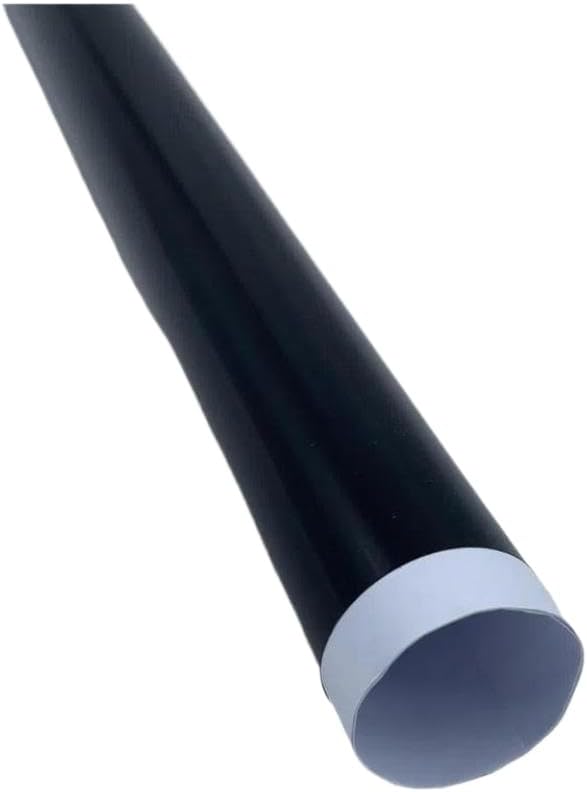
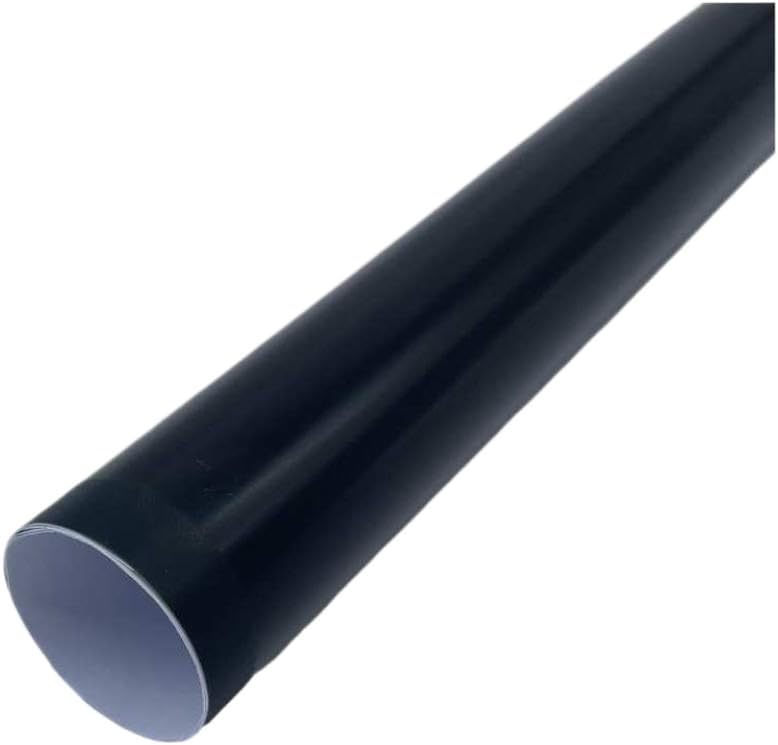
Fuser Fixing Film Sleeve Compatible With IR2535, IR2545, IR4535, IR4545, and imageRUNNER ADVANCE models 4025, 4035, 4045, 4051, 4225, 4235, 4245, 4251, 4525, 4535, 4545, 4551. This replacement fuser fixing film sleeve is designed to restore fuser unit functionality in compatible devices.It installs in the fuser assembly to replace a worn or damaged film sleeve. Installation requires powering off and cooling down the device.Access the fuser unit by the designated cover.Remove the old film sleeve, taking care not to damage adjacent components.Clean the heating plate with isopropyl alcohol and a lint-free cloth.If the heating plate shows bubbles or irregularities, light sanding may be performed to restore smoothness.Apply a thin, even layer of temperature fuser grease to the inner of the film sleeve, including both ends near the mounting plugs.Install the sleeve onto the fuser roller, proper alignment with guide features and end caps.Rotate the sleeve manually several full turns to distribute grease evenly.Confirm smooth, consistent rotation before closing the unit and powering on. Replacement is recommended when the existing film shows signs of aging—including hardening, brittleness, discoloration, or loss of integrity—or physical damage such as scratches, tears, or deformation that affects fusing function.
 Fuser Assembly Compatible with Printer Models 2700, 3000, 3600, 3800 (Replaces Part Numbers RM1-2665 and RM2-2743)(New Quality 110V)
SAR 789
Fuser Assembly Compatible with Printer Models 2700, 3000, 3600, 3800 (Replaces Part Numbers RM1-2665 and RM2-2743)(New Quality 110V)
SAR 789
 Car Transmission Shift Solenoid 1pc Compatible With Ram 1500 2500 3500 Power Wagon 2012-2018 68RFE 45RFE 545RFE 66RFE
SAR 2,669
Car Transmission Shift Solenoid 1pc Compatible With Ram 1500 2500 3500 Power Wagon 2012-2018 68RFE 45RFE 545RFE 66RFE
SAR 2,669
 Tray 1 Compatible with Phaser 3330 WorkCentre 3335 3345 Cassette 050N00694
SAR 439
Tray 1 Compatible with Phaser 3330 WorkCentre 3335 3345 Cassette 050N00694
SAR 439
 Cassette Assembly RM2-5392-010CN for Use with Pro M304 M305 M329 M404n M405 M428 M429fdw as Paper Tray 2
SAR 573
Cassette Assembly RM2-5392-010CN for Use with Pro M304 M305 M329 M404n M405 M428 M429fdw as Paper Tray 2
SAR 573

 Saudi Arabia