- Shopping, made easy.
- /
- Get the app!
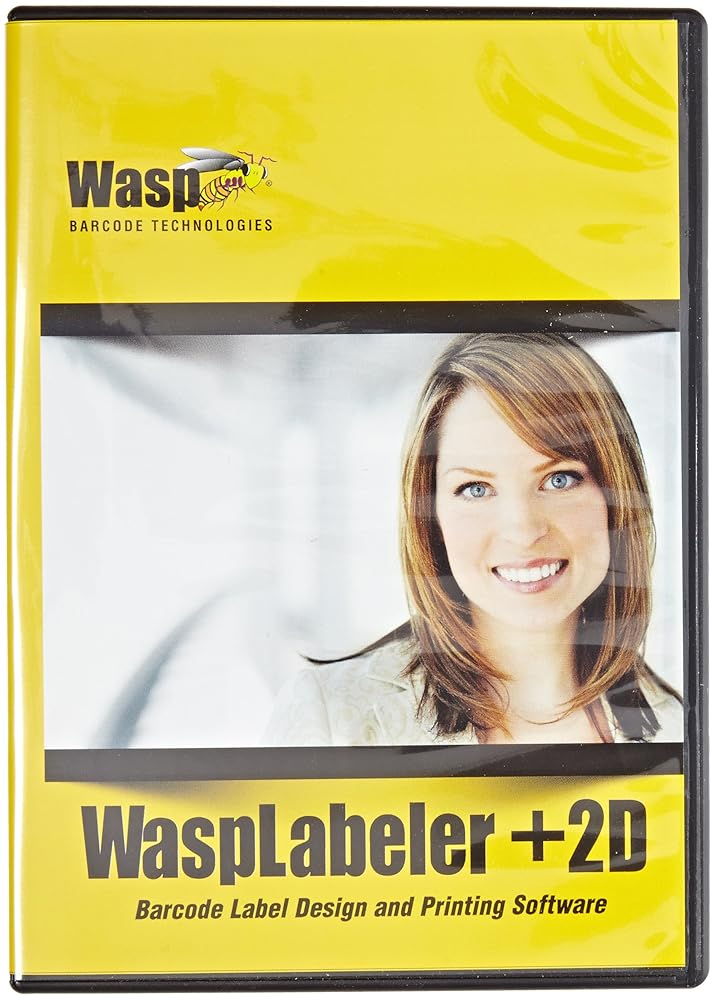
Ingram WaspLabeler +2D is an easy to use solution for designing, creating, and printing barcode labels. Select from more than 100 pre-designed label templates, build a custom label, or start from scratch on your own design. Manually input or easily connect to an external data source, including Microsoft Excel, Microsoft Access, or QuickBooks to obtain your label data. Simply print your labels to any networked Windows printer, for improved tracking efficiency and accuracy. With WaspLabeler +2D's intuitive interface, you can quickly create inventory barcodes, asset tags, product shipping/mailing labels, and more. Easily combine text, company logos, and barcodes to create the barcode label you need. Generate barcode scan sheets or shadow books so that barcodes for small or difficult to tag items are readily accessible. It is designed to improve the efficiency and accuracy of your business. Quickly create and print standard or custom inventory, asset, shipping, and many other types of labels. Supports QuickBooks (2008 or later). View data at design time. Combine data from multiple tables. Enhance serialization by serializing numbers/auto increment, alphabetic, and user defined lists. Set password on command line for access databases. Key Search on EDS. Keep sort/filter on DataSource change. Save working directory for label, image, and EDS files. Import BMP, JPEG, PNG, TIFF, GIF, and ICON images. Advanced graphic resizing and image rotation. Import images onto label design, link to original file, or retrieve from a database. Create compliance labels for shipping, shelf making, inventory tracking, product labeling, and more.
 Wasp WCS3905 Waspnest ABS CCD Handheld Laser Barcode Scanner with 6' USB Cable, 45 scan/s Scan Rate, 5V DC
SAR 328
Wasp WCS3905 Waspnest ABS CCD Handheld Laser Barcode Scanner with 6' USB Cable, 45 scan/s Scan Rate, 5V DC
SAR 328
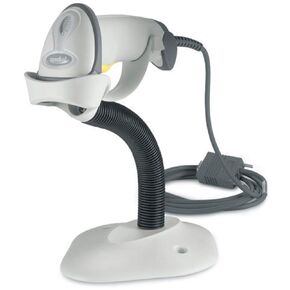 Zebra Enterprise LS2208-SR20001R-UR LS2208 Barcode Scanner, USB Pc Kit, Includes LS2208-SR20001R, Cba-U01-S07ZAR Cable, 20-61019-01R ST, White
SAR 277
Zebra Enterprise LS2208-SR20001R-UR LS2208 Barcode Scanner, USB Pc Kit, Includes LS2208-SR20001R, Cba-U01-S07ZAR Cable, 20-61019-01R ST, White
SAR 277
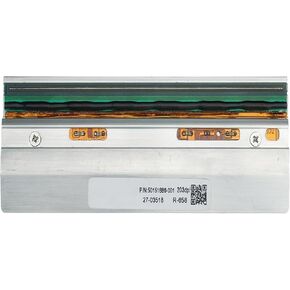 50151886-001 New Genuine Printhead for Intermec PX940 Thermal Label Barcode Printer 203dpi
SAR 1,372
50151886-001 New Genuine Printhead for Intermec PX940 Thermal Label Barcode Printer 203dpi
SAR 1,372
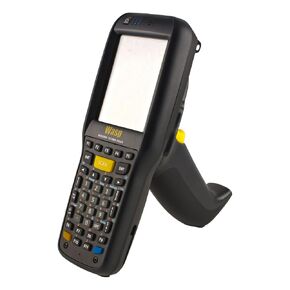 Wasp 633808928605 DT90 Mobile Computer
SAR 3,491
Wasp 633808928605 DT90 Mobile Computer
SAR 3,491

 Saudi Arabia