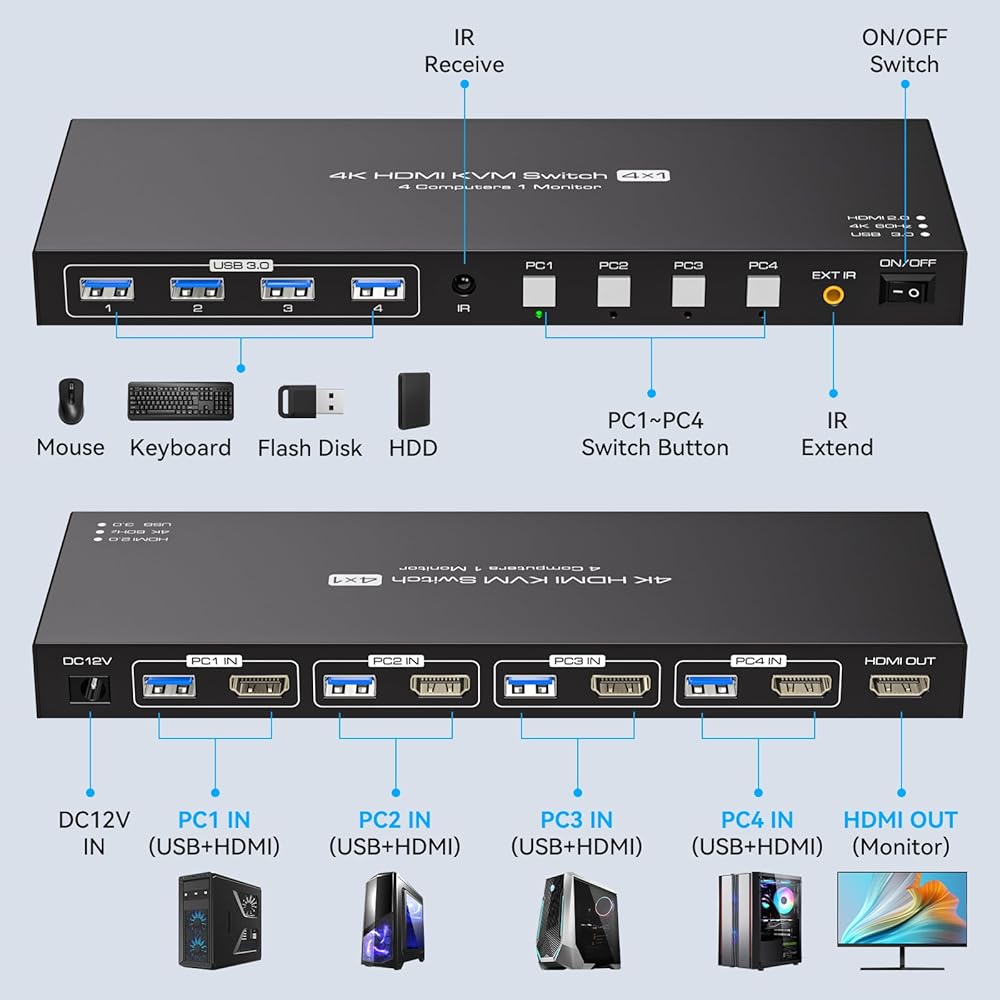
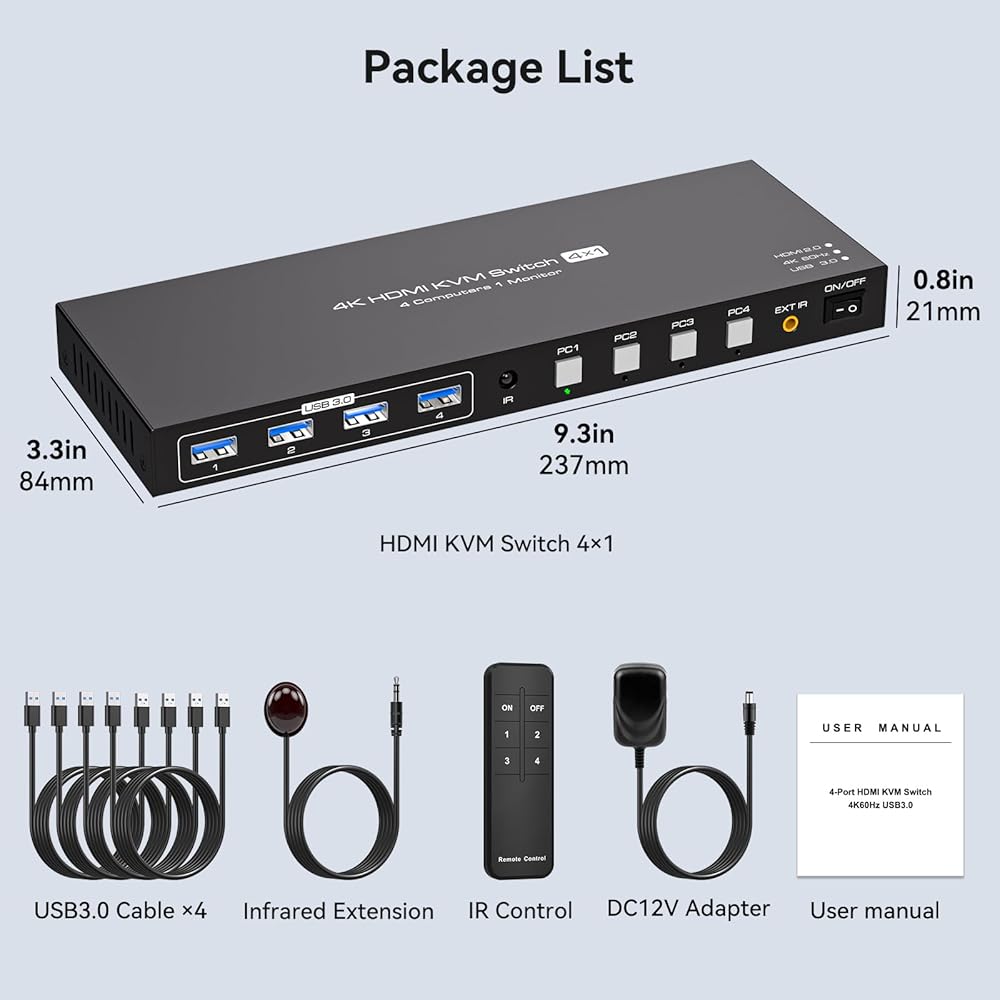
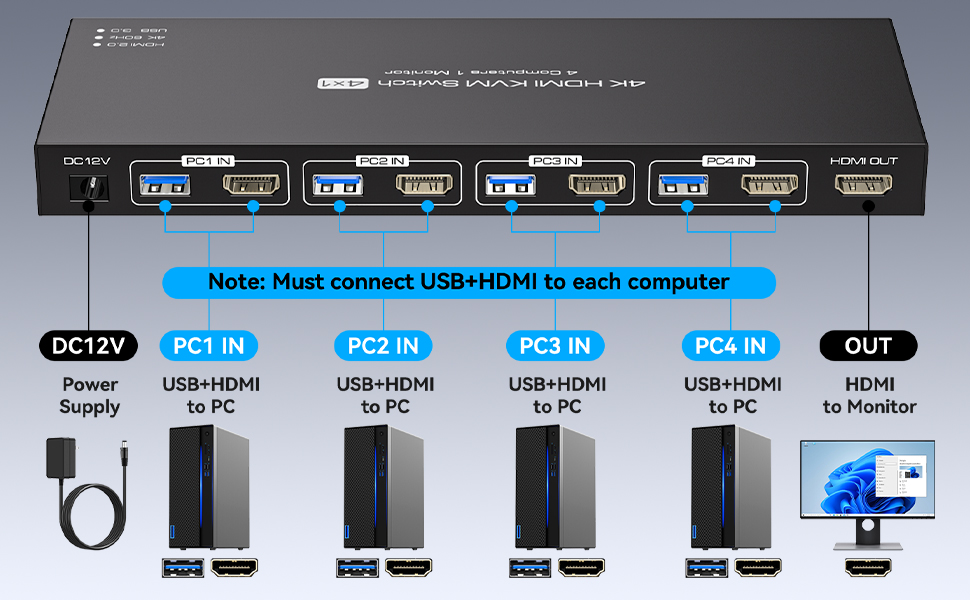
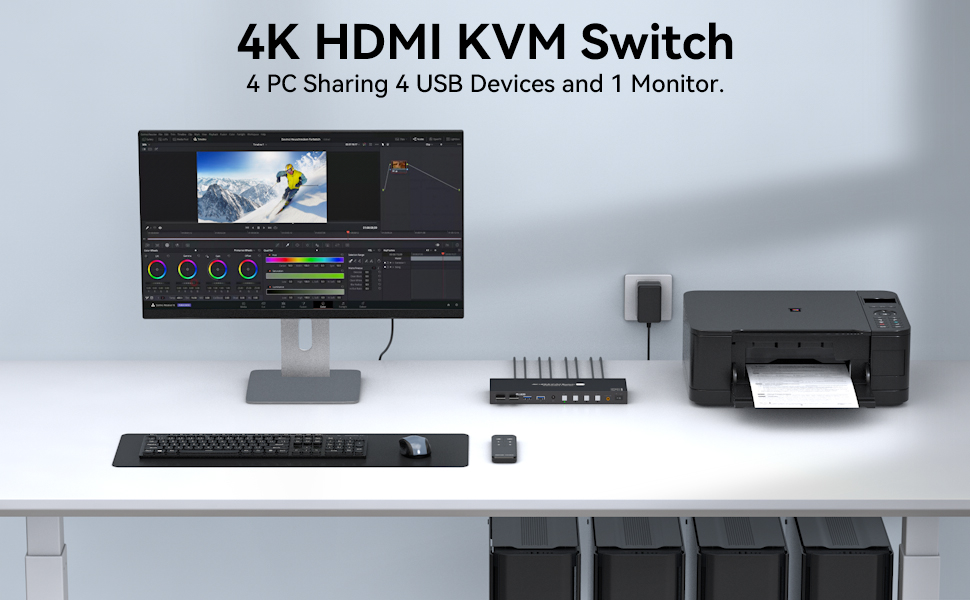
Multi-Computer Control: KVM Switch enables 4 computers to share 1 monitor and 4 USB 3.0 devices, streamlining your workspace
Ultra-High Definition Resolution: KVM switches 4 port supports astonishing resolutions up to 4K@60Hz, enhancing image clarity and color saturation for an amazing visual experience. It is also backward compatible with resolutions such as 4K@30Hz, 1080P@60Hz, and 720P@60Hz. Note: to achieve the highest resolution, ensure that the signal source, HDMI cable, and DP cable all support 4K@60Hz
USB 3.0 High-Speed Data Transfer: Equipped with 4 USB 3.0 ports that support fast data transfer rates, allowing you to share keyboards, mice, printers, and other USB peripherals across multiple computers efficiently
Dual Switching Modes: Remote Control Switching allows you to aim the remote control at the hdmi kvm switcher and press the button to easily switch between different computers; you can also place the KVM switcher outside of the workspace, connect the wired infrared device, aim the remote control at the infrared device, and press the button to switch. Pushbutton Switching provides manual control directly on the device
 Ethernet Splitter 1 to 4 1000Mbps Internet Splitter LAN Splitter Either Network Splitter Ethernet Switch Suitable for Cat6/7/8 Cable
SAR 100
Ethernet Splitter 1 to 4 1000Mbps Internet Splitter LAN Splitter Either Network Splitter Ethernet Switch Suitable for Cat6/7/8 Cable
SAR 100
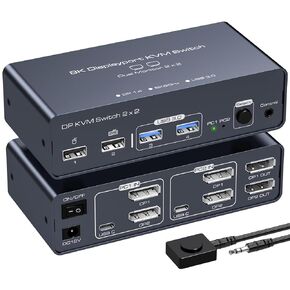 -13%
PVBCTCSID DisplayPort KVM Switch 2 Monitors 2 Computers 8K@60HZ 4K@120HZ Aluminum KVM Switch Dual Monitor KVM Switcher 2 Monitors for 2 Computers Sharing 4 USB Devices with Desktop Controller
SAR 365
-13%
PVBCTCSID DisplayPort KVM Switch 2 Monitors 2 Computers 8K@60HZ 4K@120HZ Aluminum KVM Switch Dual Monitor KVM Switcher 2 Monitors for 2 Computers Sharing 4 USB Devices with Desktop Controller
SAR 365
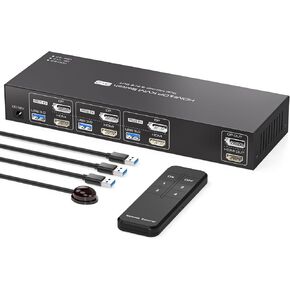 HDMI+Displayport KVM Switch 2 Monitors 3 Computers 4K@60Hz KVM Switch Dual Monitor DP KVM Swtiches for 3 Computers Sharing 2 Monitors and 4 USB 3.0 Devices with IR Remote Control
SAR 572
HDMI+Displayport KVM Switch 2 Monitors 3 Computers 4K@60Hz KVM Switch Dual Monitor DP KVM Swtiches for 3 Computers Sharing 2 Monitors and 4 USB 3.0 Devices with IR Remote Control
SAR 572
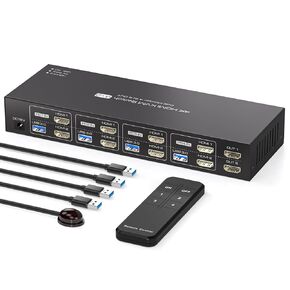 -11%
KVM Switch 2 Monitors 4 Computers 4K@60HZ HDMI KVM Switches Dual Monitor for 4 PC Sharing 2 Monitor and 4 USB3.0 Devices with Four USB3.0 Cables and IR Remote Control
SAR 605
-11%
KVM Switch 2 Monitors 4 Computers 4K@60HZ HDMI KVM Switches Dual Monitor for 4 PC Sharing 2 Monitor and 4 USB3.0 Devices with Four USB3.0 Cables and IR Remote Control
SAR 605