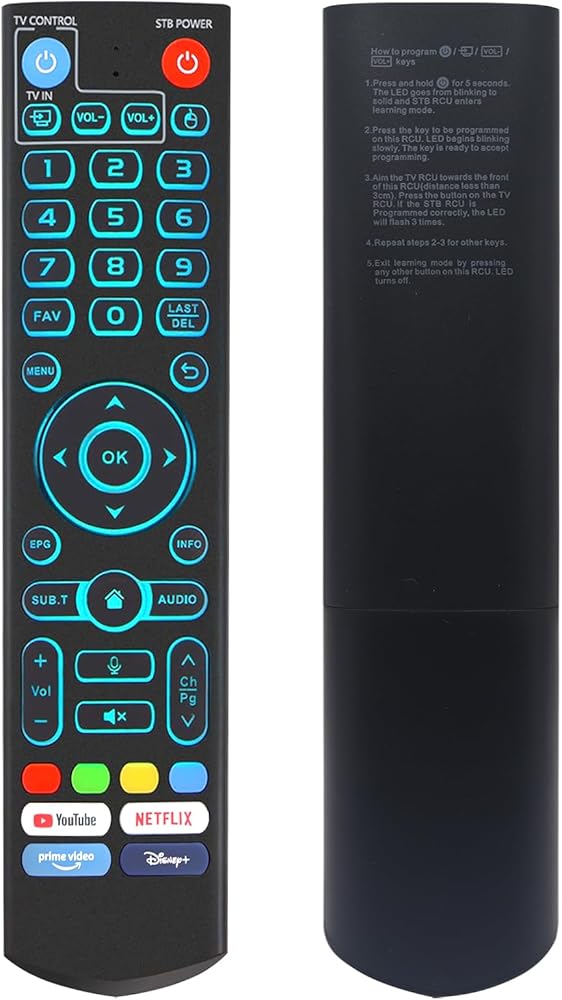
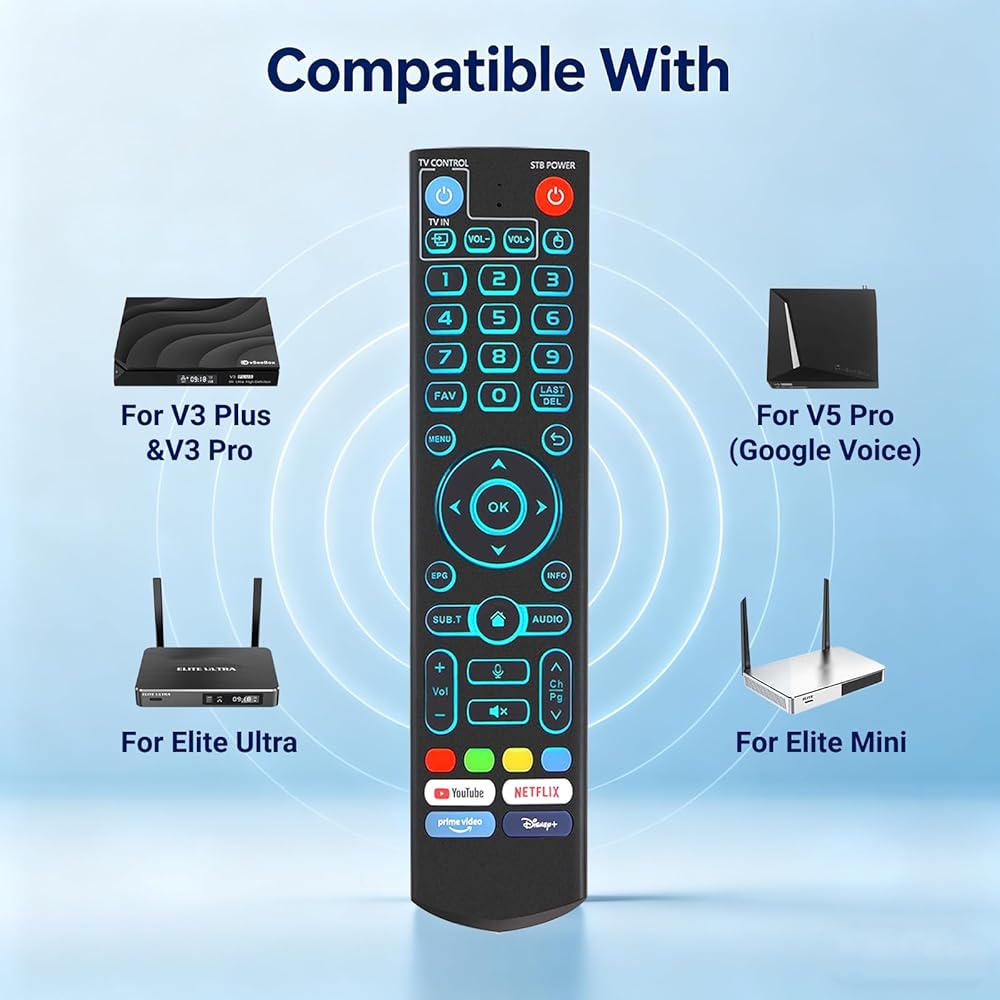
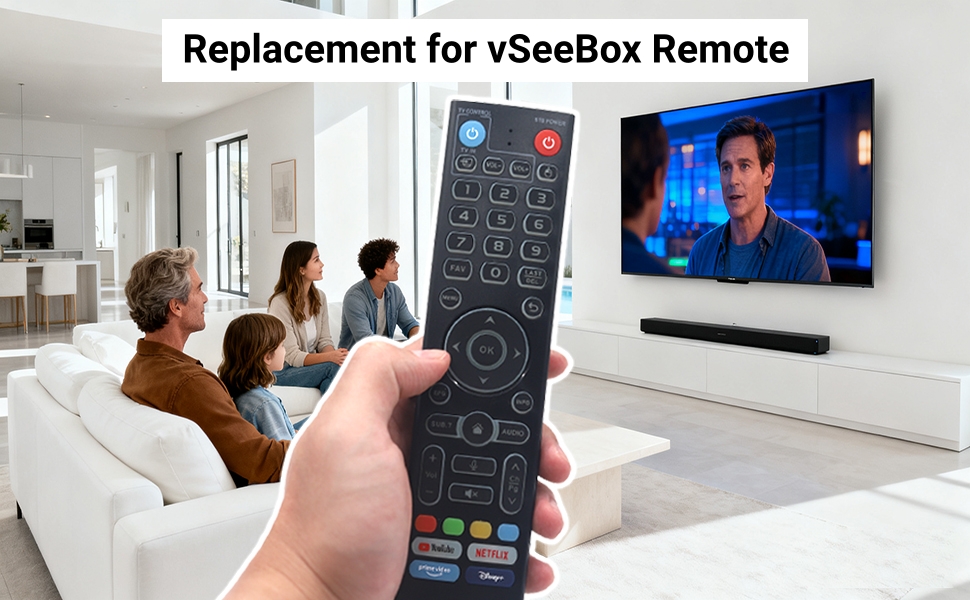
【V5 Pro Backlit Voice Remote for Model Numbers】 Compatible with vSeeBox models including V5 Pro, V3 Pro, V3 Plus, V1, V1 Pro, V2, V2 Pro, V1 Max, Elite, Max
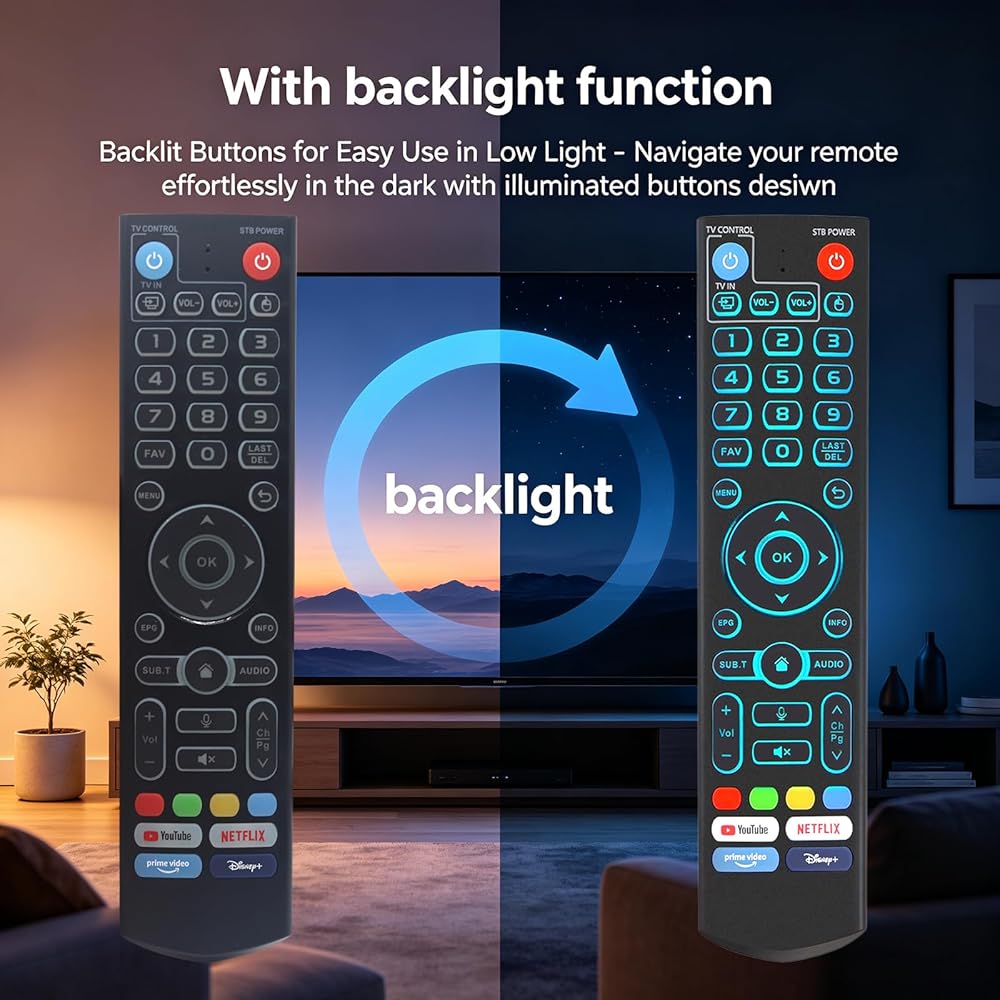
【With backlight】 Backlit buttons illuminate softly for effortless navigation in low-light conditions. Whether you're watching movies at night or enjoying a darkened home theater, find the right button instantly—no need to turn on the lights
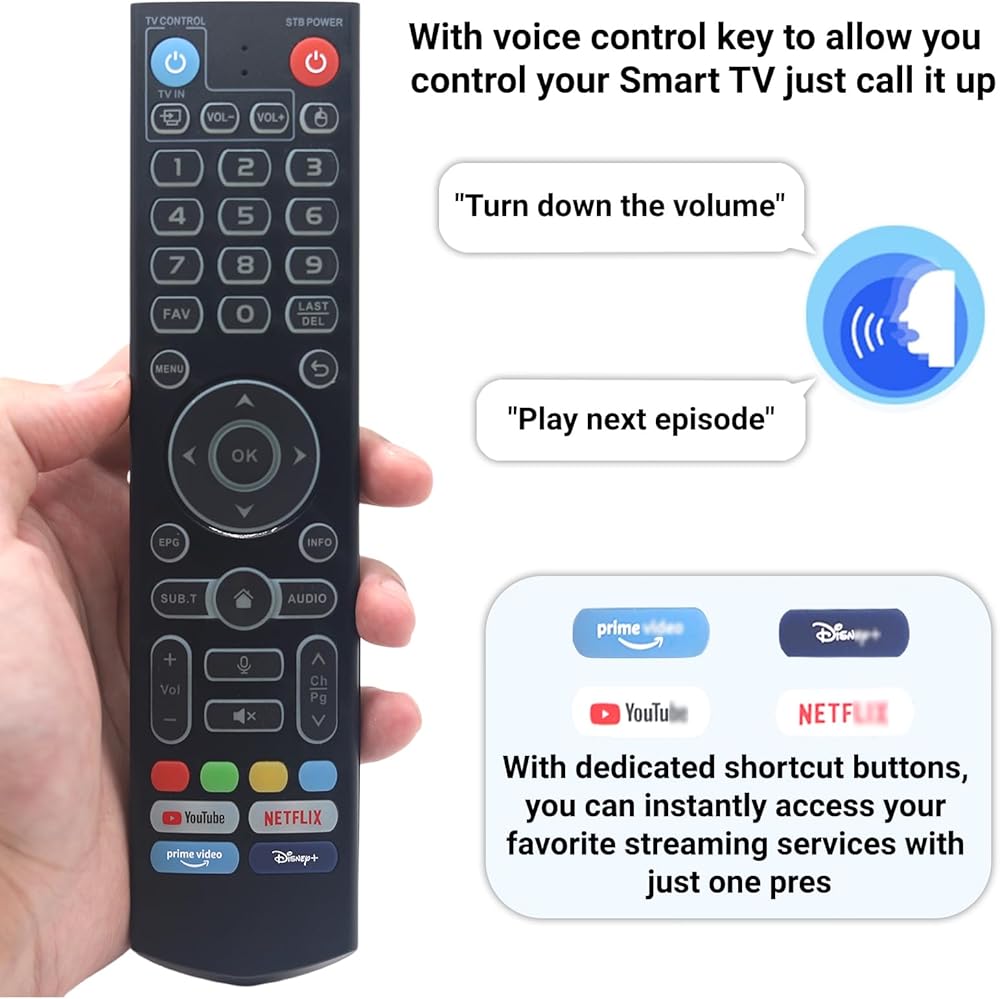
【Smart Voice Search】 The V5 Pro voice remote control features a microphone button, enabling voice search for content, volume adjustment/input source switching, and music playback. Simply speak your commands to effortlessly control your TV, adjust the volume, or play your favorite music; Please note: V1 Max, V1 Pro, and V2 Pro do not feature voice command capability
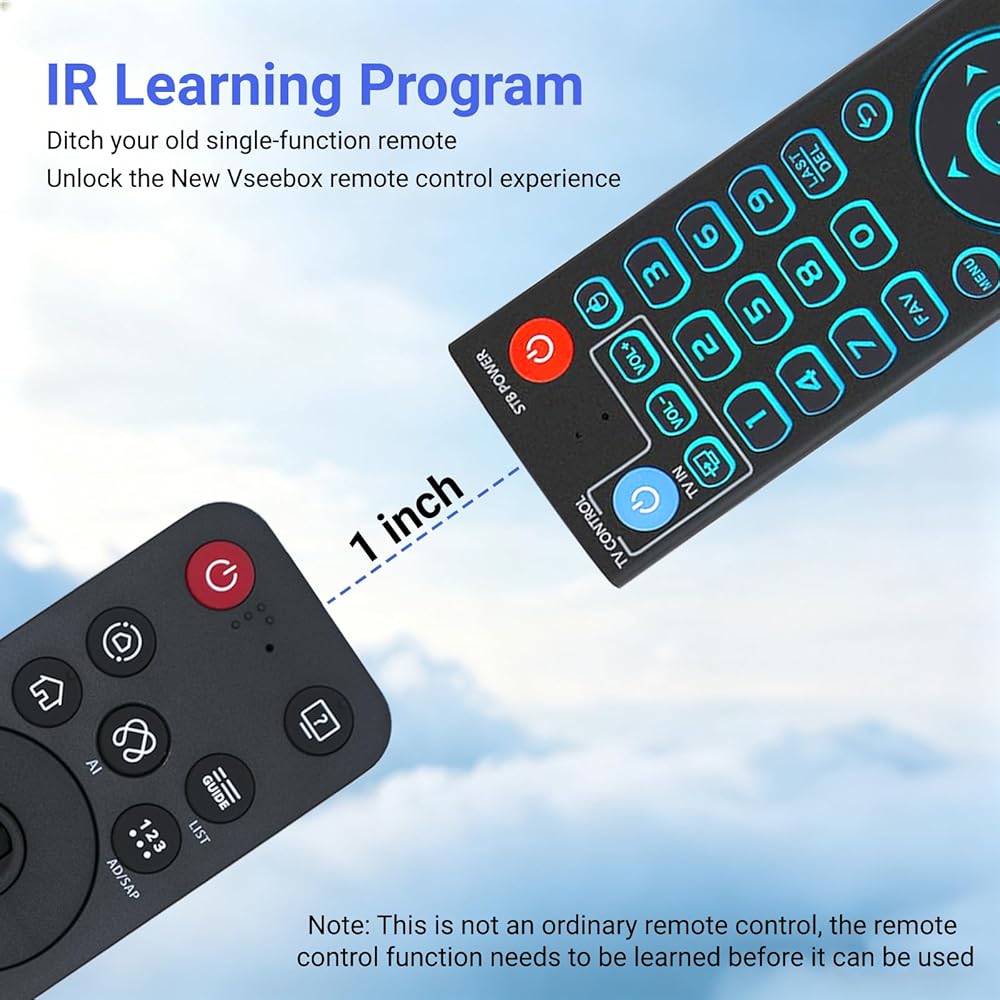
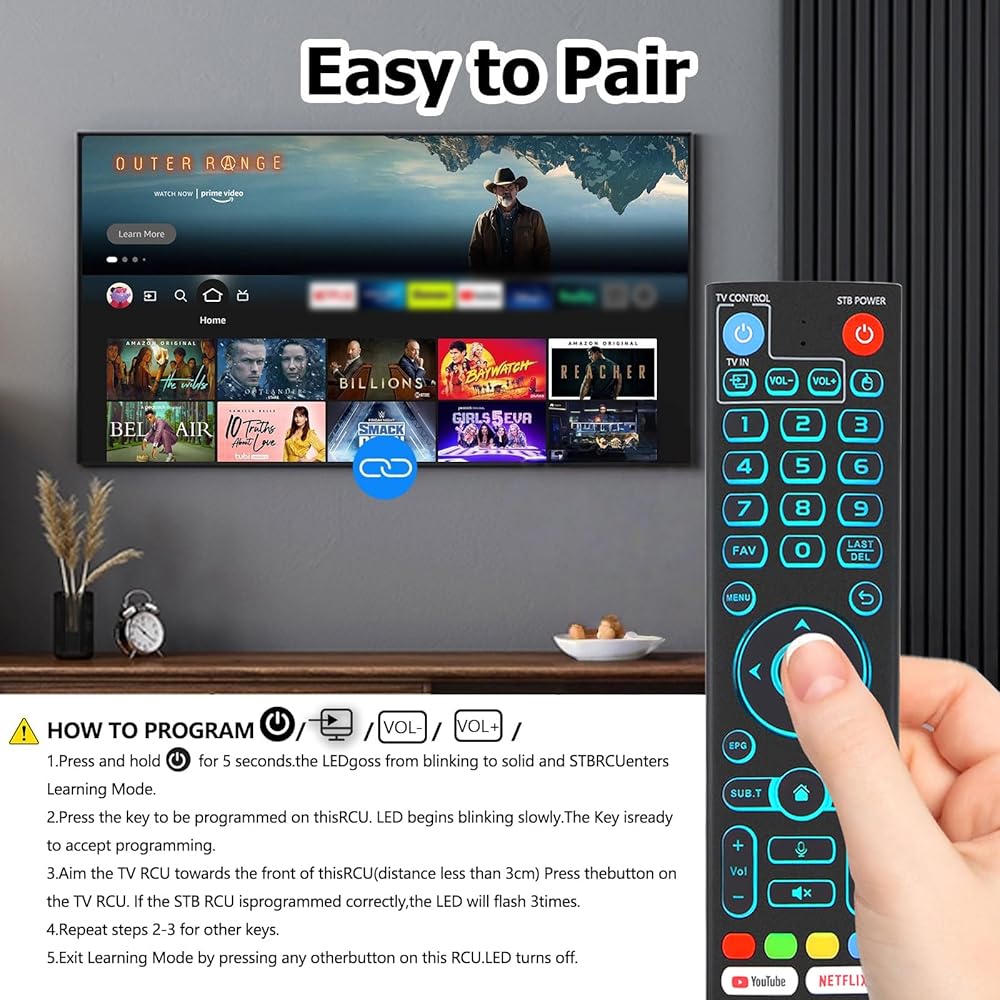
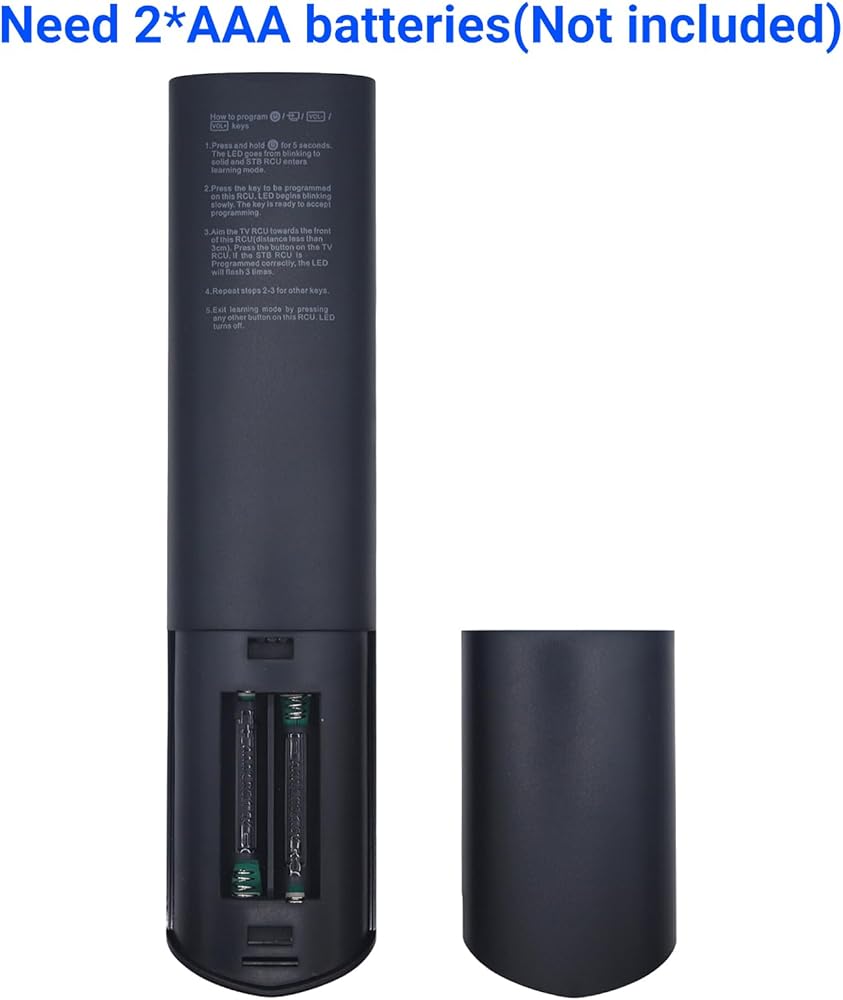
【Programming Instructions】 Simply press and hold the Power button for 5 seconds until the LED stays lit, then press the button you wish to program on the V5 remote, point it face-to-face with your original remote and press the corresponding button—a successful program will cause the LED to flash 3 times—then repeat for other buttons, and press any button to exit learning mode, turning off the LED.
【How to Pair】 Press and hold the "OK" and "Vol-" buttons simultaneously for about five seconds—the remote's indicator light will flash continuously to confirm Bluetooth is enabled. Then head to System Settings > Bluetooth > Pair New Device, select the remote, and connect.The V5 Pro remote features dual operating modes: V3 (default) and V2. To switch between modes, press and hold the number 5 button for more than ten seconds.
【One-Touch Streaming Access】 With dedicated shortcut buttons for YouTube, Netflix, Prime Video, and Disney+, you can instantly access your favorite streaming services with just one press. No need to navigate through menus—enjoy seamless entertainment at your fingertips

 Waterproof Case for GoPro Hero 4K, 196FT/60M Underwater Photography Diving Housing Accessories Kit with Action Camera Protector Mount, Compatible with Surfing, Snorkeling, Scuba
SAR 89
Waterproof Case for GoPro Hero 4K, 196FT/60M Underwater Photography Diving Housing Accessories Kit with Action Camera Protector Mount, Compatible with Surfing, Snorkeling, Scuba
SAR 89
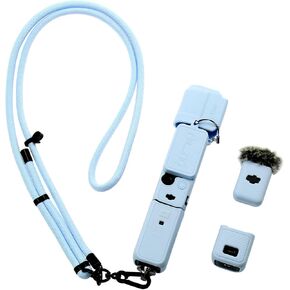 Pocket 3 Silicone Cover & Adjustable Lanyard Strap, Lens Screen Protector Case for DJI Osmo Pocket 3 Creator Combos Accessories (Blue)
SAR 84
Pocket 3 Silicone Cover & Adjustable Lanyard Strap, Lens Screen Protector Case for DJI Osmo Pocket 3 Creator Combos Accessories (Blue)
SAR 84
 Waterproof Camera Case Housing for DJI Osmo Action 5 Pro/4/3, 196FT/60M Underwater Diving Protective Shell with Floating Handle & 3 Pack Dive Filters Adventure Combo Accessories Kit
SAR 84
Waterproof Camera Case Housing for DJI Osmo Action 5 Pro/4/3, 196FT/60M Underwater Diving Protective Shell with Floating Handle & 3 Pack Dive Filters Adventure Combo Accessories Kit
SAR 84
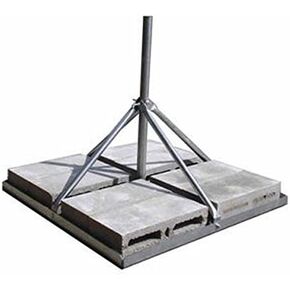 ROHN FRM238SP5 Non-Penetrating Roof Mount - 2.38" OD x 0.154" Wall x 60" Mast
SAR 1,492
ROHN FRM238SP5 Non-Penetrating Roof Mount - 2.38" OD x 0.154" Wall x 60" Mast
SAR 1,492

 Saudi Arabia