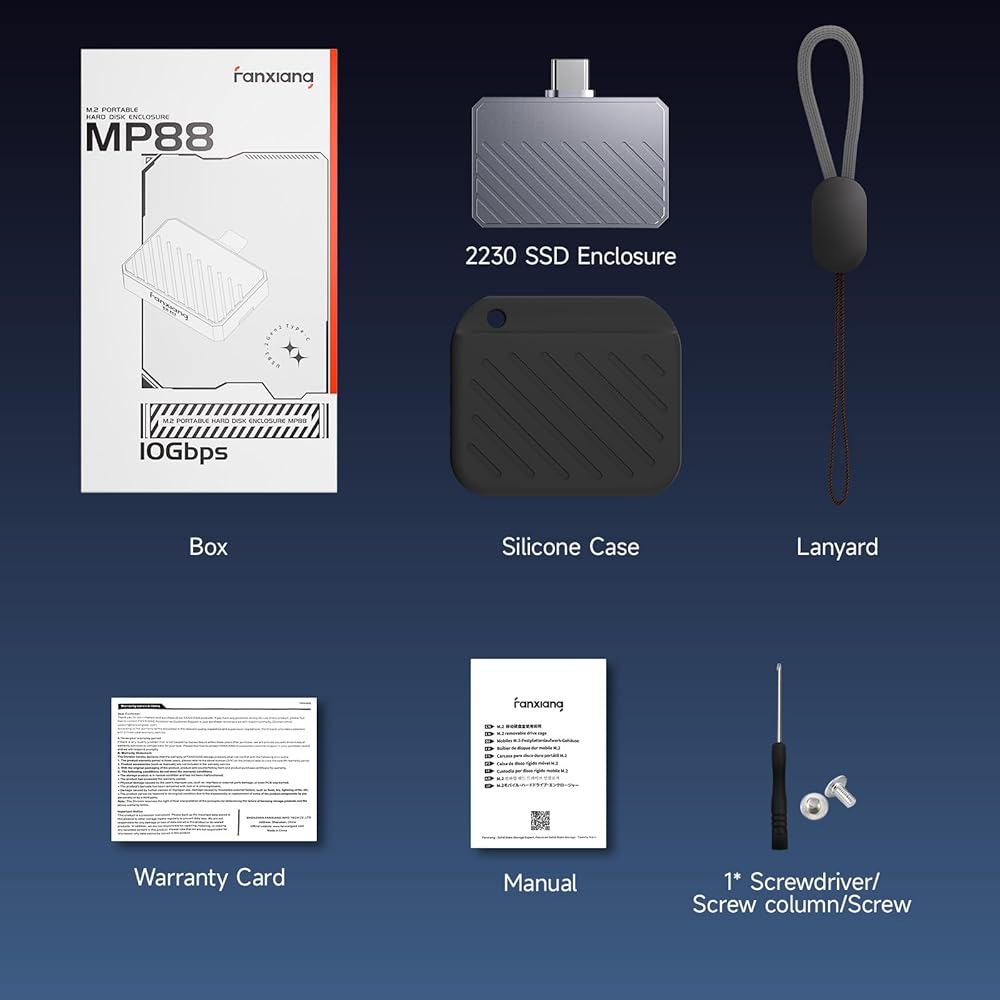
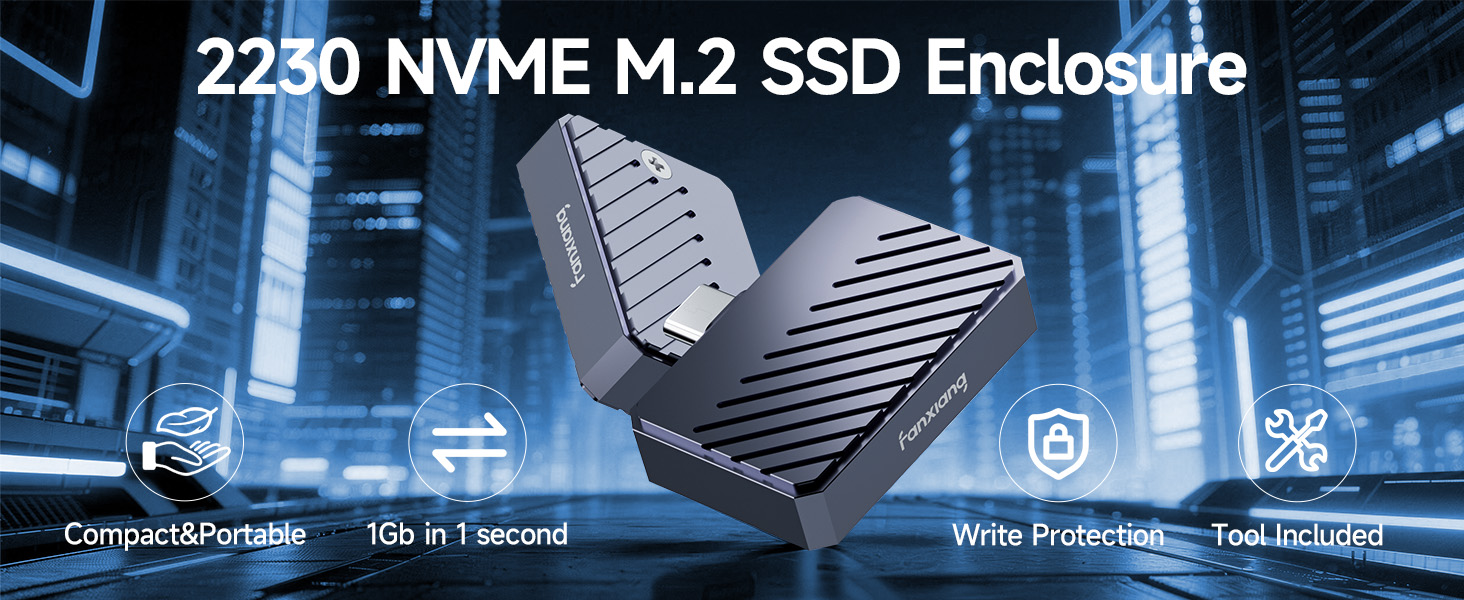
fanxiang NVMe SSD Enclosure, M.2 NVMe PCIe to USB C Adapter/Reader, USB 3.2 Gen 2 (10 Gbps), Solid State Drive External Enclosure for 2230 NVMe SSDs, Supports M and B&M Keys, MP88
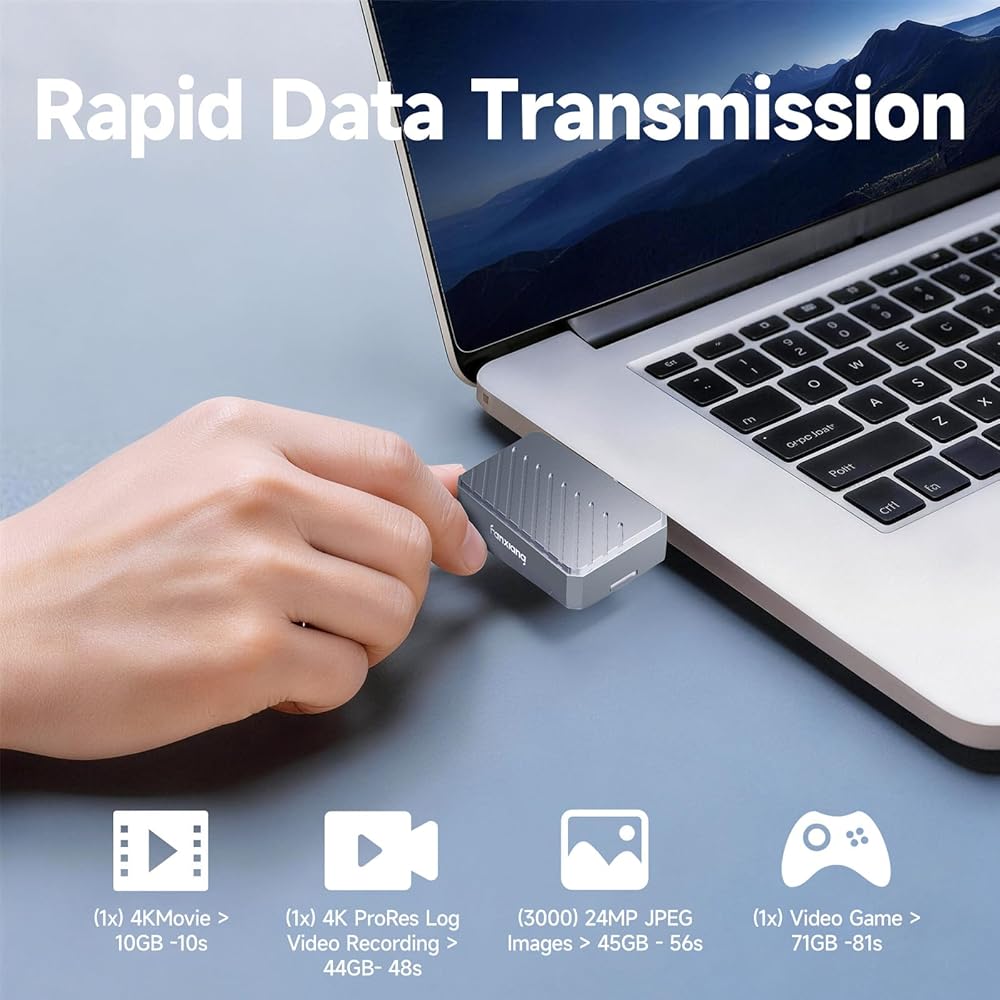
High-Speed Performance: fanxiang SSD enclosure adopts USB 3.2 Gen 2 technology, with backward compatibility for USB 3.1 and USB 3.0, delivering a theoretical transfer speed of up to 10Gbps. This NVMe enclosure supports the UASP acceleration protocol, ensuring efficient handling of large files and sustained workloads, truly achieving read and write without waiting
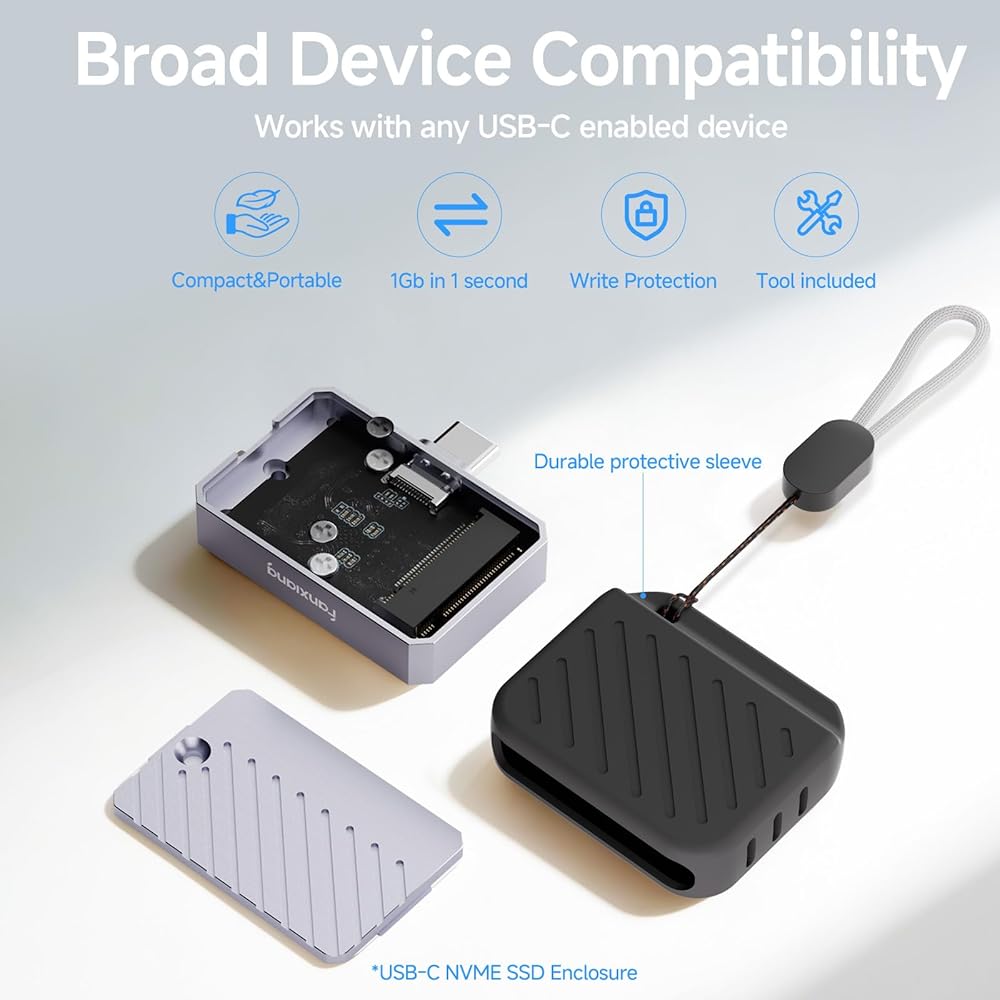
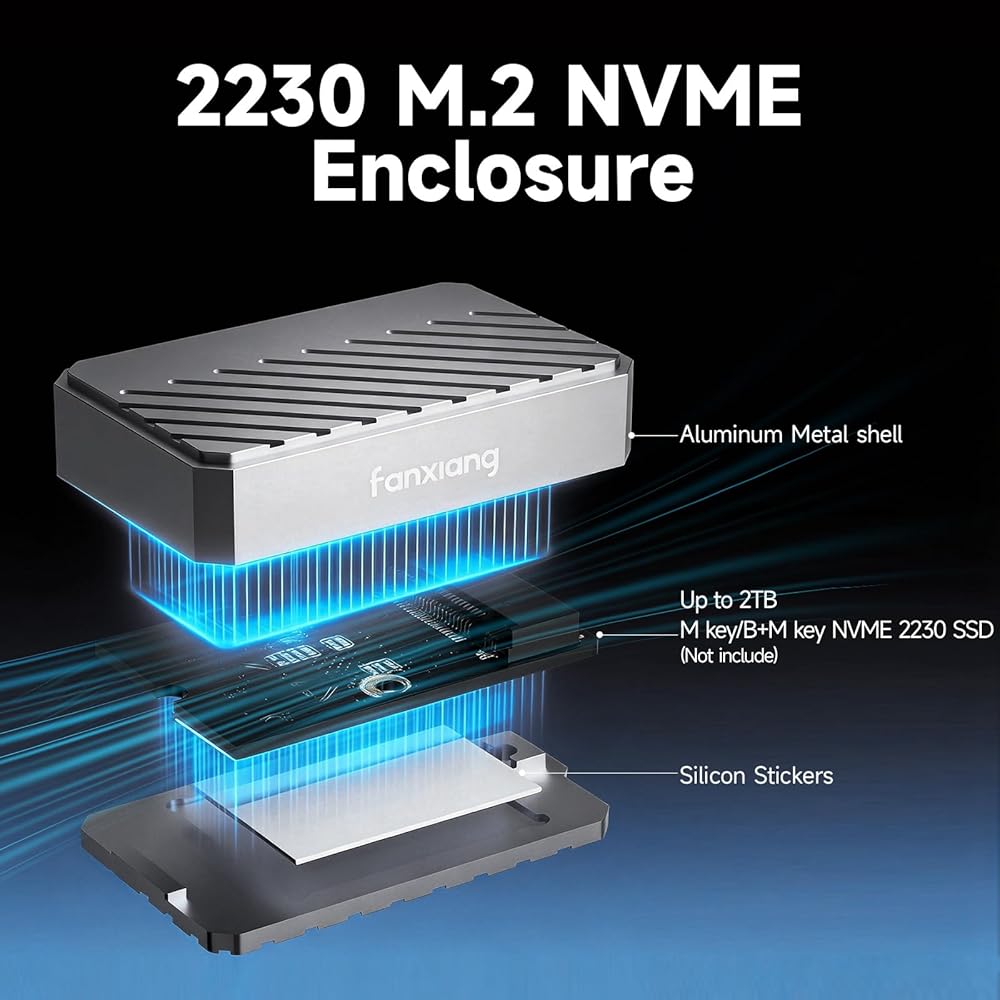
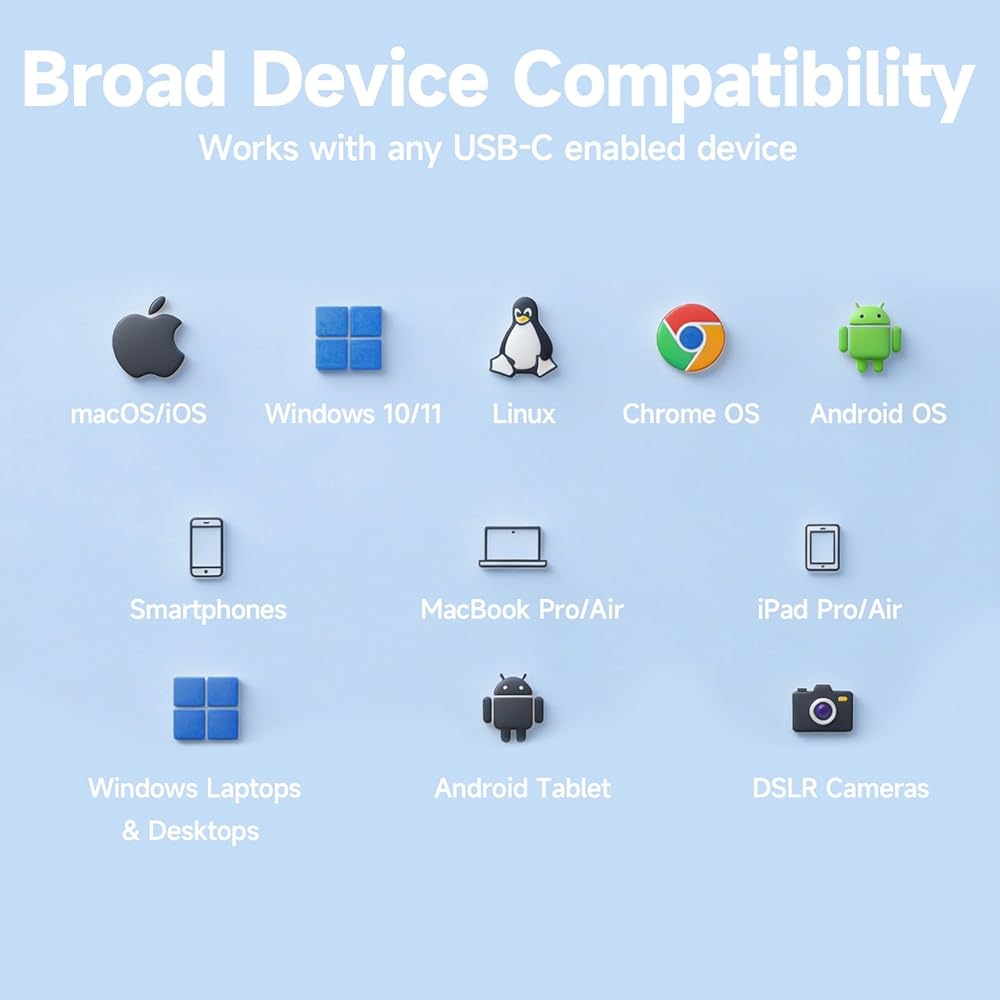
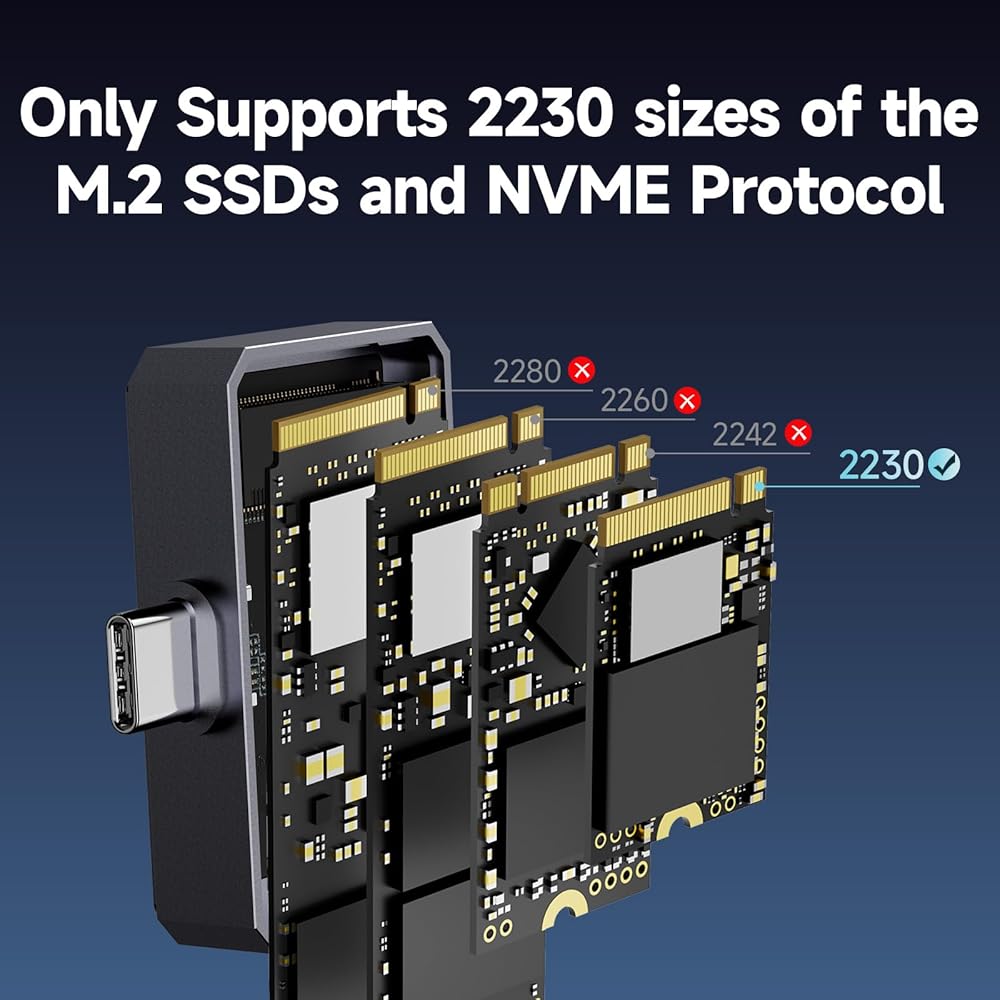
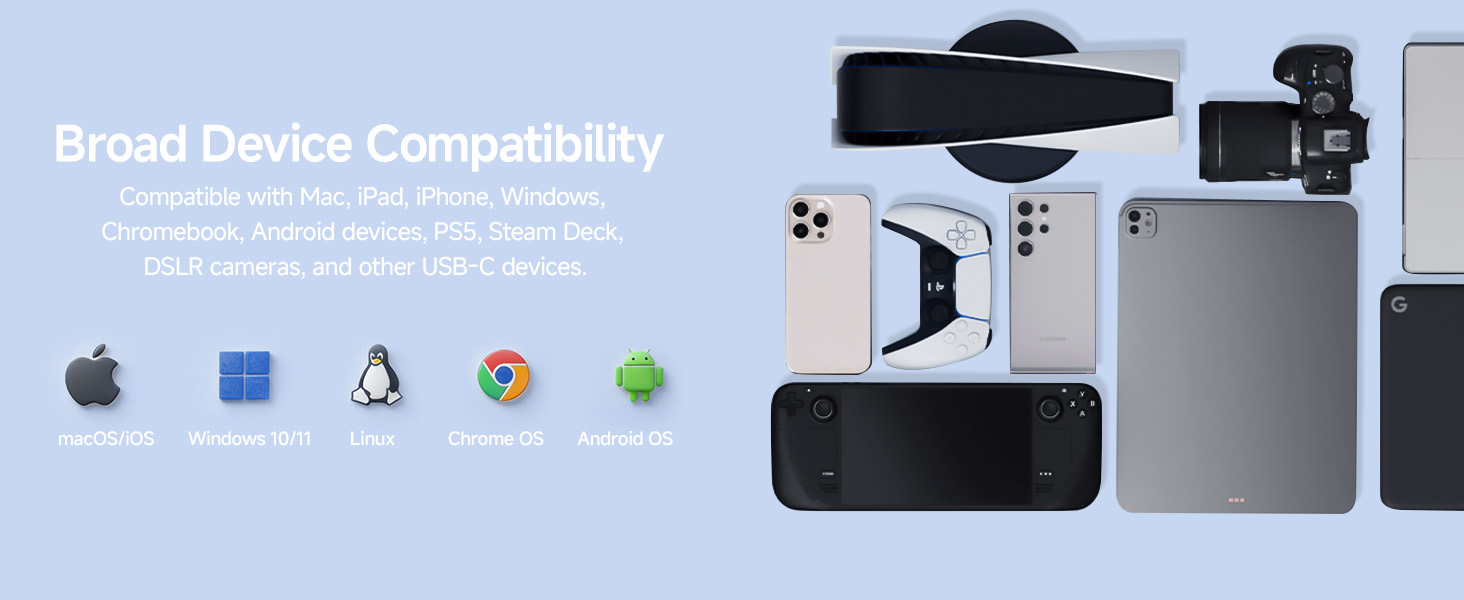
Wide Compatibility: This M.2 enclosure is specially designed to support NVMe protocol M keys and B+M keys and for 2230 size SSDs up to 2TB. It is compatible not only with traditional laptops and desktop computers, but also with smart TVs, PS5/PS4 (Pro), Xbox series, Macs, Win 7 and above, and some Android smartphones with OTG functionality, making it a reliable choice suitable for a variety of devices and usage scenarios
Durability and Stability: Crafted from high-quality aluminum alloy, this NVMe SSD enclosure provides enhanced protection against impact. The integrated thermal silicone pad ensures consistent heat dissipation, contributing to stable performance for your SSD during extended operation
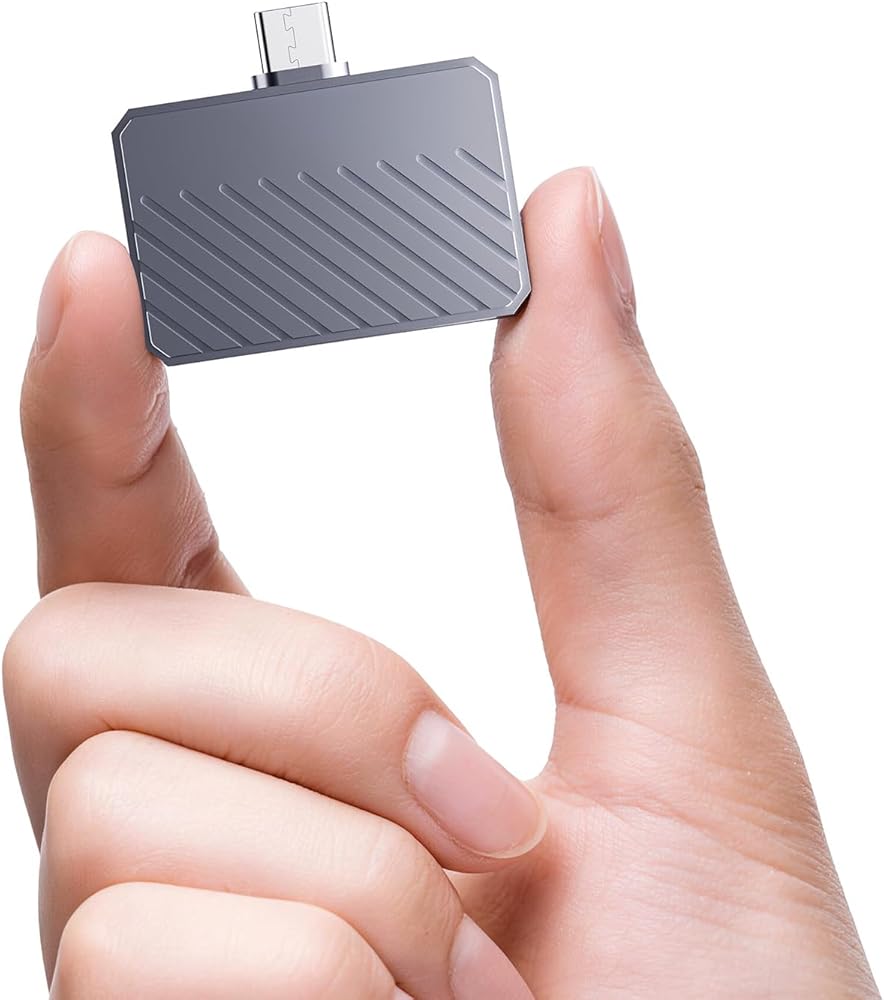
Portable and Lightweight Design: Measuring just 42.0*36.3*10.4 mm and weighing approximately 19g, this external NVMe enclosure is designed for effortless portability. Its compact, lightweight form factor allows you to easily carry and access your files wherever you go, serving as a convenient NVMe adapter for users on the move
Easy Installation and Support: Operating as a plug and play M.2 SSD enclosure, fanxiang MP88 requires no additional drivers. It comes with a 1-year after-sales service, providing coverage and support for long-term use
Note: This 2230 SSD enclosure may block other adjacent USB ports when inserted into a device where the spacing between different ports is less than 30mm. Please plug it into a USB-C port on your device that is spaced further apart from other ports (such as the front port on a desktop computer or the side port on a laptop), or use it with a USB-C extension cable
 1/2" Spindle Adapter Pair 3/16-10/16" Arbor Hole Cloth Polishing Wheel 2 PCS
SAR 84
1/2" Spindle Adapter Pair 3/16-10/16" Arbor Hole Cloth Polishing Wheel 2 PCS
SAR 84
 S109 2.5" SATA SSD 4TB with DRAM Cache, Up to 560MB/s, Continuous Writing Without slowing Down, 3D NAND TLC, Internal Solid State Drives
SAR 128
S109 2.5" SATA SSD 4TB with DRAM Cache, Up to 560MB/s, Continuous Writing Without slowing Down, 3D NAND TLC, Internal Solid State Drives
SAR 128
 fanxiang Portable SSD 1TB External Hard Drive, Up to 2000MB/s USB 3.2 Gen2, IP68 Water and Dust Resistance, External Solid State Drive Reliable Storage for Gaming, Students, Professionals
SAR 574
fanxiang Portable SSD 1TB External Hard Drive, Up to 2000MB/s USB 3.2 Gen2, IP68 Water and Dust Resistance, External Solid State Drive Reliable Storage for Gaming, Students, Professionals
SAR 574
 -6%
fanxiang 64GB USB Flash Drive, USB 3.2 Gen1 Thumb Drive, USB Drive with Lightning and Type-C, 2-in-1 USB Memory Stick Jump Drive for Storage and Backup, MFi Certified,F385
SAR 84
-6%
fanxiang 64GB USB Flash Drive, USB 3.2 Gen1 Thumb Drive, USB Drive with Lightning and Type-C, 2-in-1 USB Memory Stick Jump Drive for Storage and Backup, MFi Certified,F385
SAR 84