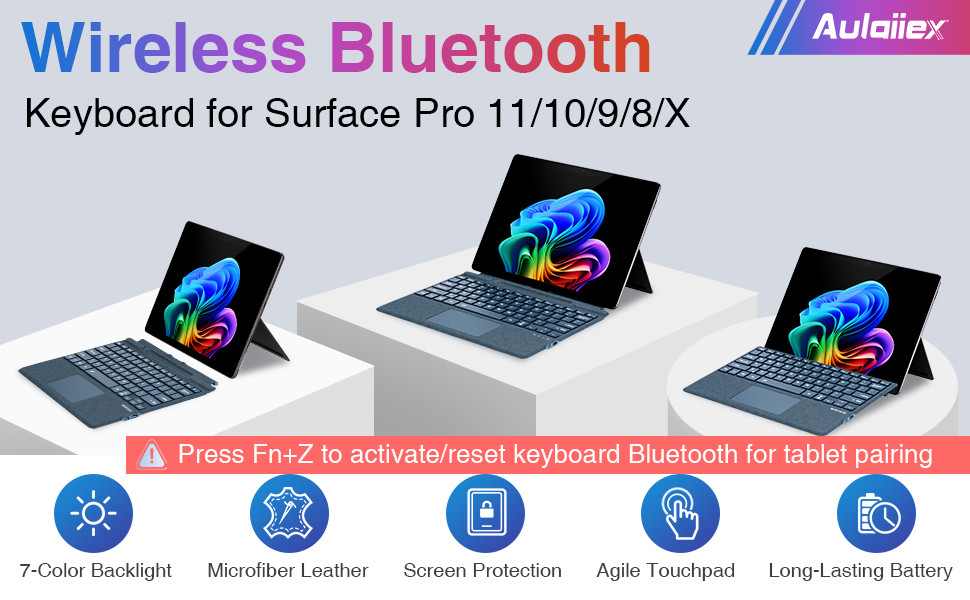
Microfiber Leather Keyboard for Surface Pro 11/10/9/8/X, Bluetooth Keyboard Type Cover with Palm Rejection Touchpad, Pen Holder, Type-C Charging, 7-Color Backlight for Microsoft Surface Pro
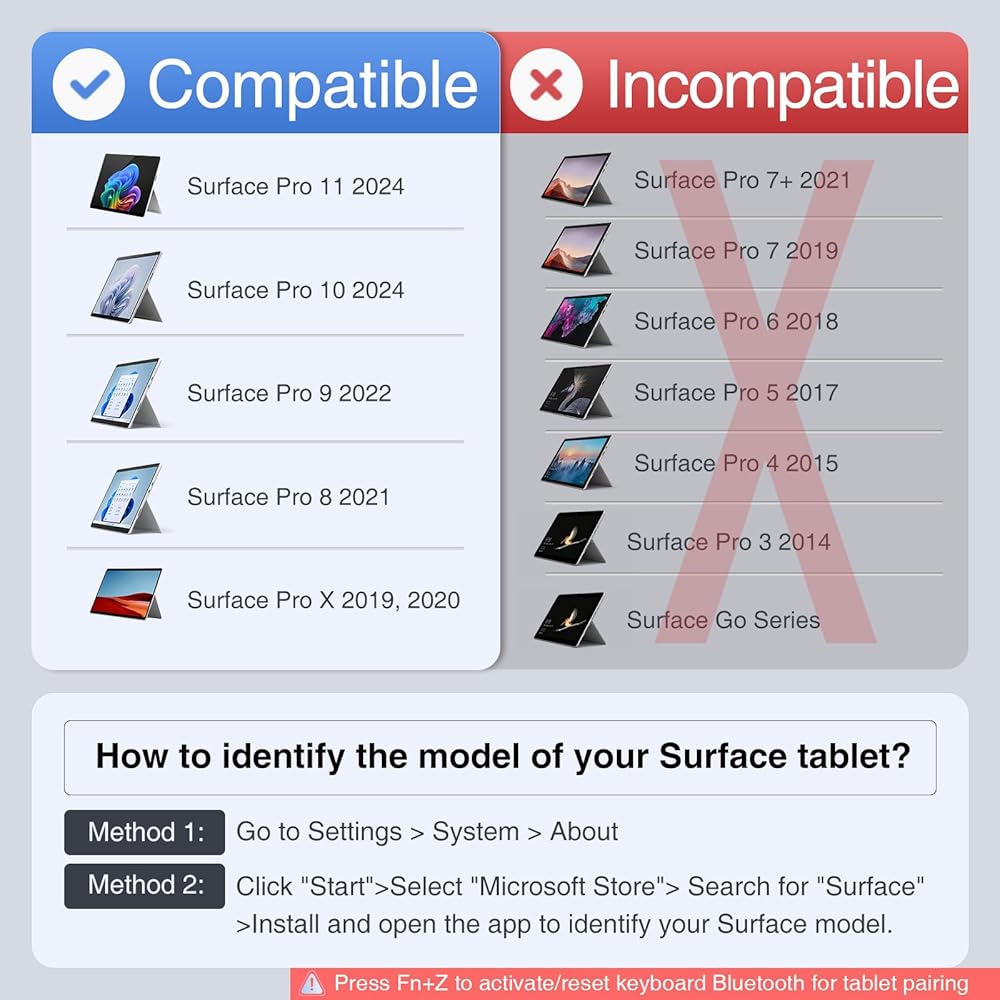
⚠️Compatibility: Before making a purchase, please check your model number in [Settings > System > About] and refer to the compatibility chart. Compatible only with Microsoft Surface Pro 11, Surface Pro 10, Surface Pro 9, Surface Pro 8, Surface Pro X. ❗Not for Surface Go series and other models of Pro series.
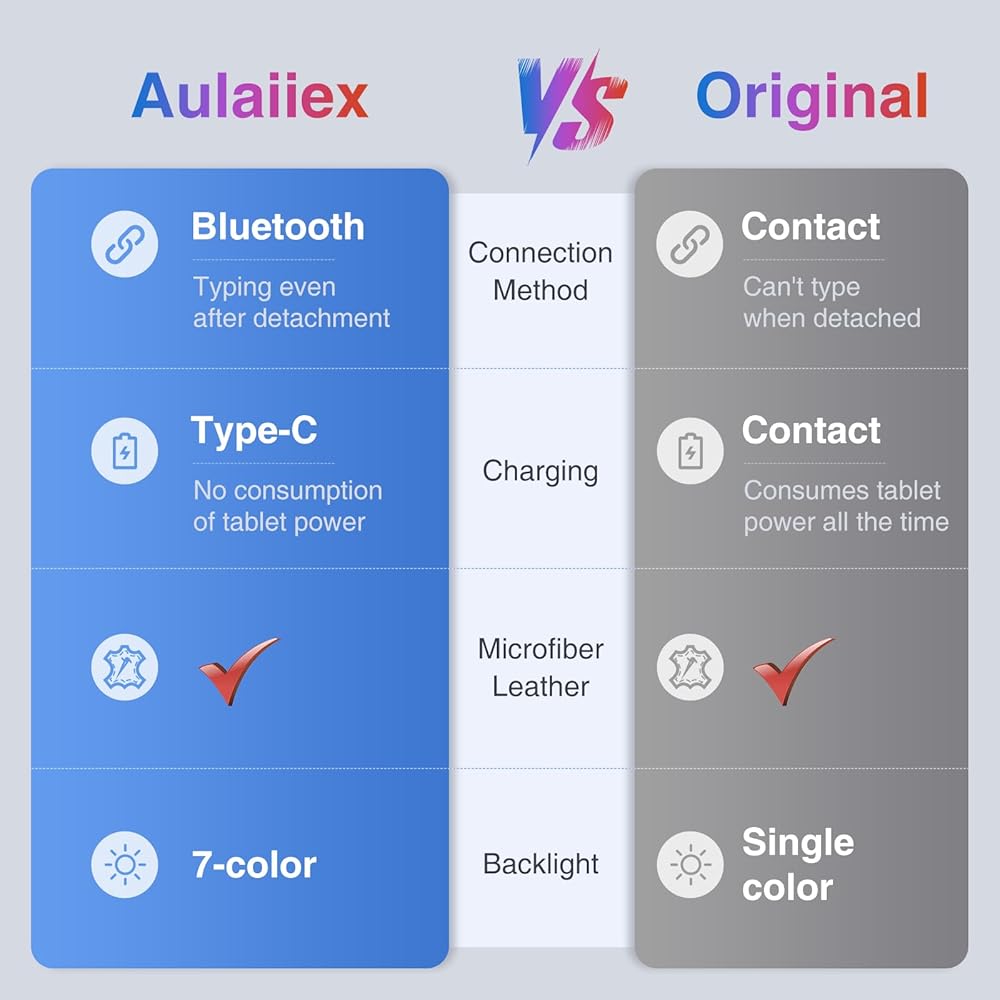
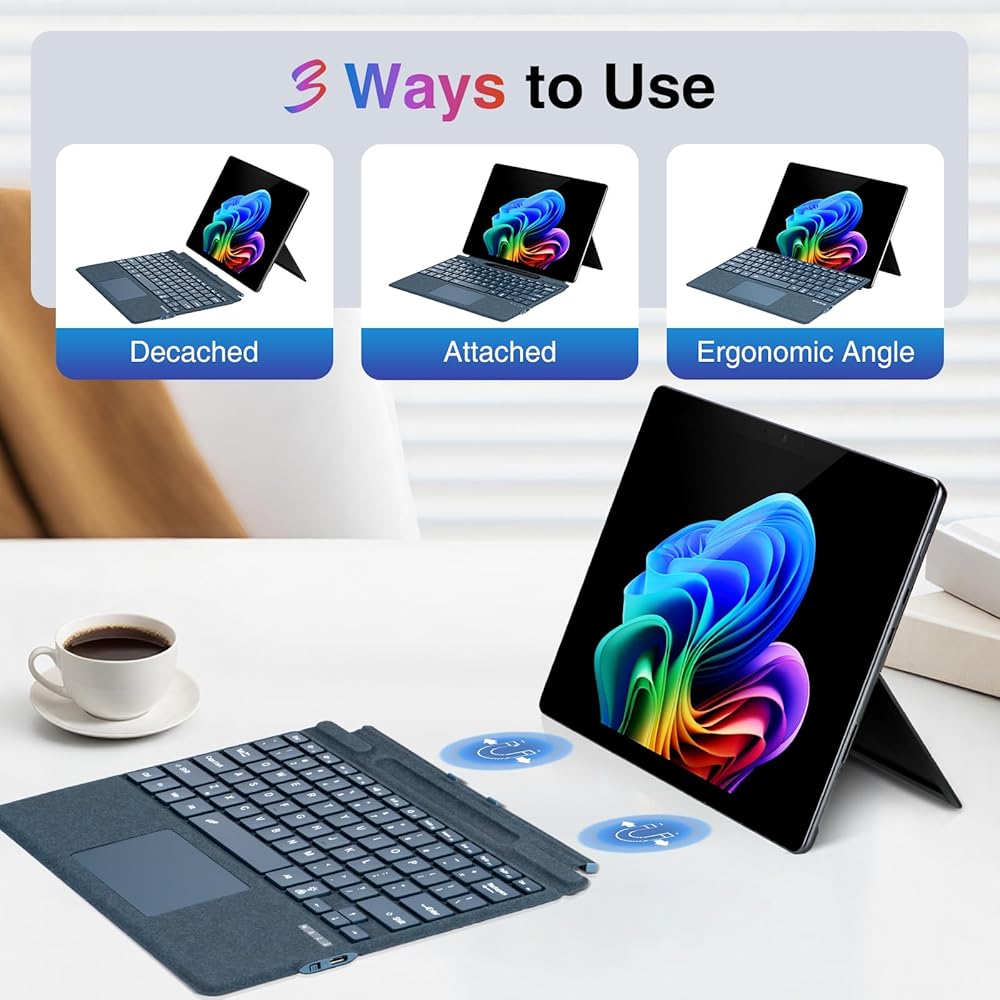
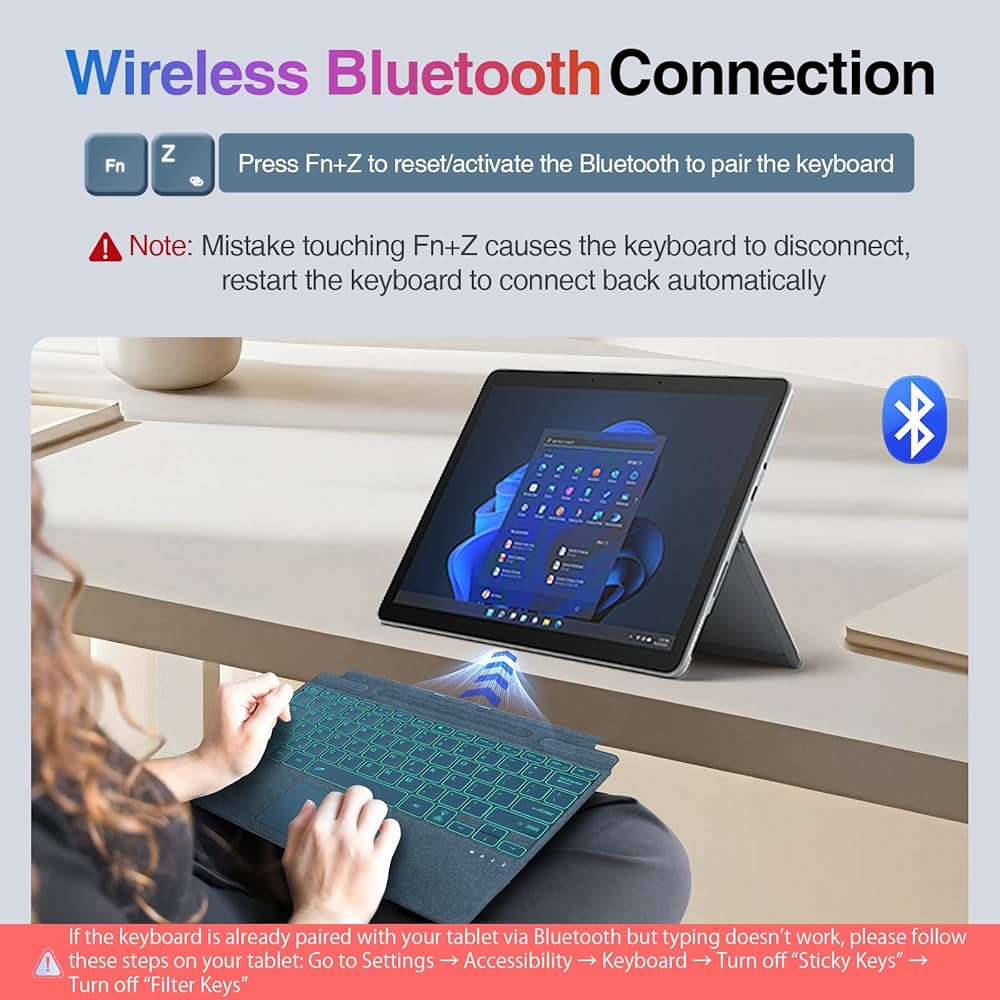
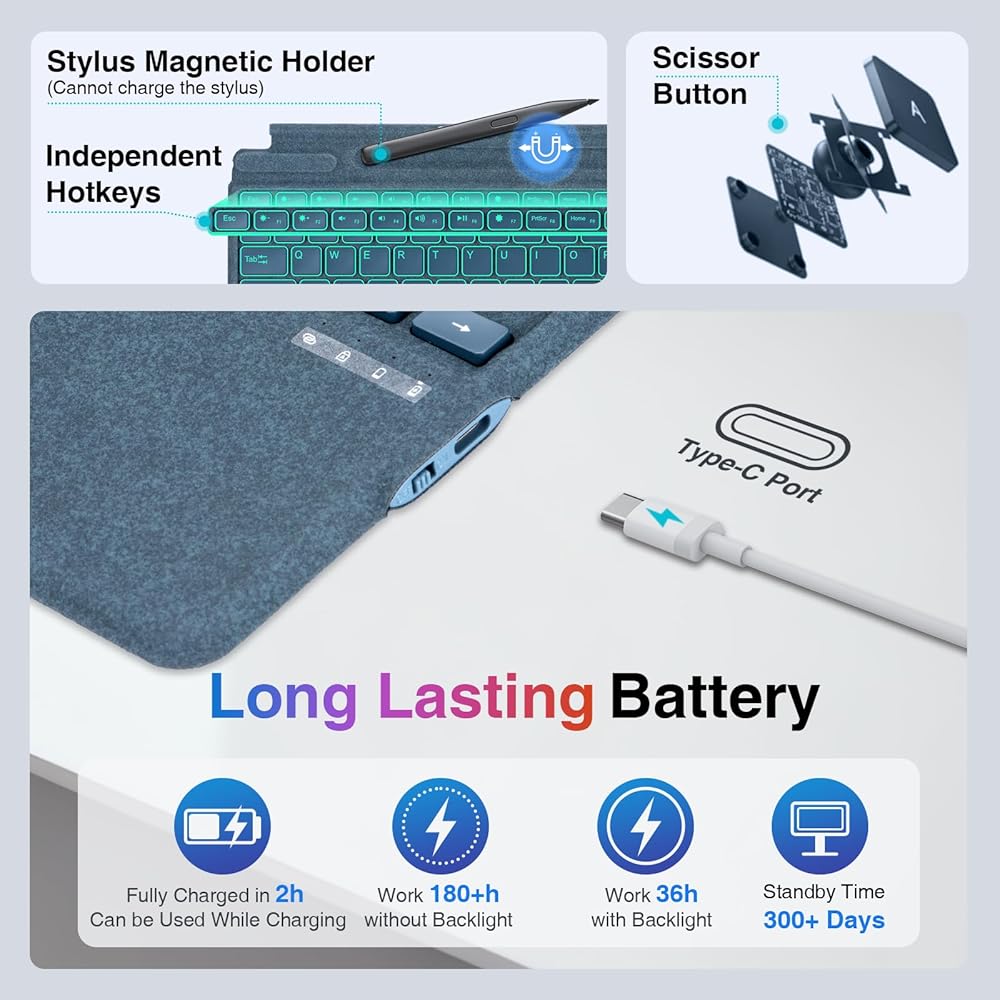
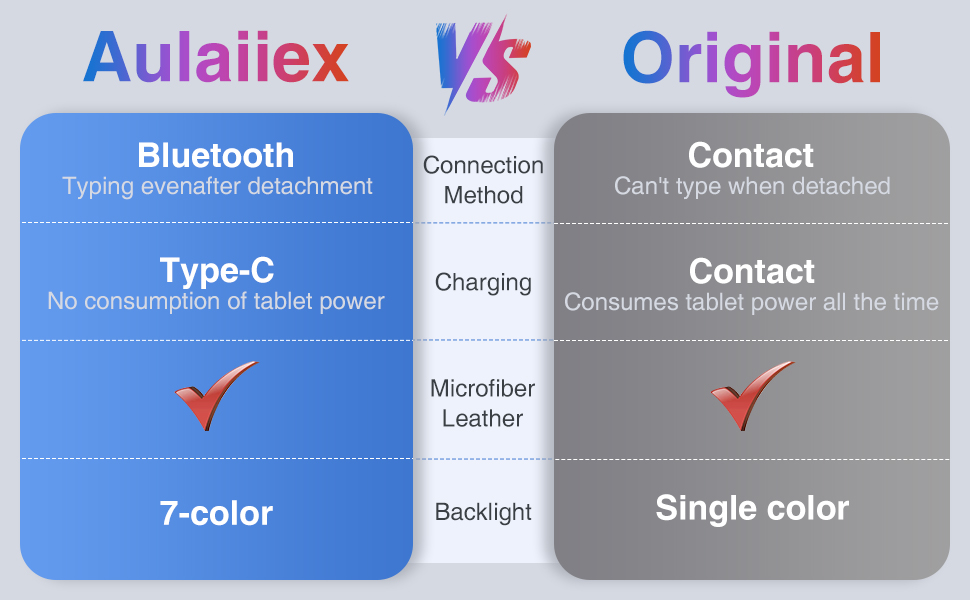
✅Bluetooth Connectivity and Typc-C Charging: Connect your Surface Pro tablet via wireless Bluetooth, it can be typed normally even after detached. It can be fully charged in about 2h by Type-C charging cable, support charging and using at the same time, without consuming your tablet power.
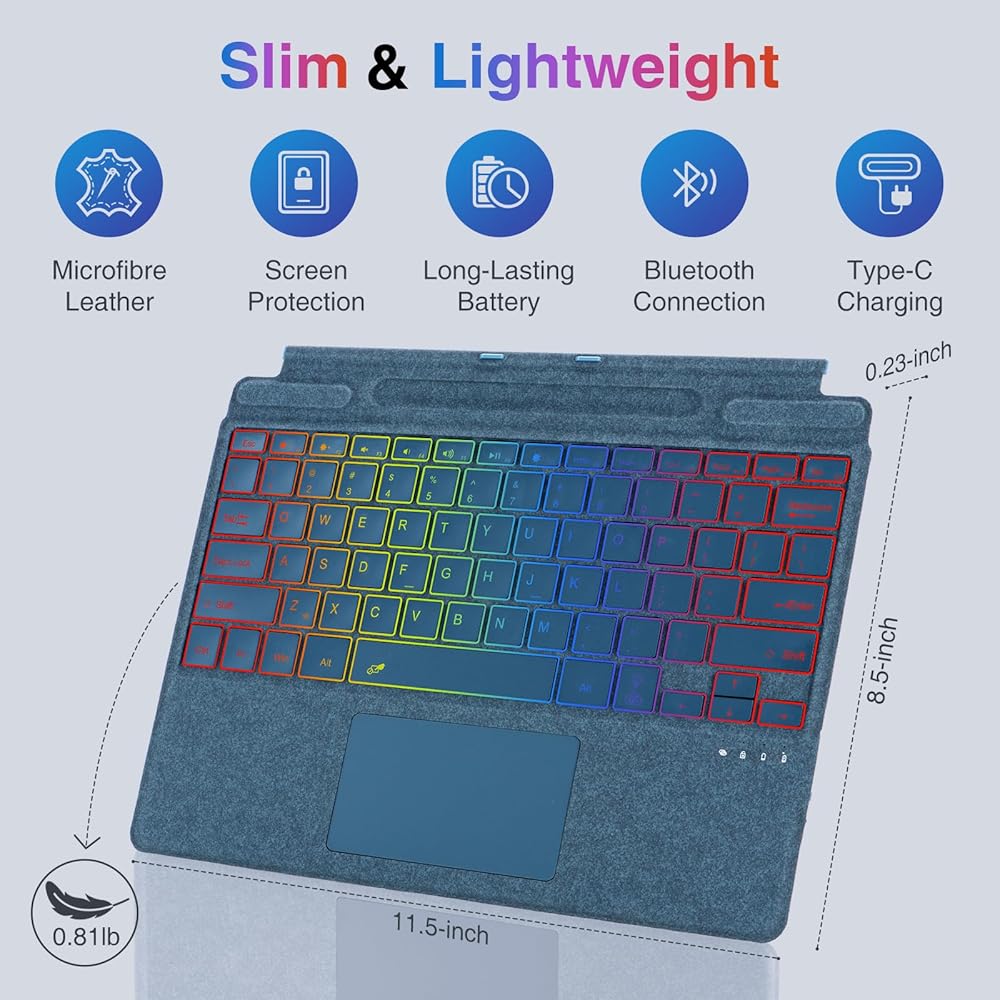
✅Slim & Lightweight & Microfiber Leather: Using microfiber fabric similar to the original keyboard, it is thin, lightweight, scratch-resistant, wear-resistant, does not leave fingerprints, feels comfortable, and protects the screen. The keyboard weighs only 0.81 lbs, making it easy to carry without any burden.
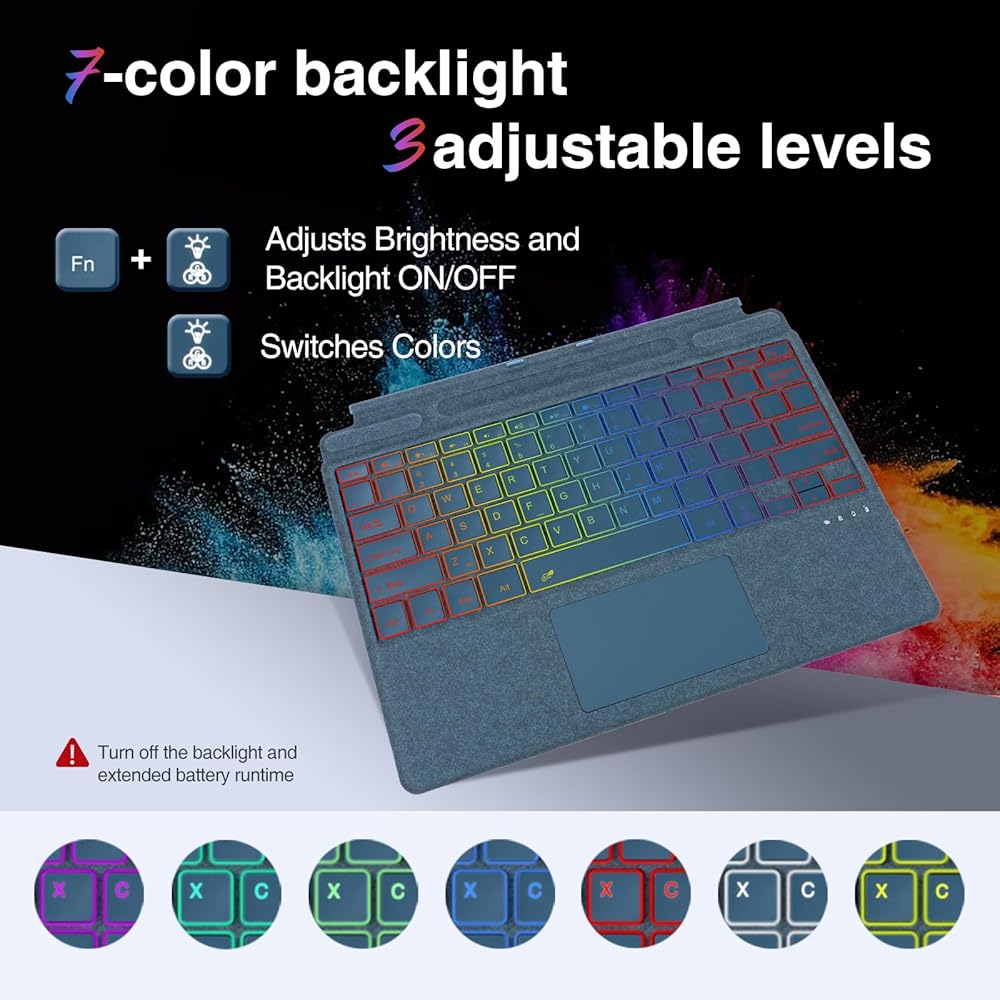
✅7-Color Backlight and Long Lasting Battery Life: 7 colors backlight, 3 levels of brightness adjustment, easy to adapt to the dim environment. Backlight on use about 18-36h, backlight off use about 180h, standby time more than 300 days. ⚠ It is recommended to turn off the backlight and extended battery runtime.
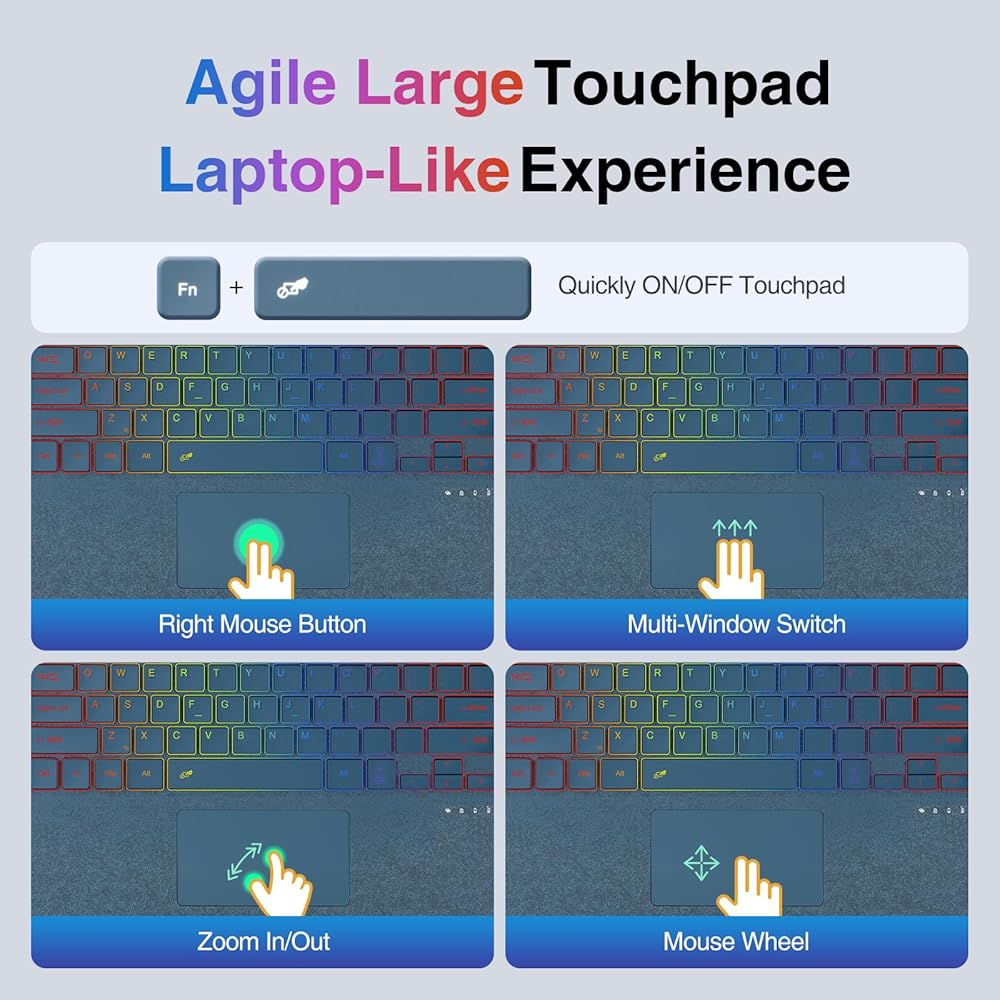
🥰More Configurations and After-Sales Service: Agile palm rejection large touchpad (Fn+spacebar to close/open the touchpad), independent shortcut keys, If you have any questions about the product, please contact us: Go to "Your Orders" → Find the order → Select "Problem with Order" → Choose a topic → Click "Contact Seller". We are on standby 24/7.
❤️Special Note: If the keyboard is already paired with your tablet via Bluetooth but typing doesn't work, please follow these steps on your tablet: Go to Settings → Accessibility → Keyboard → Turn off “Sticky Keys” → Turn off “Filter Keys.” For more details about product usage, please refer to the product page or user manual, or contact us directly through the steps above.
📣Please Note: The stylus is not included with this product. Any stylus shown in the videos or images is for demonstration purposes only. The pen holder does not support charging the stylus.
 -32%
Screen Protector for MSI's New Claw 8 AI+ Handheld Game Console,WUNIAK Film Anti-Scratch High Touch Sensitivity,2 Pack.
SAR 21
-32%
Screen Protector for MSI's New Claw 8 AI+ Handheld Game Console,WUNIAK Film Anti-Scratch High Touch Sensitivity,2 Pack.
SAR 21
 Magnetic iPad Stand for Desk, Foldable Aluminum Alloy Tablet Holder with 360° Adjustable Base | Ergonomic Portable Design for Home Office & Conference Rooms
SAR 130
Magnetic iPad Stand for Desk, Foldable Aluminum Alloy Tablet Holder with 360° Adjustable Base | Ergonomic Portable Design for Home Office & Conference Rooms
SAR 130
 Tablet Holder for Spin Bike 360° Rotating & Shake-Proof Mount for Exercise Bikes, Peloton, Treadmill & Elliptical,Music Stand,Stationary Bike– Quick-Clip Handlebar Clamp Fits 4-13" Tablet&Phones
SAR 105
Tablet Holder for Spin Bike 360° Rotating & Shake-Proof Mount for Exercise Bikes, Peloton, Treadmill & Elliptical,Music Stand,Stationary Bike– Quick-Clip Handlebar Clamp Fits 4-13" Tablet&Phones
SAR 105
 TABcare Anti-Theft Acrylic Case with 360 Rotate 180 Swivel Metal Desktop Stand & 90-Degree USB C Cable for Samsung Galaxy TAB A9+ 11" Tablet (Black, TAB A9+ 11)
SAR 501
TABcare Anti-Theft Acrylic Case with 360 Rotate 180 Swivel Metal Desktop Stand & 90-Degree USB C Cable for Samsung Galaxy TAB A9+ 11" Tablet (Black, TAB A9+ 11)
SAR 501