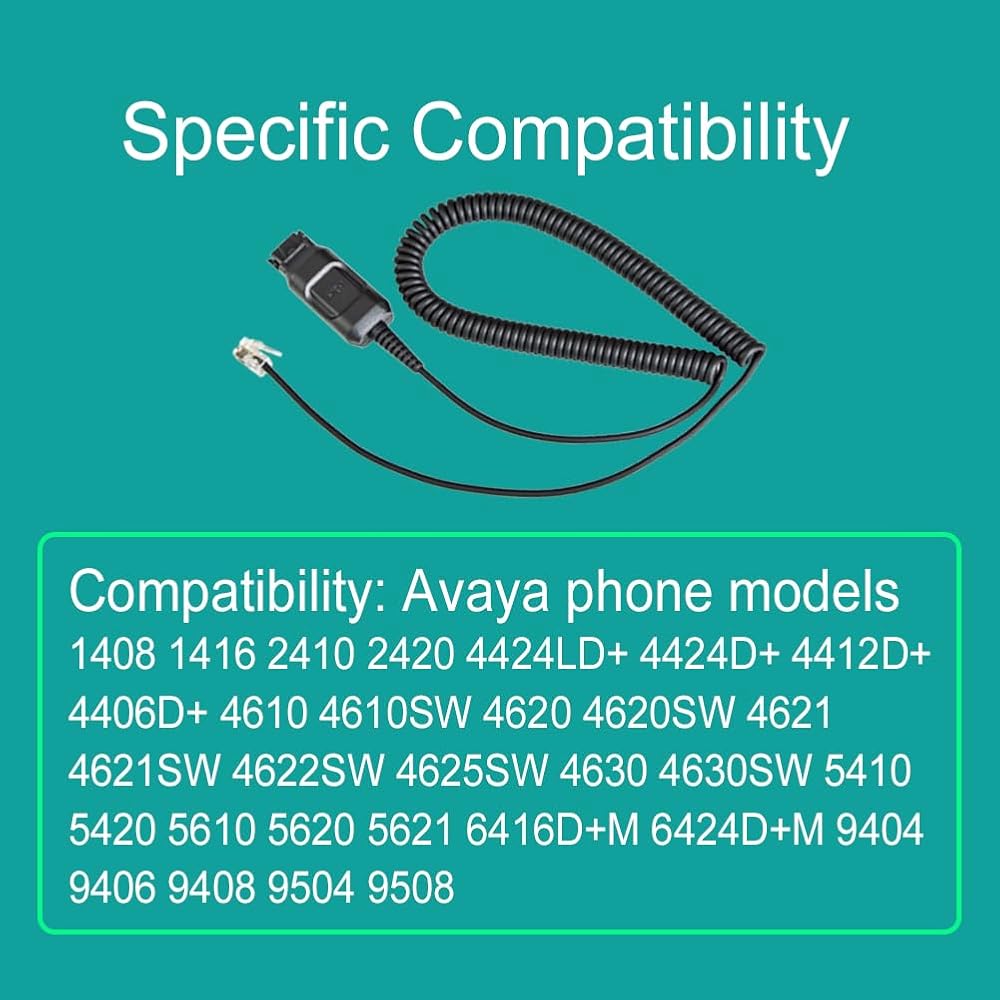
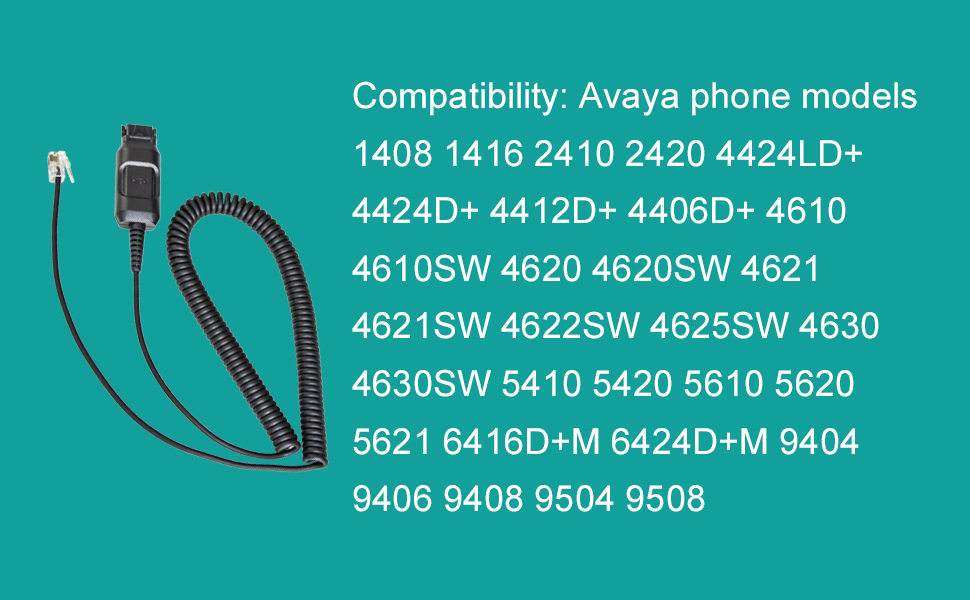
Work with specific Avaya phone models only (no need amplifier): 1408 1416 2410 2420 4424LD+ 4424D+ 4412D+ 4406D+ 4610 4610SW 4620 4620SW 4621 4621SW 4622SW 4625SW 4630 4630SW 5410 5420 5610 5620 5621 6416D+M, 6424D+M, 9404, 9406, 9408, 9504, 9508.
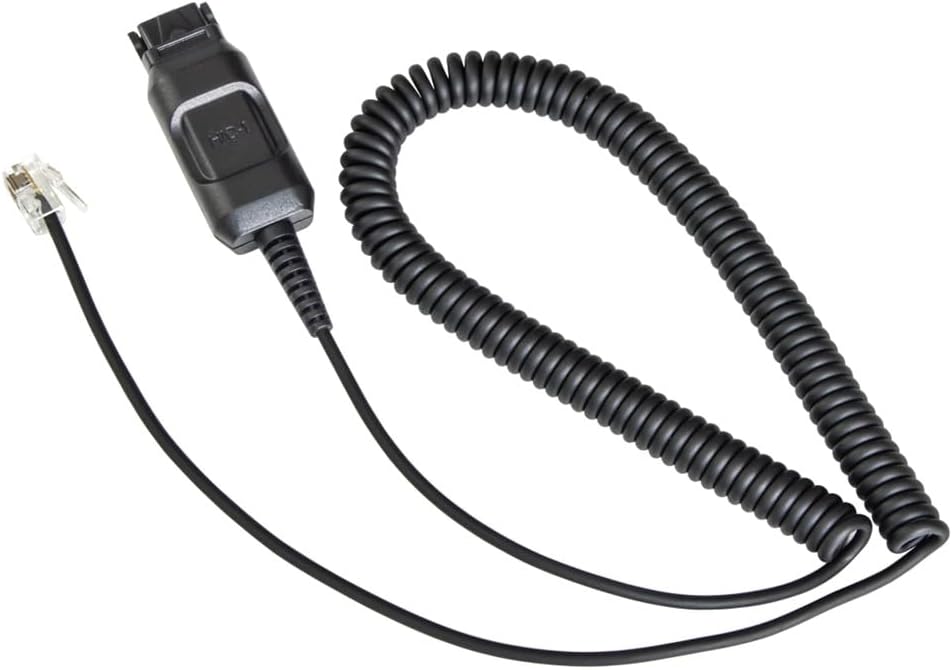
Use this HIC-1 cord to connect Plantronics-qd headset directly to your telephone headset port, not need amplifier. This provides you with "on-hook" functionality so that you won't have to lift your telephone handset off the receiver for every call when using your headset.
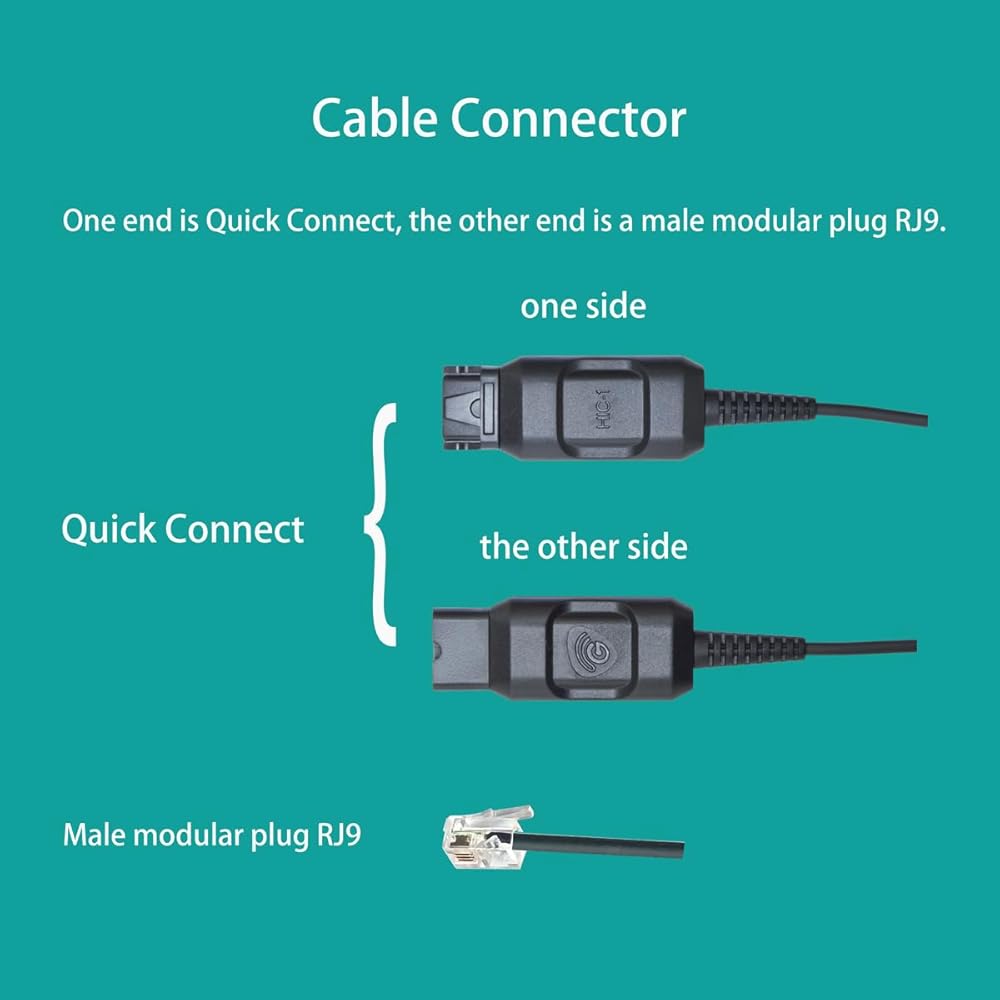
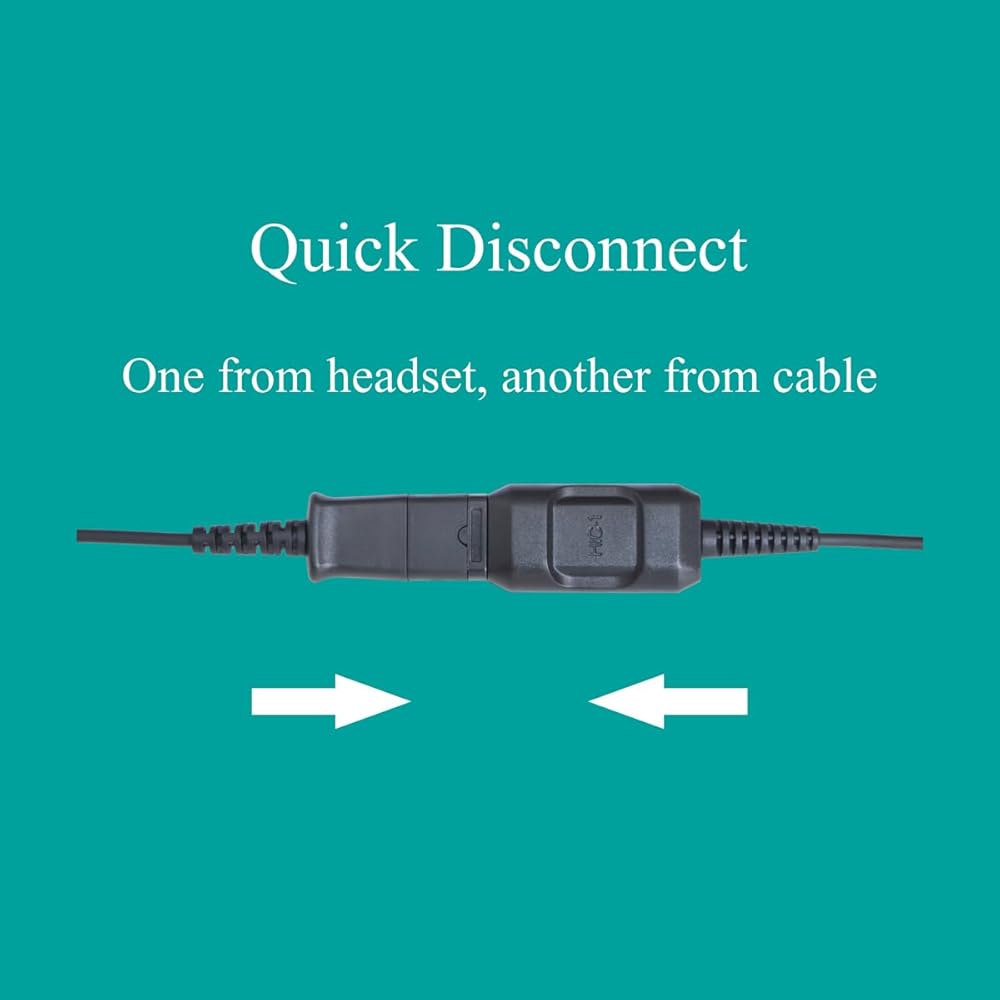
Connecting a Headset to the HIC-1 cable adapter with quick connect QD, plug the headset QD into the HIC-1, one from headset and another from cable as image.
Installation, connect the modular plug to headset port of your telephone. If your phone has no headset port, disconnect the handset cord from phone and connect HIC-1 into handset port.
Make a call, dial tone is given when you press a button on the phone. Adjust volume to headset by adjusting the handset volume control on the phone.

 Polycom Phone Headset Noise Cancelling Mic RJ9 U10P Bottom Cable Compatible with Polycom VVX, Shoretel, Nortel Phones
SAR 287
Polycom Phone Headset Noise Cancelling Mic RJ9 U10P Bottom Cable Compatible with Polycom VVX, Shoretel, Nortel Phones
SAR 287
 daily headset QD USB Phone Headset Adapter Cable Compatible with Plantronics Quick Connect, Spk Volume Up Down Mic Mute Unmute in-line Controls
SAR 98
daily headset QD USB Phone Headset Adapter Cable Compatible with Plantronics Quick Connect, Spk Volume Up Down Mic Mute Unmute in-line Controls
SAR 98
 2.5mm Quick Disconnect Coil Cable Compatible with Plantronics QD & Daily Headsets Work with Cordless or Cell Phones Which Have a 2.5mm Port
SAR 68
2.5mm Quick Disconnect Coil Cable Compatible with Plantronics QD & Daily Headsets Work with Cordless or Cell Phones Which Have a 2.5mm Port
SAR 68
 RJ9 Avaya Phone Headset Compatible with Avaya 1600, 9600, J100 Series IP Phones Model Noise Cancelling Plus 3.5mm Adapter for Smartphone
SAR 183
RJ9 Avaya Phone Headset Compatible with Avaya 1600, 9600, J100 Series IP Phones Model Noise Cancelling Plus 3.5mm Adapter for Smartphone
SAR 183

 Saudi Arabia