- Shopping, made easy.
- /
- Get the app!
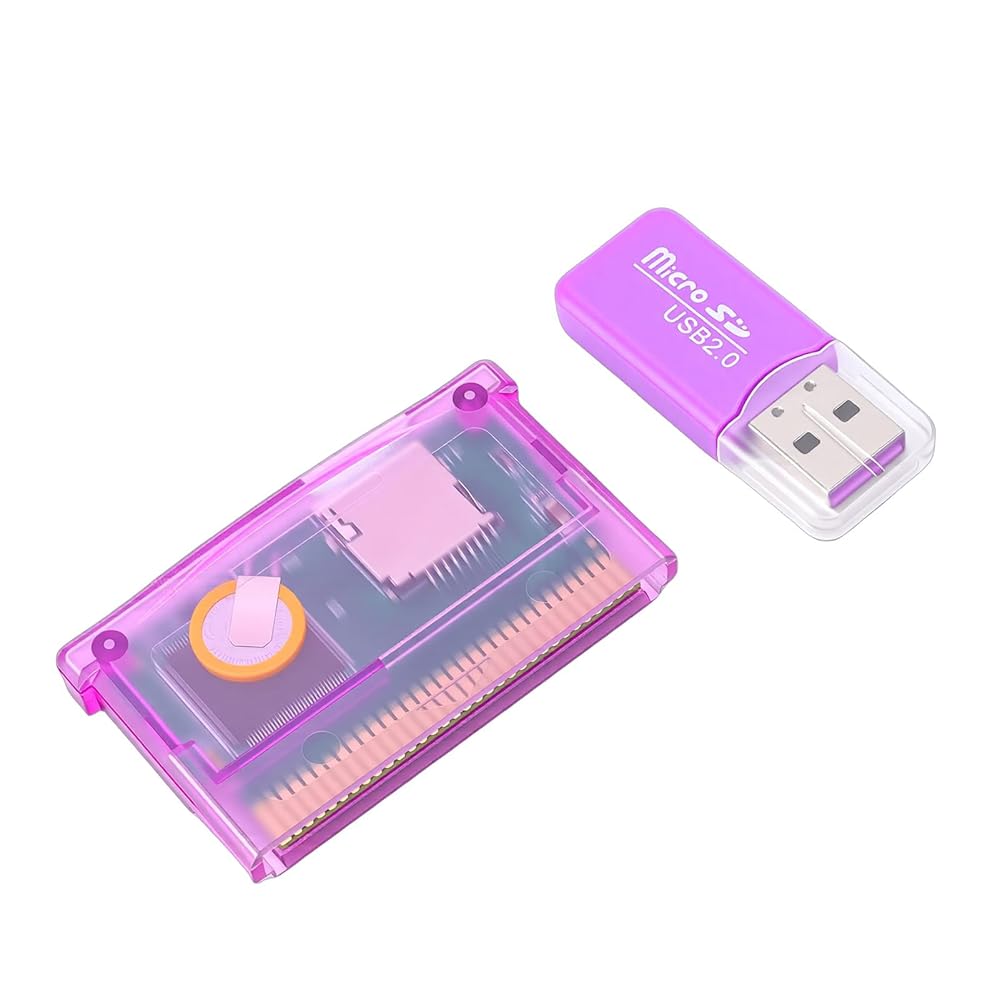

1. [VERSATILE COMPATIBILITY] - Supports multiple versions like SP, , IDS, , for flexible gaming experiences.
2. [MAXIMUM STORAGE] - Accommodates memory cards with up to 2GB capacity, allowing for a large collection of games to be saved.
3. [EFFORTLESS NAVIGATION] - Easy menu access upon insertion, simplifying the process of game selection and management.
4. [OPTIMAL FUNCTIONALITY] - Recommended to use low-speed storage cards to avoid recognition issues, ensuring smooth gameplay.
5. [SIMPLE SETUP] - Battery included, no additional setup required; just plug and play for instant gaming fun.
Specification:
Item Type: Game
Material: ABS
Memory Card Support: Up to 2GB (Not Included)
Battery: 1x Battery (Built in), 38mAh
Product Size: Approx. 6x3.5×0.7cm / 2.4x1.4×0.3in
How to Use:
1. Fit for GBA games: Insert the memory card directly (no adapter needed).
2. Shortcut keys:
L + R and B + SELECT: Open the real-time save menu.
L + R + A + SELECT: Open the SC NORMAL SAVE menu.
L + R + START + SELECT: Reset to the main menu.
3. To save your fit for GBA game progress:
Reset to the main menu.
Scroll right to the save menu.
Select your desired game file and press A to confirm.
Choose Yes to save to the standard slot.
PackageList:
1 x Game
1 x Card Reader
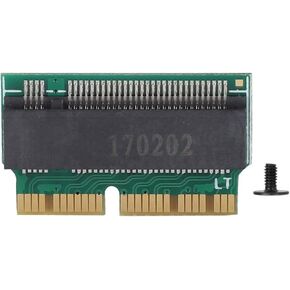 ciciglow SSD Convert Adapter, Hard Disk to NVME SSD Adapter Concerter Hard Disk Adaptor Card for 2013 2014 2015 MAC Book, Convert Adapter Card
SAR 52
ciciglow SSD Convert Adapter, Hard Disk to NVME SSD Adapter Concerter Hard Disk Adaptor Card for 2013 2014 2015 MAC Book, Convert Adapter Card
SAR 52
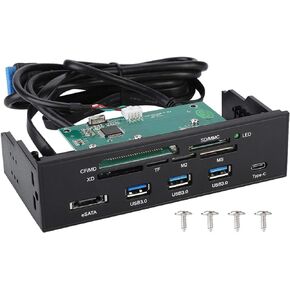 Internal Card Reader, 5.25inches USB 3.0 Interface Multifunction Internal Card Reader Dashboard PC Front Panel with eSATA and USB 3.1 Port, Support M2, MSO, Memory, MS, XD, 64G CF Card
SAR 174
Internal Card Reader, 5.25inches USB 3.0 Interface Multifunction Internal Card Reader Dashboard PC Front Panel with eSATA and USB 3.1 Port, Support M2, MSO, Memory, MS, XD, 64G CF Card
SAR 174
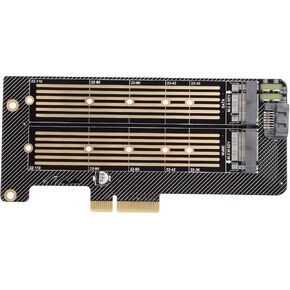 PCI-E Adapter Card B-Key+M-Key M.2 with NGFF+NVME Dual Interface, NGFF SSD Hard Disk Adapter Fast Heat Dissipation for PH02 Anwintek, Suitable for 2230/2242/ 2260/2280/ 22110
SAR 81
PCI-E Adapter Card B-Key+M-Key M.2 with NGFF+NVME Dual Interface, NGFF SSD Hard Disk Adapter Fast Heat Dissipation for PH02 Anwintek, Suitable for 2230/2242/ 2260/2280/ 22110
SAR 81
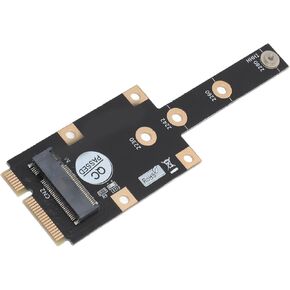 Mini PCIE to M.2 M Key Adapter, Support 2230/2242/2260/2280 M.2 SSD M.2 NGFF Nvme M Key Converter Adapter
SAR 67
Mini PCIE to M.2 M Key Adapter, Support 2230/2242/2260/2280 M.2 SSD M.2 NGFF Nvme M Key Converter Adapter
SAR 67

