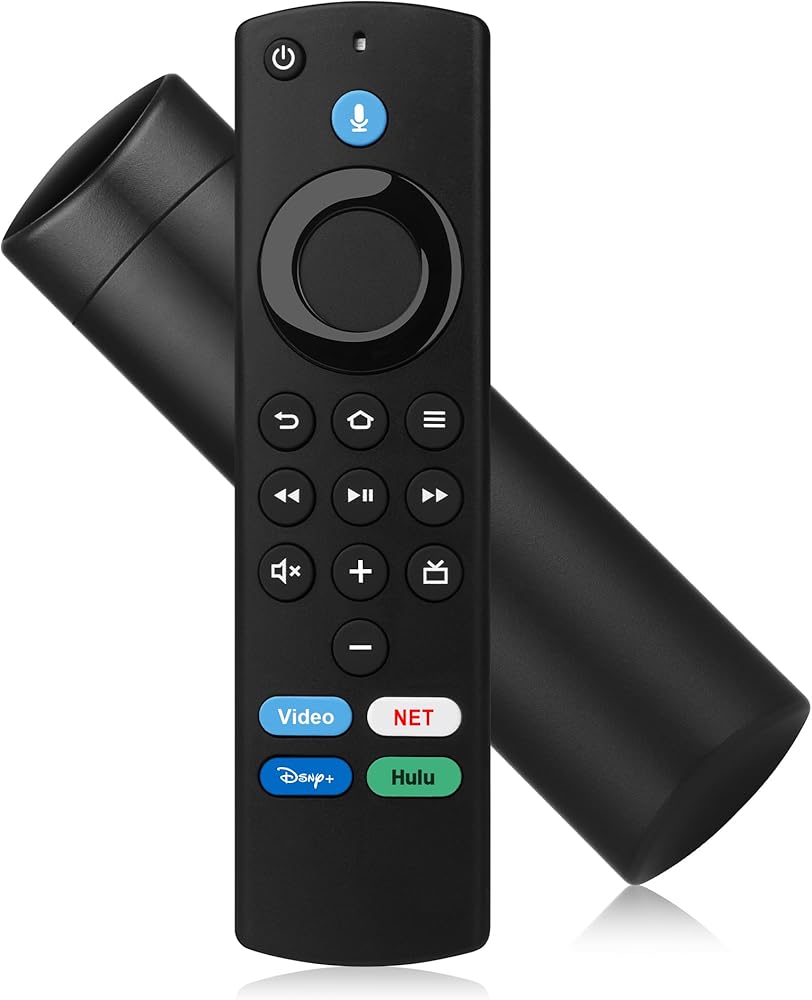
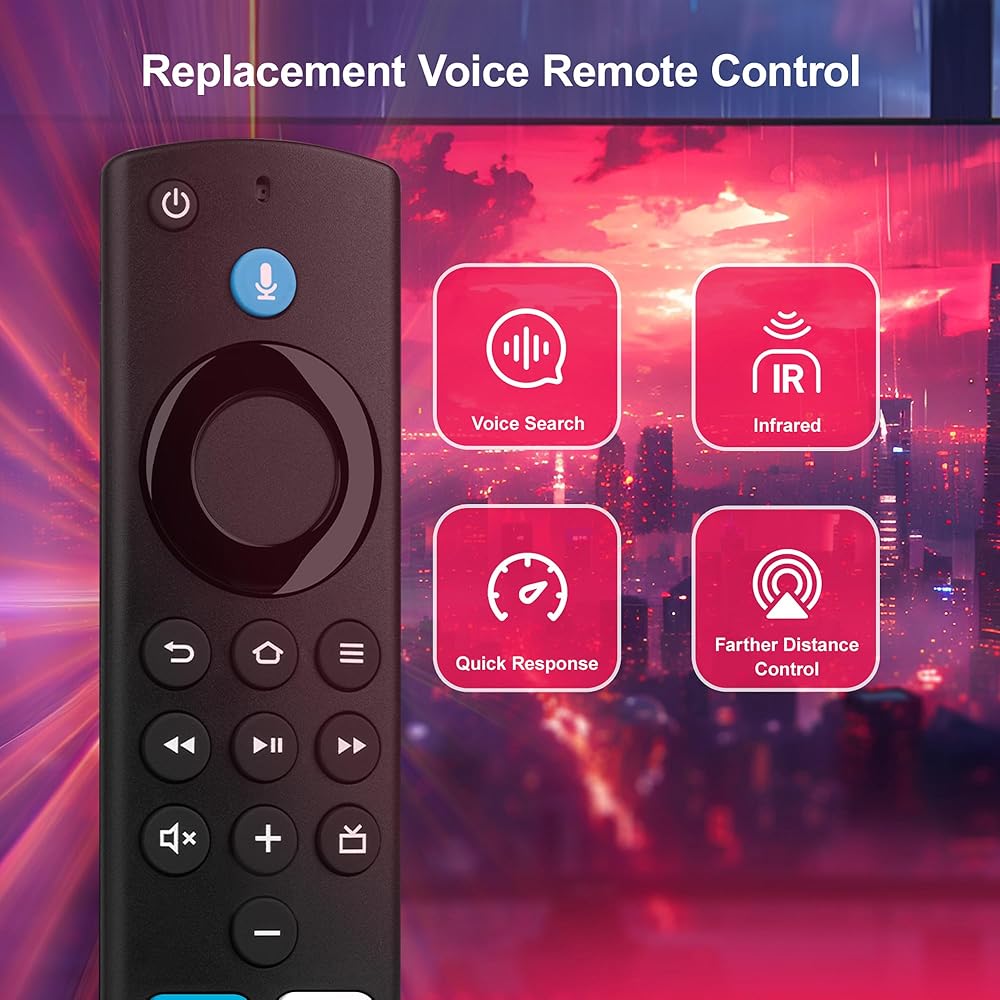
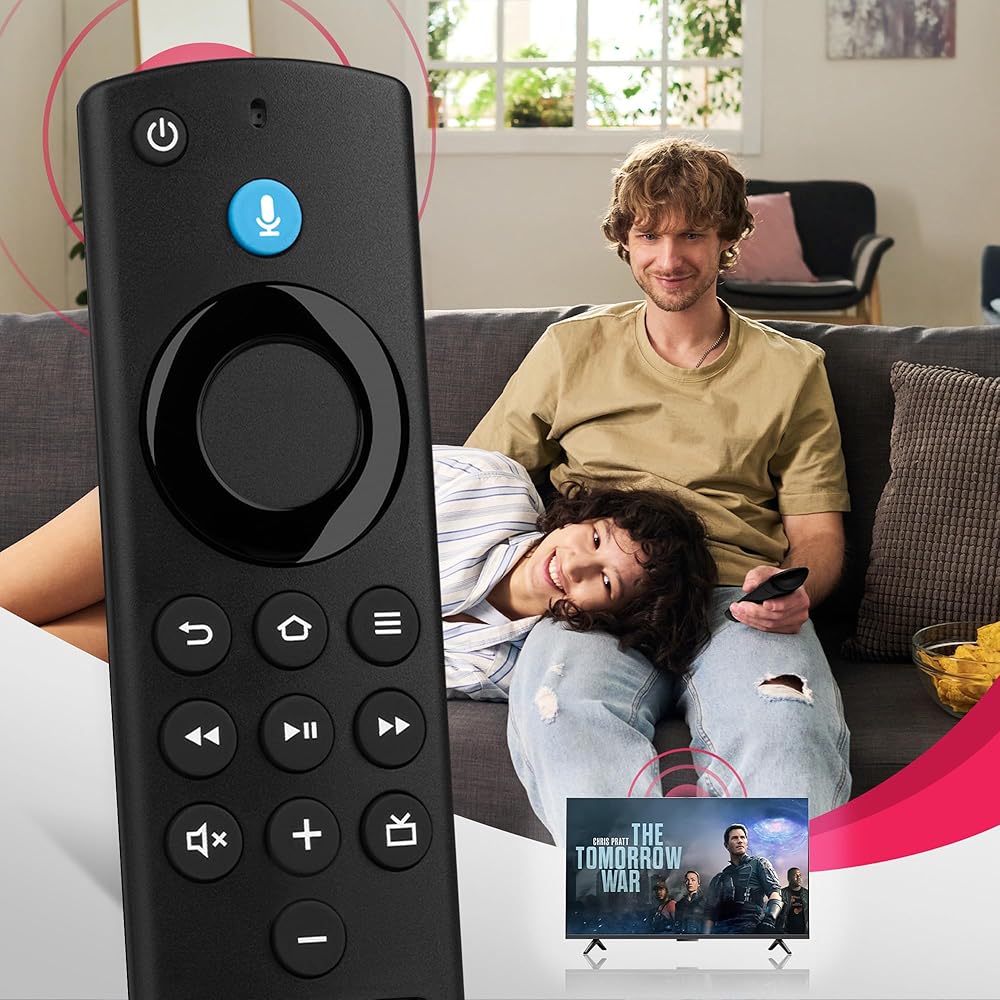
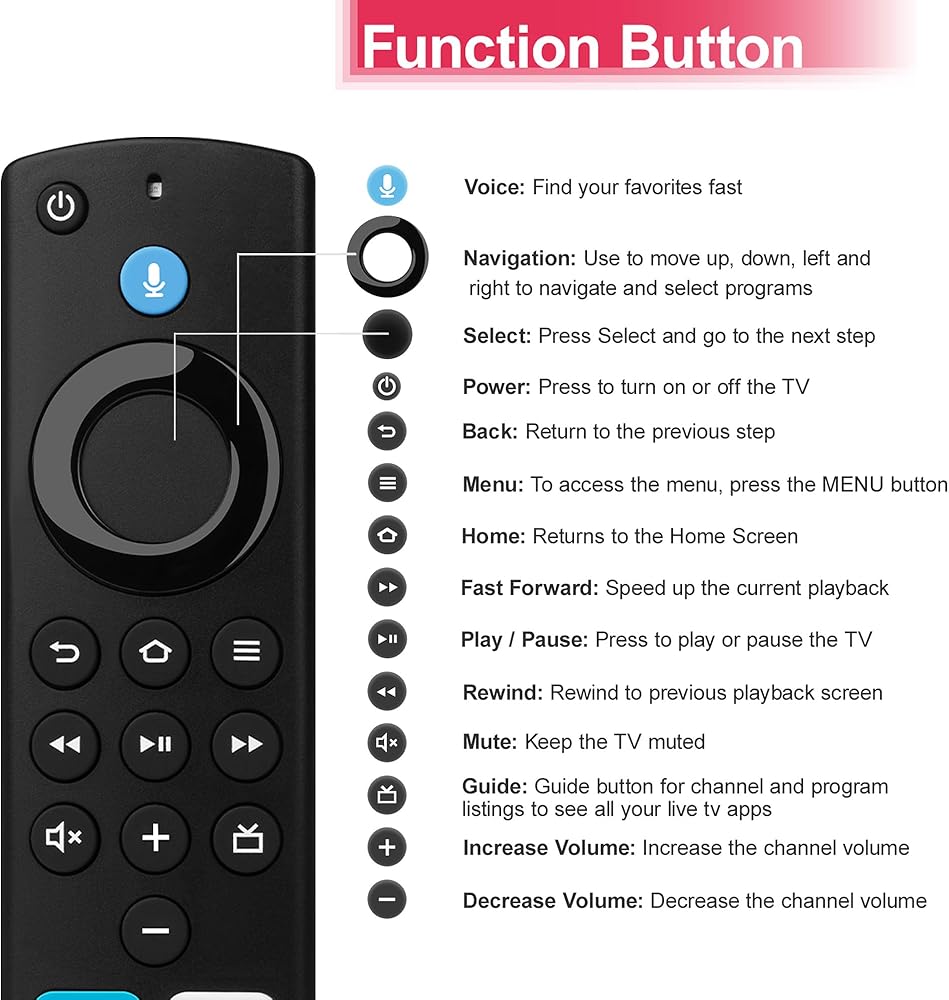
Replacement Voice Remote Compatible with Fires Series Smart TV Cube(1st/2nd/3rd Gen), TV Stick(4K/4K Max/Lite), Smart TVs (3rd Gen) for FireStick(2nd/3rd/Lite/HD)
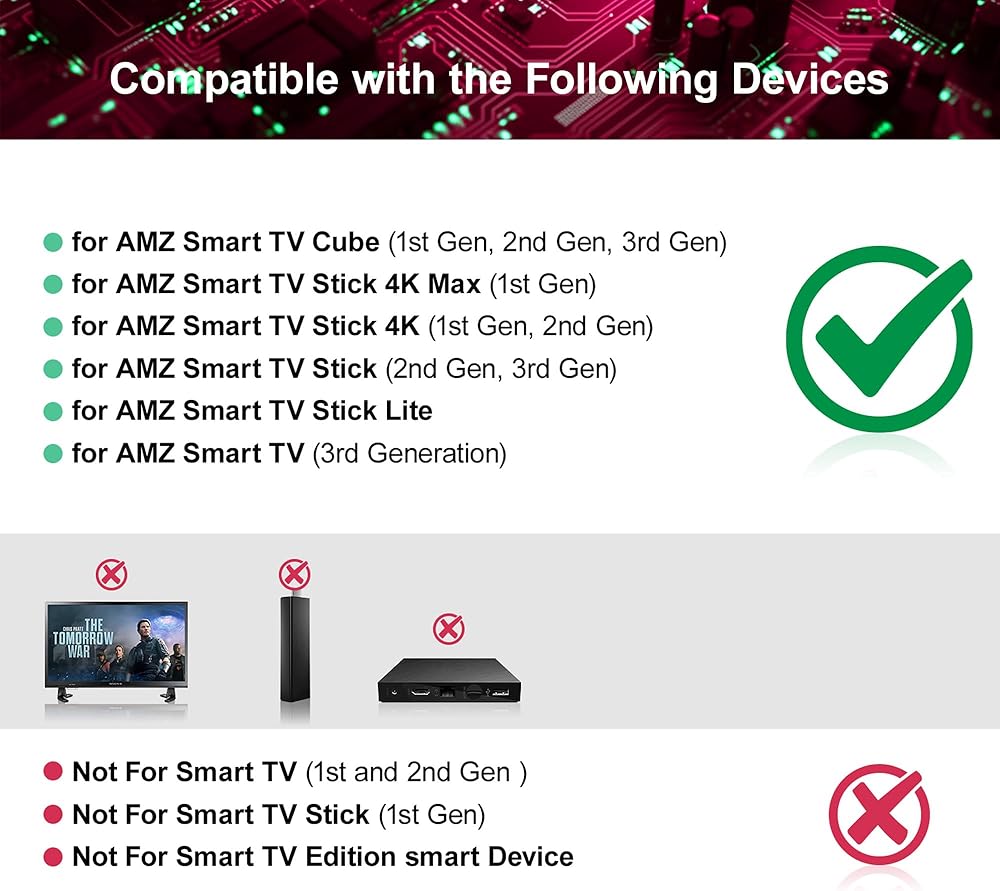
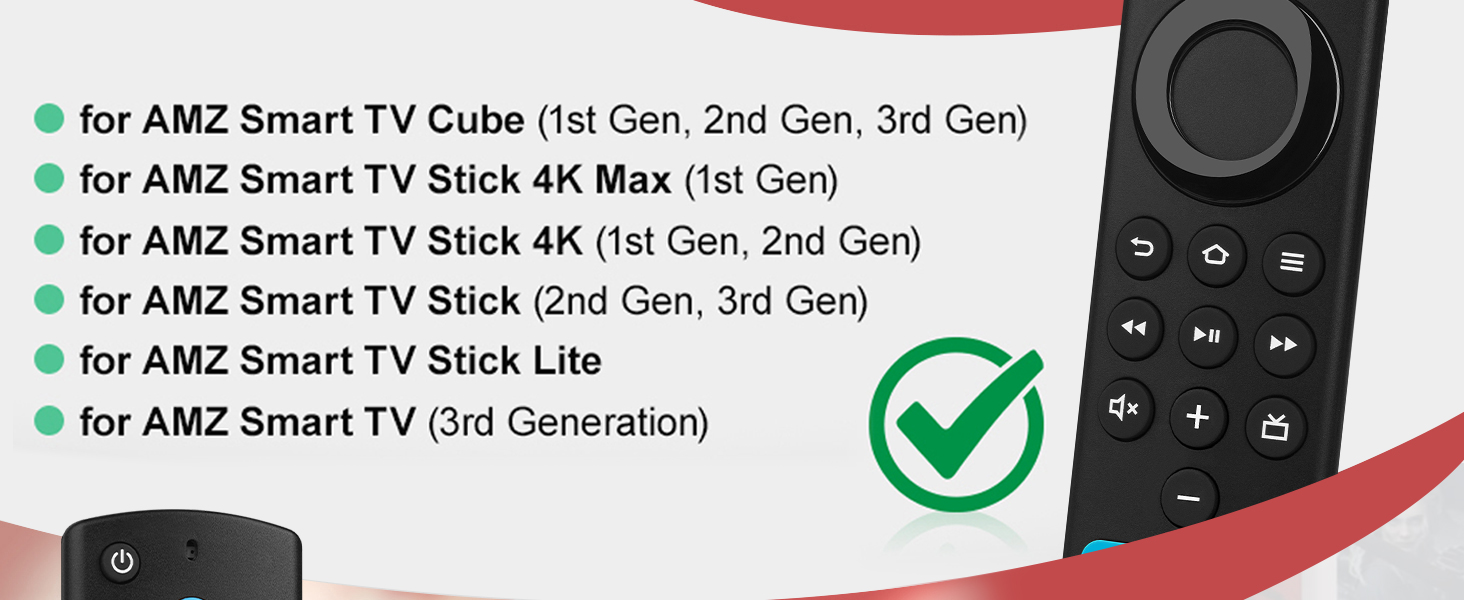
COMPATIBLE MODELS: This Replacement Voice Remote fit for Smart TVs stick Lite, 3rd Gen Smart TVs, fit for for Smart TVs Stick (2nd/3rd Gen), Smart TVs Cube (1st/2nd/3rd Gen), Smart TVs Stick 4K(1st/2nd Gen), Smart TVs Stick 4K MAX(1st/2nd Gen), Smart TVs Stick 4K Plus, Smart TVs Stick 4K Select, Smart TVs Stick HD, Compatible With Insignia-Pioneer Smart TV
INCOMPATIBLE MODEL: Not fit for Smart TVs(1st Gen and 2nd Gen), not fit for Smart TVs Stick(1st Gen), not fit for Smart TVs Edition
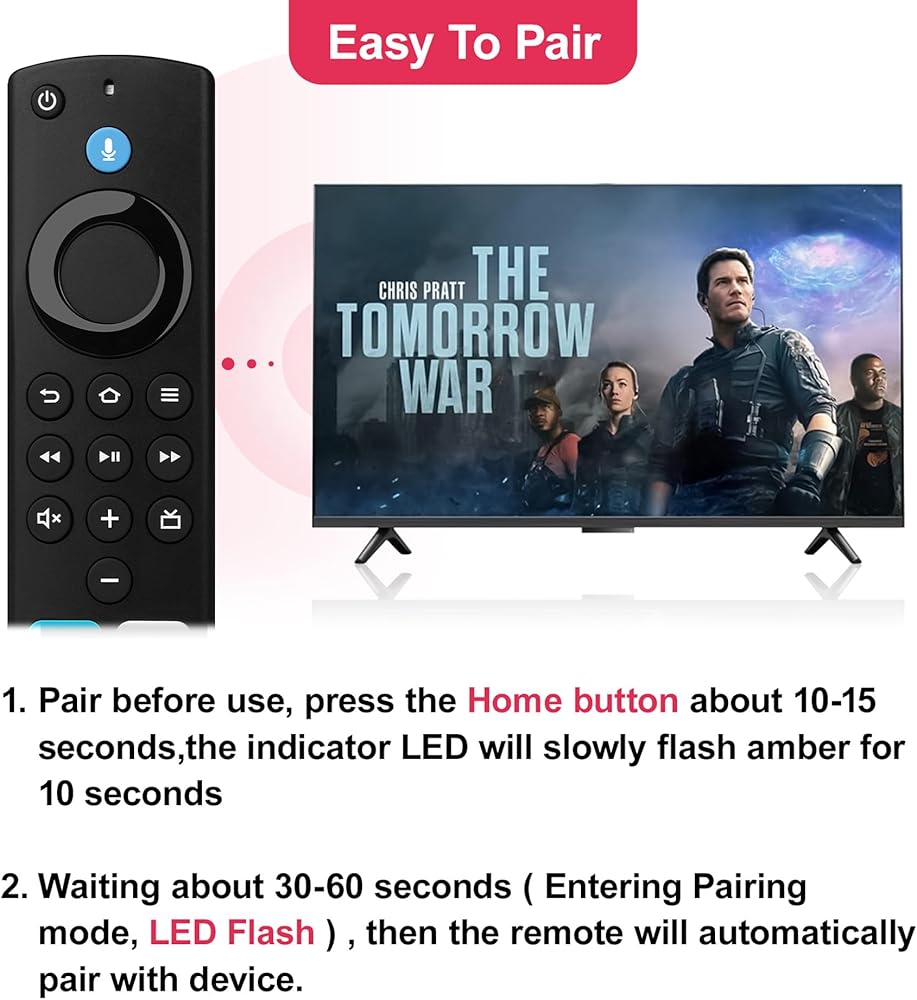
HOW TO PAIR:Press and hold the Pairing/Home button for 10-15 seconds until the LED indicator starts slowly flashing amber,Keep the remote within 30cm of the device and wait 30-60 seconds while maintaining the slow amber flash – do not release the button yet. When the amber light suddenly flashes rapidly,immediately release the button – this indicates pairing mode is active
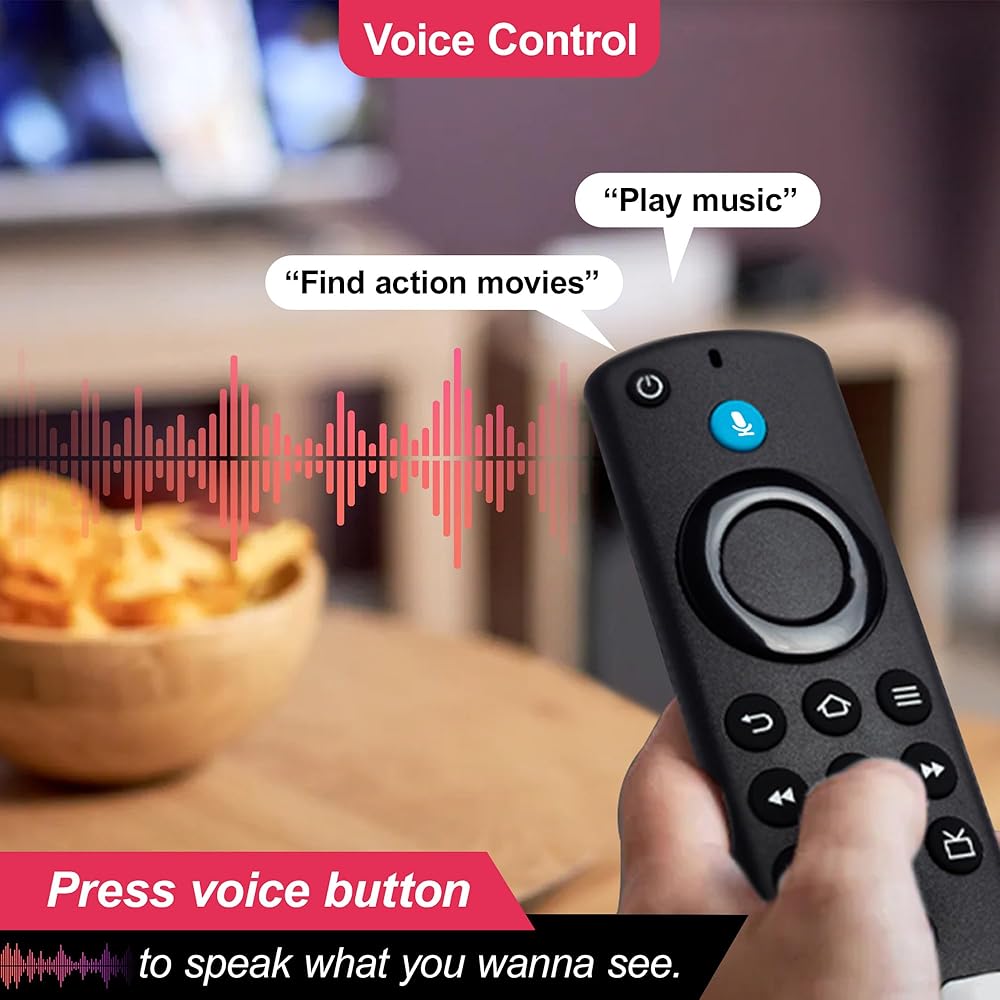
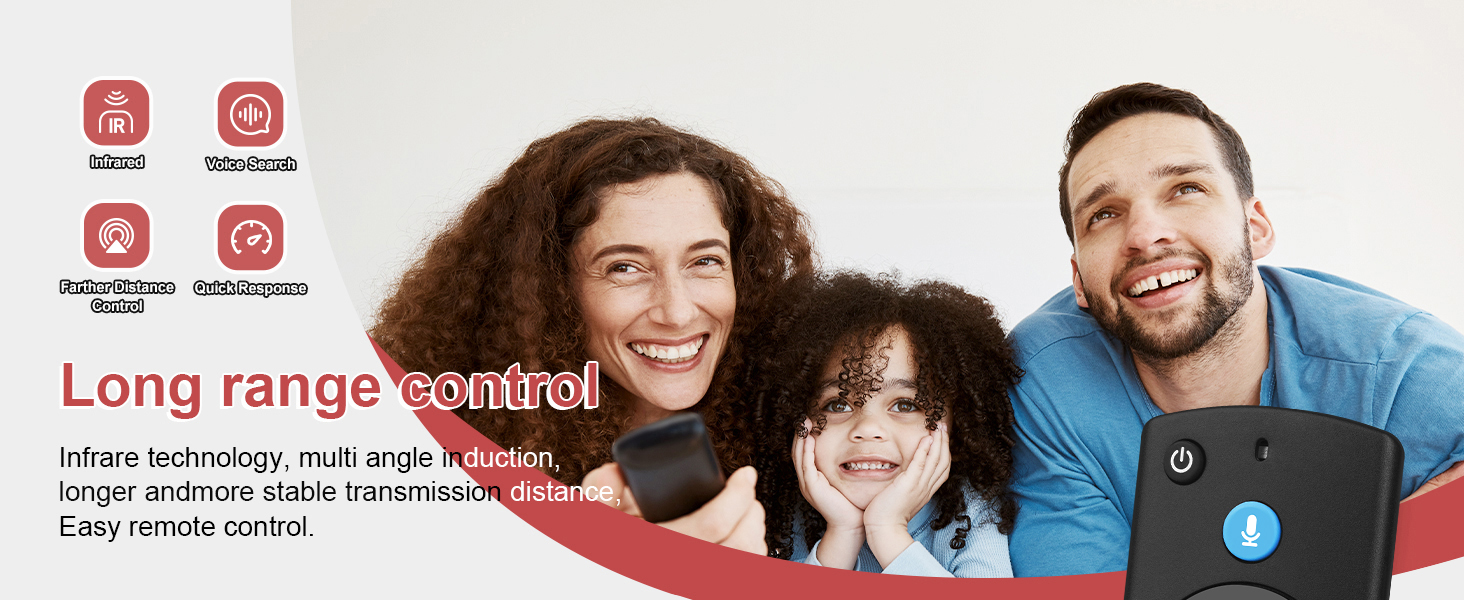
VOICE FUNCTION: This remote features voice search - just press the mic button and speak naturally. Our advanced voice recognition understands exactly what you want. Whether you're saying "play the movie" or "turn down the volume", your TV responds instantly
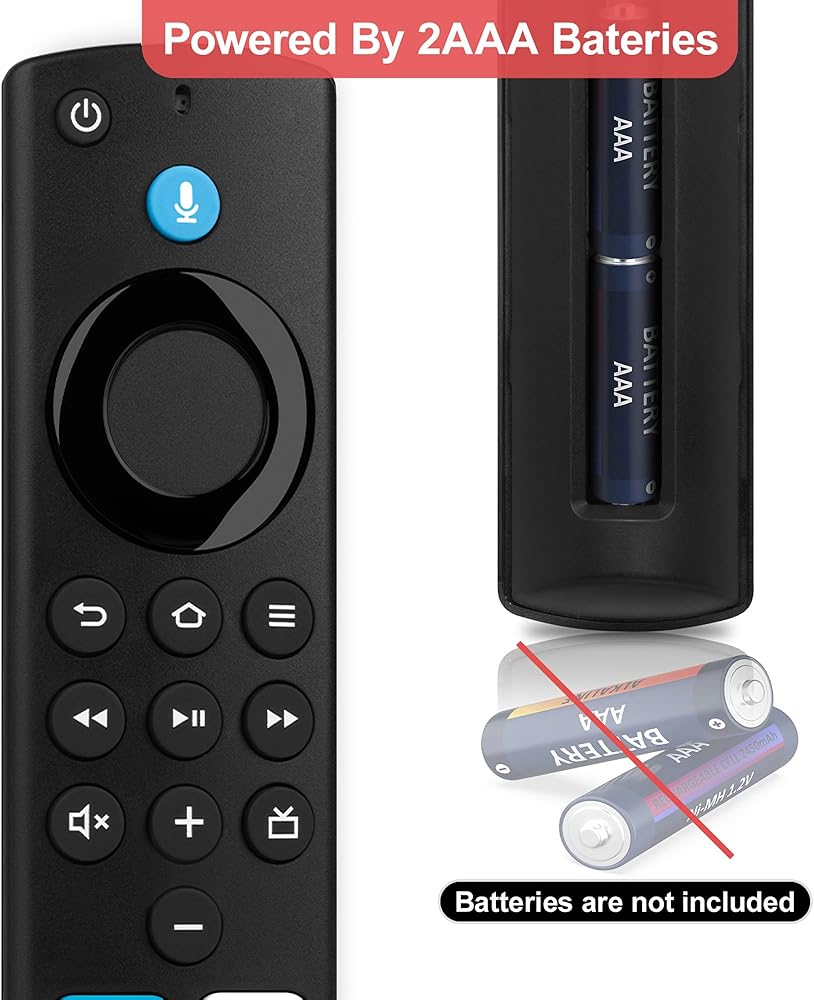
PLEASE NOTE: 1. If the TV is paired with too many devices, the pairing list needs to be reset. 2. If the old battery is not removed and causes interference, Our remote control does not provide batteries. 3. Perform battery replacement, reset, and re-pairing in sequence
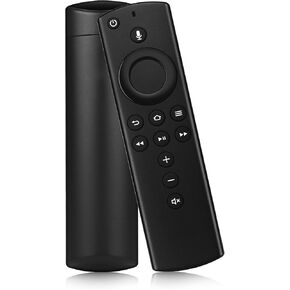
 Replacement Voice Remote Control with Volume Control Fit for Fire AMZ Smart TV Stick 4K,Smart TV Stick Lite,Smart TV Stick 2nd Gen and 3rd Gen,Smart TV Stick Cube 1st and 2nd Gen
SAR 79
Replacement Voice Remote Control with Volume Control Fit for Fire AMZ Smart TV Stick 4K,Smart TV Stick Lite,Smart TV Stick 2nd Gen and 3rd Gen,Smart TV Stick Cube 1st and 2nd Gen
SAR 79
 -50%
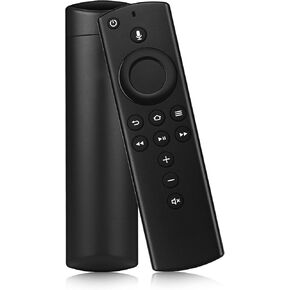
Replacement Voice Remote Control (3rd Gen) Fit for AMZ Fire Smart TVs Stick 4K,Smart TVs Stick Lite,Smart TVs Stick 2nd Gen and 3rd Gen,Smart TVs Stick Cube 1st and 2nd Gen
SAR 42
-50%
Replacement Voice Remote Control (3rd Gen) Fit for AMZ Fire Smart TVs Stick 4K,Smart TVs Stick Lite,Smart TVs Stick 2nd Gen and 3rd Gen,Smart TVs Stick Cube 1st and 2nd Gen
SAR 42
 -50%
Replacement Voice Remote Control with Volume and Power Control Fit for Fire Smart TV Stick 4K,Smart TV Stick Lite,Smart TV Stick 2nd Gen and 3rd Gen,Smart TV Stick Cube 1st and 2nd Gen
SAR 42
-50%
Replacement Voice Remote Control with Volume and Power Control Fit for Fire Smart TV Stick 4K,Smart TV Stick Lite,Smart TV Stick 2nd Gen and 3rd Gen,Smart TV Stick Cube 1st and 2nd Gen
SAR 42
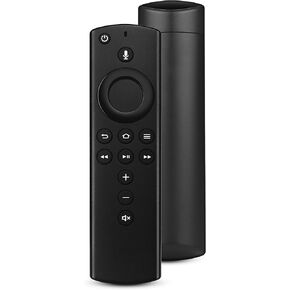 L5B83G Replacement Voice Remote Control (3rd GEN) Suitable for Fire Smart TVs Stick (2nd Gen, 3rd Gen, Lite, 4K), for Smart TVs Cube (1st Gen, 2nd Gen), for Smart TVs (3rd Gen)
SAR 47
L5B83G Replacement Voice Remote Control (3rd GEN) Suitable for Fire Smart TVs Stick (2nd Gen, 3rd Gen, Lite, 4K), for Smart TVs Cube (1st Gen, 2nd Gen), for Smart TVs (3rd Gen)
SAR 47