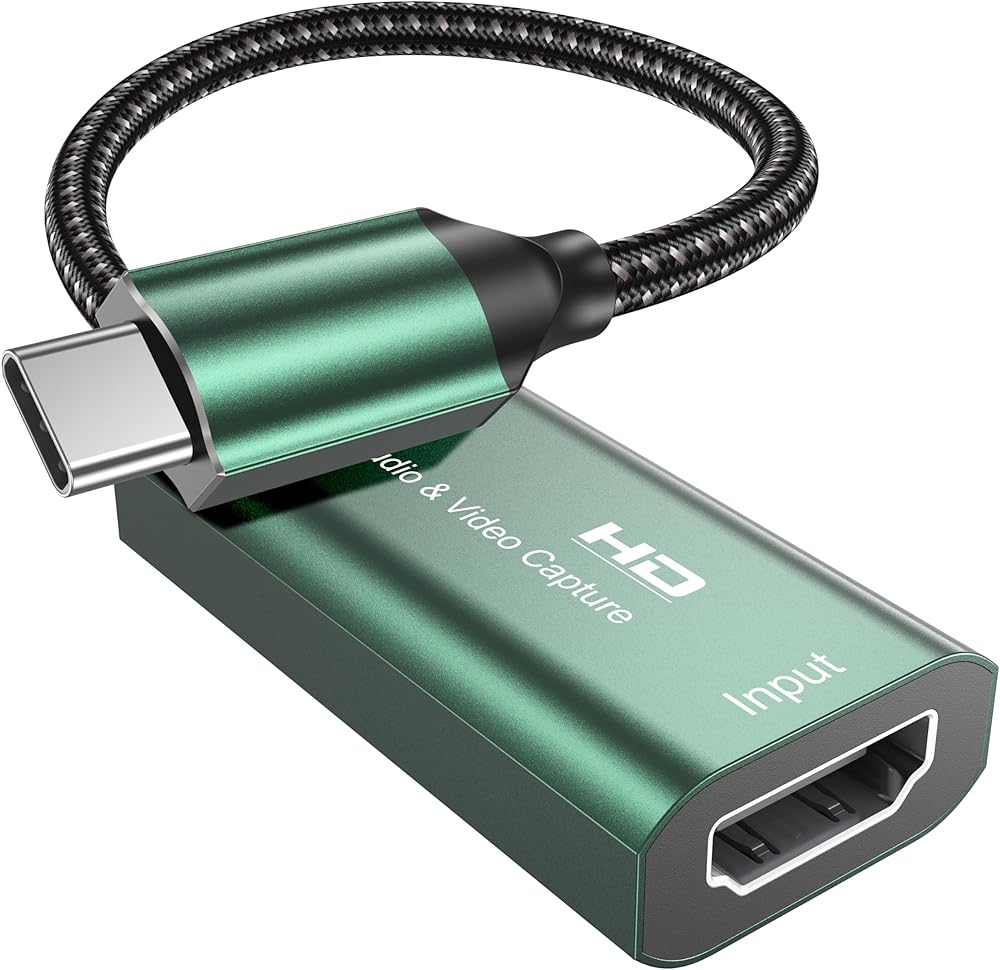
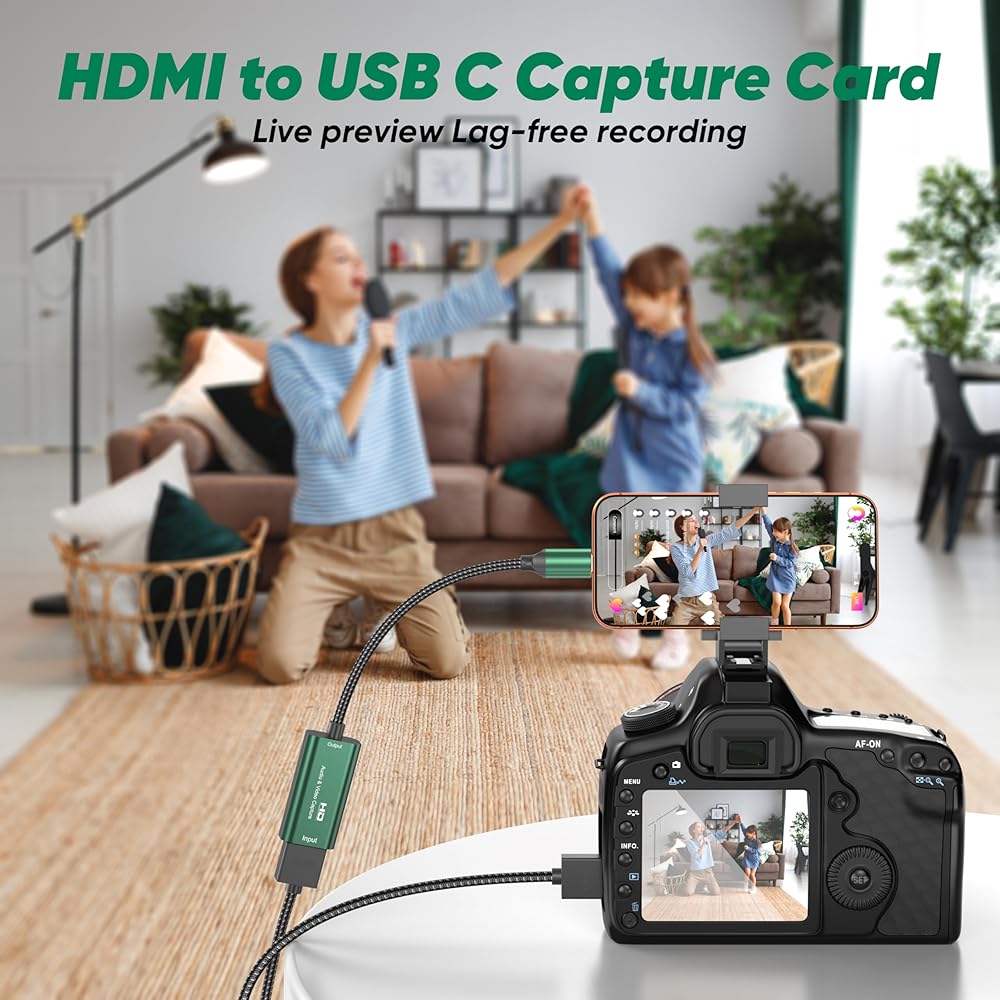
Video Capture Card,4K USB 3.0 HDMI to USB C Capture Card,1080P 60FPS Recording Card for Gaming, Streaming, Compatible with IPad Windows Mac OS Switch PS5/4 Xbox OBS Zoom DSLR Camera (Green)
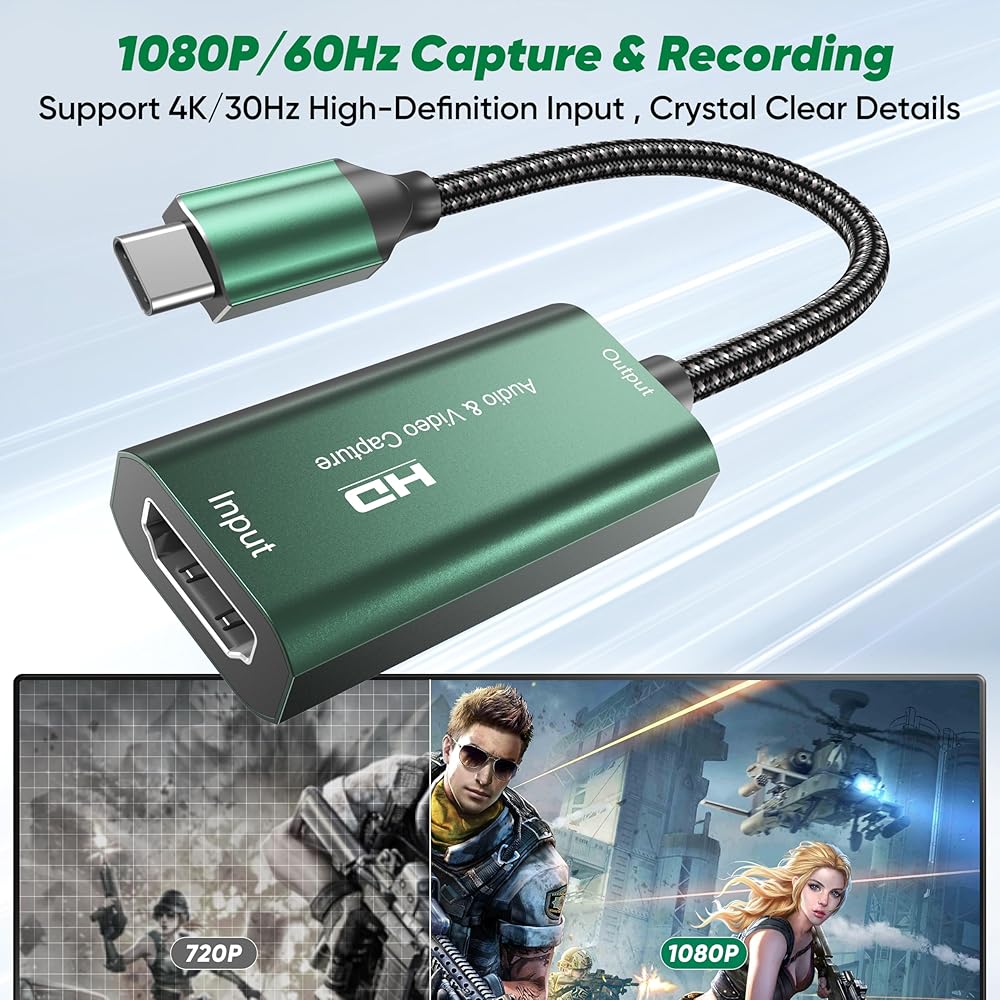
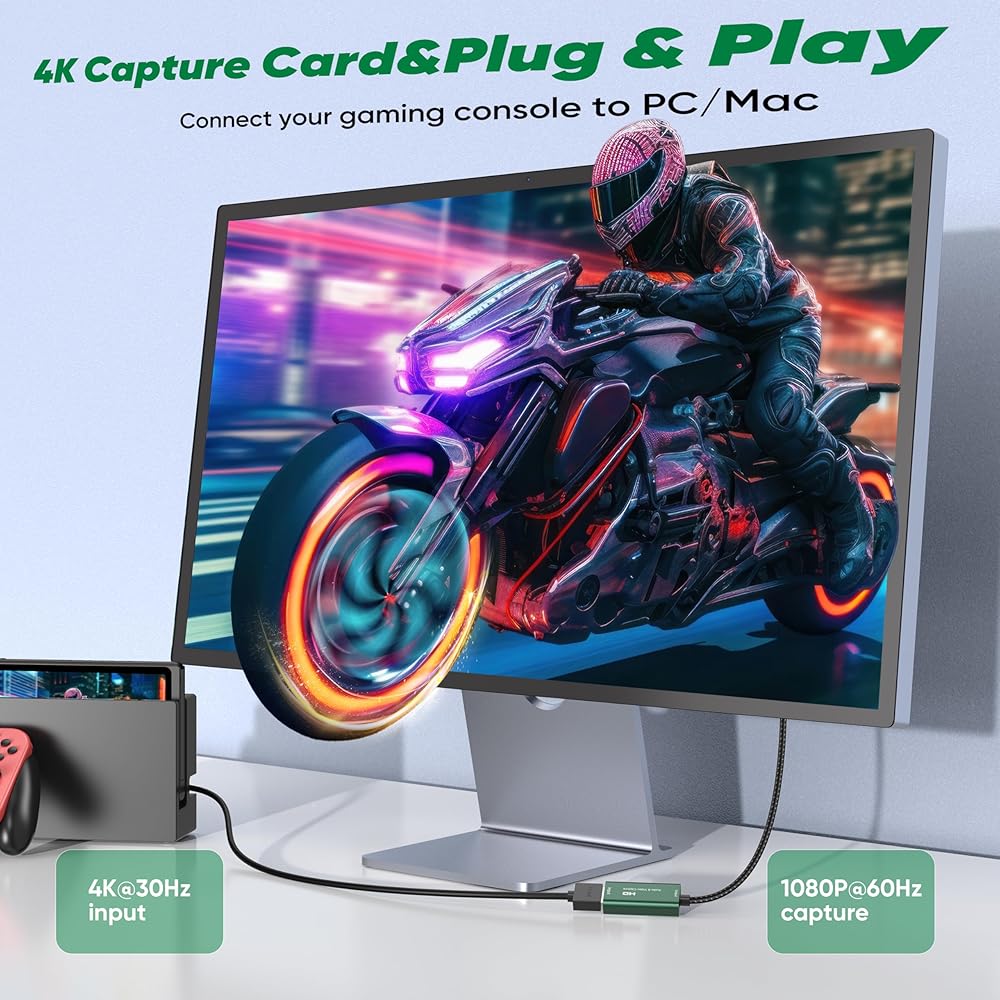
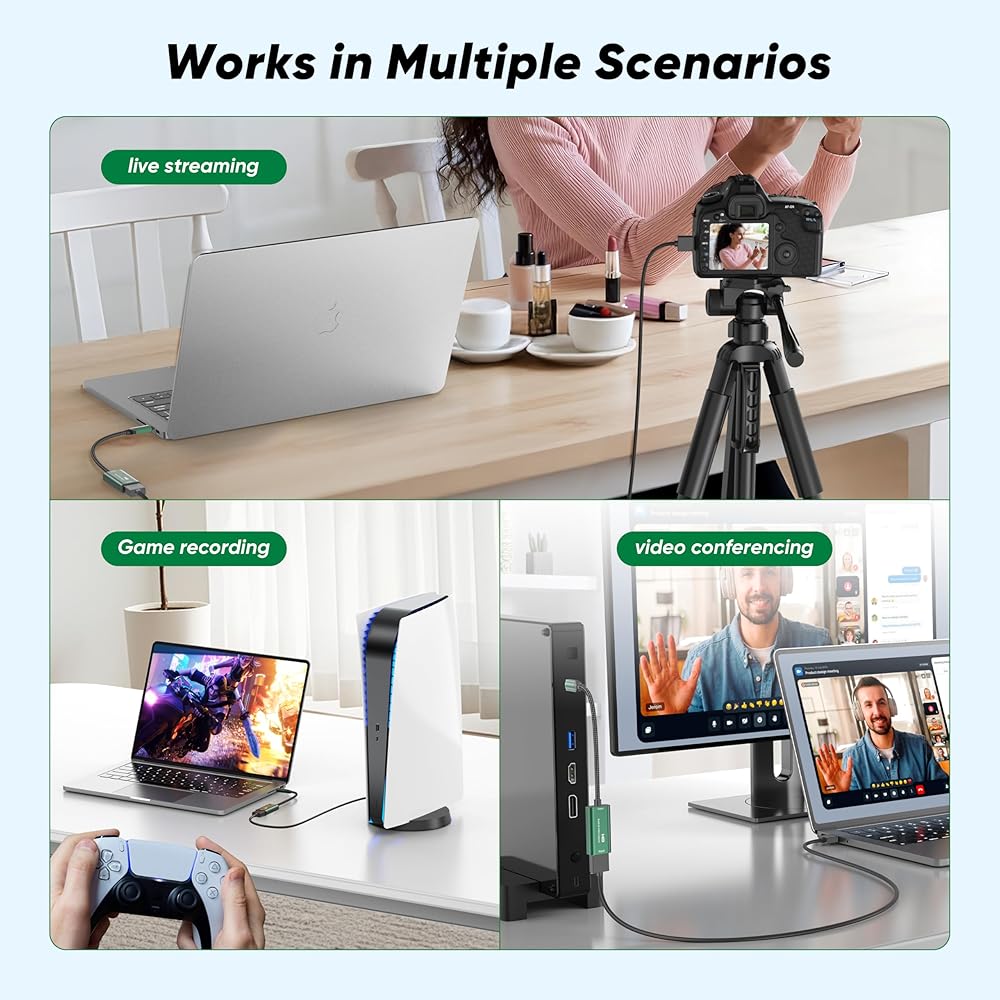
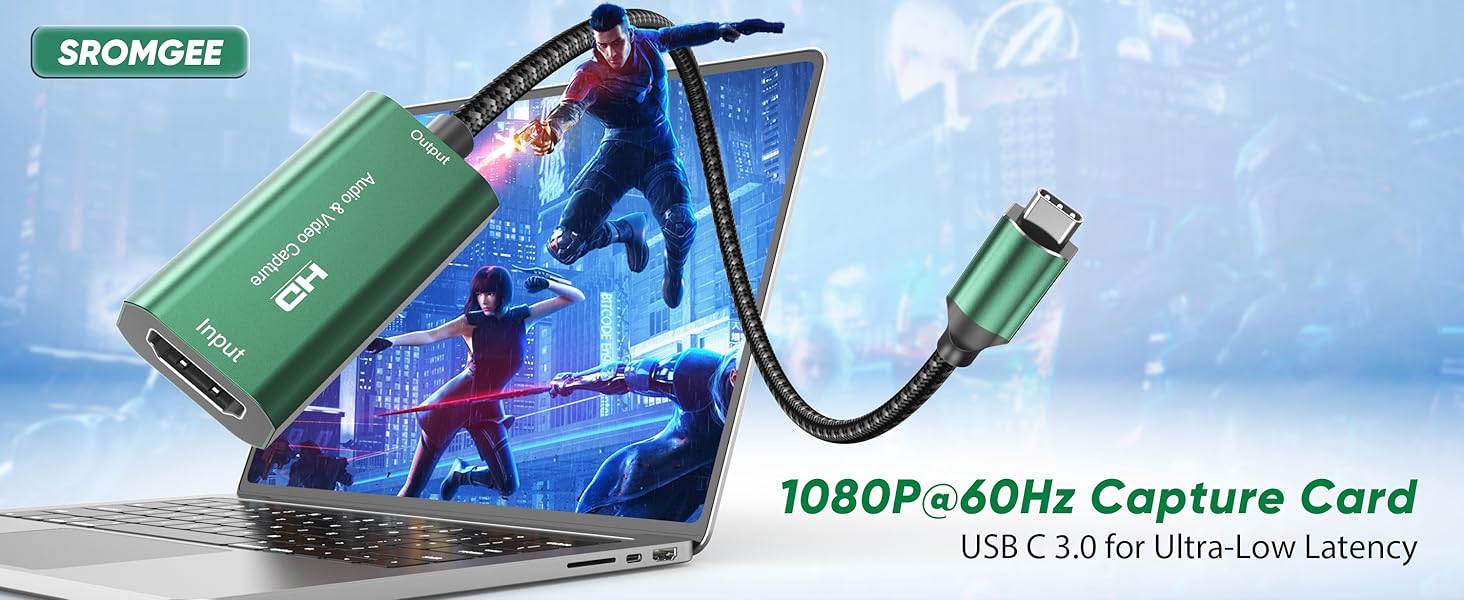
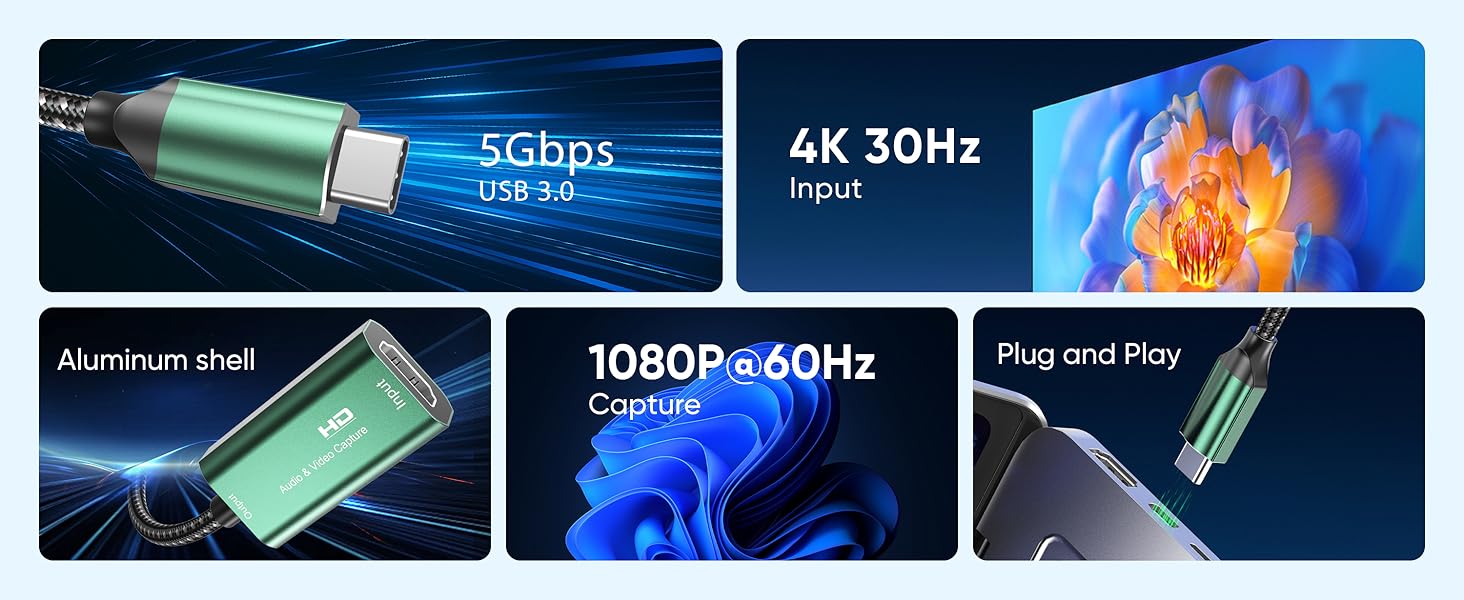
【4K Input & 1080P 60FPS Capture 】This USB C video capture card takes 4K@30Hz HDMI input and records at 1080P@60FPS. Perfect for online capture, real-time recording, live gaming, video meetings, and more. Capture smooth, lag-free gameplay from your Switch, PS5, or Xbox with crisp visual quality. Note: For capture use only. Requires capture software (e.g., OBS) and is not designed for direct screen mirroring to a monitor or TV.
【Low Latency & Stable Performance】Whether you're live on Twitch, recording for YouTube, or in a Zoom meeting, this capture card delivers ultra-low latency transmission. The aluminum shell keeps things cool under pressure, so you get clean 1080P 60FPS video and clear audio without freezing or dropped frames. Just plug in and play – no driver hassle.
【Plug and Play & Easy to Carry 】No drivers or external power needed. Just connect your HDMI source and plug the USB C end into your computer or iPad – it's ready to go. The lightweight aluminum case fits easily in any bag. Great for outdoor streaming, game recording, video calls, or online teaching. Works with OBS, Zoom, Twitch, and YouTube.
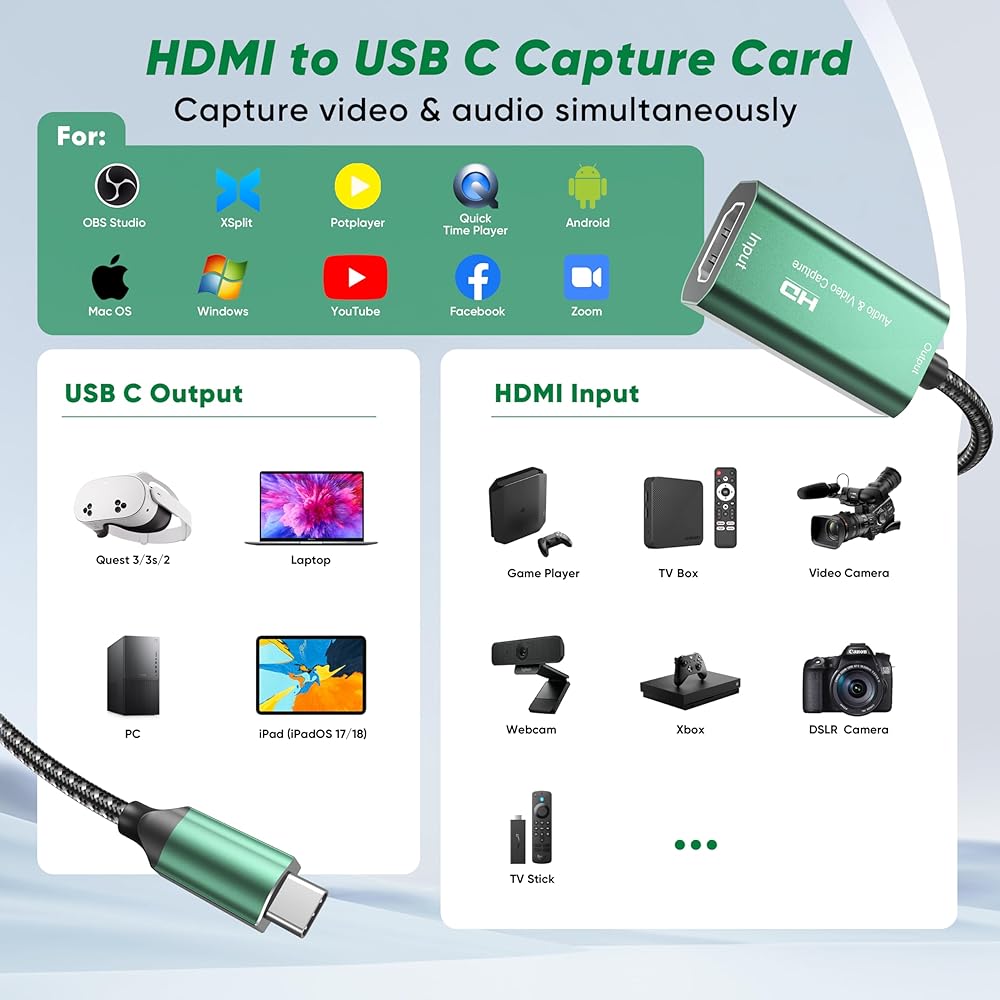
【Wide Compatibility】 Works with Your Devices & Software – This HDMI to USB C video capture card is compatible with Windows, MAC OS, Android, and Linux. Use it with popular streaming and recording software like OBS Studio, Zoom, Twitch Studio, VLC, and more. It works seamlessly with PS4, PS5, Xbox, Nintendo Switch, DSLR cameras, camcorders, TV boxes, and any other HDMI-enabled device. Stream directly to YouTube, Twitch, Facebook Live, or use it for video calls and online meetings.
【Note】 Before recording, test your HDMI source (game console, camera, etc.) with a monitor to confirm video output. If you're using a tablet or phone, make sure OTG mode is turned on. For PS4 or PS5 users: if you see a black screen, disable HDCP in your console settings. Use a USB 3.0 port on your computer to ensure full bandwidth and stable 1080P 60FPS capture. The capture card works with common video formats like MJPEG and YUY2 – your software (OBS, Zoom, etc.) will handle the decoding automatically. If the device isn't detected, simply unplug and reconnect, then restart your capture software.
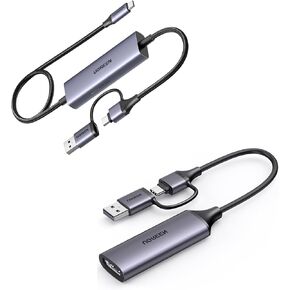 -15%
UGREEN Capture Card 1080P 60FPS 2K@30Hz USB C to USB-A/C 4K Video Capture USB 3.0 Support 100W Fast Charge Bundle With Full HD HDMI to USB A/Type C
SAR 356
-15%
UGREEN Capture Card 1080P 60FPS 2K@30Hz USB C to USB-A/C 4K Video Capture USB 3.0 Support 100W Fast Charge Bundle With Full HD HDMI to USB A/Type C
SAR 356
 4K HDMI Video Capture Card, USB3.0 1080P 60FPS Video Recorder, Switch Capture Card for Streaming Gaming and Broadcasting, Works with Xbox Series X/S, Xbox One X/S, PS4, OBS, Camera (Black)
SAR 94
4K HDMI Video Capture Card, USB3.0 1080P 60FPS Video Recorder, Switch Capture Card for Streaming Gaming and Broadcasting, Works with Xbox Series X/S, Xbox One X/S, PS4, OBS, Camera (Black)
SAR 94
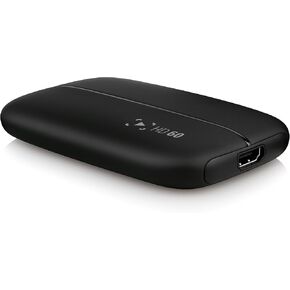 Elgato Game Capture HD60 - Next Generation Gameplay Sharing for Playstation 4, Xbox One & Xbox 360, 1080p quality with 60 fps
SAR 1,037
Elgato Game Capture HD60 - Next Generation Gameplay Sharing for Playstation 4, Xbox One & Xbox 360, 1080p quality with 60 fps
SAR 1,037
 Pcie Capture Card, 1080P@30Hz CVBS S-Video Internal Video Capture Card with for Recording from Cable Boxes, Old Video Cameras, Camcorders, VCRs, PlayStation, Nintendo 64, Sega on OBS
SAR 122
Pcie Capture Card, 1080P@30Hz CVBS S-Video Internal Video Capture Card with for Recording from Cable Boxes, Old Video Cameras, Camcorders, VCRs, PlayStation, Nintendo 64, Sega on OBS
SAR 122