- Shopping, made easy.
- /
- Get the app!
Package Include:
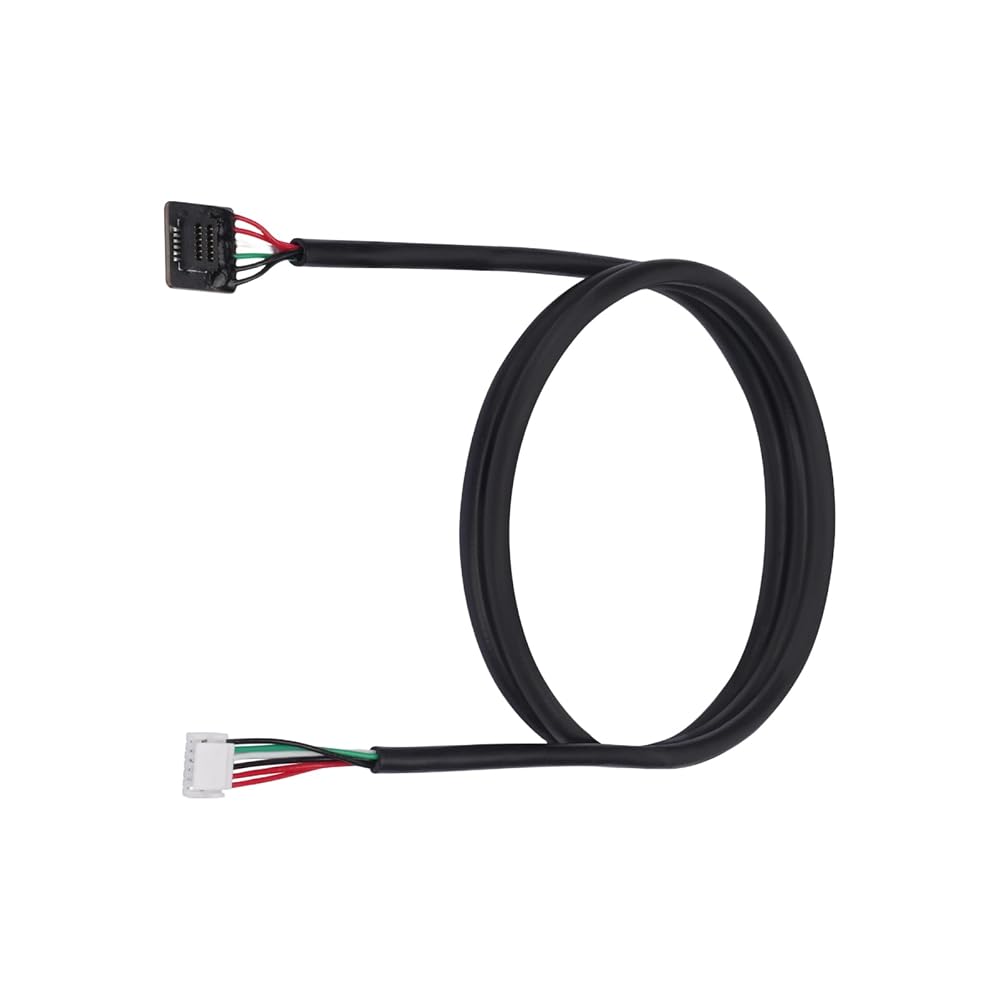
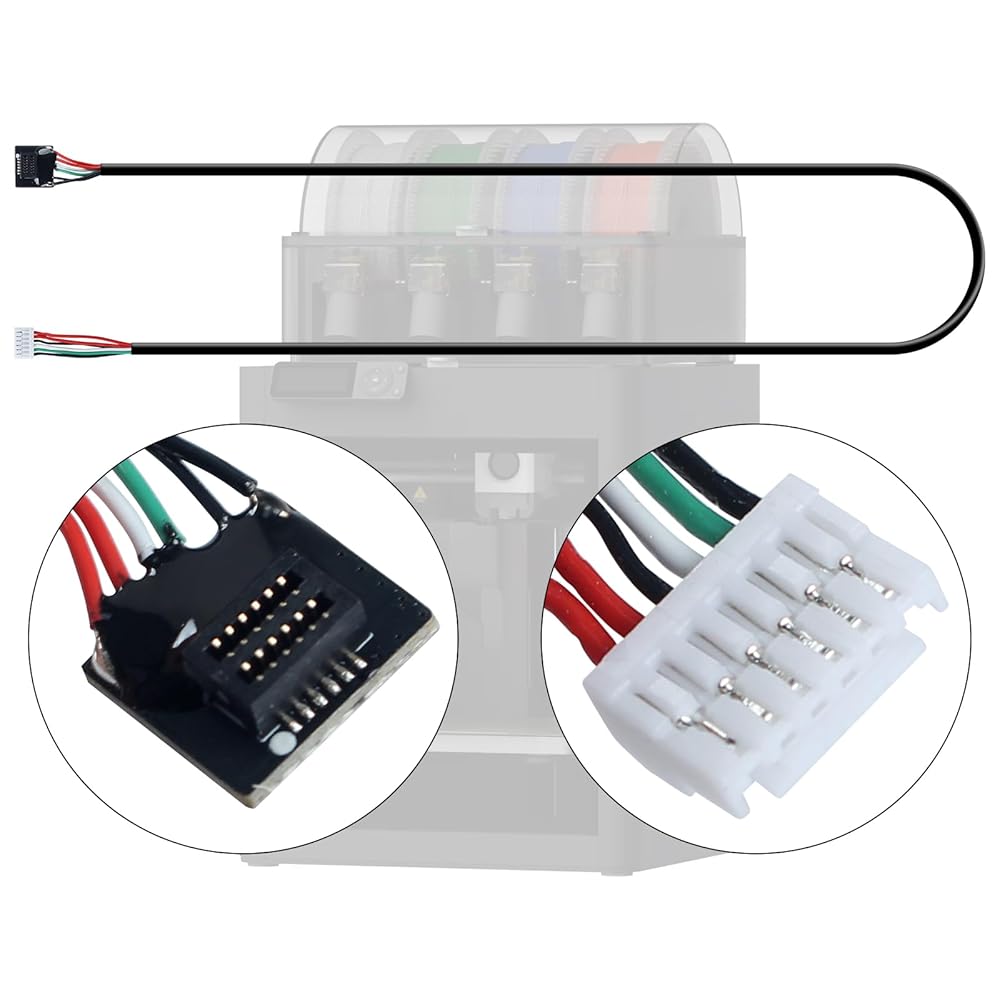
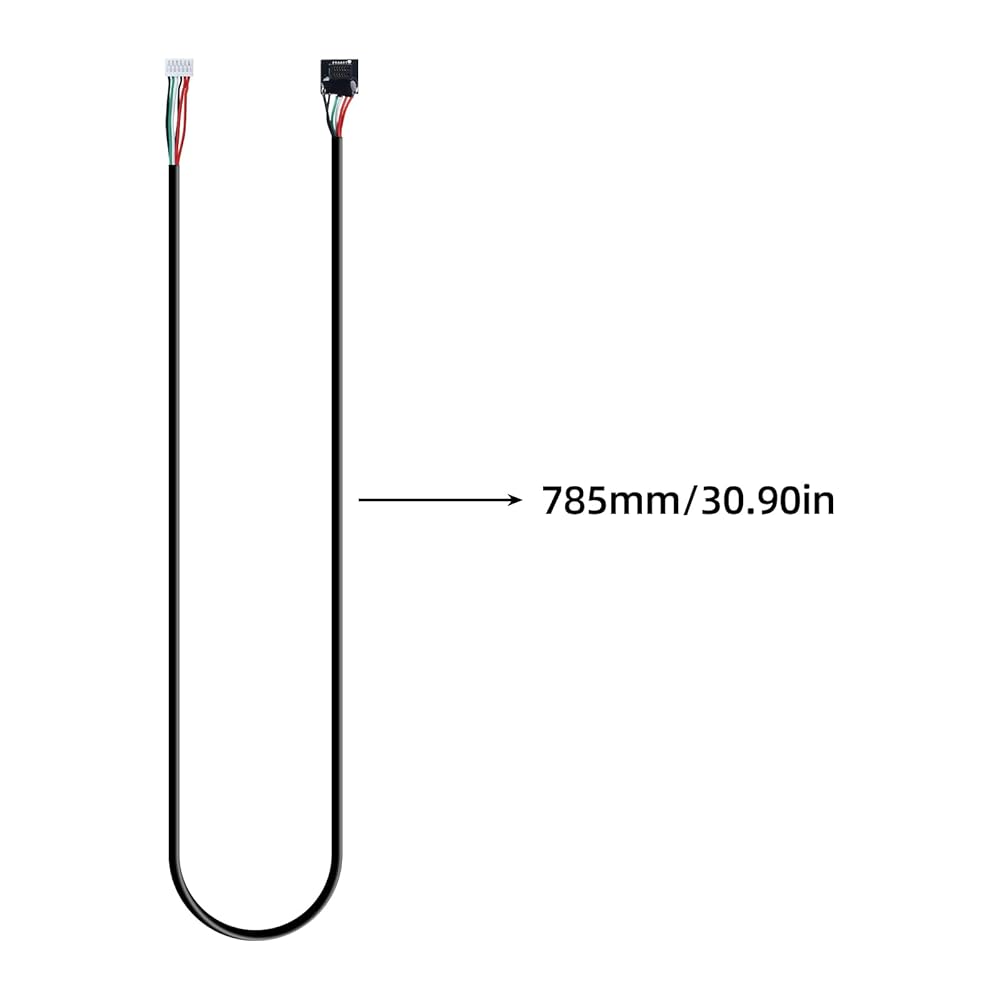
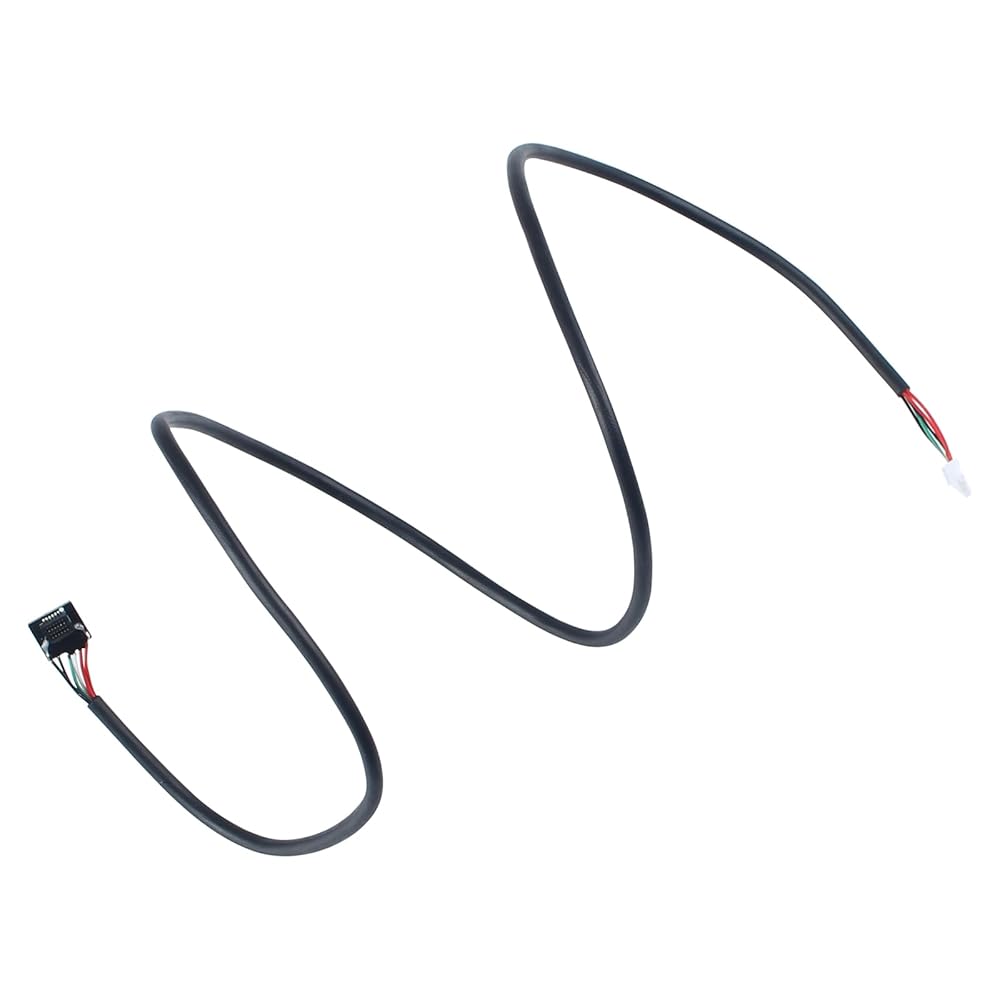
1Pcs spare P1 Series Tool-head Cable
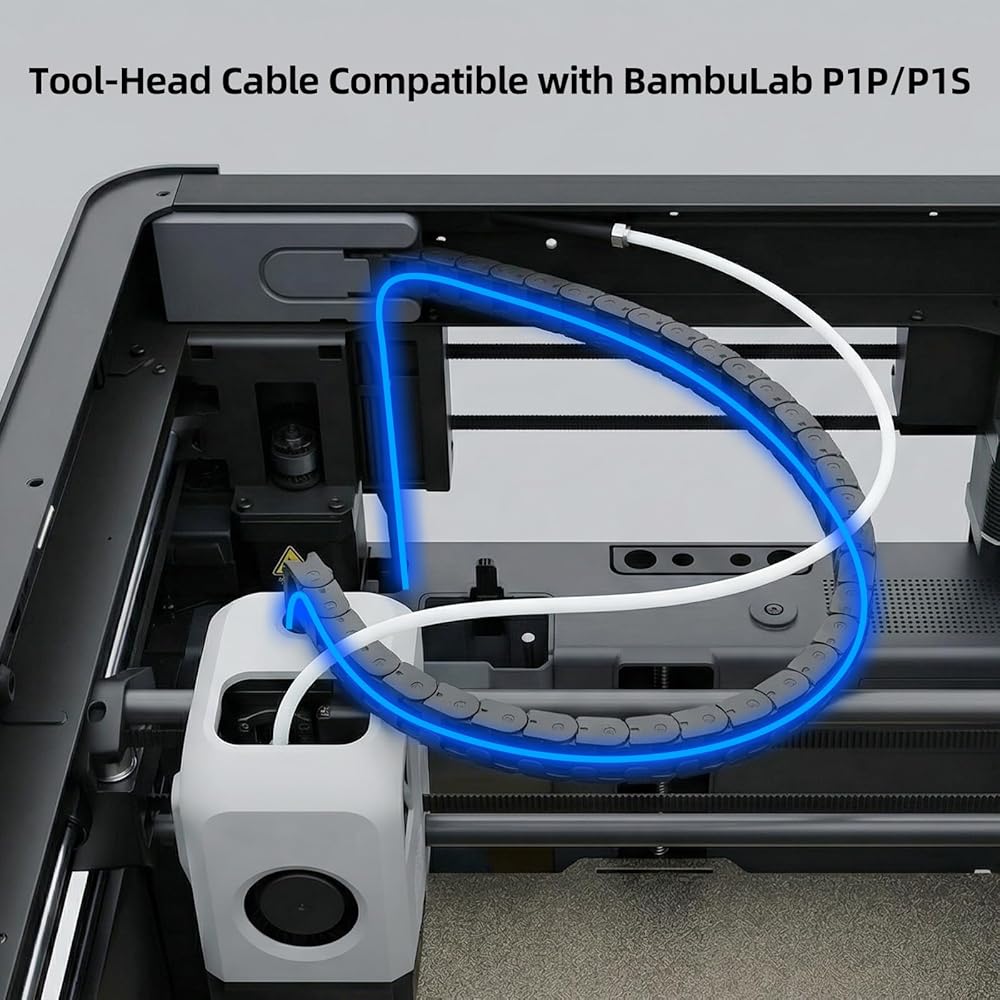
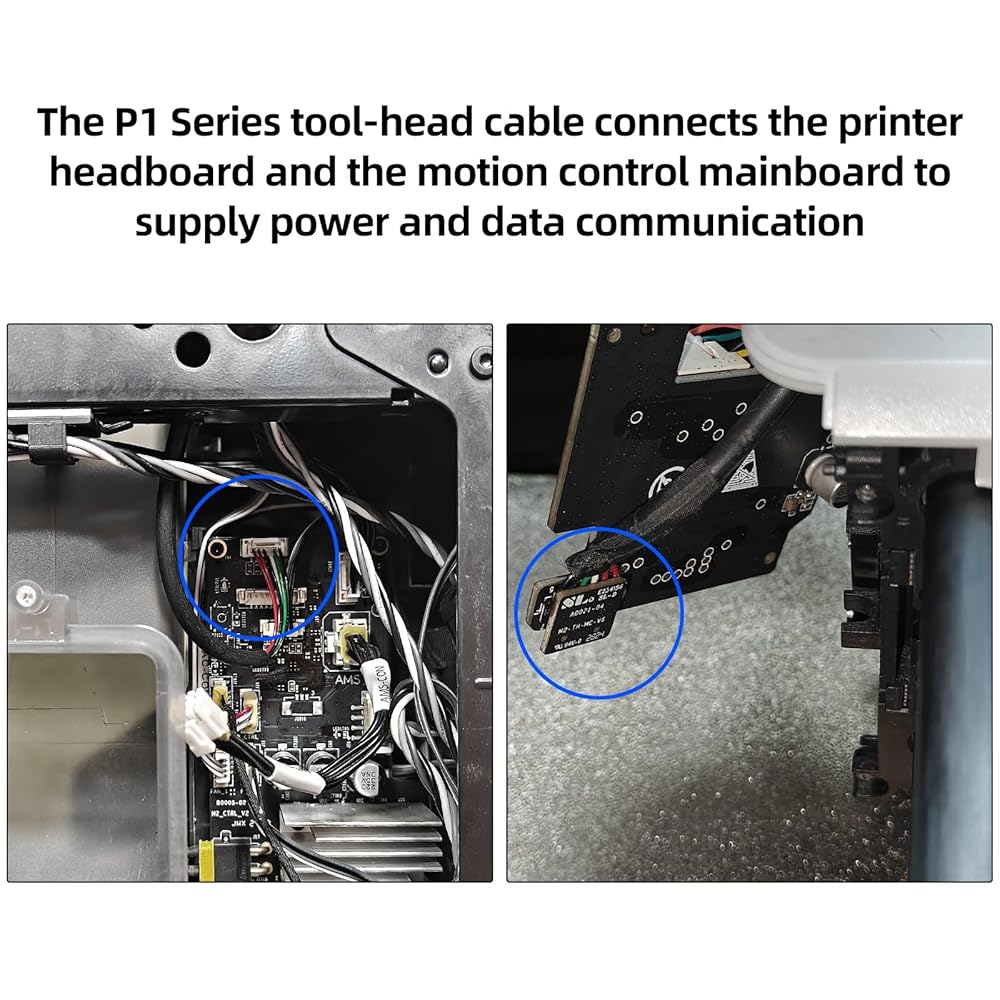
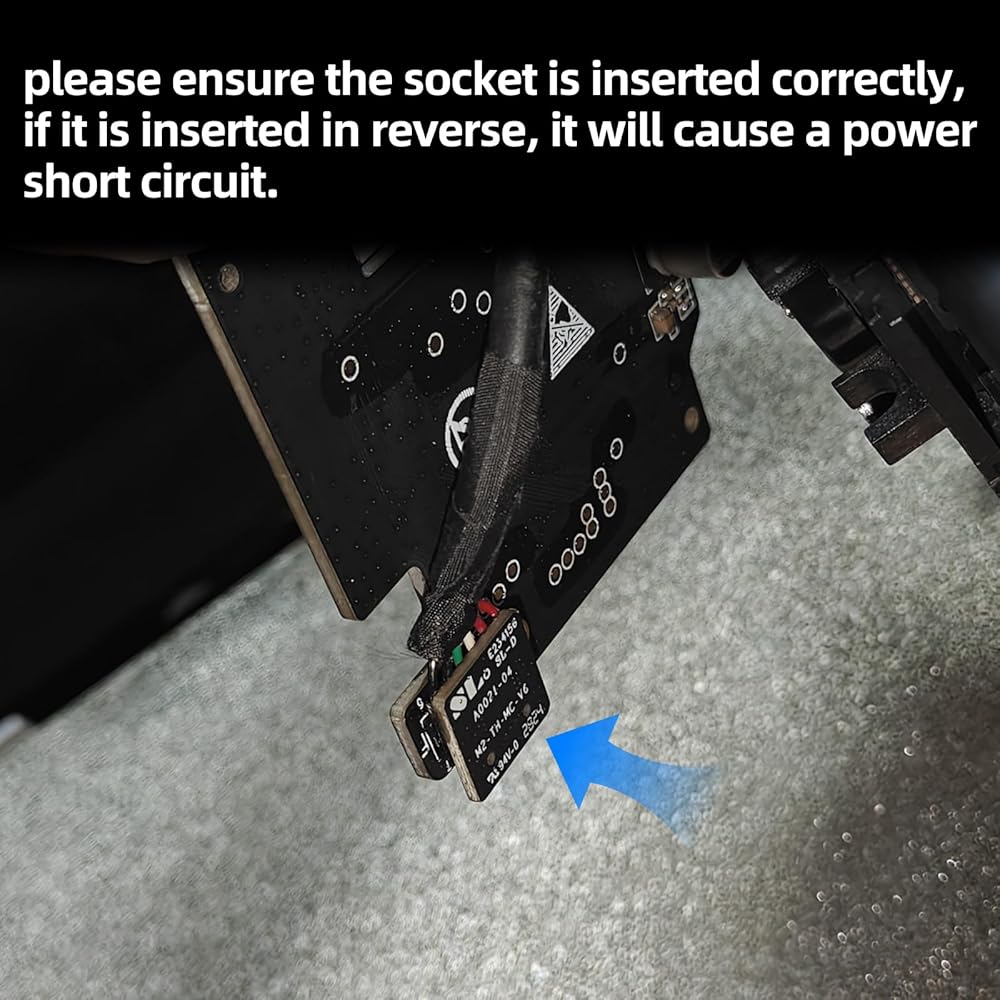
It is the signal cable from the MC board to the extruder board on the tool-head
 3D Printer Accessories Single LED Magntic Control Switch Light: 3V White Lights 1Pcs Lamp Bead No Power Supply for 3D Printing DIY Project Model Lighting
SAR 47
3D Printer Accessories Single LED Magntic Control Switch Light: 3V White Lights 1Pcs Lamp Bead No Power Supply for 3D Printing DIY Project Model Lighting
SAR 47
 3D Printer Accessories Camera Replacement Kit for Adventure 5M/ 5M Pro: 7.09in Camera Extension Cable - Real-time and Remote Monitoring AD5M Printing Process Save Filament
SAR 157
3D Printer Accessories Camera Replacement Kit for Adventure 5M/ 5M Pro: 7.09in Camera Extension Cable - Real-time and Remote Monitoring AD5M Printing Process Save Filament
SAR 157
 3D Printer Accessories Hall Switch Board Compatible with BambuLab X1 X1C X1E: Filament Sensor Replacement with Connection Cable for Detecting Presence of Consumables in Hotend Extruder
SAR 68
3D Printer Accessories Hall Switch Board Compatible with BambuLab X1 X1C X1E: Filament Sensor Replacement with Connection Cable for Detecting Presence of Consumables in Hotend Extruder
SAR 68
 3D Printer Accessories AMS Feeding Funnel Assembly PCB Board: Filament Detection Sensor - Ensure Precision Printing
SAR 53
3D Printer Accessories AMS Feeding Funnel Assembly PCB Board: Filament Detection Sensor - Ensure Precision Printing
SAR 53