- Shopping, made easy.
- /
- Get the app!
What do you get?
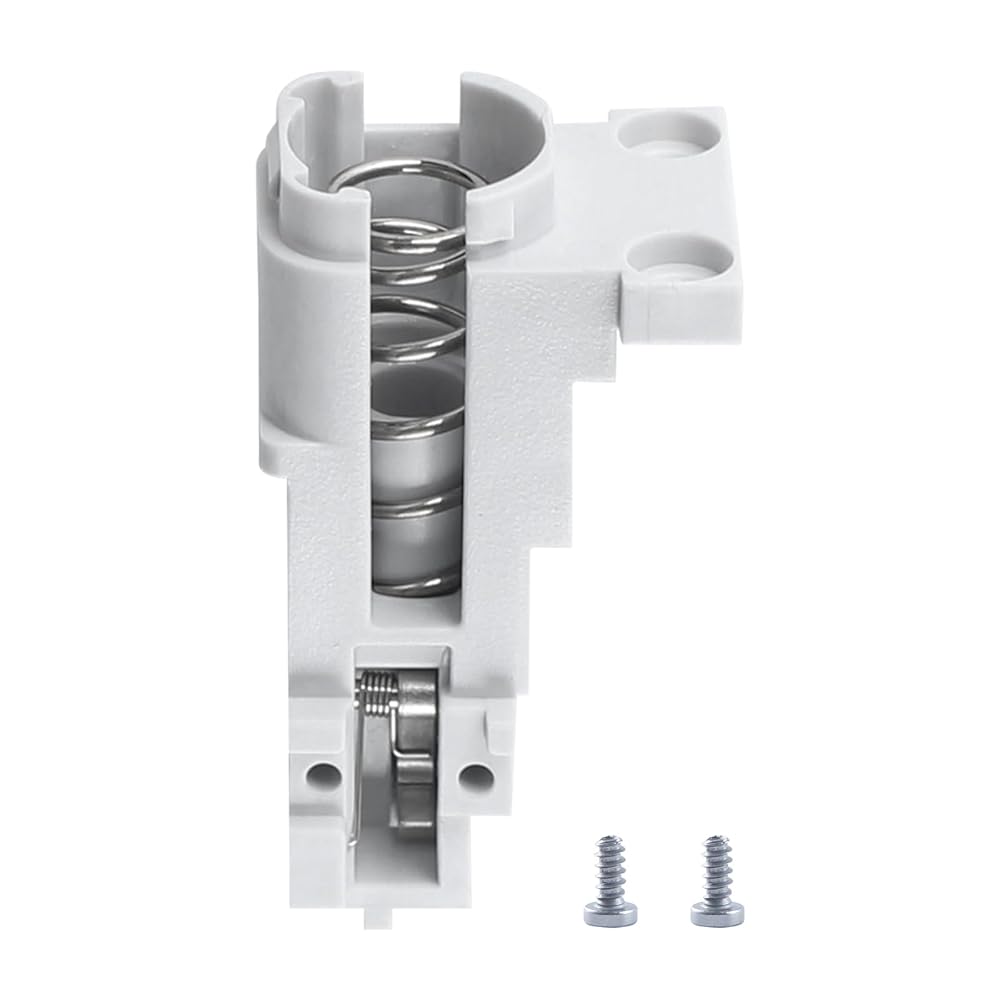
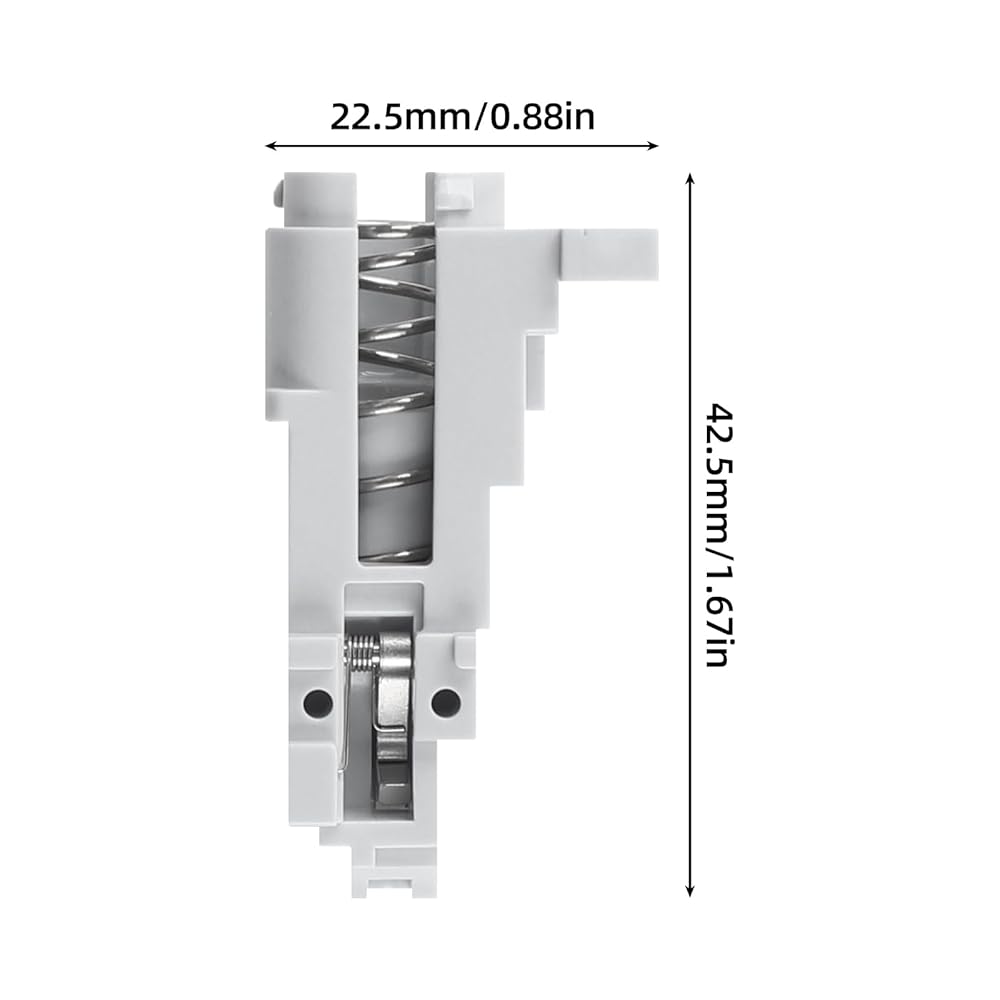
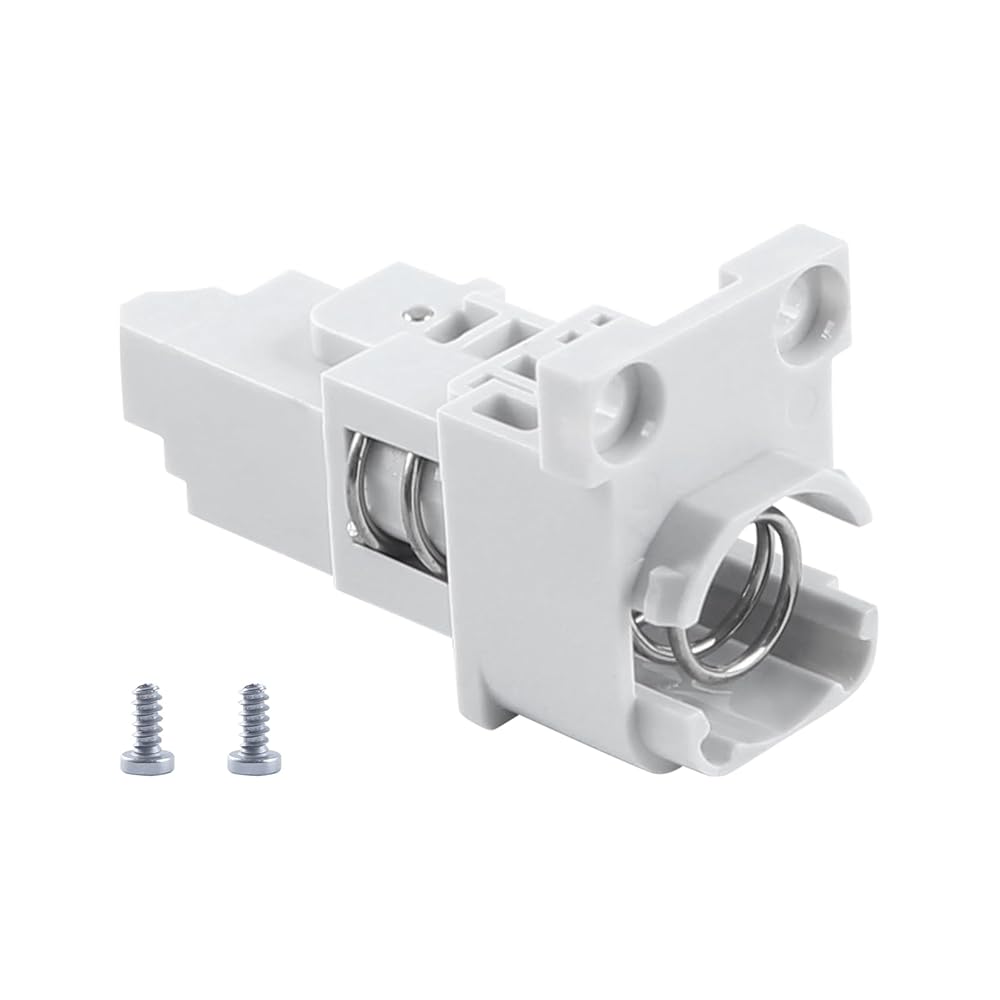
A1 Series Filament Sensor Base * 1
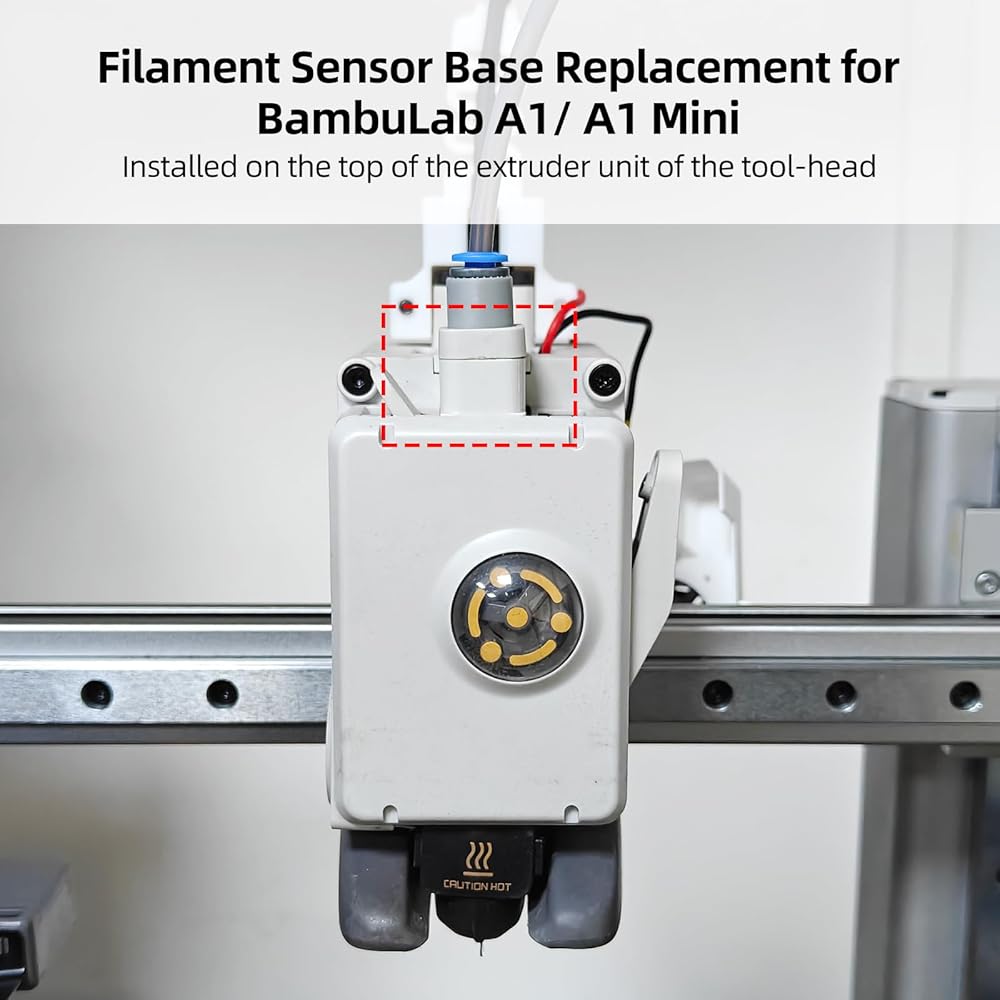
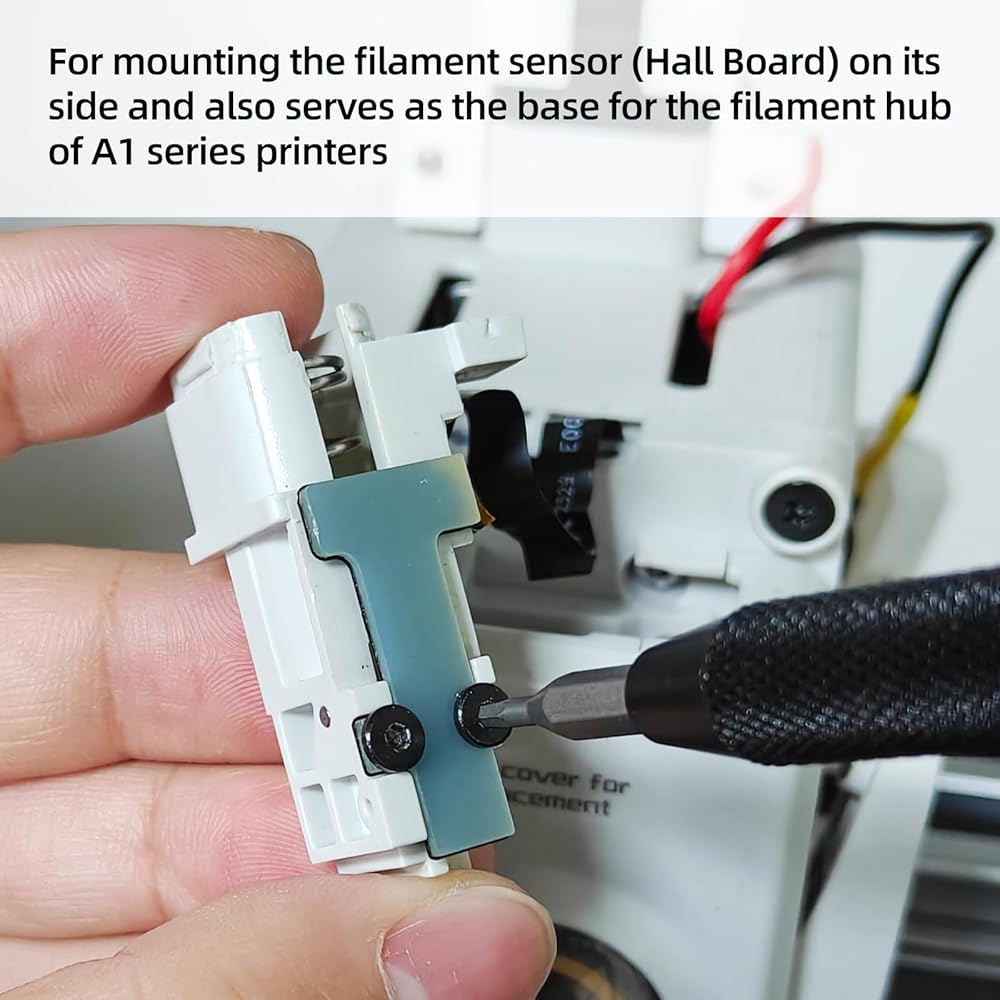
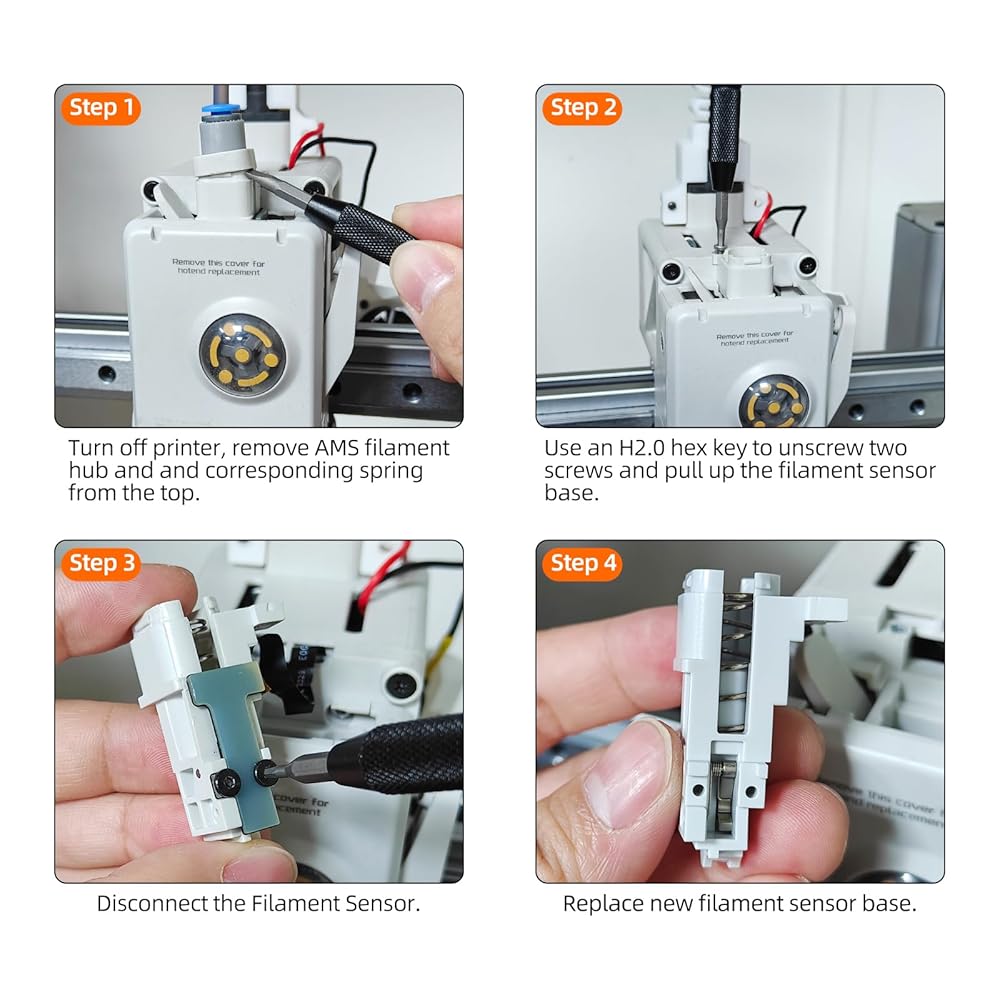
To install the filament sensor base, simply follow the reverse process of the reference disassembly. Please be careful to arrange the connection wiring properly to avoid any bending or damage
 BCZAMD CR-6 SE Auto Bed Leveling Sensor Module 3D Printer Full Assembled Extruder Part, CR-6 SE Hot End Accessories Compatible with Crealit CR-6 SE 3D Printer Parts
SAR 63
BCZAMD CR-6 SE Auto Bed Leveling Sensor Module 3D Printer Full Assembled Extruder Part, CR-6 SE Hot End Accessories Compatible with Crealit CR-6 SE 3D Printer Parts
SAR 63
 Immdinogo AMS Active Support Shaft Assembly for BambuLab P1P/P1S/X1/X1C/X1E AMS: Feeding Funnel Roller Replacement to Drive Filament Spool Rolling 3D Printer Accessories
SAR 84
Immdinogo AMS Active Support Shaft Assembly for BambuLab P1P/P1S/X1/X1C/X1E AMS: Feeding Funnel Roller Replacement to Drive Filament Spool Rolling 3D Printer Accessories
SAR 84
 Immdinogo 4-in-1 PTFE Adapter for BambuLab P1P/P1S/P2S/X1/X1C/X1E AMS: Filament Tube Expansion Port Replacement - Ensured Stable Multi-Color Material Printing 3D Printer Accessories
SAR 76
Immdinogo 4-in-1 PTFE Adapter for BambuLab P1P/P1S/P2S/X1/X1C/X1E AMS: Filament Tube Expansion Port Replacement - Ensured Stable Multi-Color Material Printing 3D Printer Accessories
SAR 76
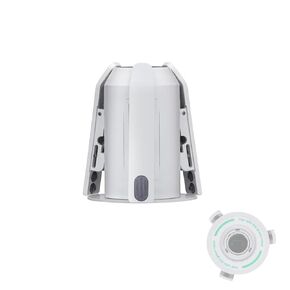 Immdinogo Rotary Spool Holder Replacement(Green) for BambuLab A1/ A1 Mini AMS lite: Used to Support and Hold Filament Spools - Ensured Smooth Consumables Feeding 3D Printer Accessories
SAR 141
Immdinogo Rotary Spool Holder Replacement(Green) for BambuLab A1/ A1 Mini AMS lite: Used to Support and Hold Filament Spools - Ensured Smooth Consumables Feeding 3D Printer Accessories
SAR 141