- Shopping, made easy.
- /
- Get the app!
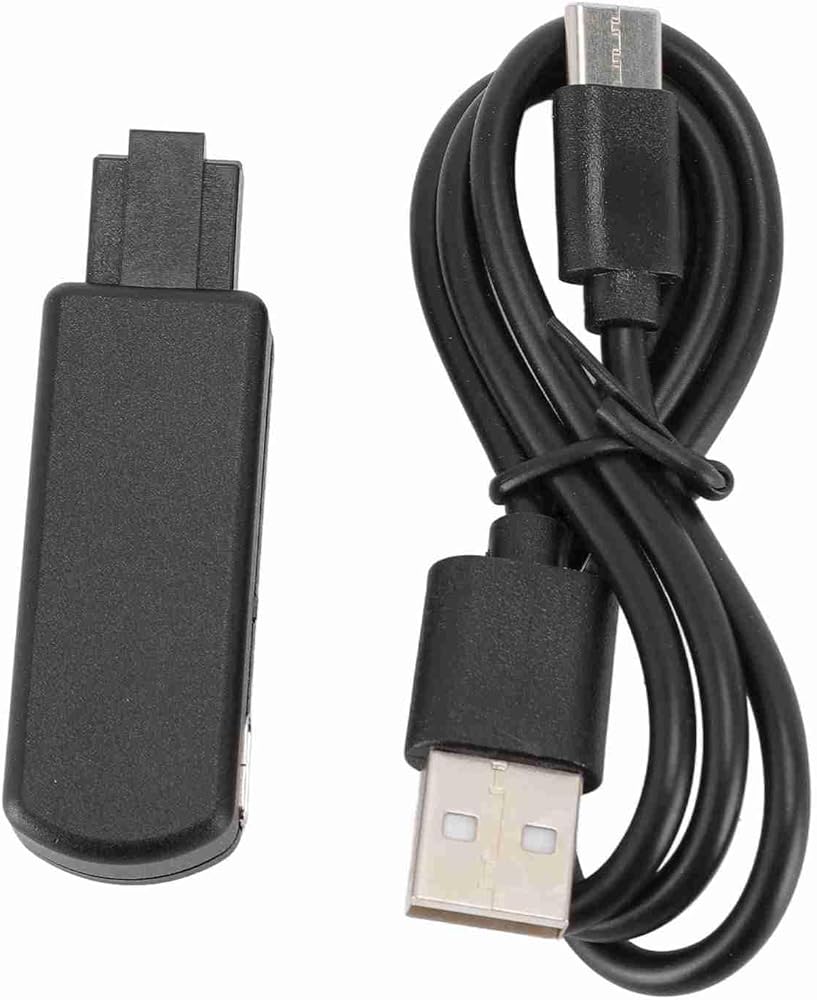
[Seamless Connectivity] Enjoy reliable internet access with the integrated Ethernet port for fast and stable connections.
[Wide System Compatibility] This USB Adapter supports system versions FW 9.0 through 11.0, allowing users to easily.
[Modern Design] Crafted from aluminum alloy for durability, combining functionality with an attractive black finish.
[Easy Setup] Plug and play design simplifies connection; includes a manual for straightforward installation.
[Versatile Usage] Ideal for GAMERS looking to enhance their gaming experience with robust performance and reliability.
Item Type: Tool USB Adapter
Material: Aluminum Alloy, ABS
Input Port: Ethernet Port
Power Port: Type C
Supported Systems: For FW 9.0 11.0 Systems
Web Server Function:
You can access it on your browser, which allows you : 192.168.1.1
1. Change your for PPPwn settings
2. Shut down your for device
3. Execute PPPwn
4. Inject payload (make sure for BinLoader is enabled in for GoldHEN)
5. Turn on and off, power on and autorun (on by default)
6. You can manually edit the file located in . /etc/pppwn/config.json configuration file
1 USB Adapter
1 x USB Cable
1 x Instruction Manual
 Greensen Tool USB Adapter, ABS Material, Dual Modes for Custom Game USB Dongle, Compatible with FW 9.0 11.0 Systems
SAR 142
Greensen Tool USB Adapter, ABS Material, Dual Modes for Custom Game USB Dongle, Compatible with FW 9.0 11.0 Systems
SAR 142
 Greensen Card W50L 5DB Dual Band USB 3.0 Adapter for Desk Computer, HighSpeed Wireless Network Card, 300Mbps on 2.4G and 866Mbps on 5G for and
SAR 105
Greensen Card W50L 5DB Dual Band USB 3.0 Adapter for Desk Computer, HighSpeed Wireless Network Card, 300Mbps on 2.4G and 866Mbps on 5G for and
SAR 105
 Greensen USB to Ethernet Adapter, 1 RJ45 100Mbps Ethernet Port and 3 Ports USB 3.0 Hub with Aluminium Alloy Casing, for Laptop Tablet Desktop
SAR 69
Greensen USB to Ethernet Adapter, 1 RJ45 100Mbps Ethernet Port and 3 Ports USB 3.0 Hub with Aluminium Alloy Casing, for Laptop Tablet Desktop
SAR 69
 Greensen Mist Maker, DC 12V Fountain Fogger with Technology for Indoor Outdoor Pond, Fish Tank, Bonsai Decor
SAR 73
Greensen Mist Maker, DC 12V Fountain Fogger with Technology for Indoor Outdoor Pond, Fish Tank, Bonsai Decor
SAR 73

