- Shopping, made easy.
- /
- Get the app!
5G WIFI Backup CameraCompany IntroductionWith over 10 years of focus on the car accessories industry, we are committed to providing high-quality products and excellent service. Customer Satisfaction is always our top priority. We offer a 1-year warranty (under normal use) and lifelong service for all our products.
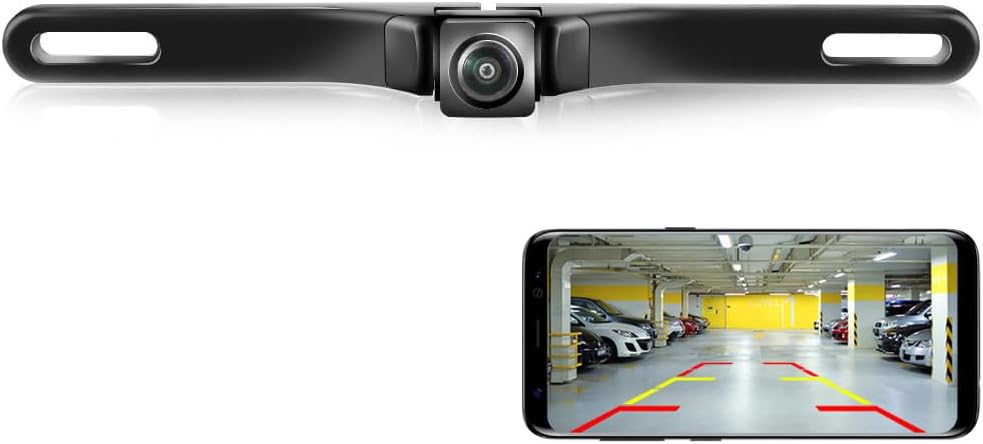
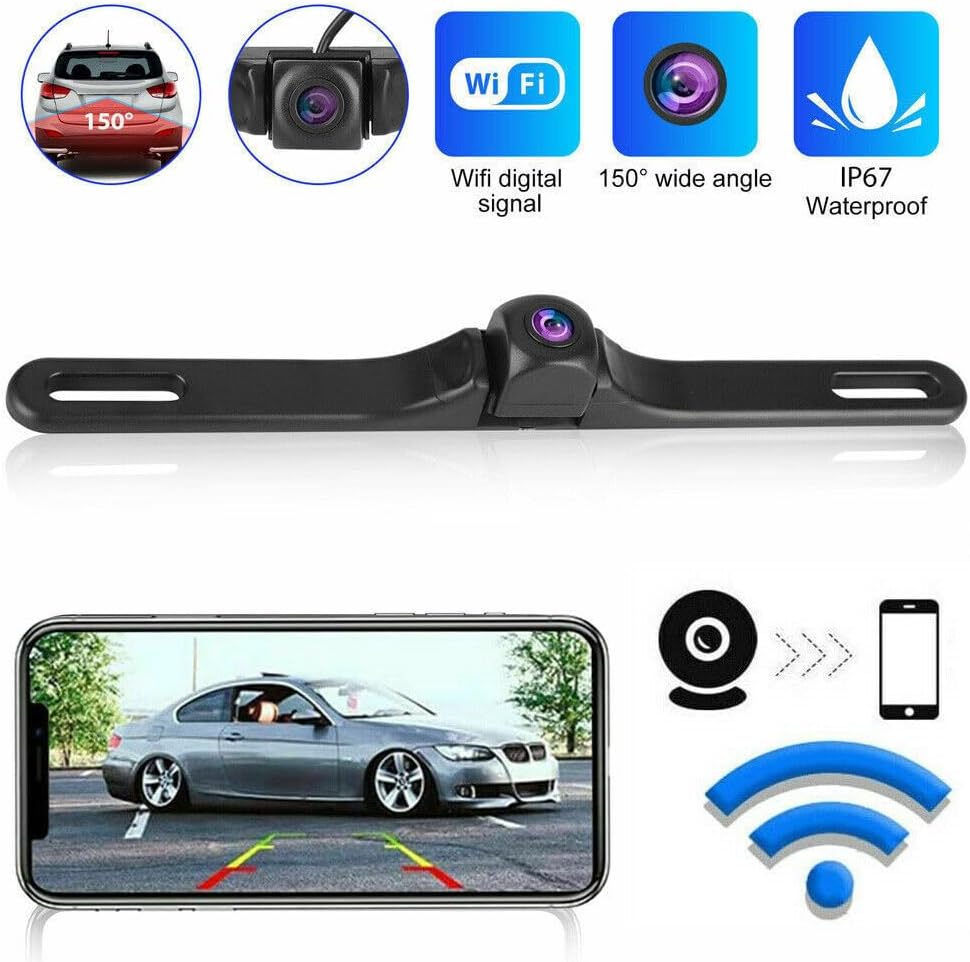
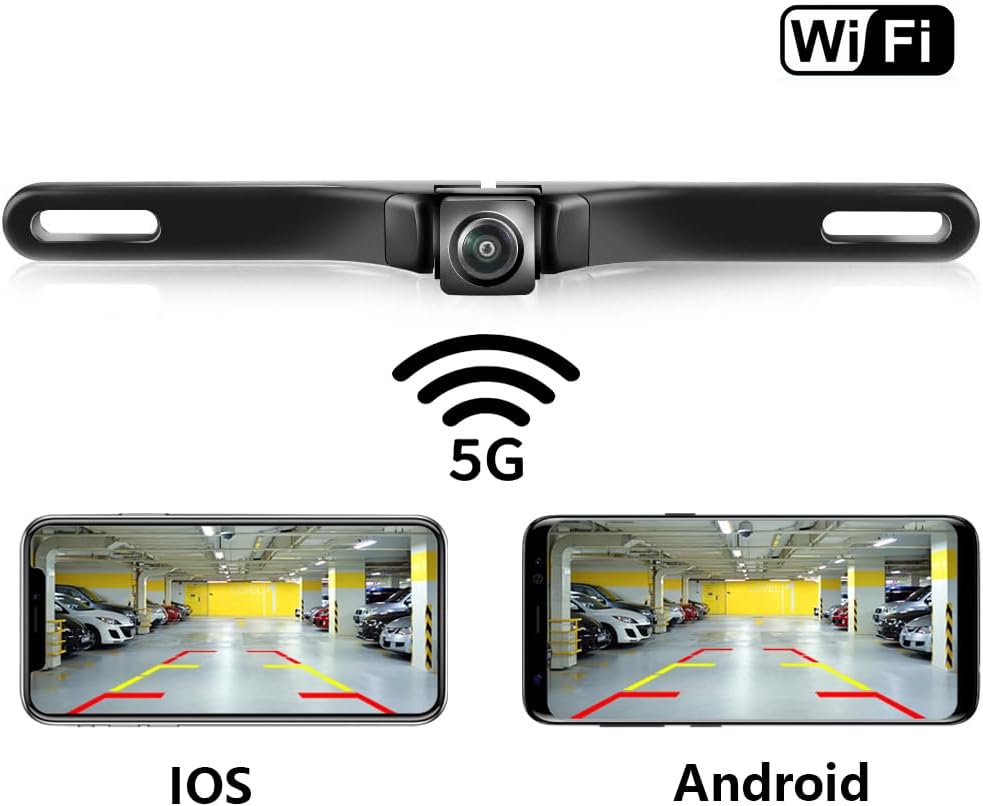
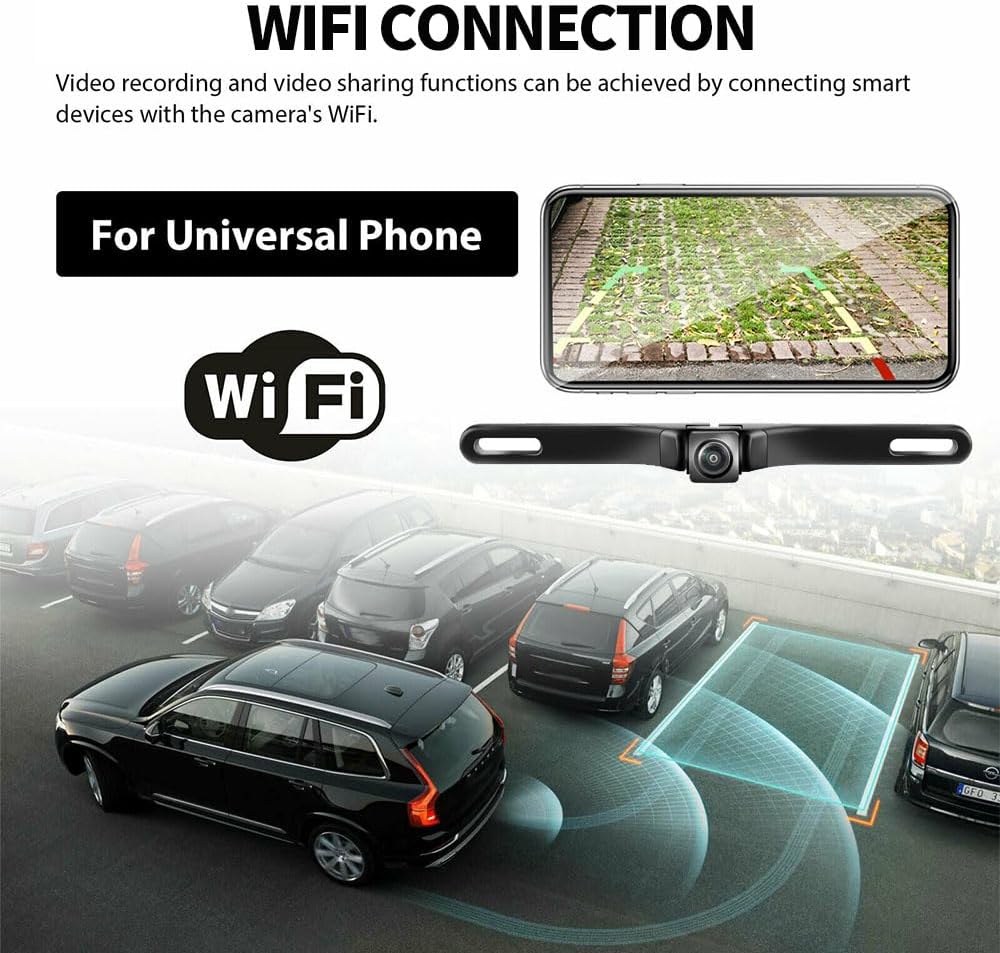
Product FeaturesWorld's first 5G WIFI car camera, supporting simultaneous use of smartphones and smart car platforms
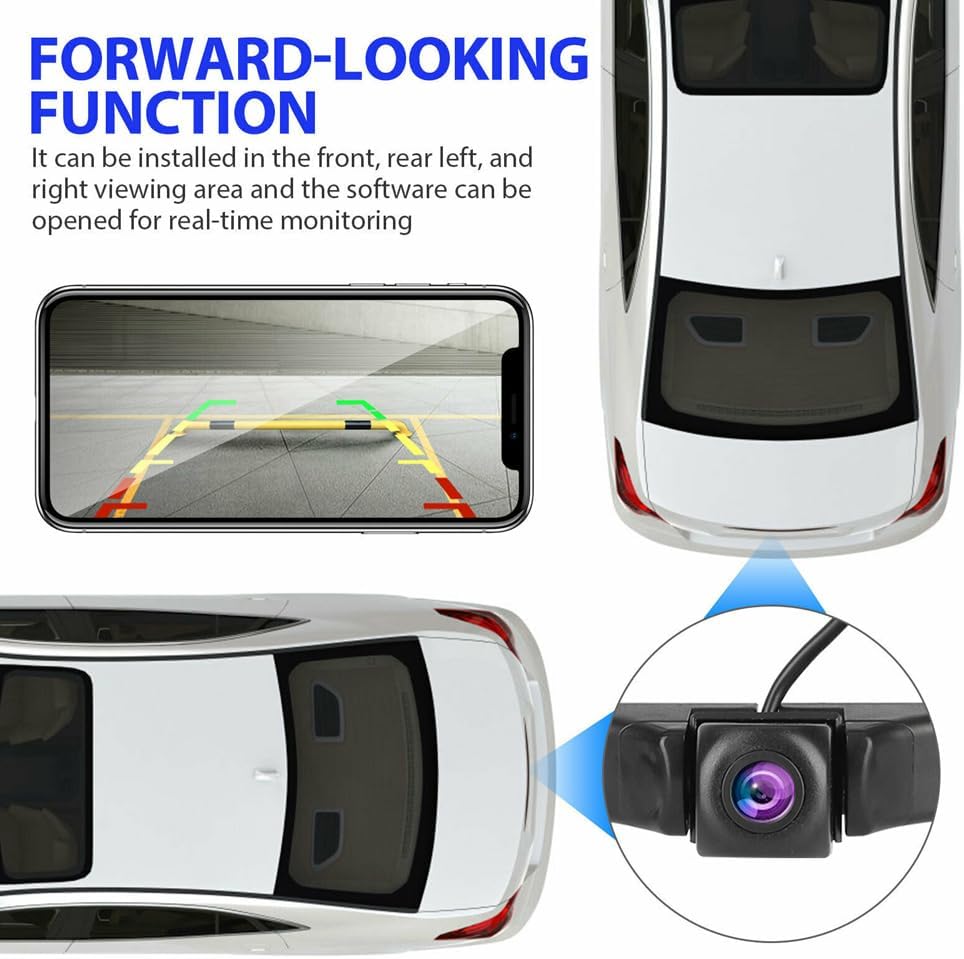
Wireless connection for visual backing and vehicle blind area assistance
Compatible with Android/iOS devices, tablets, and Android car consoles
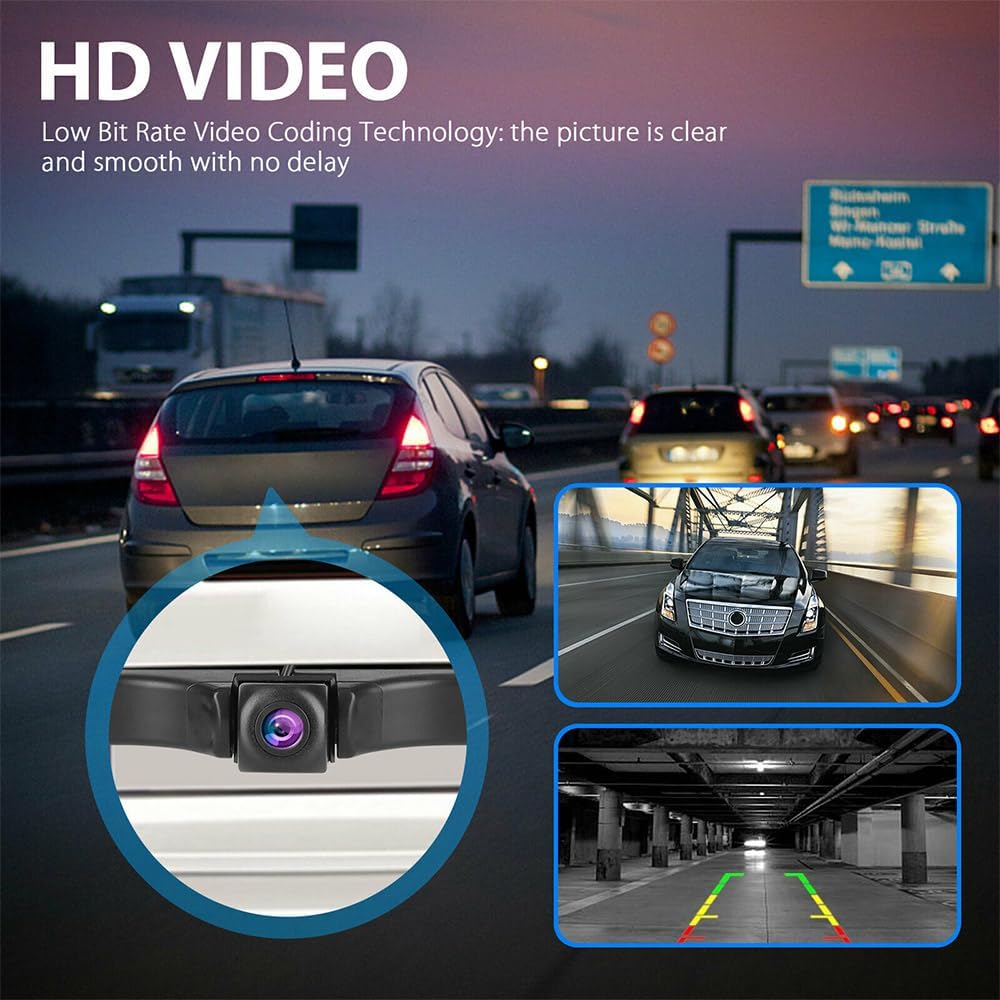
5G high-speed transmission with H.264 video coding, no interference or freezing
Super fast start chip for quick response and stable performance
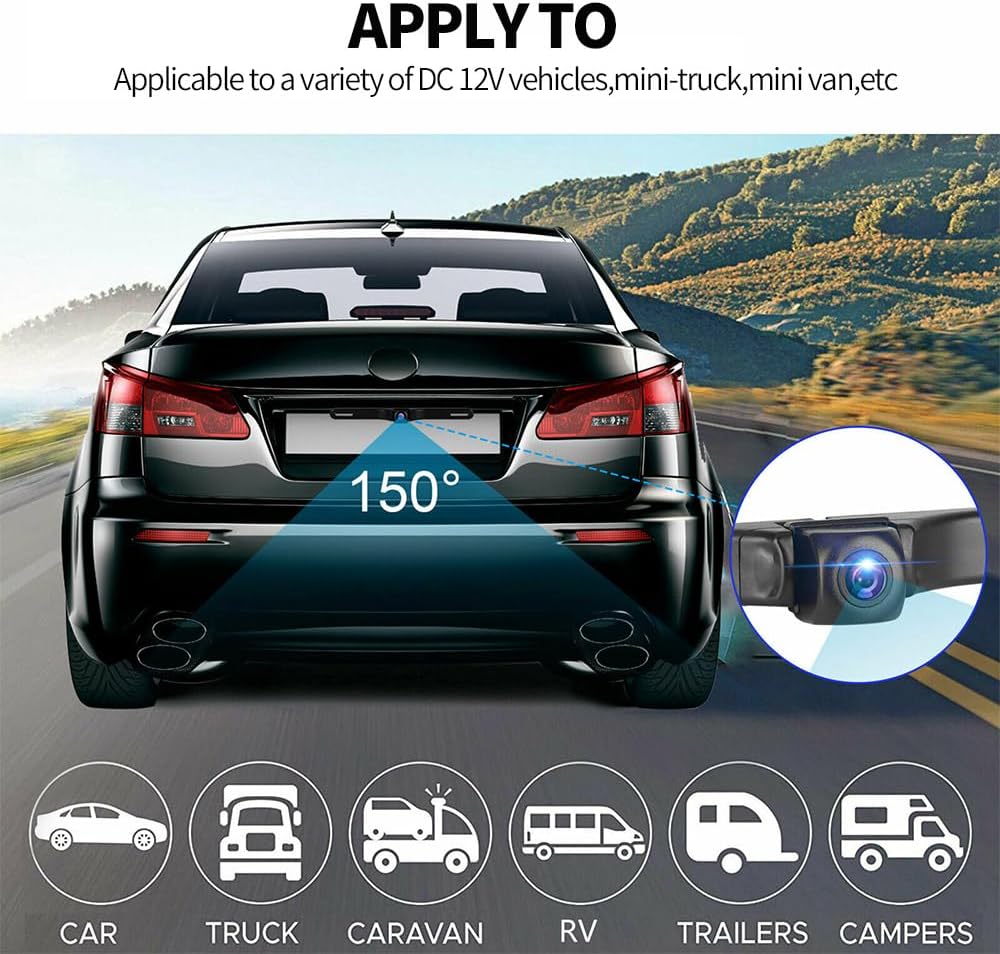
HD 720P resolution (1280x720 pixels) with 160° wide viewing angle
Professional automotive-grade platform and user-friendly APP
Main FunctionsParking assistance (rear/front view switchable via APP)
Photo taking and video recording with gallery management
Voice-activated APP startup for hands-free operation
Adjustable guide lines (width, height, on/off in settings)
Auto screen rotation for full-screen horizontal view
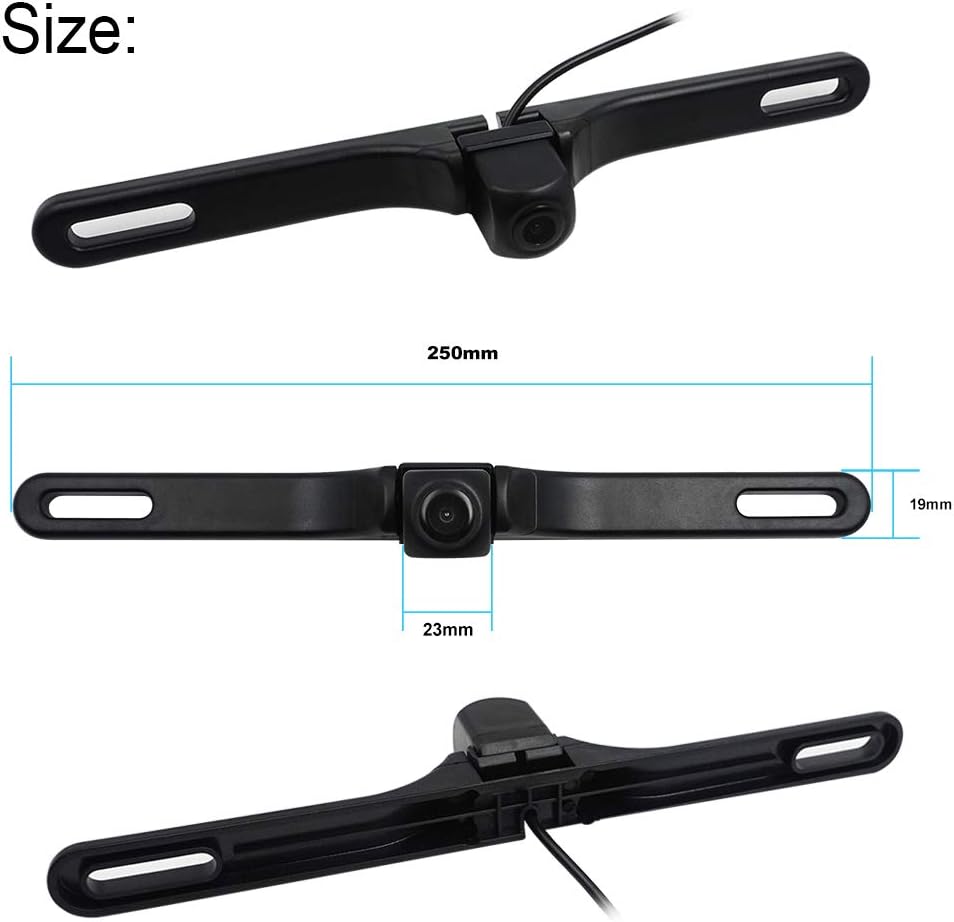
90° adjustable camera body with screw fixation
Technical Specifications Parameter Details Transmission WIFI digital signal (Dual Band: 2.4GHz/5GHz) Video Compression H.264 Transmission Distance 30-50 meters Operating Temperature -4°F ~ 140°F Working Humidity 85%RH Power Supply ACC 9-25V / 5V USB Power Consumption 100mA Waterproof Grade IP68 Fixing Method License plate mount Compatible DevicesRequires devices with:
Double Band WIFI (IEEE 802.11 a/b/g/n/ac)
Android 5.0+ or iOS 7.0+
Note: Old/cheap Android devices may lack Dual Band WIFI support. Please verify before use. Usage StepsDownload "JoyTrip" APP from Google Play/App Store or scan QR code
Connect camera to 12V power supply (ACC/vehicle lights/USB)
Connect to camera's WIFI hotspot (starts with "car...")
Open JoyTrip APP to view live feed
Installation GuideTest camera with device before permanent installation
Connect power wires (Red=+ / Black=-)
Route wires and fix license plate frame
Adjust camera angle (90° range) and tighten screws
Professional installation is recommended for non-experts. Important NotesGrant all APP permissions (location/WLAN) for proper function
For Android: Ignore "no internet" prompts to use mobile data
For iOS: Enable "Wi-Fi Assist" in settings for concurrent internet use
Keep WIFI antenna away from metal objects to avoid signal loss
Multiple users can connect, but may experience delay
Q&A Q: Can't find WIFI hotspot? A: Check power connection (12V 80mA) and ensure wires are properly connected. Q: Weak WIFI signal? A: Keep antenna away from metal and minimize obstructions between camera and device. Q: No image after connection? A: Reconnect WIFI or re-install APP to confirm permissions.
 Eversecu Waterproof Wireless Backup Camera and 7" HD LCD Monitor Kit for RV/SUV/Van/Pickup/Truck/Trailer Rear/Side/Front View System Switchable
SAR 521
Eversecu Waterproof Wireless Backup Camera and 7" HD LCD Monitor Kit for RV/SUV/Van/Pickup/Truck/Trailer Rear/Side/Front View System Switchable
SAR 521
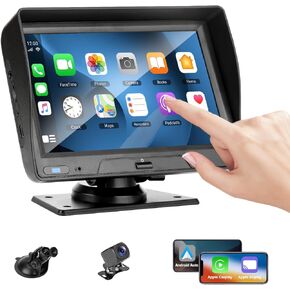 EVERSECU 7 Inch Touch Screen Car Stereo & Backup Camera, Apple Carplay Android Auto, Portable Car Radio with Bluetooth Hands-Free/Mirror Link/Maps Navigation/Voice Control/AUX, for Car, Truck, SUV
SAR 261
EVERSECU 7 Inch Touch Screen Car Stereo & Backup Camera, Apple Carplay Android Auto, Portable Car Radio with Bluetooth Hands-Free/Mirror Link/Maps Navigation/Voice Control/AUX, for Car, Truck, SUV
SAR 261
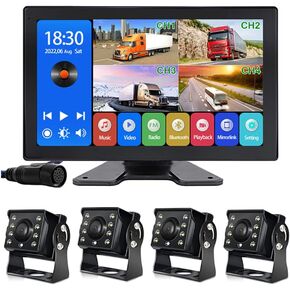 EVERSECU 4K Car Backup Cameras System with 10.1" Touch Screen Quad Display Monitor & 4pcs 1080P Backup AHD Cameras, MP5 Player, Vehicle DVR Recorder for RV/Truck/Bus/Trailer/Camper/Van
SAR 819
EVERSECU 4K Car Backup Cameras System with 10.1" Touch Screen Quad Display Monitor & 4pcs 1080P Backup AHD Cameras, MP5 Player, Vehicle DVR Recorder for RV/Truck/Bus/Trailer/Camper/Van
SAR 819
 -10%
EVERSECU Car Backup Cameras System with 9'' Quad Split Monitor for RV Trailer Semi Truck Camper Bus & 4 AHD 1080P Rear&Side View Cameras with DVR Record Function Night Vision IP69 Waterproof
SAR 657
-10%
EVERSECU Car Backup Cameras System with 9'' Quad Split Monitor for RV Trailer Semi Truck Camper Bus & 4 AHD 1080P Rear&Side View Cameras with DVR Record Function Night Vision IP69 Waterproof
SAR 657