- Shopping, made easy.
- /
- Get the app!
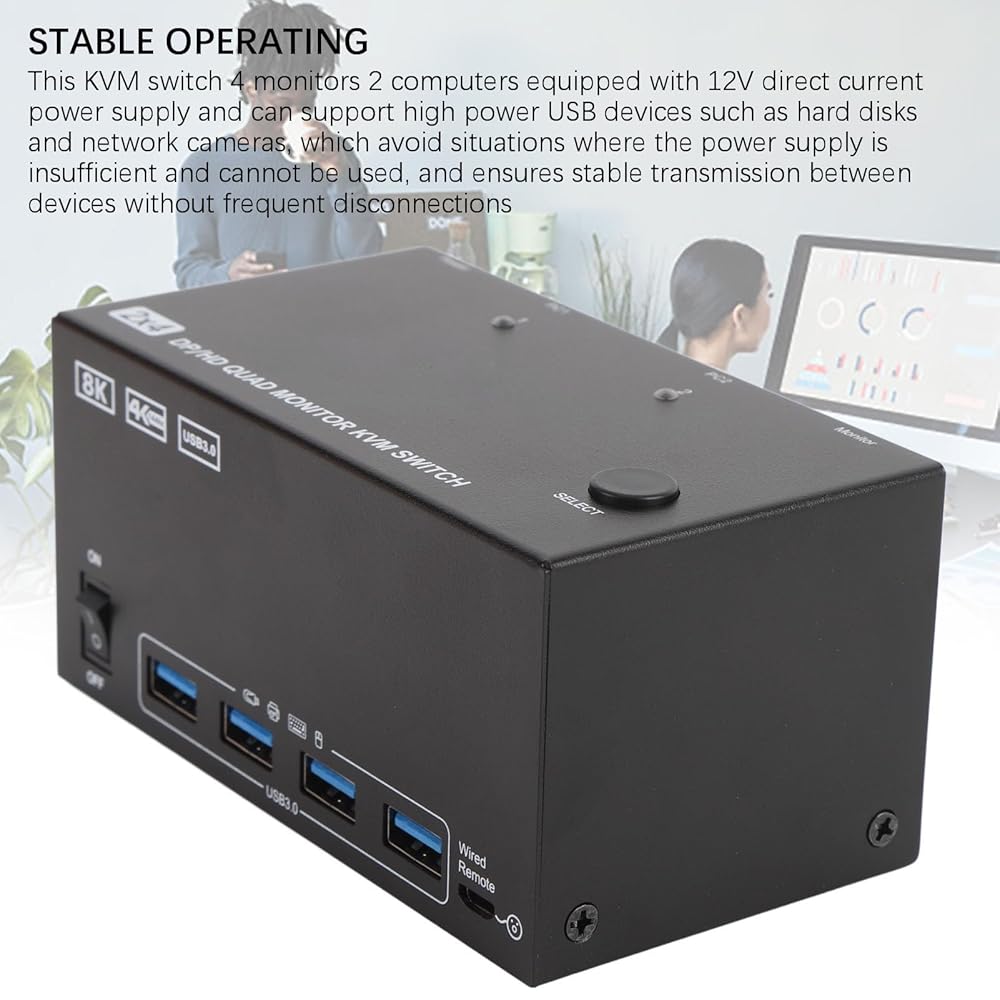
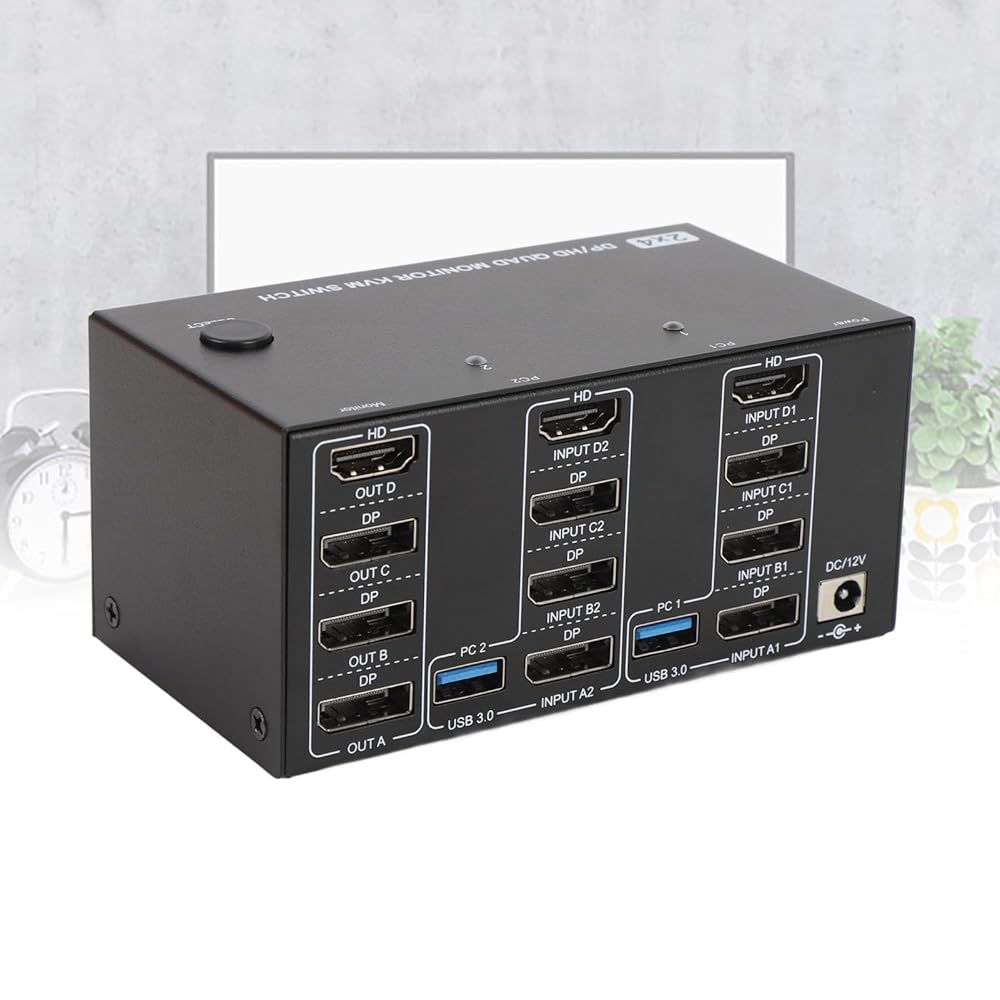
Specification:
Item Type: KVM Switch
Material: Iron
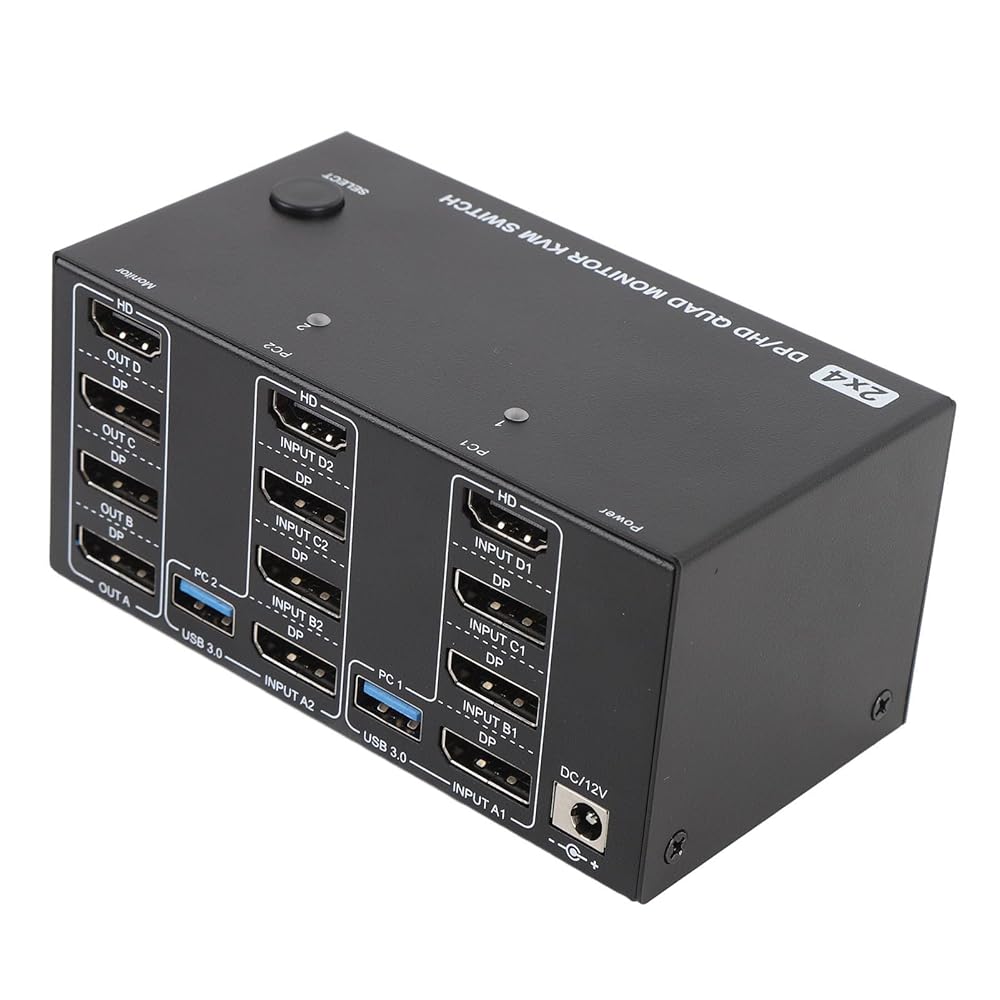
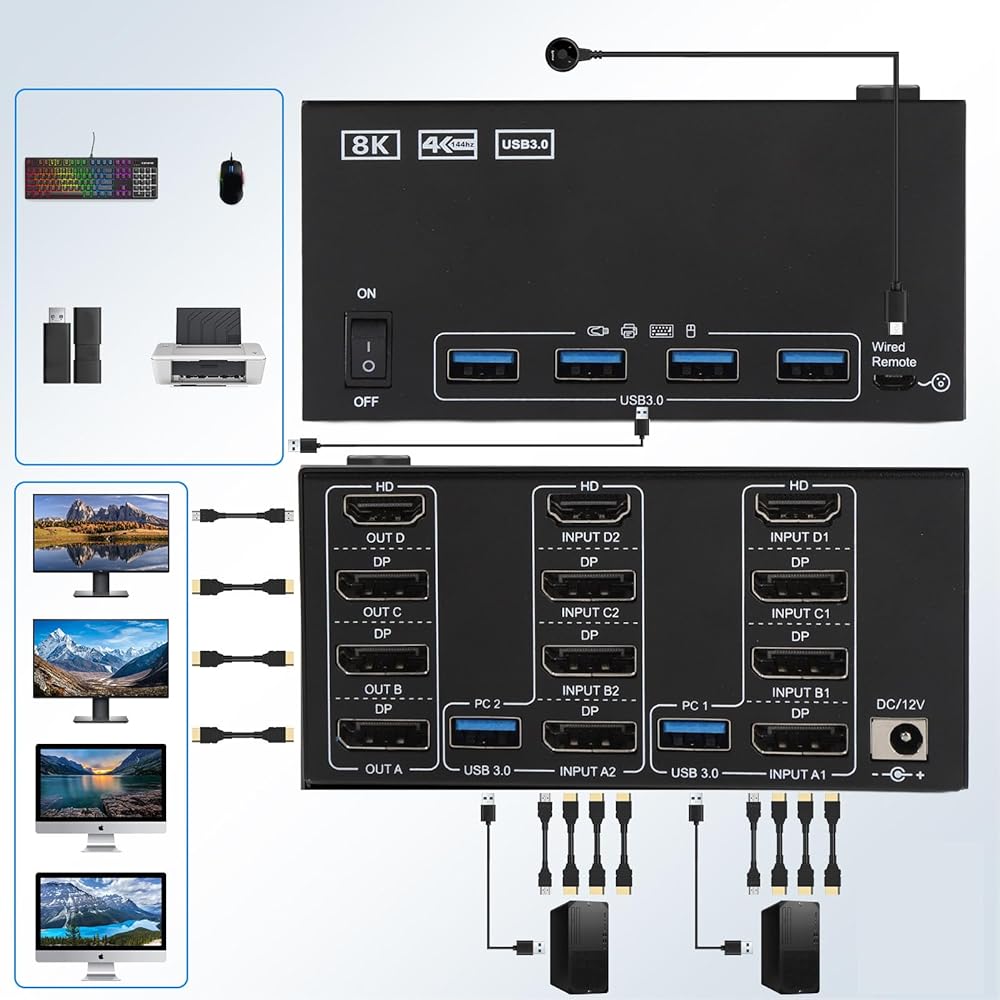
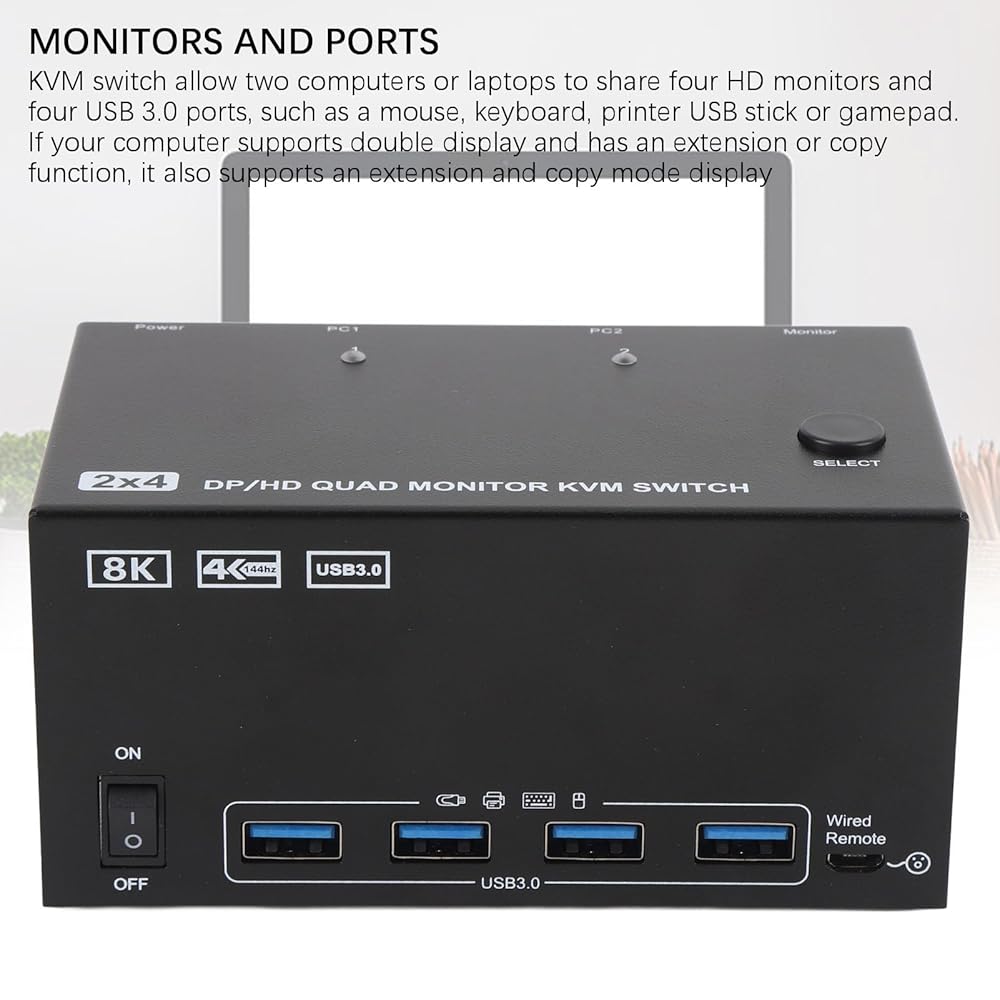
Input Interface: 2 x PC (+++HD), 2 x USB A (USB 3.0)
Output Interface: 3 x + 1 x HD (display)
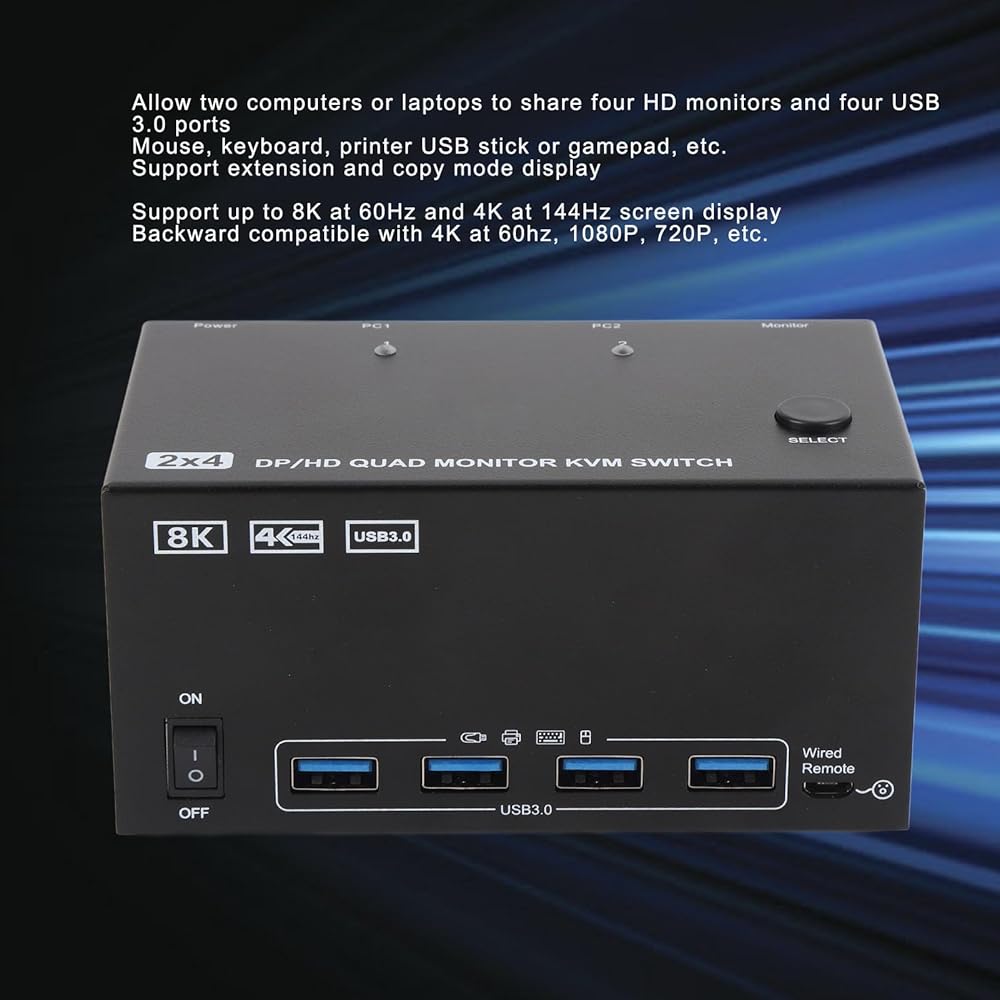
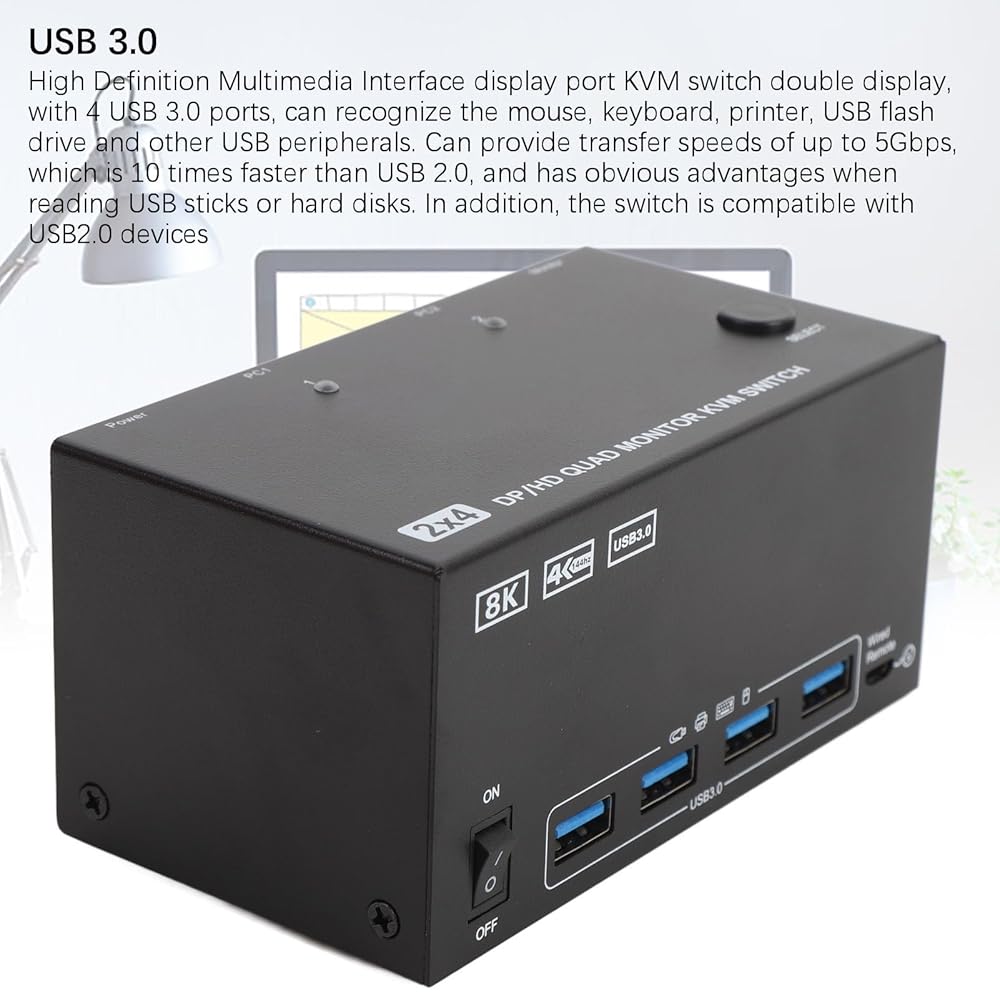
Additional Interface: 4 x USB A (USB 3.0)
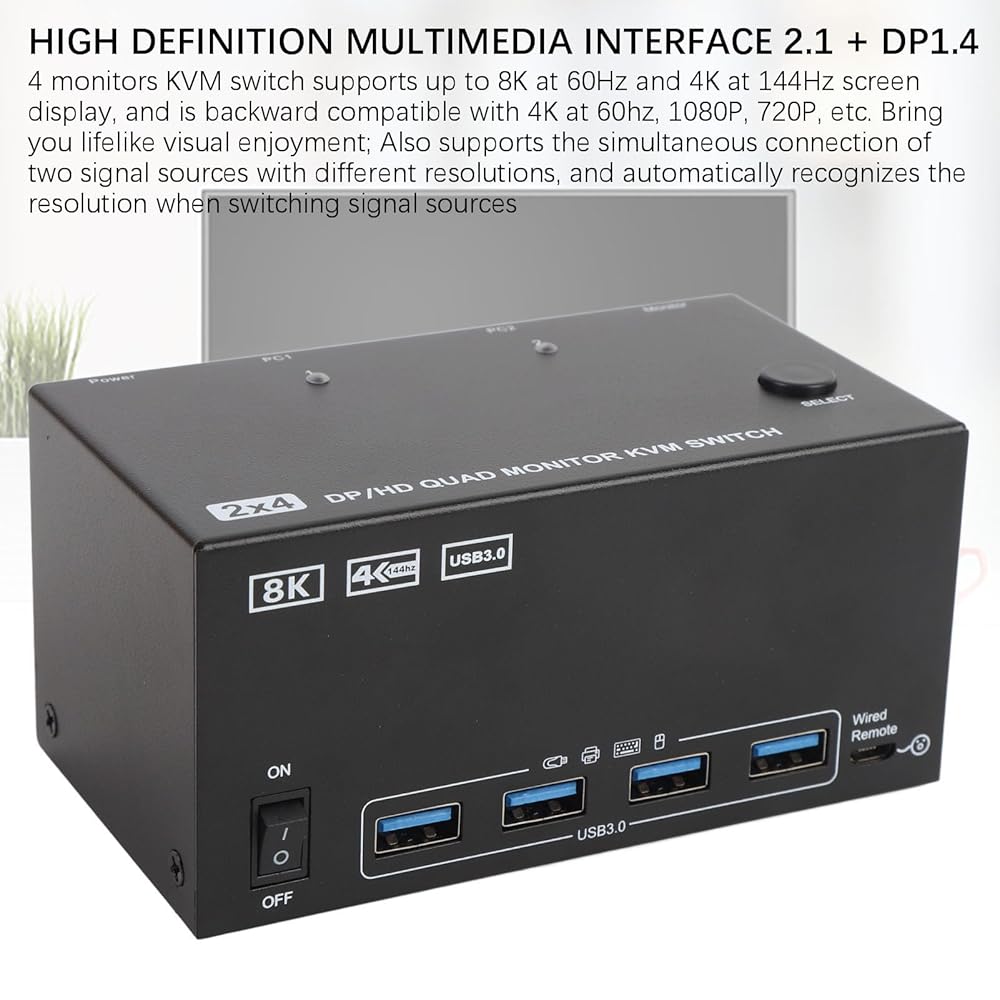
HD Specification: HD 2.1 (support 8K at 60Hz/4K at 60Hz)
Specification: 1.4 (support 8K at 60Hz/4K at 144Hz)
USB A Transfer Rate: 5Gbps
Compatible Systems: For OS X, for OS, for , and for Unix computers
How to Use:
Take out the product from the power supply for use.
packing list:
1 x KVM Switch
1 x Adapter
1 x Desktop Controller
2 x USB Cable
1 x User Manual
Note:
1. The computer and monitors to be used need to be equipped with High Definition Multimedia Interface port and port, do not support the use of High Definition Multimedia Interface to and to High Definition Multimedia Interface conversion cable.
2. Keyboard shortcuts (hotkeys) are not supported.
3. You must connect the direct current 12V power adapter to the KVM switch to work properly.
 23S2G Detachable External USB3.0 DVD CD Player Enclosure for Laptop CD ROM Burner Case, External DVD Drive Box Compatible with Laptop Desktop PC Win2K XP 2003 for Vista 7 for Linux
SAR 75
23S2G Detachable External USB3.0 DVD CD Player Enclosure for Laptop CD ROM Burner Case, External DVD Drive Box Compatible with Laptop Desktop PC Win2K XP 2003 for Vista 7 for Linux
SAR 75
 GOWENIC External DVD Drive Box, Detachable USB3.0/USB2.0 5 Gbps Laptop Optical Drive Enclosure, DVD PlayerBox for Laptop for 12.7mm/9.5mm SATA DVD RW Drive
SAR 79
GOWENIC External DVD Drive Box, Detachable USB3.0/USB2.0 5 Gbps Laptop Optical Drive Enclosure, DVD PlayerBox for Laptop for 12.7mm/9.5mm SATA DVD RW Drive
SAR 79
 GOWENIC External DVD Drive Case, USB 3.0 2.0Portable SATA DVD RW Drive Player, Rewriter Burner Writer Case Compatible with Laptop Desktop PC, for Windows, for iOS
SAR 67
GOWENIC External DVD Drive Case, USB 3.0 2.0Portable SATA DVD RW Drive Player, Rewriter Burner Writer Case Compatible with Laptop Desktop PC, for Windows, for iOS
SAR 67
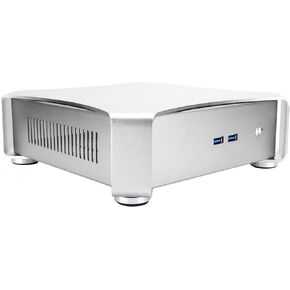 Mini PC Gaming Case, Mini HTPC ITX PC Gamer Computer Case, Vertical and Horizontal Desktop Chassis Suitable for Home Hotel Audiovisual Computer(Wine Red or Sliver) (Silver)
SAR 337
Mini PC Gaming Case, Mini HTPC ITX PC Gamer Computer Case, Vertical and Horizontal Desktop Chassis Suitable for Home Hotel Audiovisual Computer(Wine Red or Sliver) (Silver)
SAR 337