- Shopping, made easy.
- /
- Get the app!
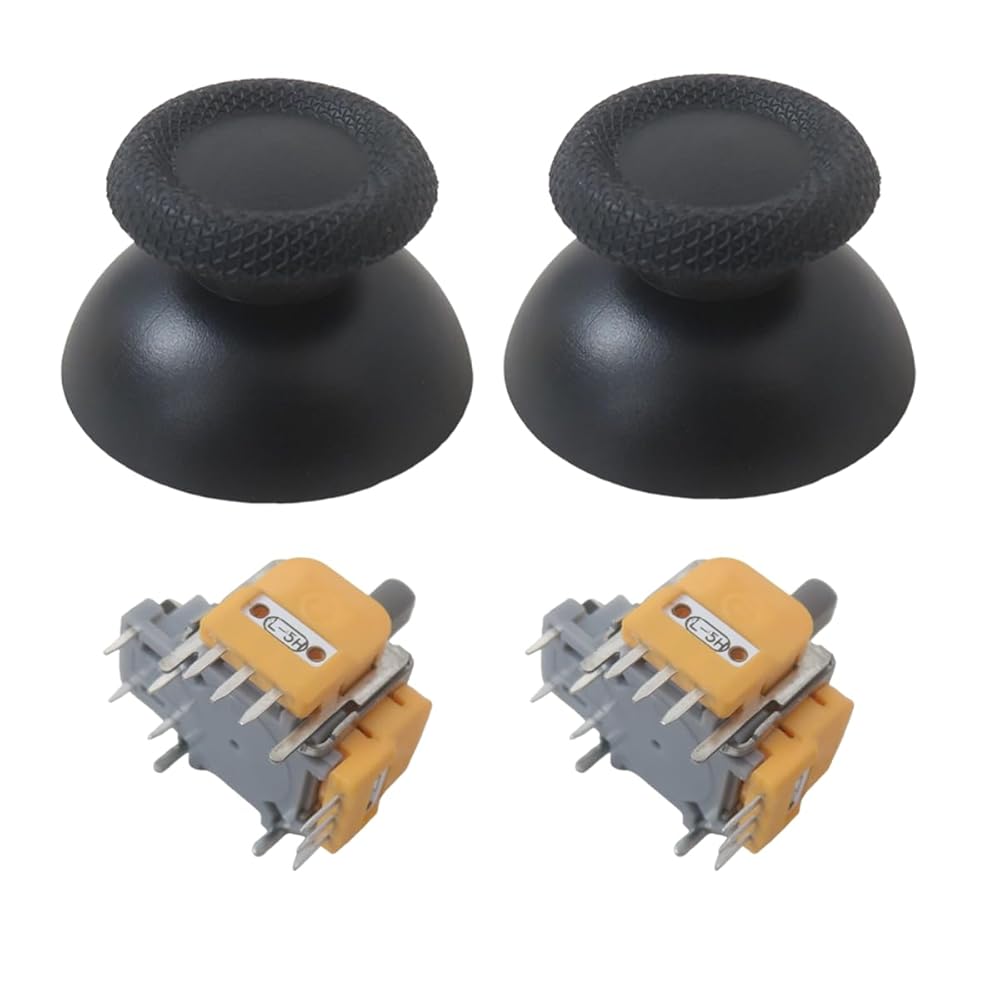
Anti-Drift TMR Magnetic Joystick Kit for PS5 DualSense/Edge - Hall Effect Replacement Module with Caps (Requires Soldering)
For optimal performance, please calibrate your new joysticks after installation:
For PS4 DualShock/PS5 DualSense & Switch Pro Controllers:
Before use, first run stick calibration using the Test Tool provided on our website (or product page). A detailed installation video is also available in our listing.
For Xbox Series Controllers:
After installation, go for your Xbox console settings or download the official “for Xbox Accessories” app from the Microsoft Store with PC. Find the “Recalibrate” option and follow the on-screen instructions.
This step is essential to achieve precise, drift-free control.
 For TMR Magnetic Joystick Replacement for Xbox Series X & S Controllers - Anti-Drift Hall Effect Module with Caps (Requires Soldering, Not for Xbox One/360/Elite 2)
SAR 68
For TMR Magnetic Joystick Replacement for Xbox Series X & S Controllers - Anti-Drift Hall Effect Module with Caps (Requires Soldering, Not for Xbox One/360/Elite 2)
SAR 68
 Anti-Drift TMR Magnetic Joystick Kit for Xbox Series X/S Controller - Hall Effect Replacement Module (Soldering Required, Not for Xbox One/360/Elite 2)
SAR 68
Anti-Drift TMR Magnetic Joystick Kit for Xbox Series X/S Controller - Hall Effect Replacement Module (Soldering Required, Not for Xbox One/360/Elite 2)
SAR 68
 For Xbox Series X/S Controller Repair Kit: TMR Magnetic Hall Effect Joystick Module - Anti-Drift Replacement (Soldering Required, Excludes Older Models)
SAR 68
For Xbox Series X/S Controller Repair Kit: TMR Magnetic Hall Effect Joystick Module - Anti-Drift Replacement (Soldering Required, Excludes Older Models)
SAR 68
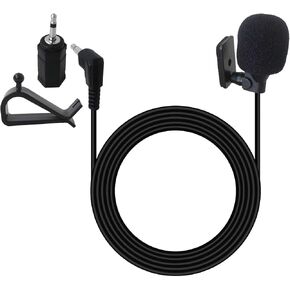 Universal Car Radio Microphone 3.5mm, Microphone with 3.5mm Female to 2.5mm Male Adapter, Repl. for Sony MEX-M50BT, XNV-660BT, XNV-770BT, XAV-72BT, XAV-712HD, XAV-70BT
SAR 63
Universal Car Radio Microphone 3.5mm, Microphone with 3.5mm Female to 2.5mm Male Adapter, Repl. for Sony MEX-M50BT, XNV-660BT, XNV-770BT, XAV-72BT, XAV-712HD, XAV-70BT
SAR 63

