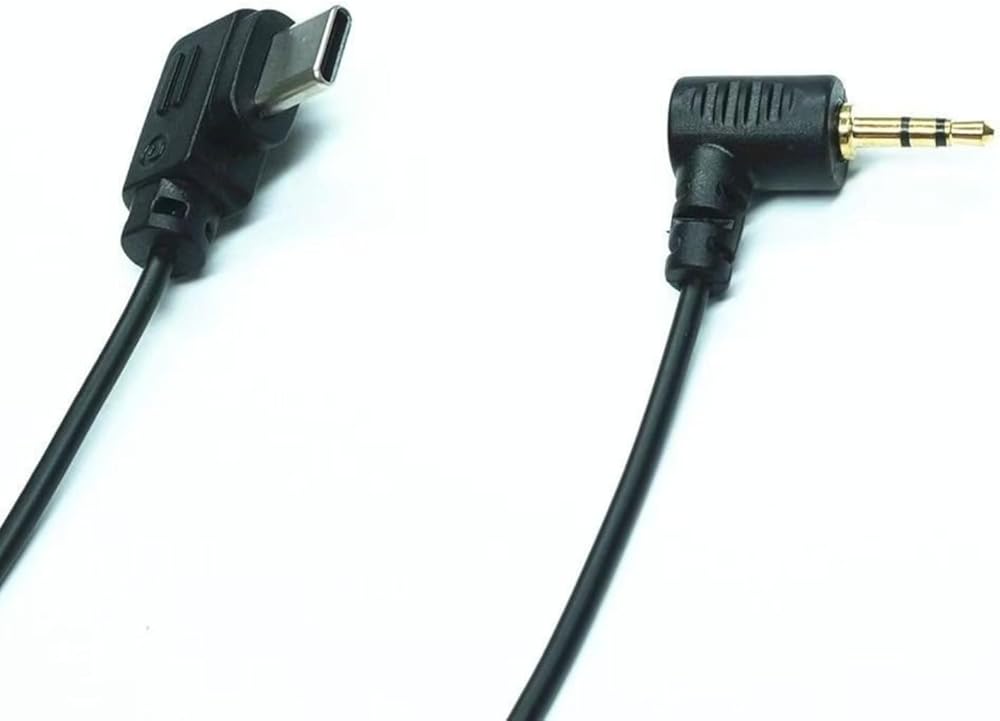
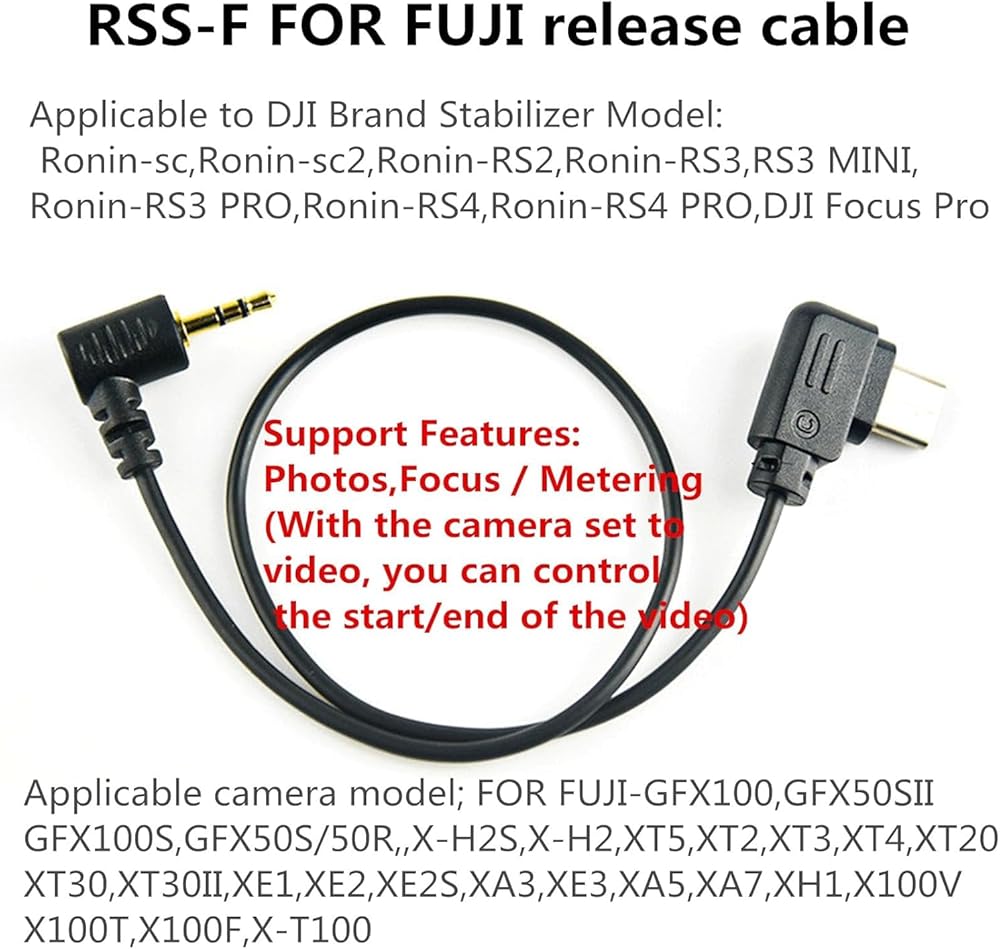
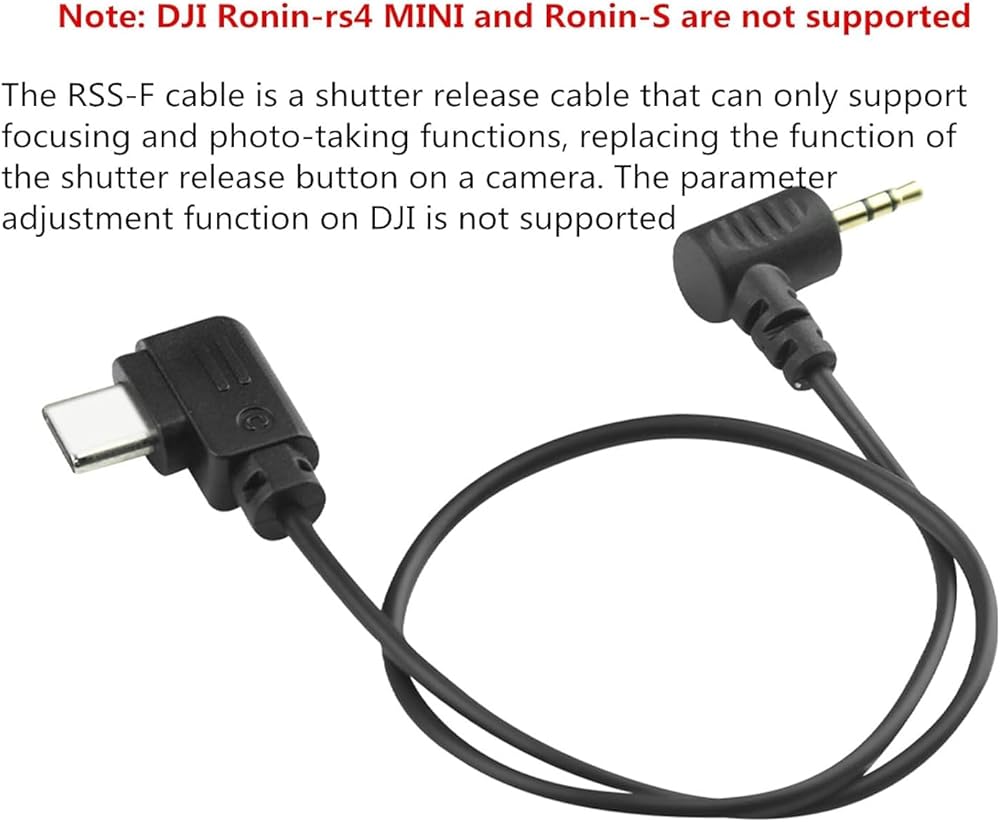
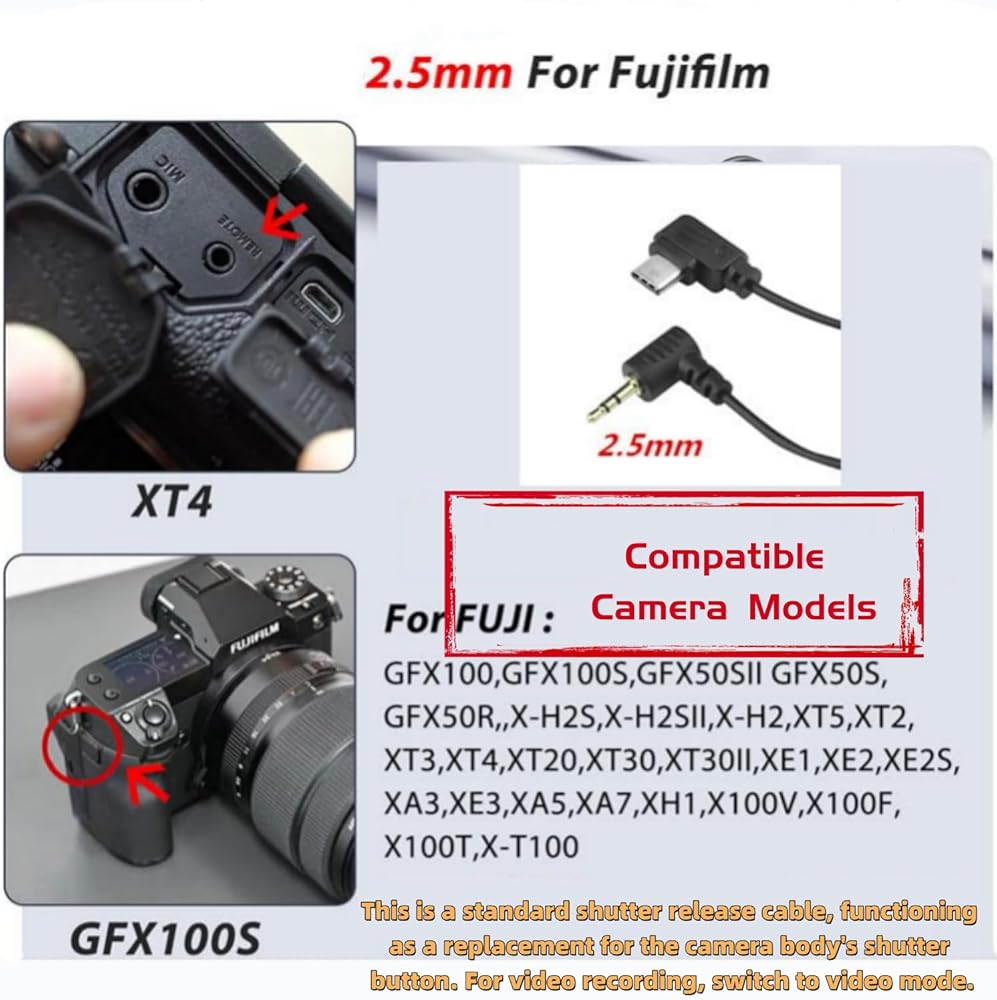
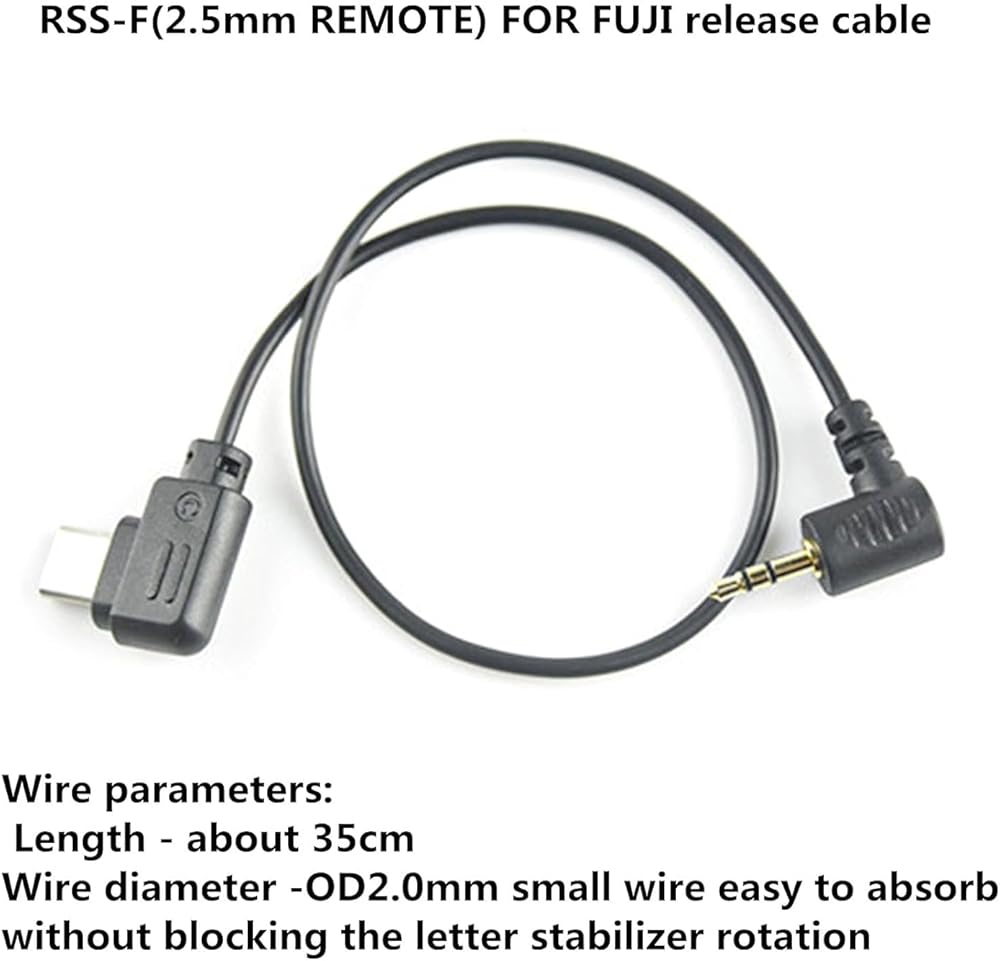
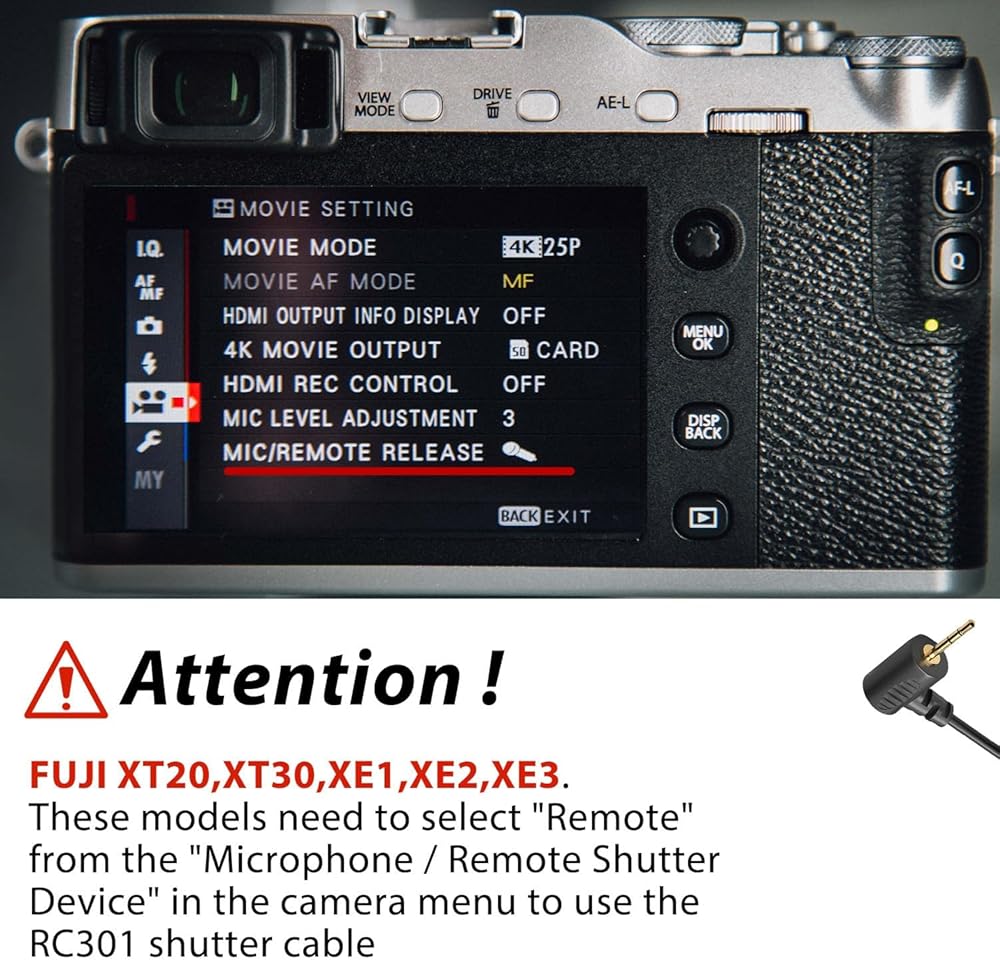
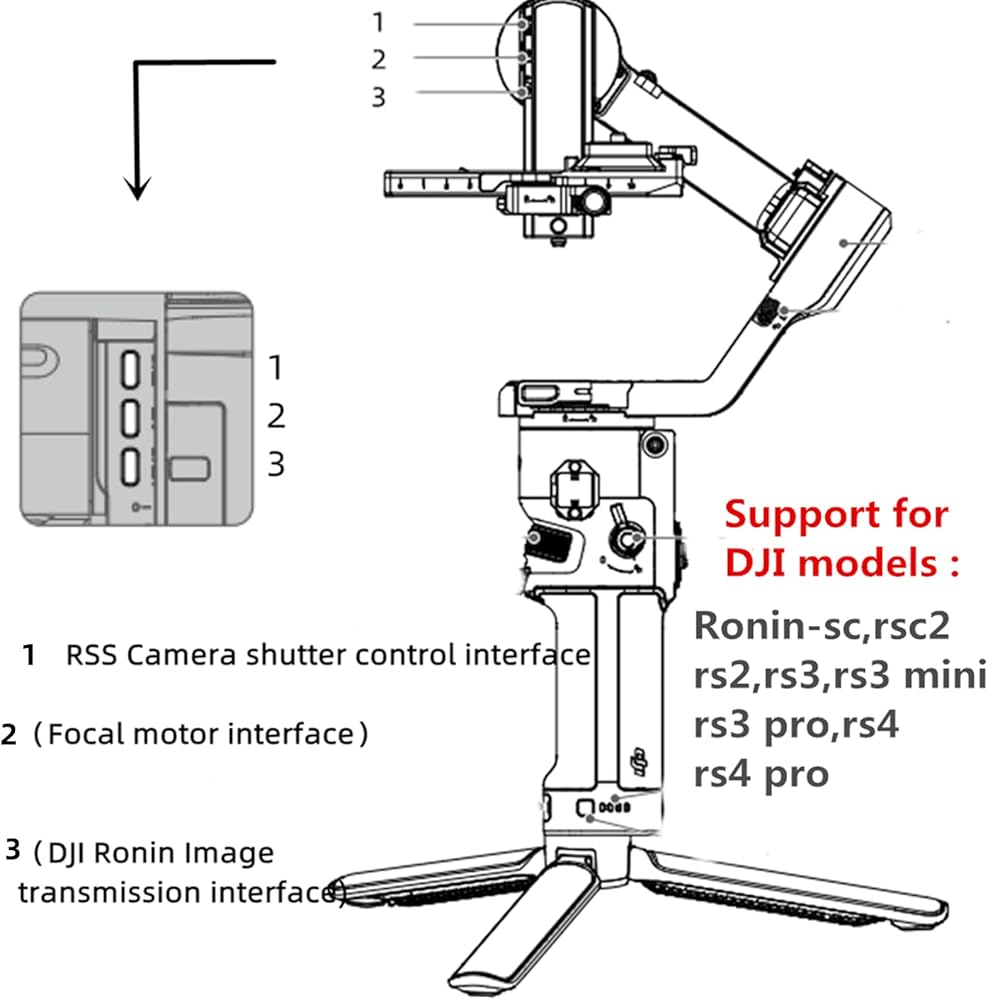
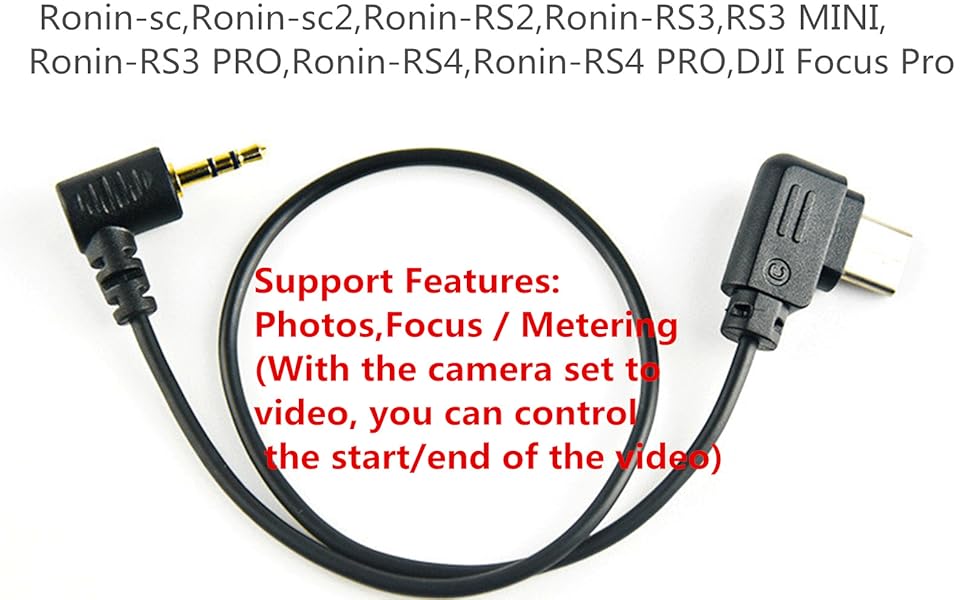
The RSS-F cable is a shutter release cable that can only support focusing and photo-taking functions, replacing the function of the shutter release button on a camera. The parameter adjustment function on DJI is not supported pplicable camera model; For FUJI-GFX100,GFX50S,GFX50SII,GFX100S,GFX50S/50R,,XH2S,XH2,XT5,XT2,XT3,XT4,XT20,XT30,XT30II,XE1,XE2,XE2S,XA3,XE3,XA5,XA7,XH1,X100V,X100T,X100F,X-T100
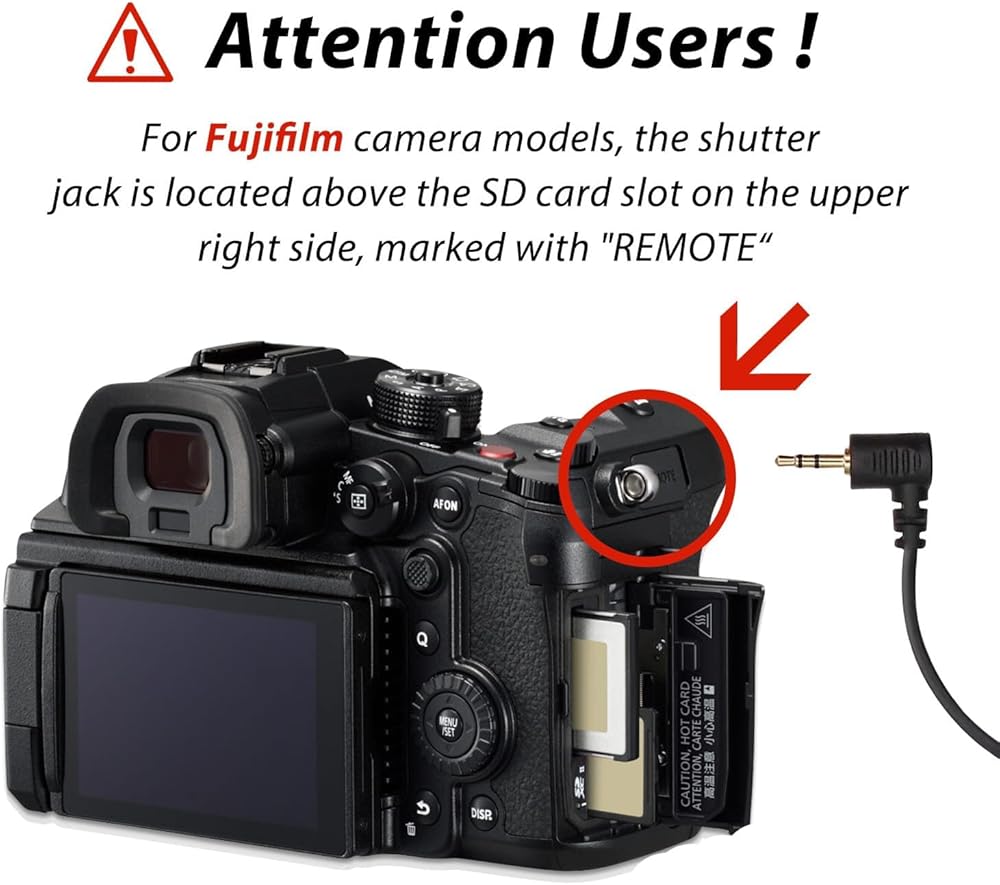
The camera port is a 2.5mm small round hole, and the Fuji camerajack is mostly on the right, above the SD card After plugging in the cable, open the DJl stabilizer and you canuse it directly without setting it up
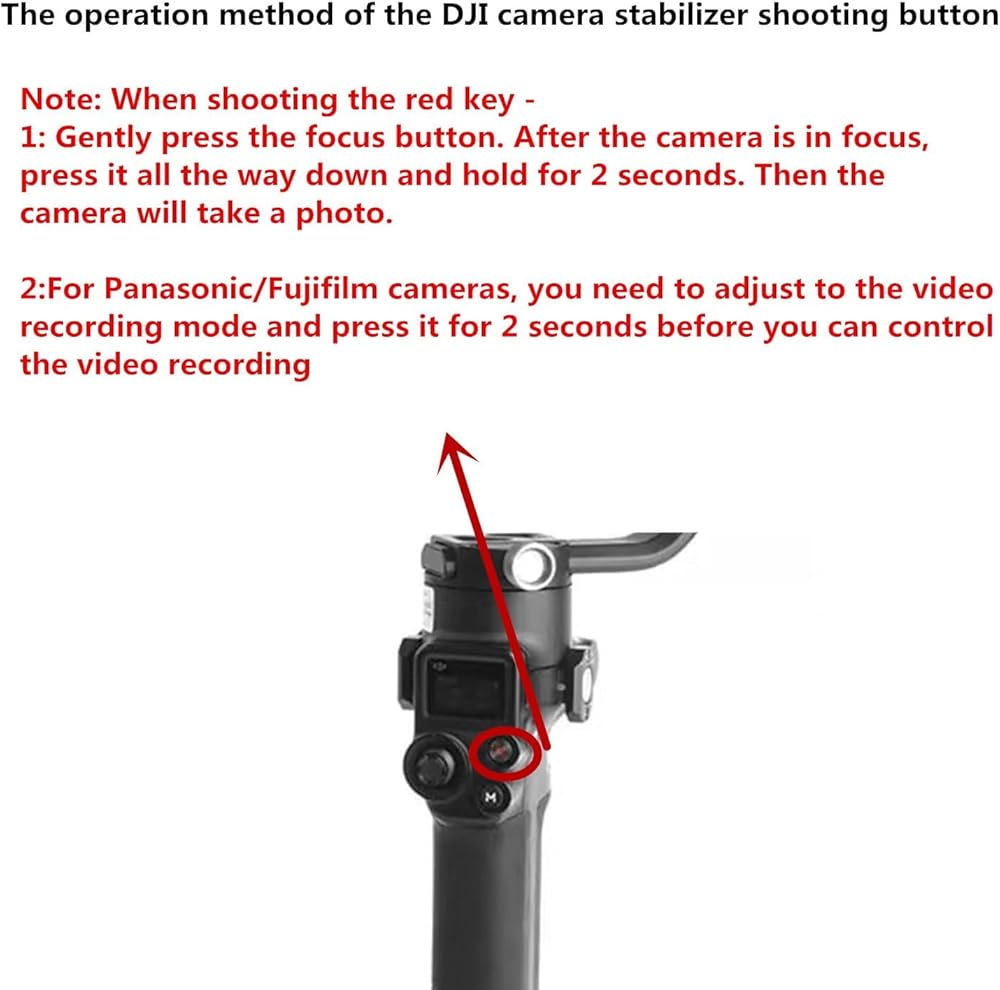
Fuji camera video function, you need to adjust the camera to thevideo file can be controlled.Customers, please note: This cable only serves the shutter release function (focusing, taking photos, and recording videos) and does not support adjusting ISO/ shutter speed on the stabilizer Zoom function
How to operate: Lightly press (half press) the red button on theDJl to focus the camera, press the red button all the way (pressthe bottom) to stop for 2 seconds -take a photo/video
Important Notes: When using the control cable, first turn on the stabilizer's power after connecting the cable, then turn on the camera's power. This ensures the data cable interface is recognized.2.5mm plug universal multi-brand camera, supports for Canon, for Pentax and for Fuj cameras, only supports shutter function (focusing, taking photos, not video recording)
 Page Turner for Kindle,Wireless Remote Control Camera Video Record,Clicker Page Turner Accessories for Phone/Pad/Android Tablets Reading
SAR 11
Page Turner for Kindle,Wireless Remote Control Camera Video Record,Clicker Page Turner Accessories for Phone/Pad/Android Tablets Reading
SAR 11
 Wireless Bluetooth Remote Control, 2025 New Remote Scrolling Ring for TikTok, Rechargeable Fingertip Remote Control Ring Scroller Page Turner Camera Shutter Video Recording Remote (Black)
SAR 73
Wireless Bluetooth Remote Control, 2025 New Remote Scrolling Ring for TikTok, Rechargeable Fingertip Remote Control Ring Scroller Page Turner Camera Shutter Video Recording Remote (Black)
SAR 73
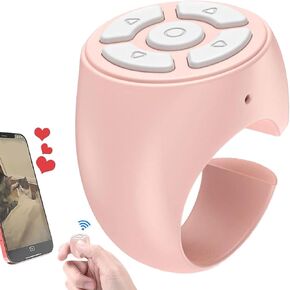 Fingertip Wireless Blue-Tooth Remote Control, Creative Remote Scrolling Ring, Fingertip Remote Control Ring, Short Video and Music Camera Shutter Remote Controller Page Turner
SAR 45
Fingertip Wireless Blue-Tooth Remote Control, Creative Remote Scrolling Ring, Fingertip Remote Control Ring, Short Video and Music Camera Shutter Remote Controller Page Turner
SAR 45
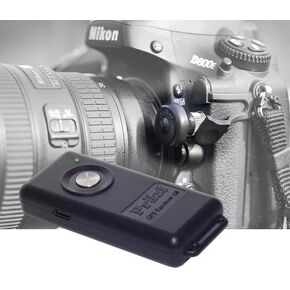 Wireless GPS Unit with Remote Control for Nikon Cameras, Compatible with Z8 D850 D6 D5 D4 D3 D810 D800 D700
SAR 725
Wireless GPS Unit with Remote Control for Nikon Cameras, Compatible with Z8 D850 D6 D5 D4 D3 D810 D800 D700
SAR 725