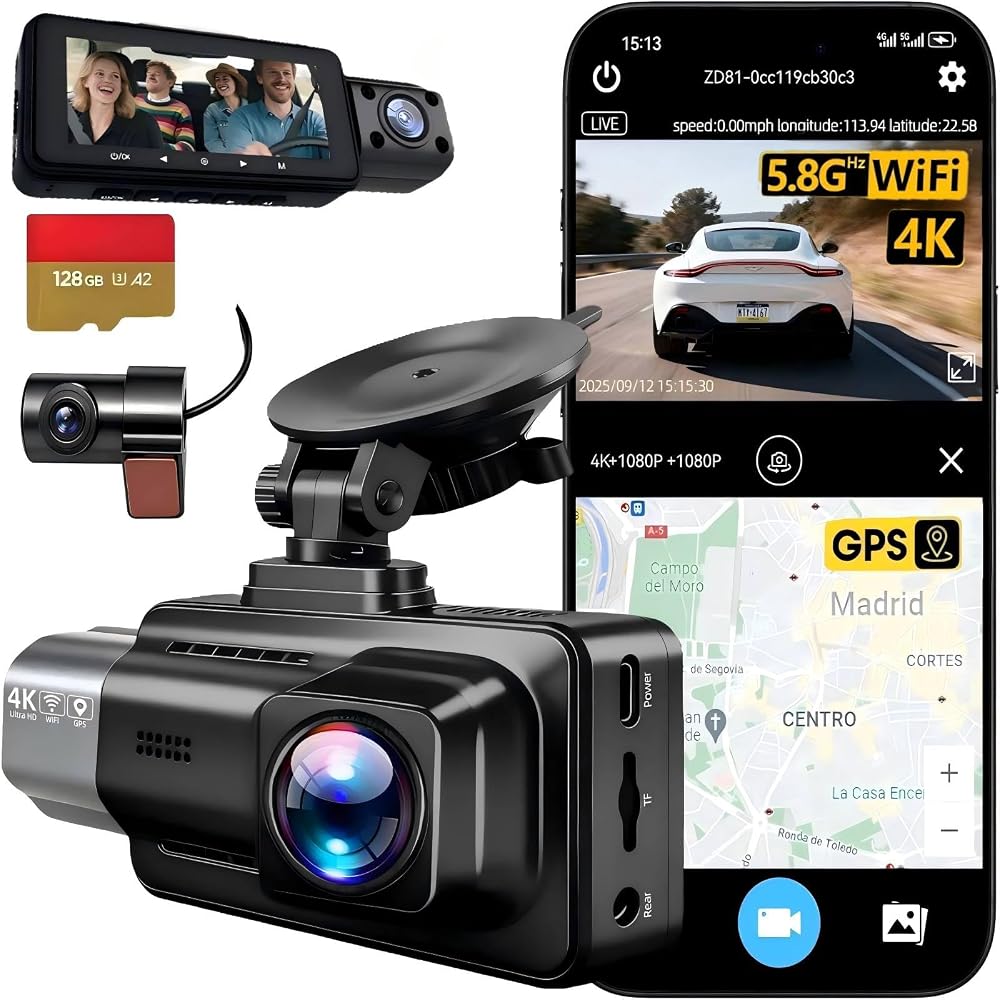
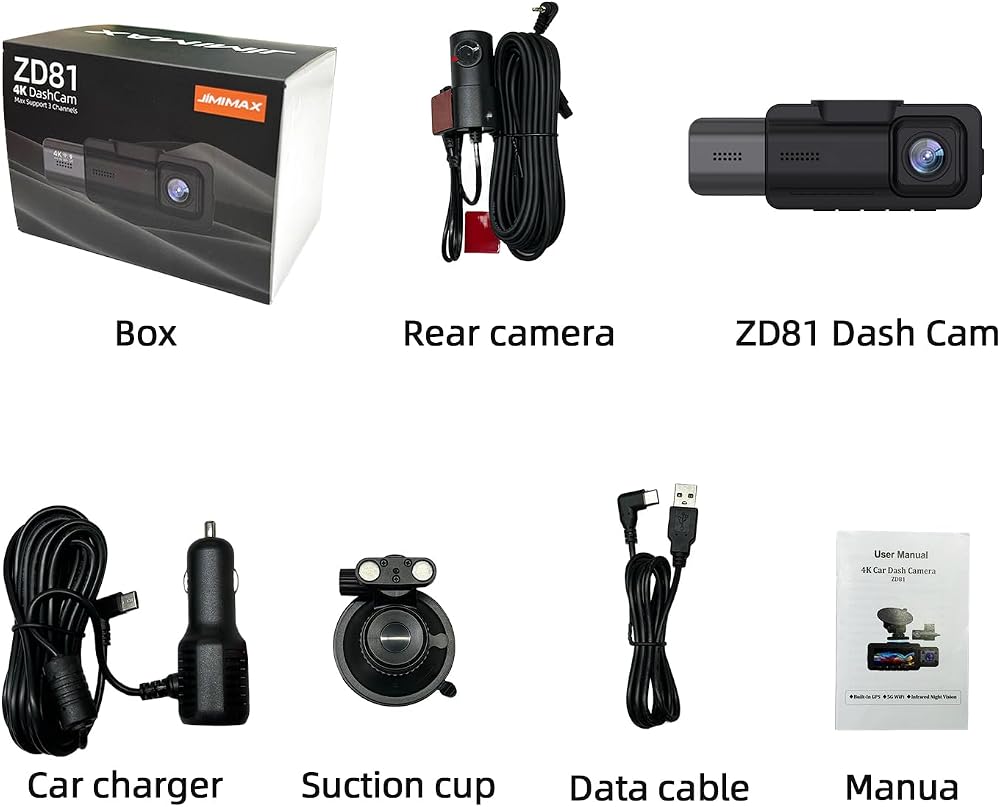
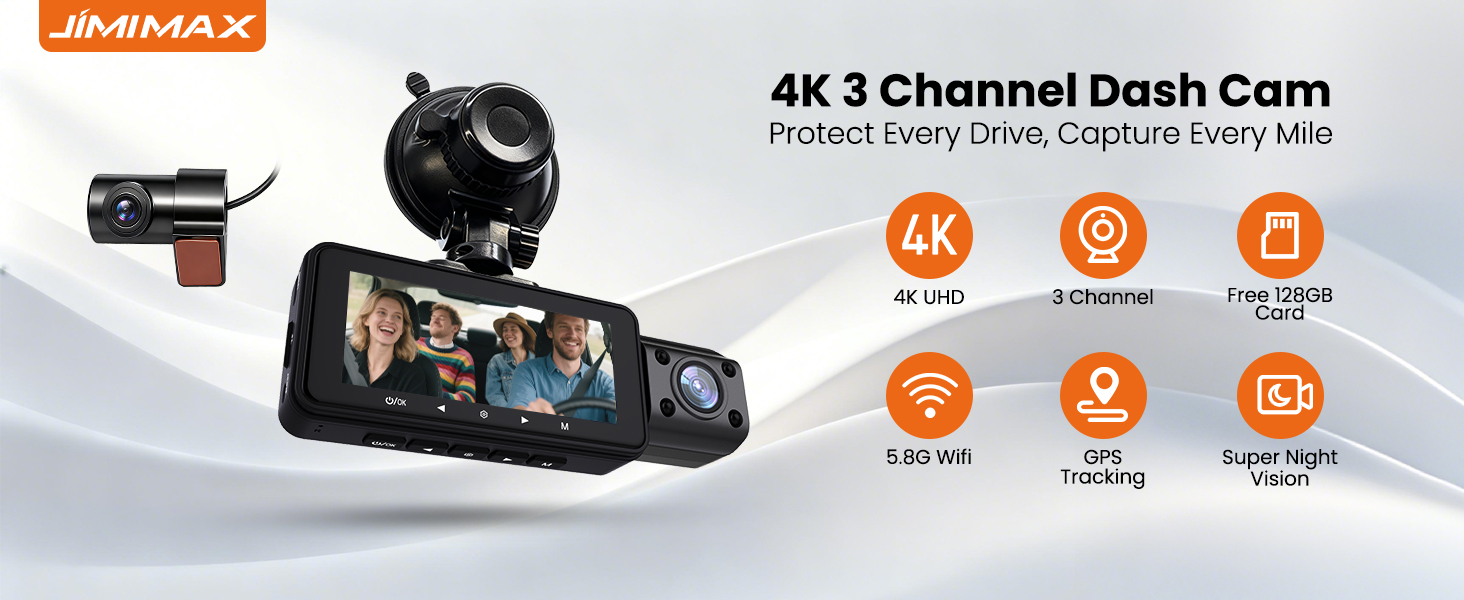
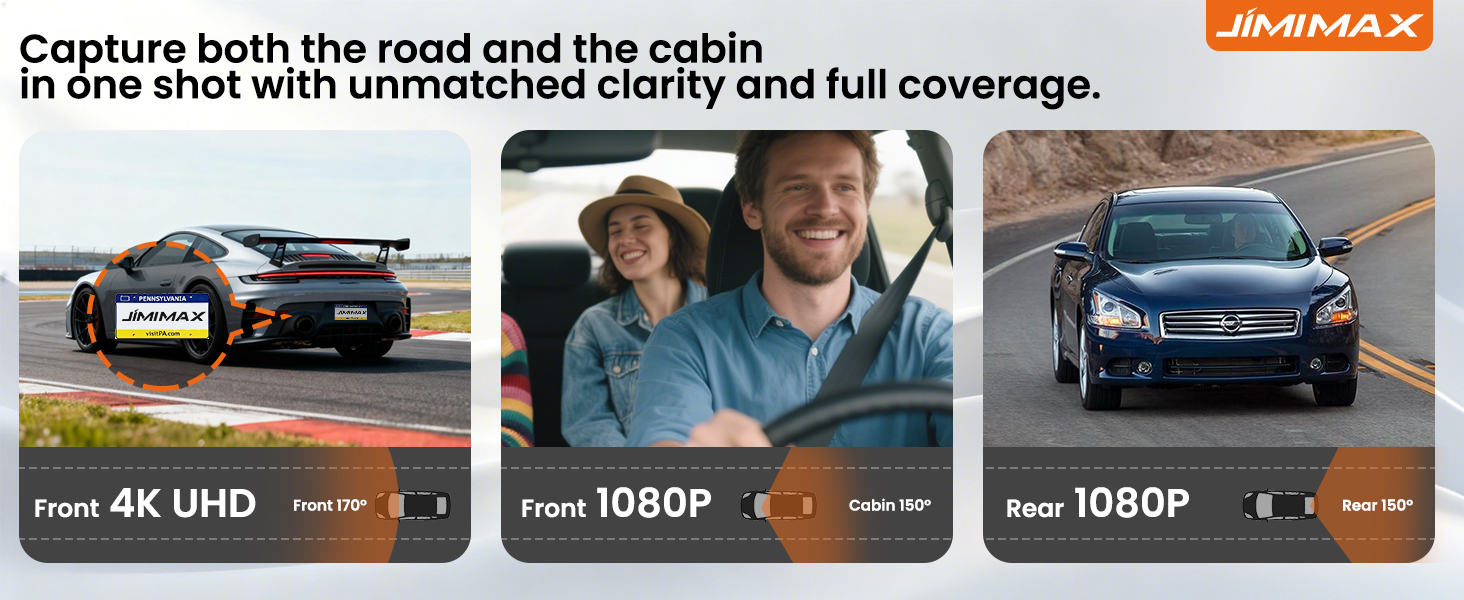
JIMIMAX 4K+1080P+1080P 3 Channel Dash Cam Front and Rear with Cabin, Free 128GB Card Included, 5.8GHz WIFI6 Dash Camera, IR Night Vision, Built-in GPS, G-Sensor, 24H Parking Mode, Support 512GB Max
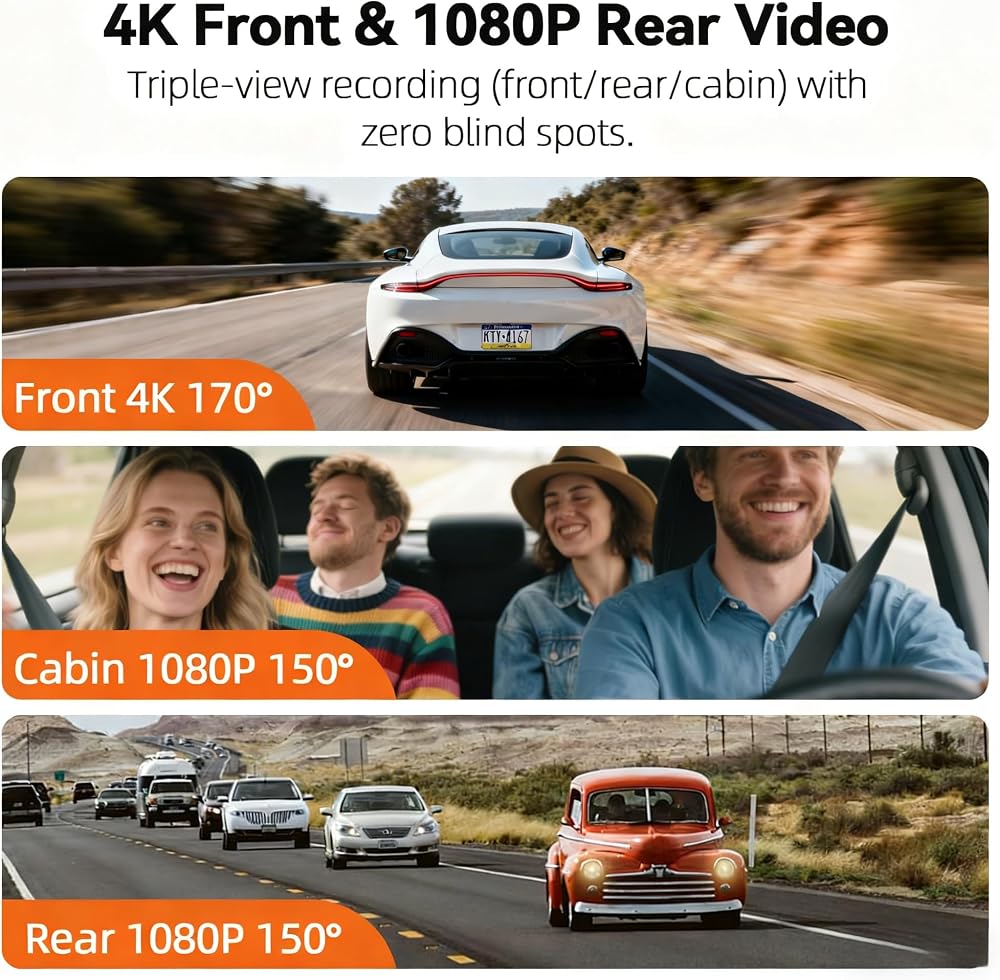
4K + 1080P + 1080P Triple Recording: Capture every detail on the road with a 4K front camera, 1080P in-car camera, and 1080P rear camera. The 165° wide-angle lenses minimize blind spots and provide a full 360° view around your vehicle.
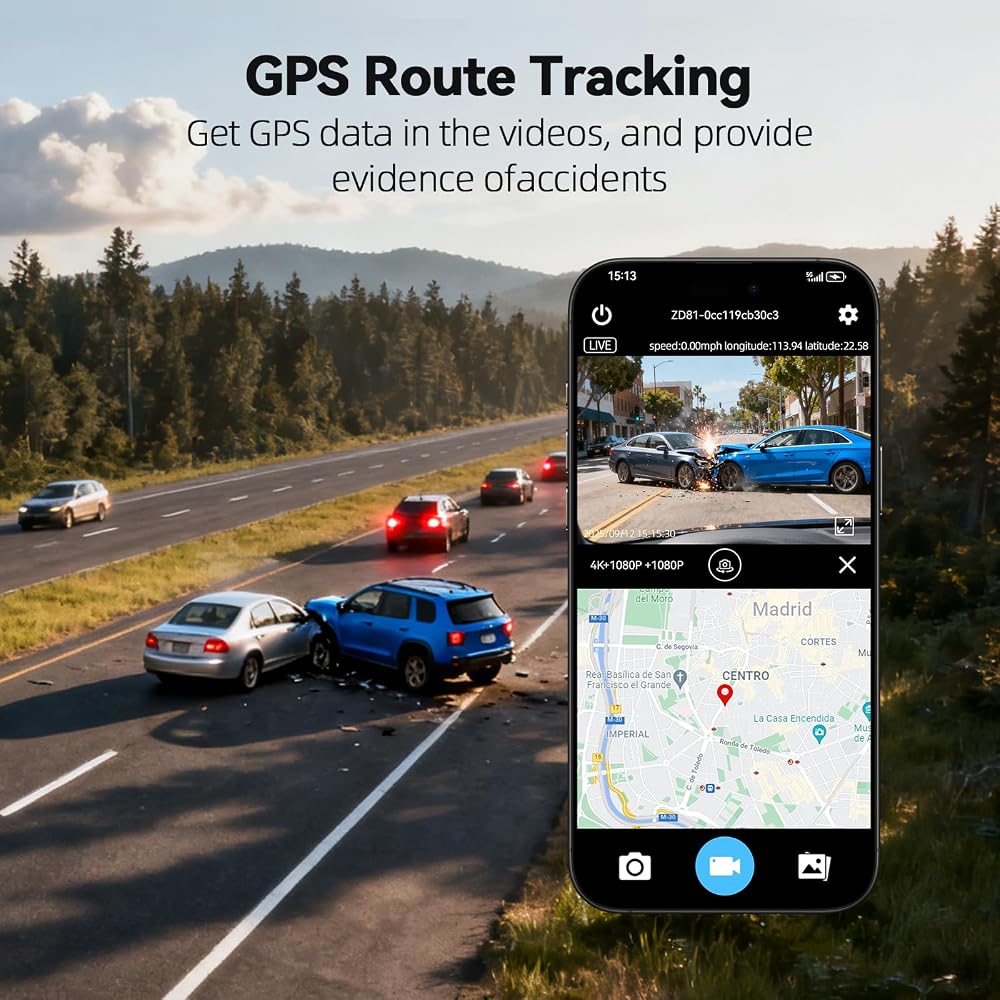
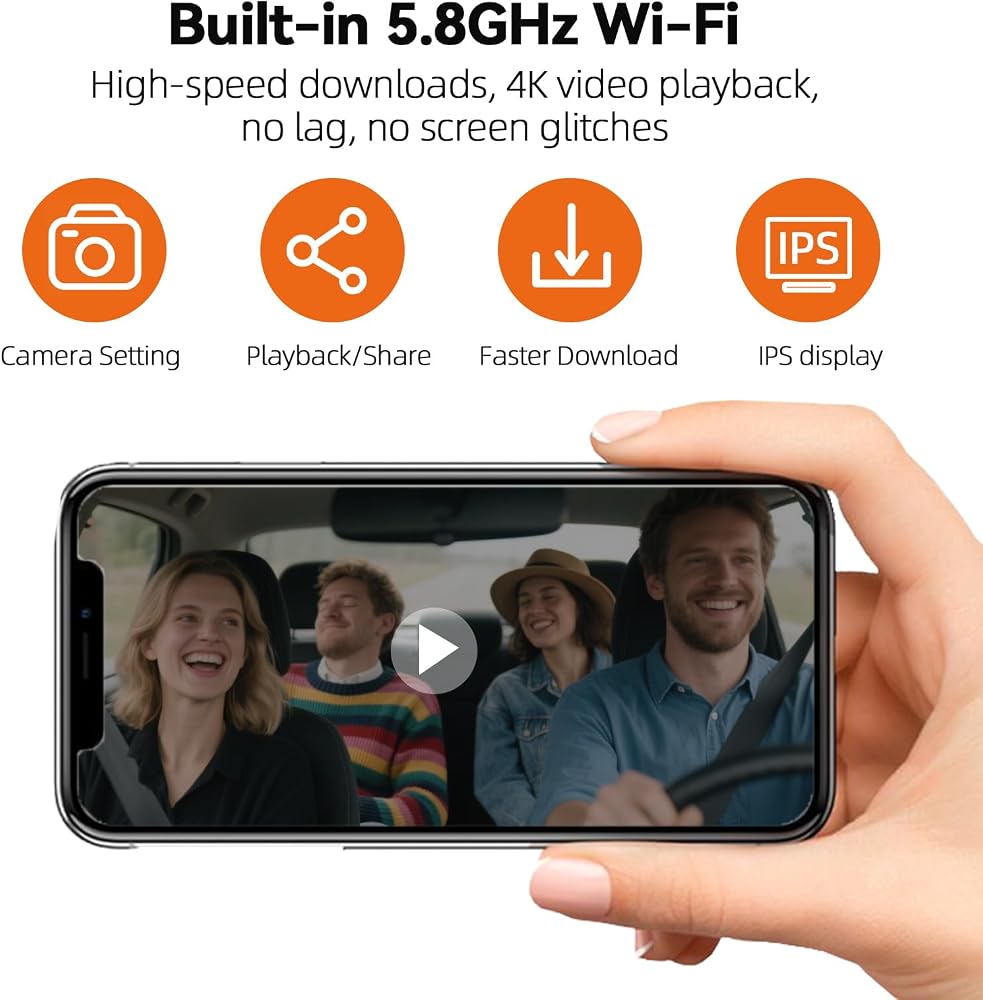
GPS & App Controll: The dash cam for car effortlessly connect via 5.8GHz WiFi. It supports video downloads at speeds of up to 12MB/s—four times faster than 2.4GHz—greatly reducing transfer times and playback lag. View, download, and share footage instantly. Built-in GPS accurately records your route, speed, and location. Easily connect via the mobile app to preview, download, and share videos using high-speed 5.8GHz WiFi.
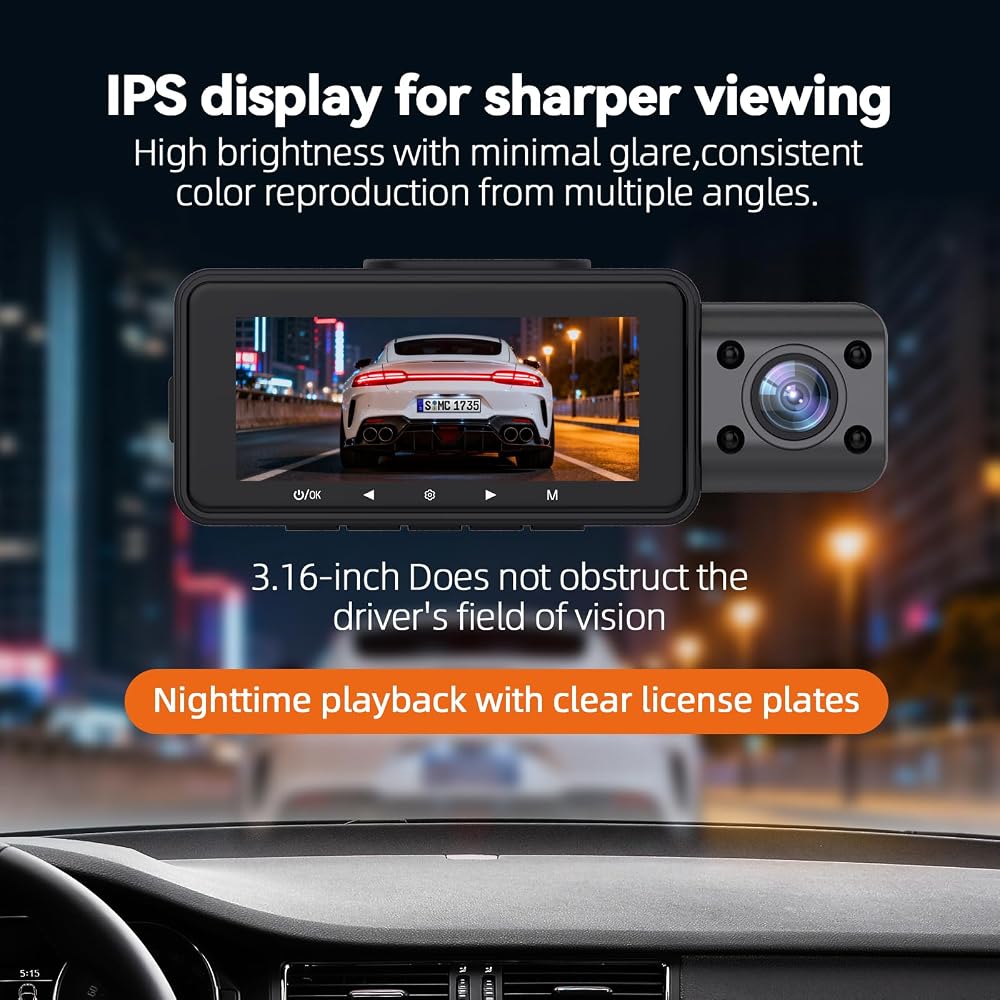
Super Capacitor & 3.16” IPS Display: Built with a reliable super capacitor instead of a battery for better heat resistance and longer life.The 3.16-inch IPS screen offers vivid, real-time viewing from any angle.
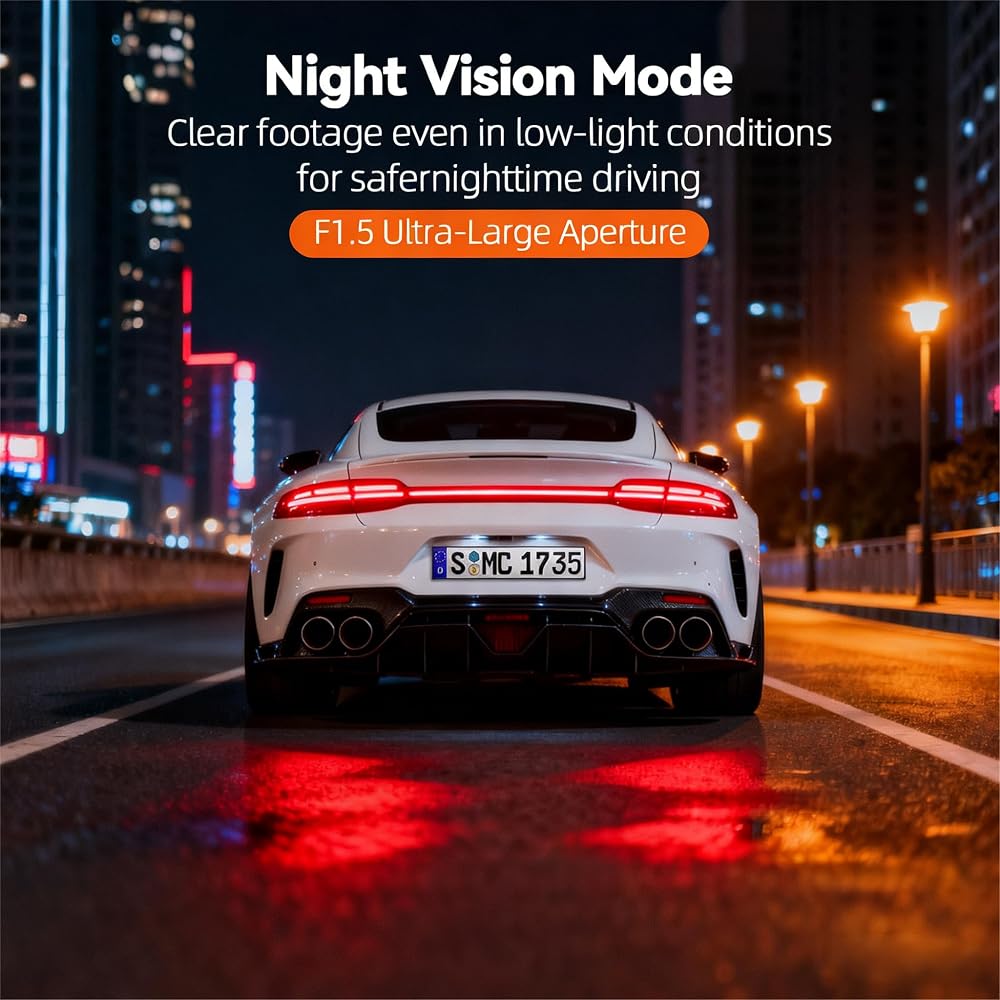
Superior Night Vision with Infrared Sensors: Equipped with high-sensitivity image sensors and advanced IR night vision + WDR tech, this dash cam delivers clear footage in dark environments — perfect for night driving or rideshare use.
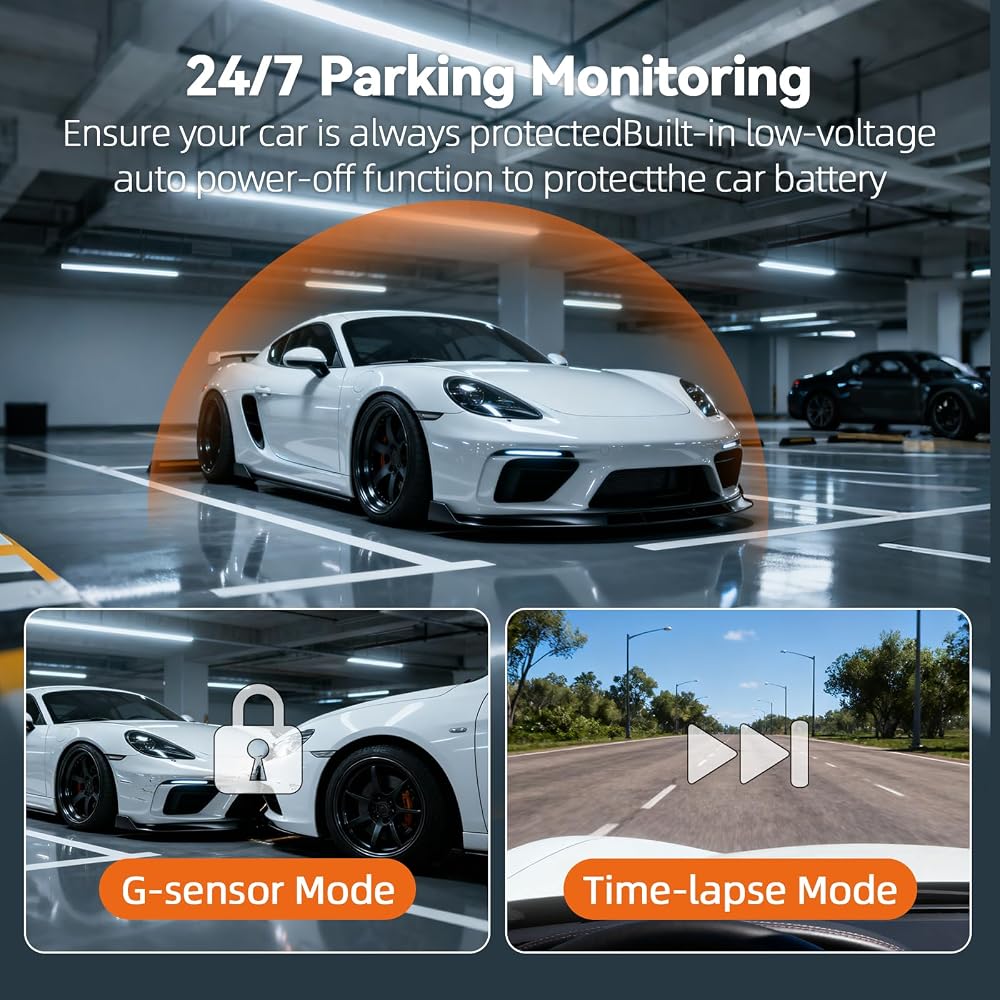
Powerful G-Sensor & 24H Parking Protection: The built-in G-sensor automatically detects collisions and locks critical footage to prevent overwriting, while the 24-hour parking monitor continuously records motion or impact events(hardwire kit required), ensuring complete protection for your vehicle at all times.
128GB High-Speed U3 Card Included & Loop Recording Supported: Comes with a 128GB U3 Micro SD card ready to use. Supports up to 512GB maximum storage (only compatible with Class 10 or U3 cards). Features loop recording, automatically overwriting old footage so you never run out of memory, ensuring continuous 4K video coverage without interruption.
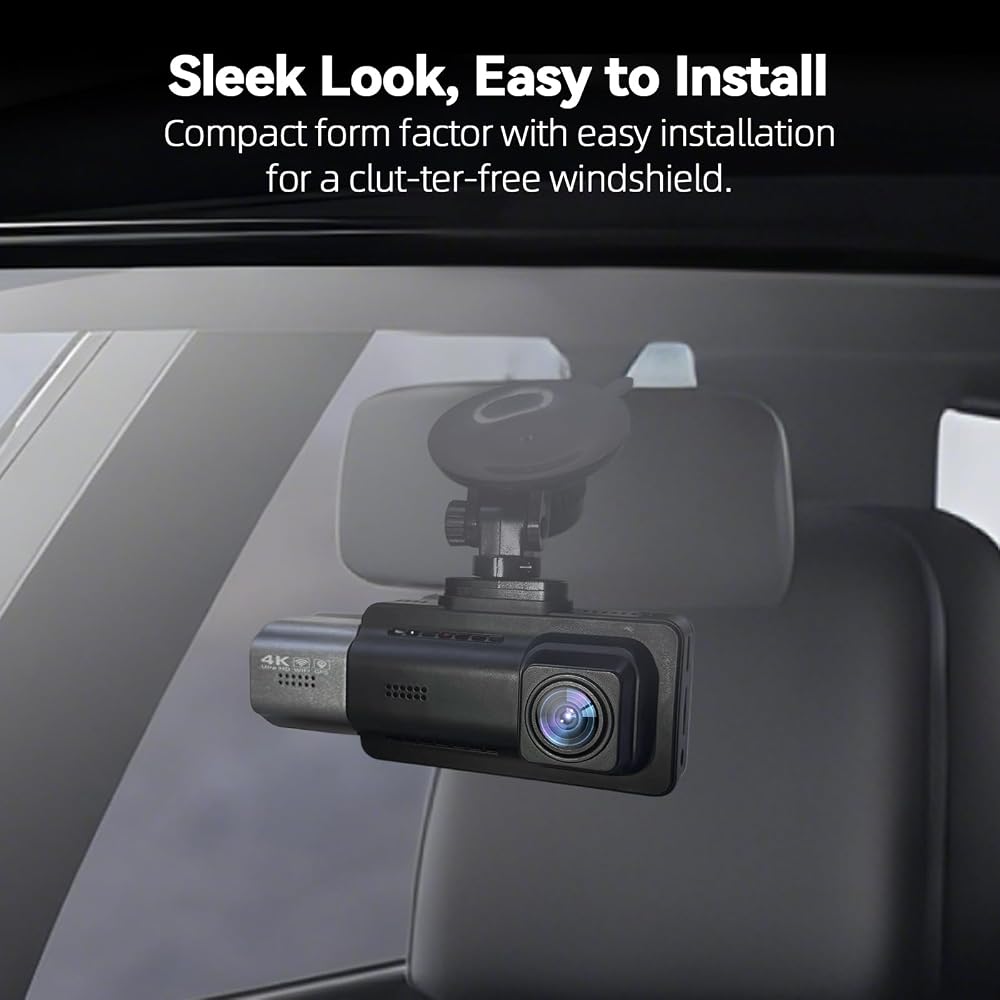
Easy Plug-and-Play Setup: Get started in 20 minutes with no tools required. Mount the camera, plug it in, and start recording(Refer to the user manual for more details).
 Single Din Bluetooth Car Stereo: 9 Inch IPS Touchscreen Audio with Carplay | Android Auto | MirrorLink | Backup Camera | FM/AM Car Radio | USB/SD/AUX-in | Fast Charging | Subwoofer
SAR 1,035
Single Din Bluetooth Car Stereo: 9 Inch IPS Touchscreen Audio with Carplay | Android Auto | MirrorLink | Backup Camera | FM/AM Car Radio | USB/SD/AUX-in | Fast Charging | Subwoofer
SAR 1,035
 -5%
Fookoo HD 7" Wireless Backup Camera System, 1080P 7" Quad Split Screen Monitor, IP69 Waterproof Side Rear View Cameras, Parking Lines, Loop Recording, Digital Signal for RV/Trailer/Truck/Bus (DW7T4)
SAR 1,676
-5%
Fookoo HD 7" Wireless Backup Camera System, 1080P 7" Quad Split Screen Monitor, IP69 Waterproof Side Rear View Cameras, Parking Lines, Loop Recording, Digital Signal for RV/Trailer/Truck/Bus (DW7T4)
SAR 1,676
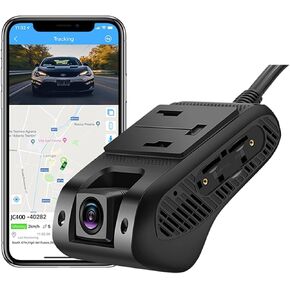 JC400P Dashcam Live Video 4G, Front and Inside Cameras 1080P, Built-in GPS Tracking Remotely Monitor, Night Version
SAR 730
JC400P Dashcam Live Video 4G, Front and Inside Cameras 1080P, Built-in GPS Tracking Remotely Monitor, Night Version
SAR 730
 Wireless CarPlay/Android AutoTouchscreen for BMW X3/X4 Series F25/F26 (2013-2016) with NBT System, Car Radio Receiver, Multimedia, Bluetooth, Car Stereo (10.25inch)
SAR 1,295
Wireless CarPlay/Android AutoTouchscreen for BMW X3/X4 Series F25/F26 (2013-2016) with NBT System, Car Radio Receiver, Multimedia, Bluetooth, Car Stereo (10.25inch)
SAR 1,295