- التسوق ، اصبح سهلا.
- /
- احصل على التطبيق!
Spec:
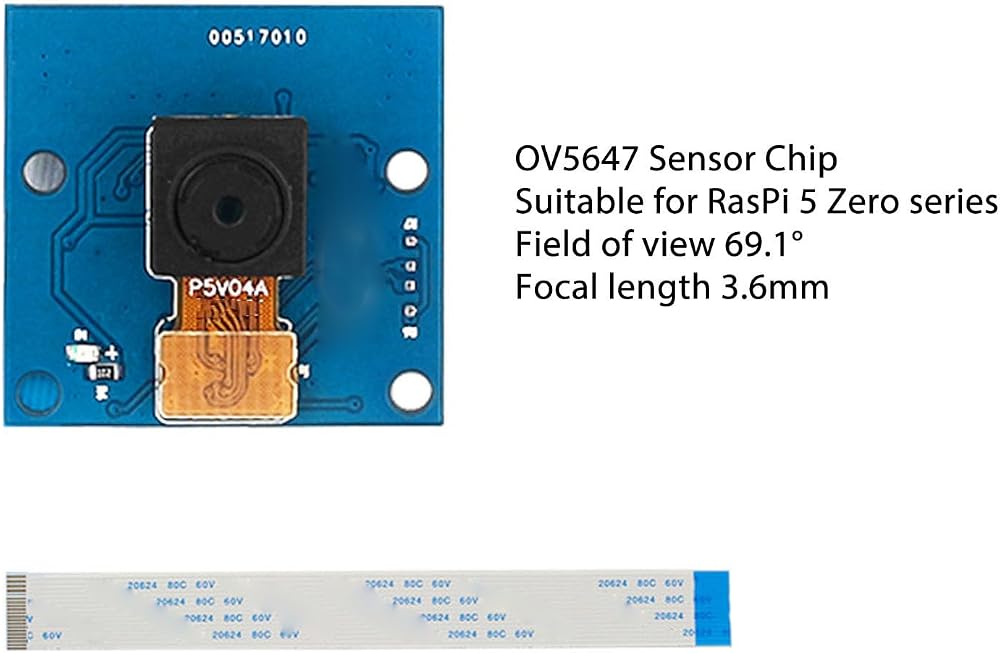
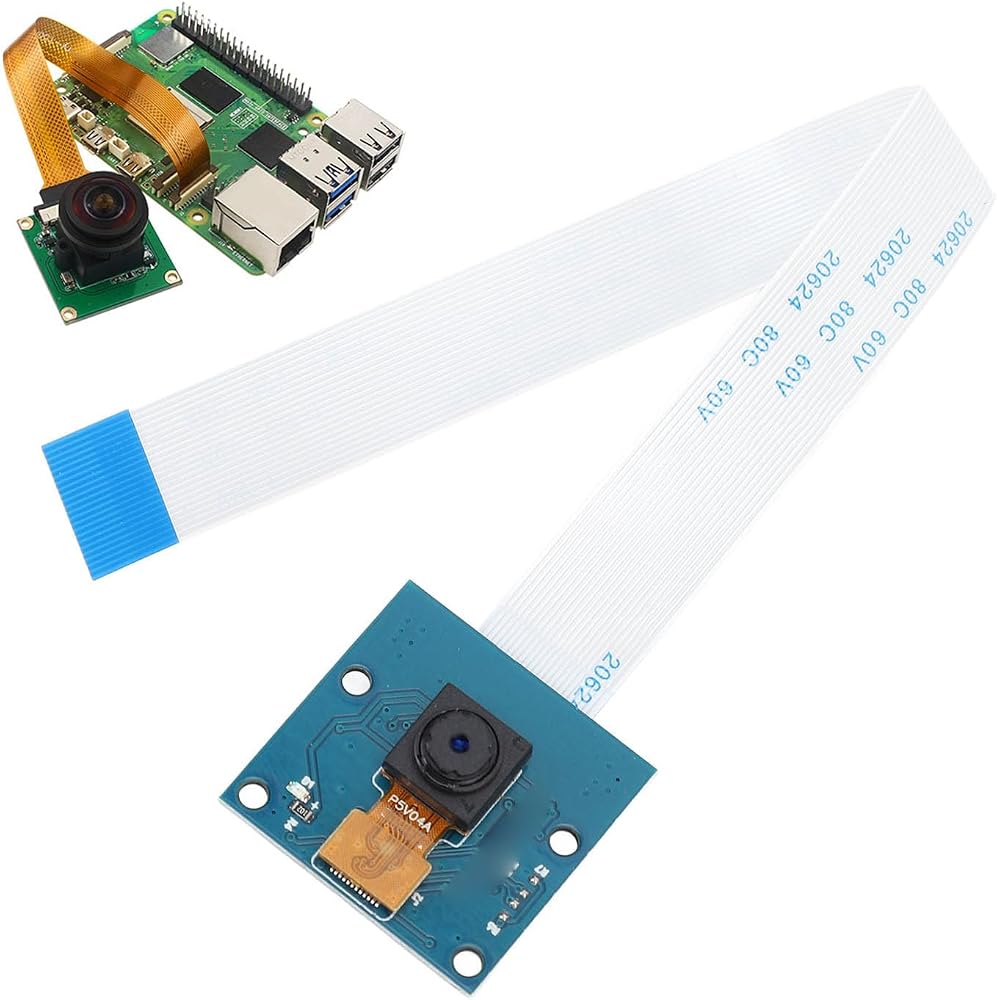
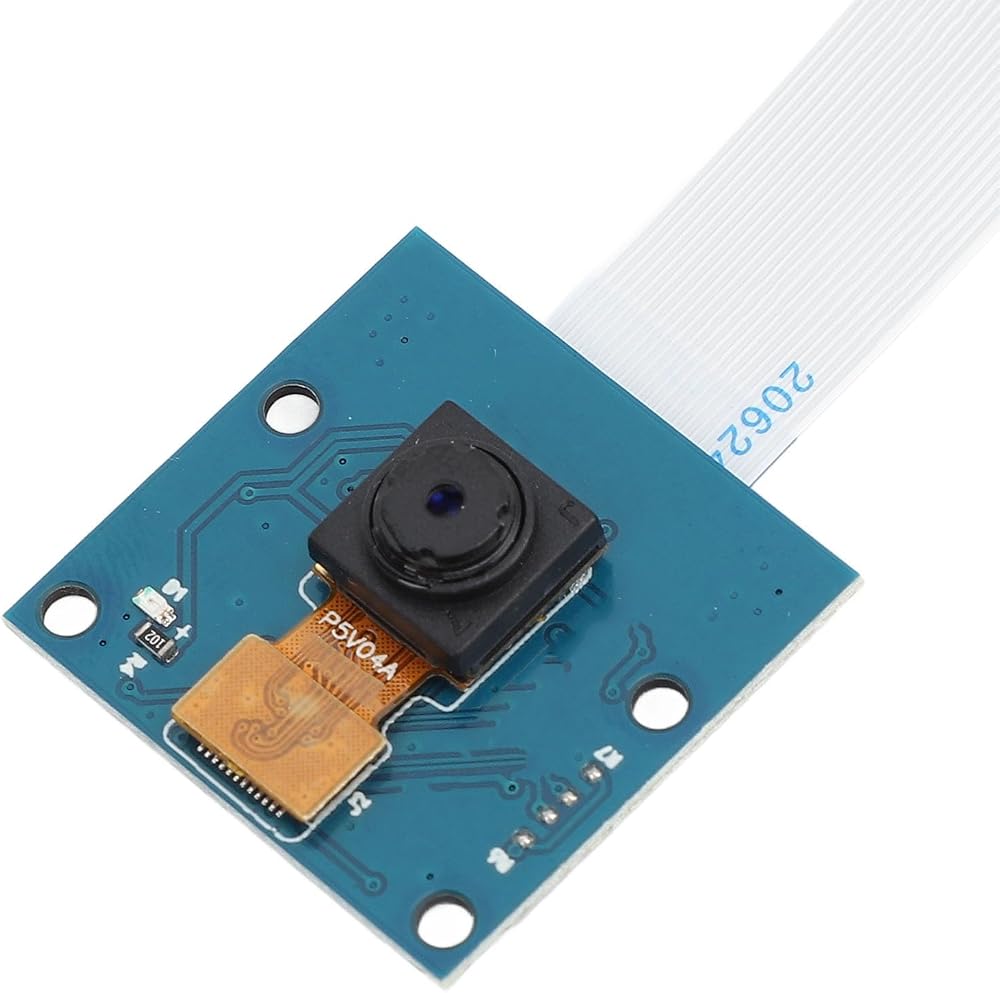
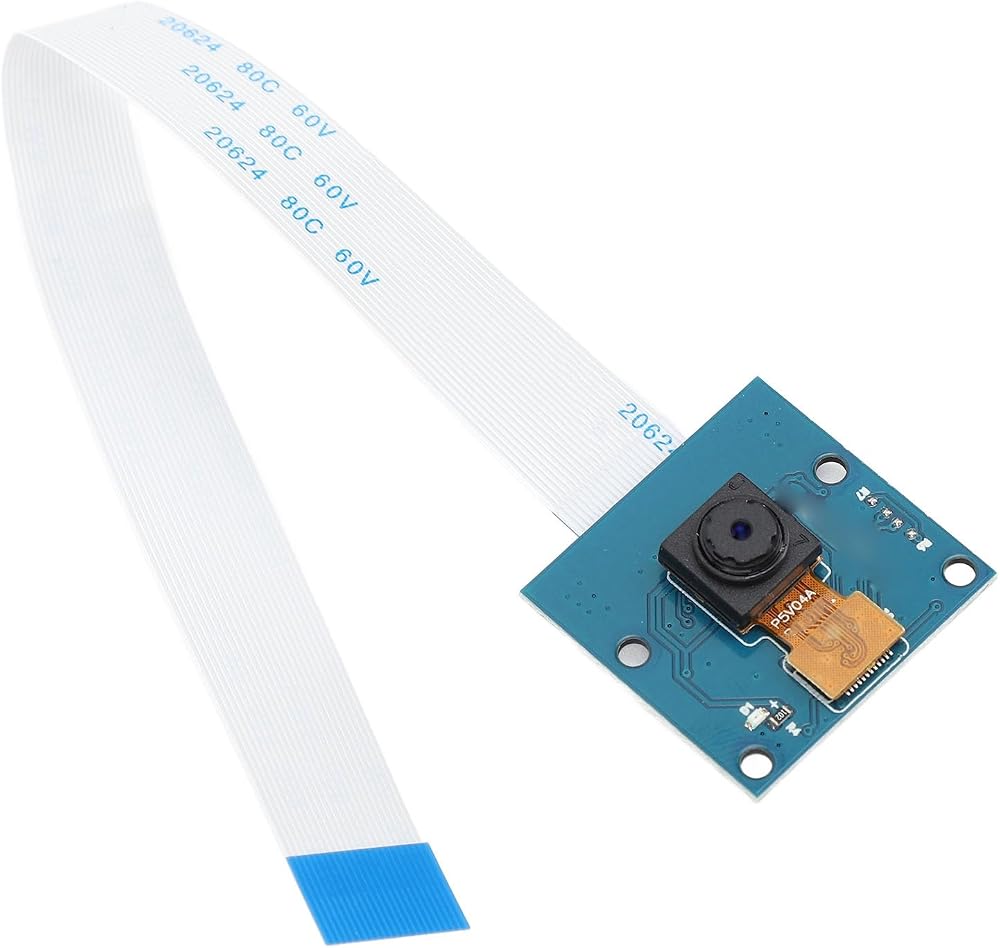
Item Type: Camera Module
Material: ABS, Optical Glass
Weight: Approx. 12g / 0.4oz
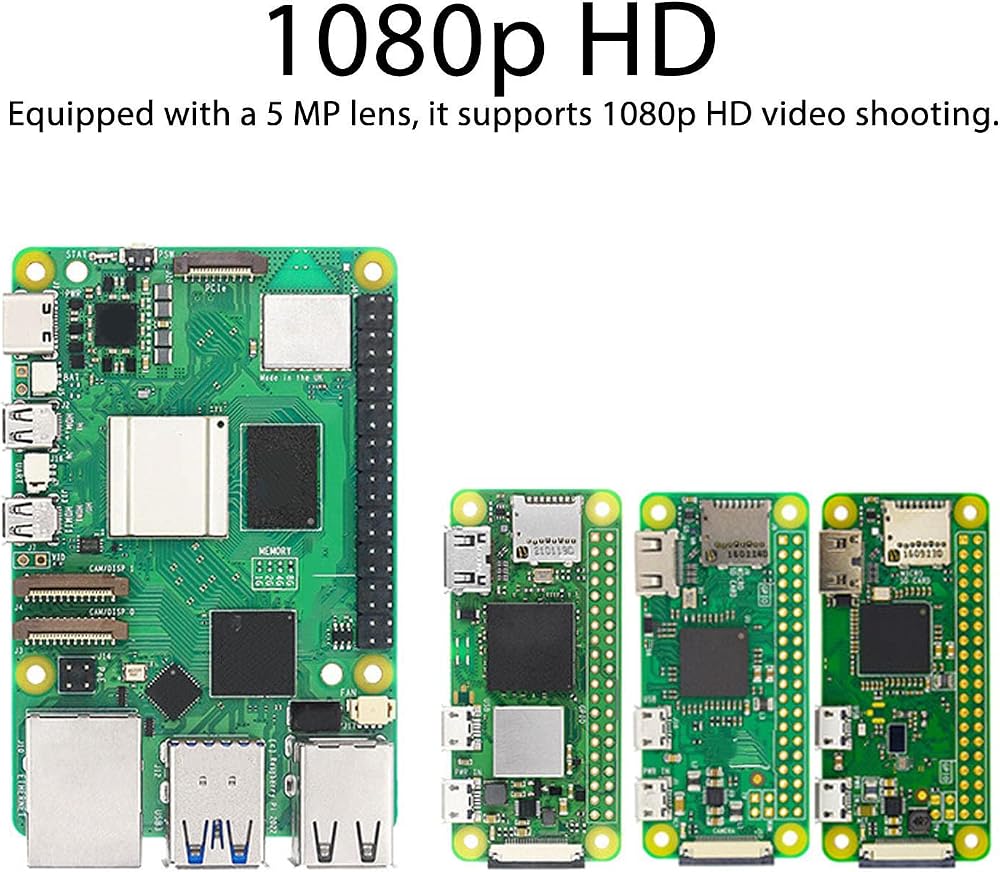
Lens : 5MP
Length: 3.6MM
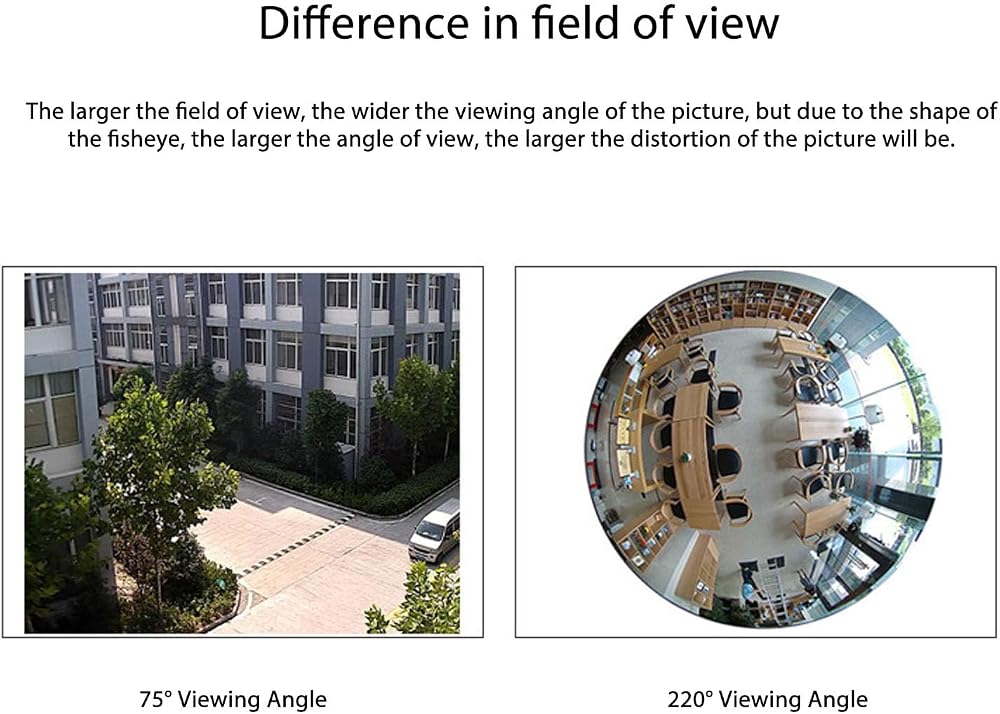
Lens Angle: 69.1°
CMOS Size: 1/4 inch
Resolution: 2592x1944
Mounting Screw Model: M2x6 Screws
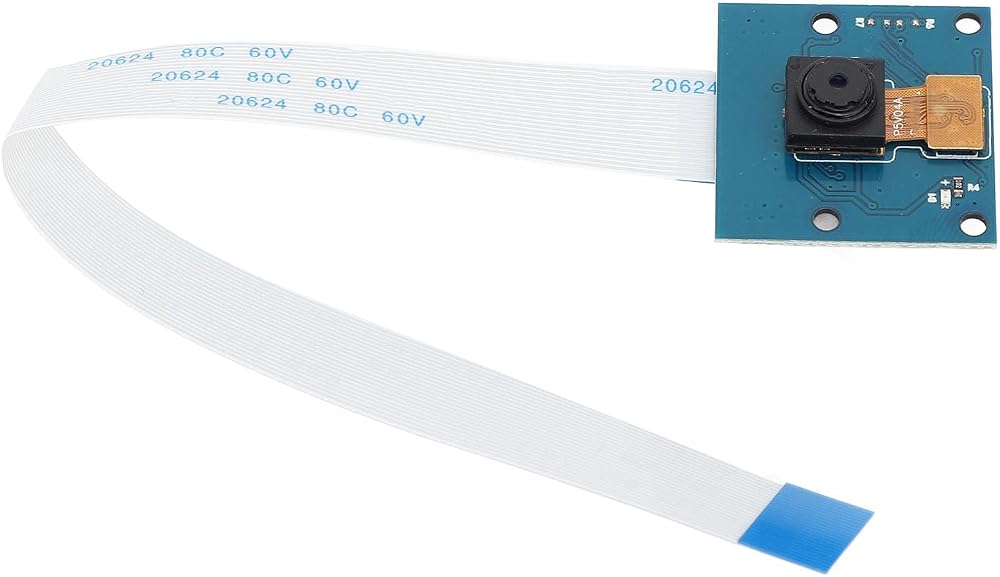
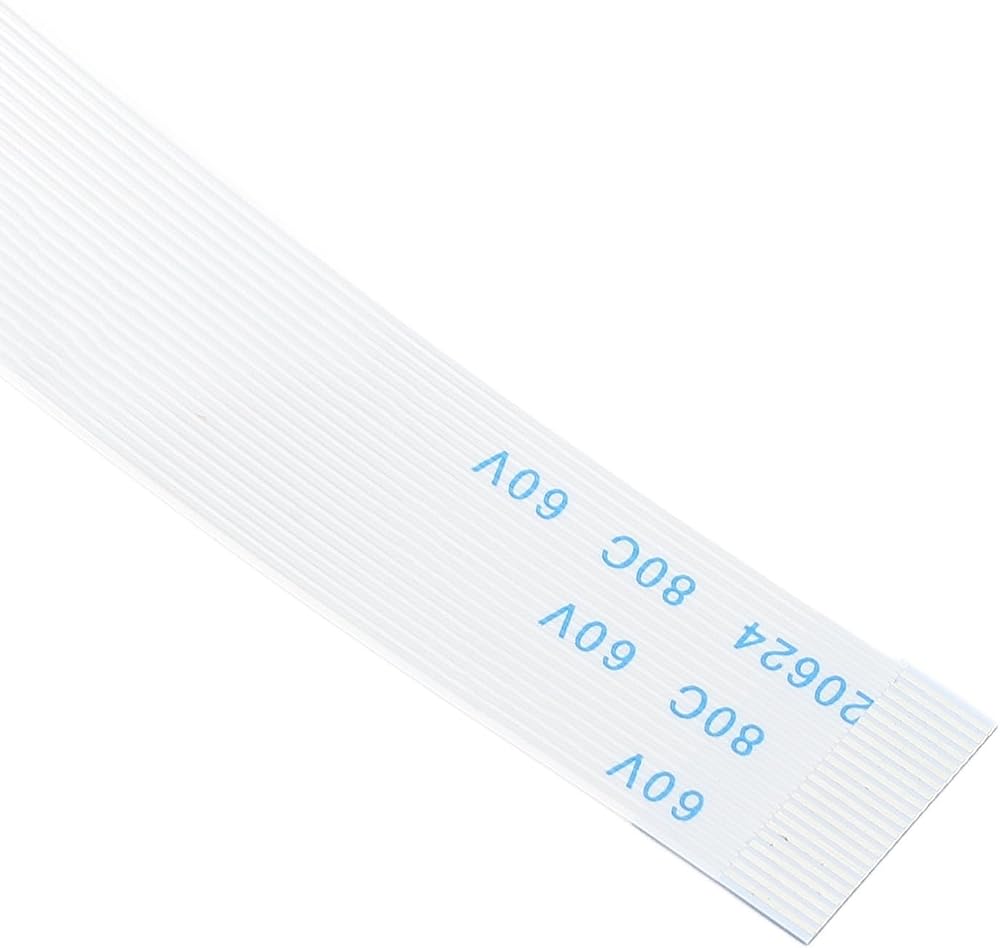
Cable Length: 15cm / 5.9in (1-2cm / 0.4-0.8in Error)
Package List:
1 xCamera Module
How To Use:
1. Power off and unlock the for RasPi: First, make sure the for RasPi is powered off, then use an appropriate tool (e.g., a toothpick) to remove the clasp from the CSI slot so that it can be lifted.
2. Install the camera cable and connecting cable: Insert one end of the cable into the CSI connector, making sure that the side of the cable with the metal contacts on it is facing the diagonal of the connector. Then insert the camera module's connecting cable into the corresponding port on the cable.
Fixing the camera: Install the camera module correctly on the for RasPi and make sure all connections are firm and , then power on the device to update the system and camera driver.
 كاميرا ويب Amcrest 1080P مع ميكروفون لسطح المكتب، وكاميرا ويب كاميرا كمبيوتر، وكاميرا ويب USB عالية الدقة لأجهزة الكمبيوتر المحمول والكمبيوتر الشخصي مع غطاء للخصوصية، وعدسة زاوية واسعة، وإضاءة منخفضة فائقة (AWC195-B)
SAR 131
كاميرا ويب Amcrest 1080P مع ميكروفون لسطح المكتب، وكاميرا ويب كاميرا كمبيوتر، وكاميرا ويب USB عالية الدقة لأجهزة الكمبيوتر المحمول والكمبيوتر الشخصي مع غطاء للخصوصية، وعدسة زاوية واسعة، وإضاءة منخفضة فائقة (AWC195-B)
SAR 131
 اي ال بي كاميرا USB بعدسة متغيرة البؤرة 5-50 ملم بدقة 1080P مع كاميرا ويب عالية الوضوح سوني IMX322 H.264 لاندرويد لينكس ويندوز فيديو صناعي
SAR 402
اي ال بي كاميرا USB بعدسة متغيرة البؤرة 5-50 ملم بدقة 1080P مع كاميرا ويب عالية الوضوح سوني IMX322 H.264 لاندرويد لينكس ويندوز فيديو صناعي
SAR 402
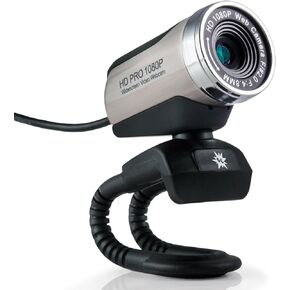 ستوب موشن إكسبلوجن كاميرا ويب USB 2.0 HD برو عريضة بدقة 1080 بكسل مع ميكروفون مدمج وحامل مرن لاجهزة الكمبيوتر واللابتوب ونظام تشغيل ابل OS X
SAR 188
ستوب موشن إكسبلوجن كاميرا ويب USB 2.0 HD برو عريضة بدقة 1080 بكسل مع ميكروفون مدمج وحامل مرن لاجهزة الكمبيوتر واللابتوب ونظام تشغيل ابل OS X
SAR 188
 كاميرا IFWATER USB قبة 1 ميجابكسل مع 24 قطعة LED رؤية ليلية ونهارية، ميكروفون مدمج لأمن المنزل وكاميرا ويب CCTV مقاومة للماء وكاميرا USB متوافقة مع Raspberry Pi Android Linux Windows Mac
SAR 225
كاميرا IFWATER USB قبة 1 ميجابكسل مع 24 قطعة LED رؤية ليلية ونهارية، ميكروفون مدمج لأمن المنزل وكاميرا ويب CCTV مقاومة للماء وكاميرا USB متوافقة مع Raspberry Pi Android Linux Windows Mac
SAR 225