Search

Home / Diyeeni / Internal Cards
Diyeeni PCIe to USB 3.2 Gen 1 Card, 10Gbps Bandwidth 4 Ports USB C PCIe Expansion Adapter with 2*Type C & *Type A Ports, for Desktop PC Wins OS X in Saudi Arabia Diyeeni PCIe to USB 3.2 Gen 1 Card, 10Gbps Bandwidth 4 Ports USB C PCIe Expansion Adapter with 2*Type C & *Type A Ports, for Desktop PC Wins OS X in Saudi Arabia Diyeeni PCIe to USB 3.2 Gen 1 Card, 10Gbps Bandwidth 4 Ports USB C PCIe Expansion Adapter with 2*Type C & *Type A Ports, for Desktop PC Wins OS X in Saudi Arabia Diyeeni PCIe to USB 3.2 Gen 1 Card, 10Gbps Bandwidth 4 Ports USB C PCIe Expansion Adapter with 2*Type C & *Type A Ports, for Desktop PC Wins OS X in Saudi Arabia Diyeeni PCIe to USB 3.2 Gen 1 Card, 10Gbps Bandwidth 4 Ports USB C PCIe Expansion Adapter with 2*Type C & *Type A Ports, for Desktop PC Wins OS X in Saudi Arabia Diyeeni PCIe to USB 3.2 Gen 1 Card, 10Gbps Bandwidth 4 Ports USB C PCIe Expansion Adapter with 2*Type C & *Type A Ports, for Desktop PC Wins OS X in Saudi Arabia Diyeeni PCIe to USB 3.2 Gen 1 Card, 10Gbps Bandwidth 4 Ports USB C PCIe Expansion Adapter with 2*Type C & *Type A Ports, for Desktop PC Wins OS X in Saudi Arabia Diyeeni PCIe to USB 3.2 Gen 1 Card, 10Gbps Bandwidth 4 Ports USB C PCIe Expansion Adapter with 2*Type C & *Type A Ports, for Desktop PC Wins OS X in Saudi Arabia Diyeeni PCIe to USB 3.2 Gen 1 Card, 10Gbps Bandwidth 4 Ports USB C PCIe Expansion Adapter with 2*Type C & *Type A Ports, for Desktop PC Wins OS X in Saudi Arabia

Diyeeni PCIe to USB 3.2 Gen 1 Card, 10Gbps Bandwidth 4 Ports USB C PCIe Expansion Adapter with 2*Type C & *Type A Ports, for Desktop PC Wins OS X

SAR 161

Brand
Diyeeni
Category
Internal Cards
1 +

Special Features

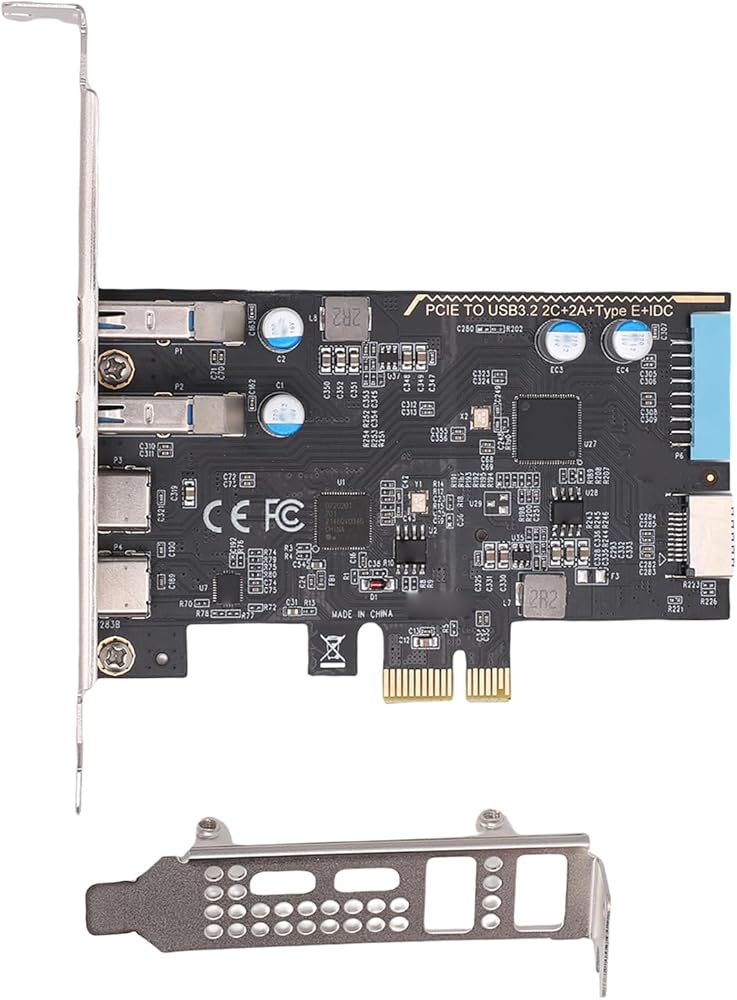
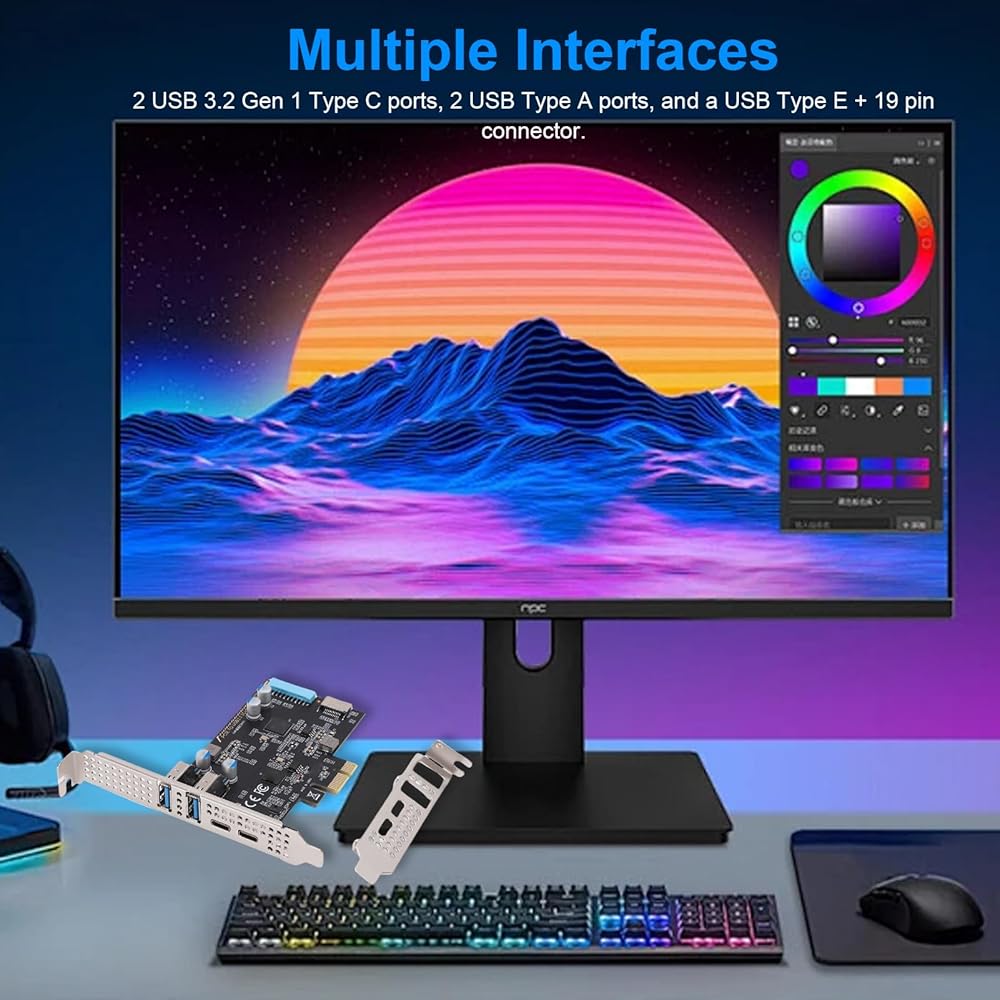
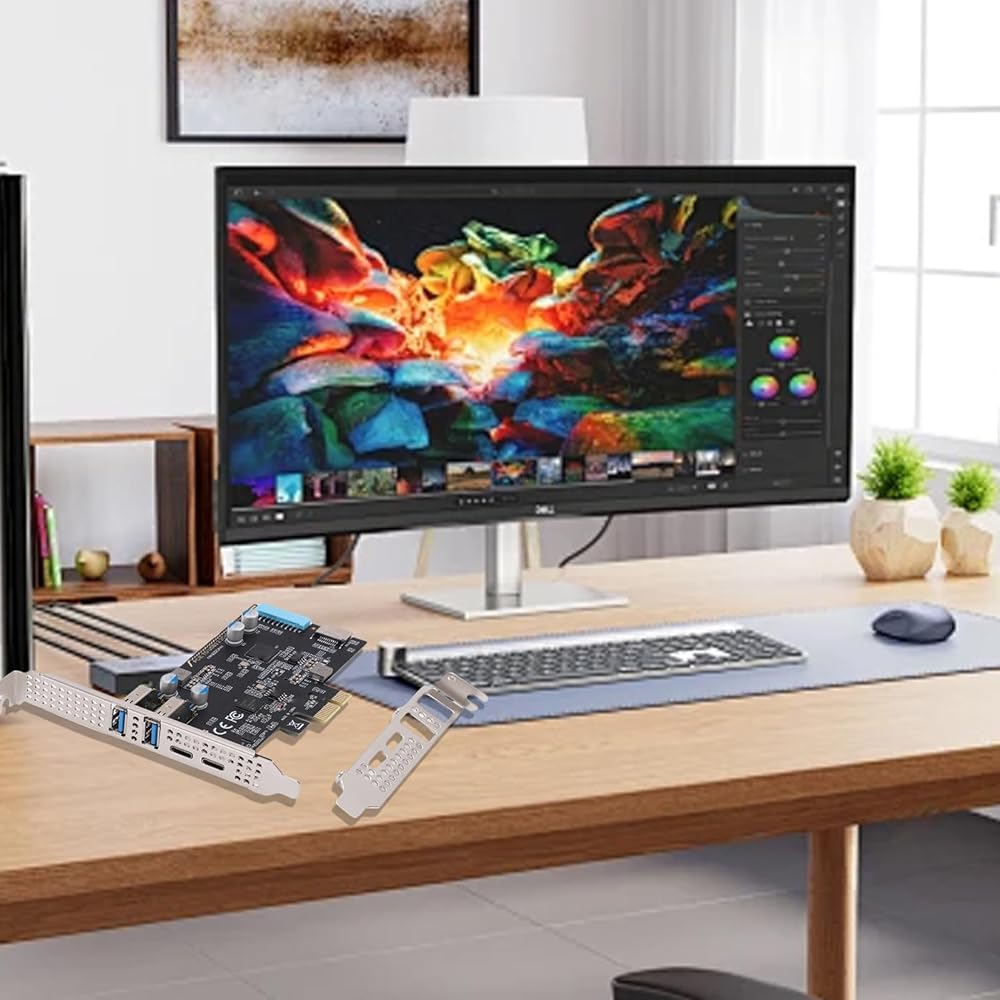
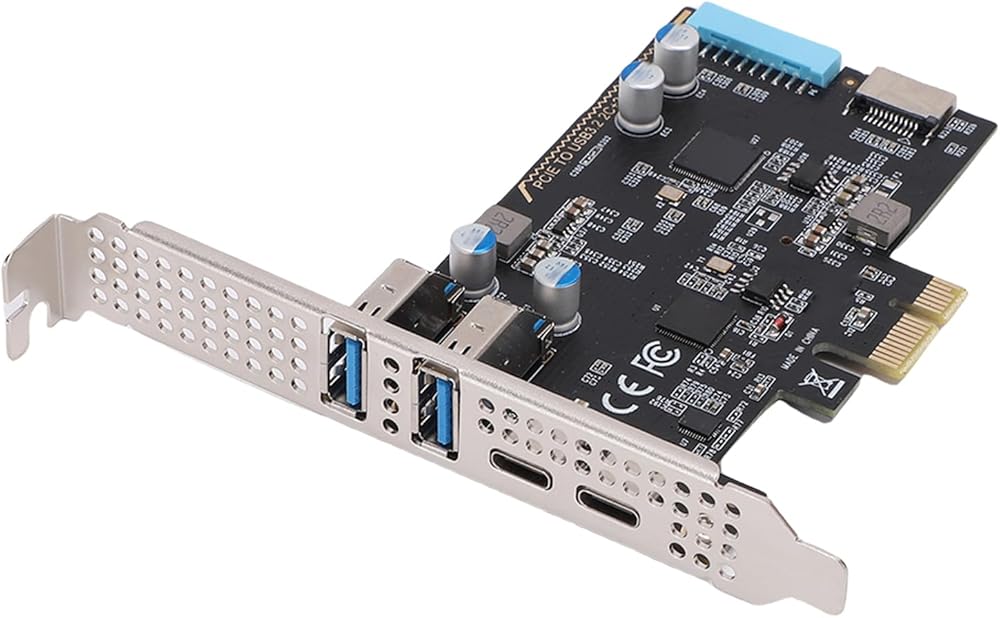
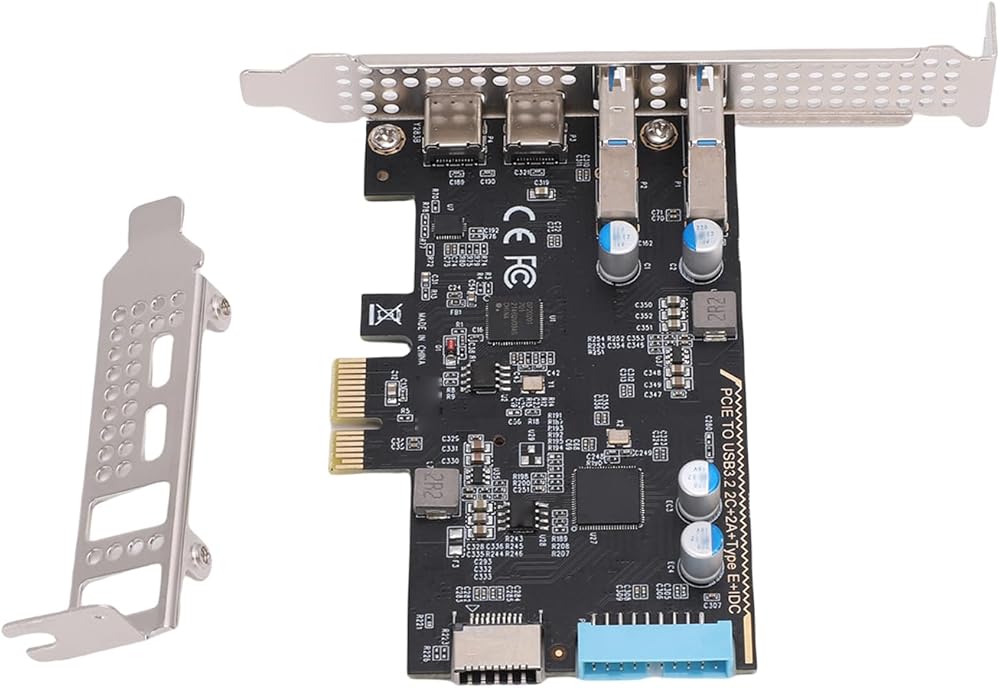
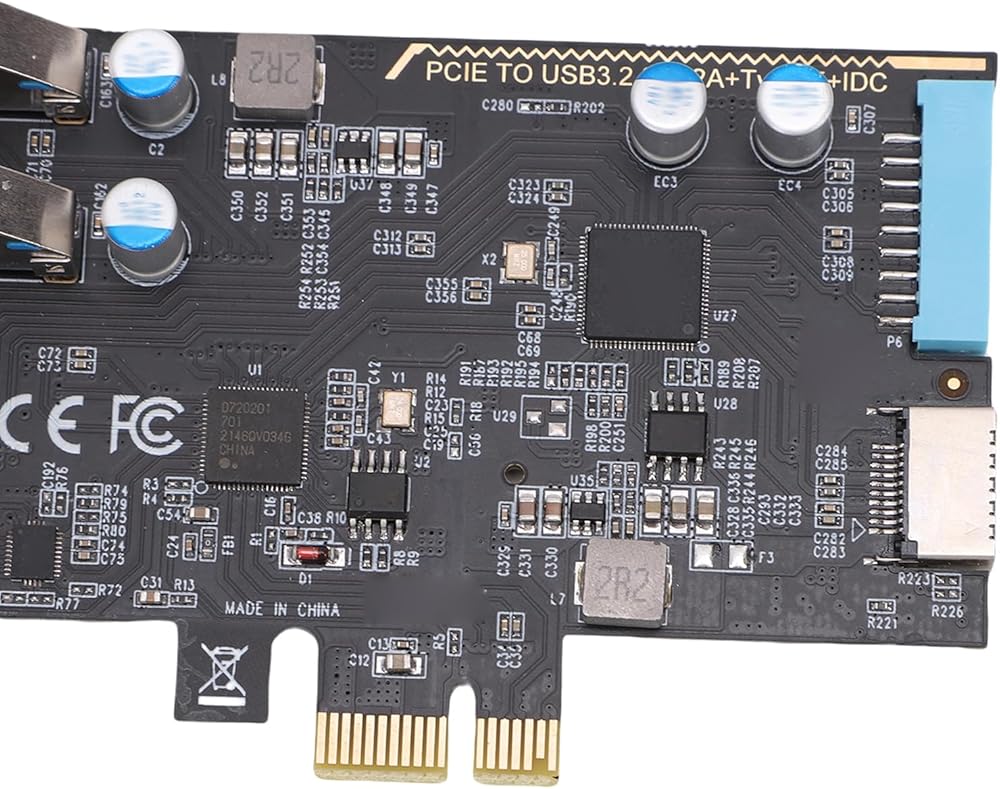
  • [High-speed Connectivity] This pcie to usb 3.2 gen 1 card transforms your desktop into a connectivity powerhouse with 2 usb type c and 2 usb type a ports plus usb type e and 19pin interfaces. enjoy blazing-fast 10gbps data transfer speeds perfect for external storage vr headsets printers and more ensuring seamless performance for your high bandwidth devices.
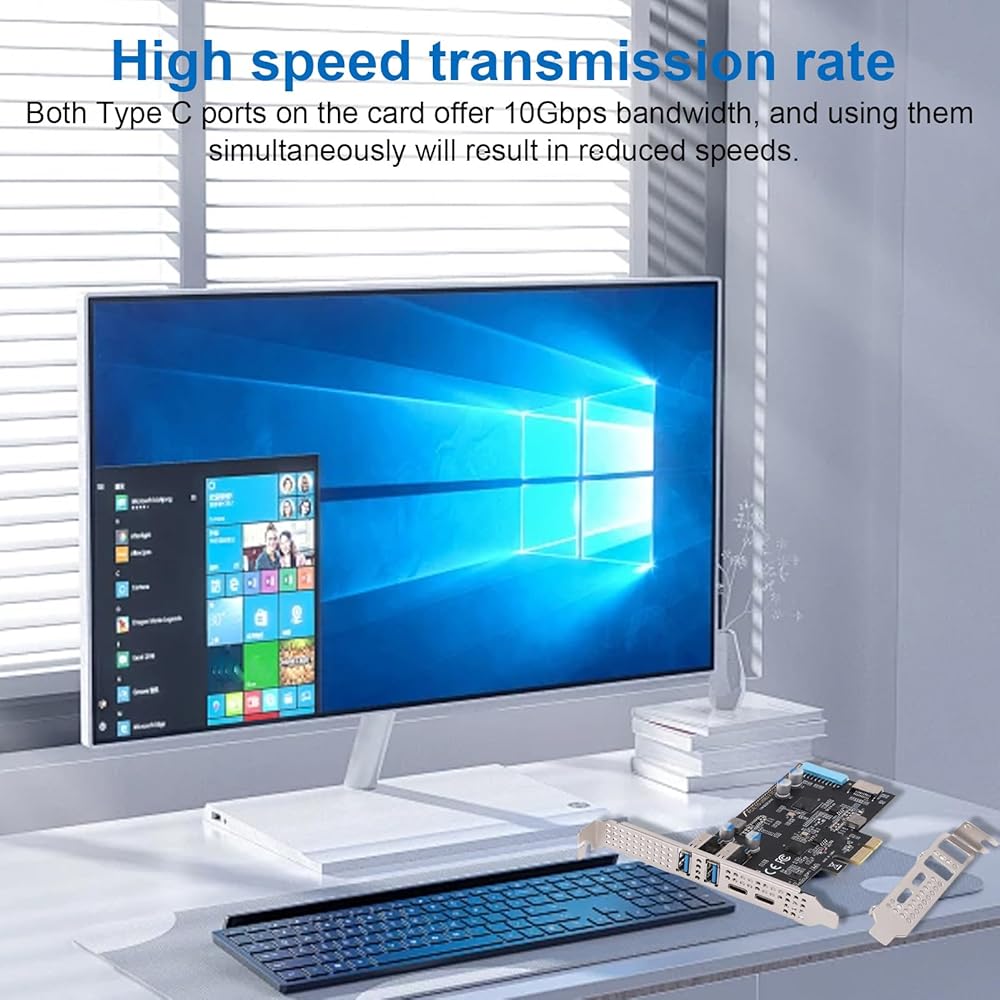
  • [Fast Transfers] Experience ultra rapid file transfers with the usb 3.2 gen 1 standard delivering 10gbps bandwidth per type c port. transfer a 2gb file in just 1.6 seconds making it ideal for large datasets gaming and intensive workloads. the shared bandwidth ensures efficient performance even when multiple devices are connected simultaneously.
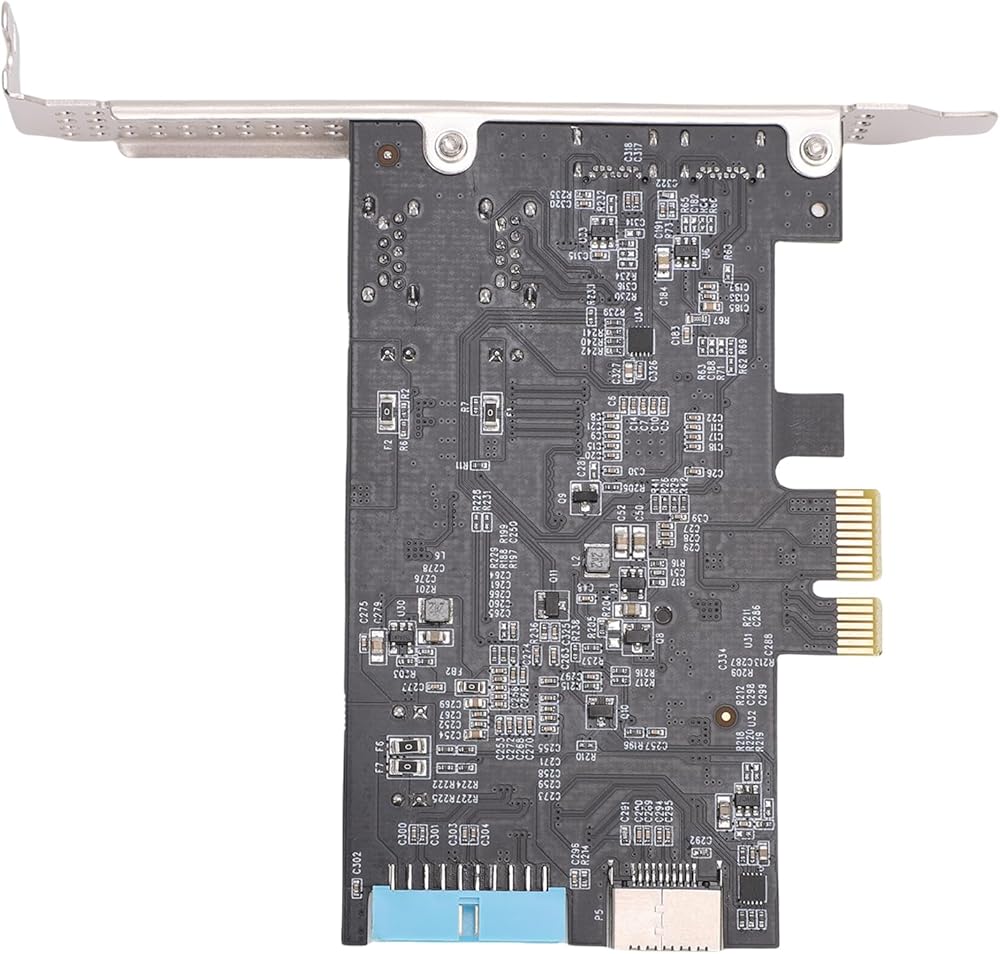
  • [Easy Installation & Versatility] This usb card for desktop pc comes with preinstalled 12cm and 8cm brackets for compatibility with most cases. simply insert into a pcie x1 x4 x8 or x16 slot and secure with screws. its versatile design and robust construction make it a must have for enhancing your desktop's connectivity.
  • [Universal Compatibility] Designed to work with older pcie 2.0 motherboards this expansion card supports wins and os x systems. enjoy plug and play functionality on wins 10 and above without the need for additional drivers. it seamlessly integrates with your existing setup providing hassle free installation and immediate use.
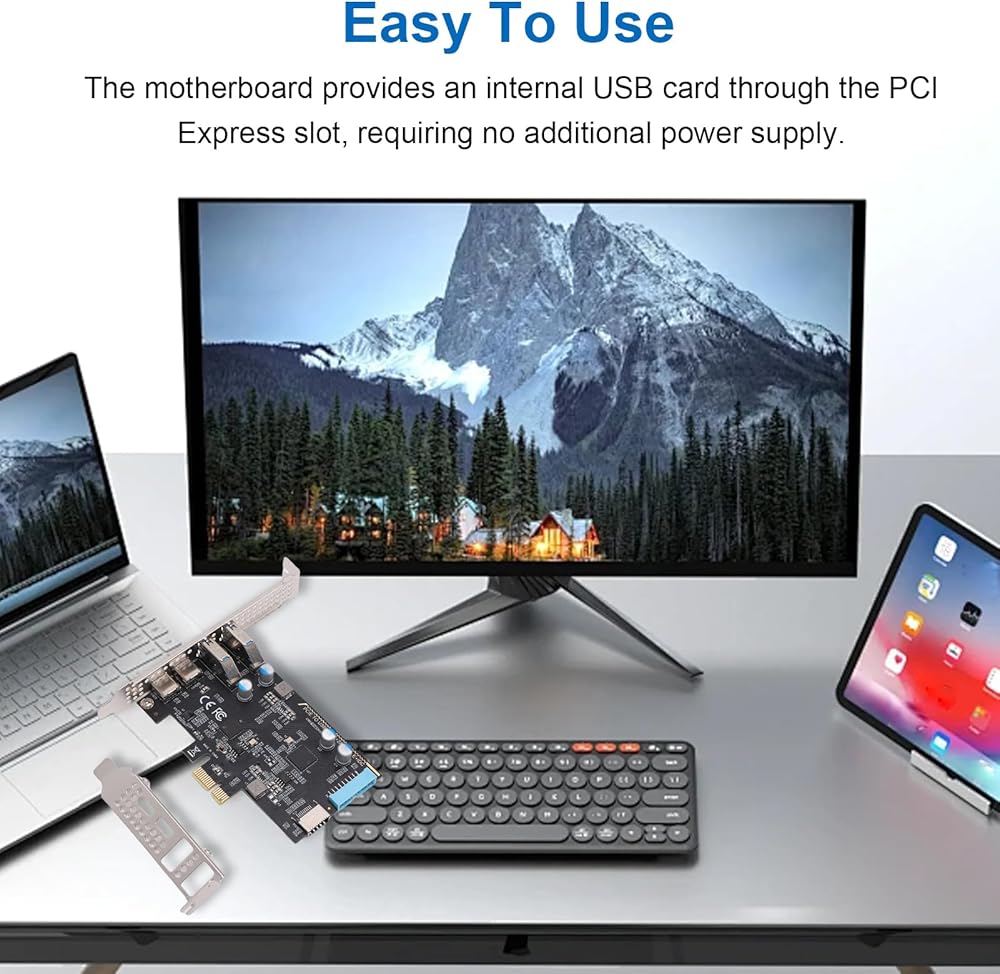
  • [Stable & Reliable Performance] The desktop pc internal usb hub draws power directly from the pcie slot eliminating the need for external power sources. unlike external hubs it maintains consistent 10gbps speeds without disconnection issues ensuring stable performance for all your connected devices.

Description

Spec:
Item Type: PCIe to USB 3.2 Gen 1 Card
Material: PCB
Color: Black
Bus Type: PCIE
Interface Standard: USB 3.2 Gen 1
Front Interfaces: 2 x Type C, 2 x Type A
Rear Interfaces: USB Type E, 19pin
System Compatibility: for Wins,​ for , for OS X
Bandwidth: 10Gbps

Package List:
1 x PCIe To USB 3.2 Gen 1 Card
1 x Low Profile Bracket

How To Use:
Take the product out of the packaging to use.

Note:
1. USB expansion cards only support data transfer and do not support PD fast charging, video signal transfer (High Definition Multimedia Interface, VGA display conversion), and USB for Thunderbolt protocol.
2. In PCIe 2.0 systems, the maximum transfer rate may be lower than PCIe 3.0 or higher versions.
3. Before installation, please make sure to turn off the computer power and disconnect the power cord.
4. When disassembling the chassis, please be aware that there may be incisive edges on the edges of the chassis to avoid scratches.
Related Items


{"error":"Error","cart_limit":"You have too many items in your cart.","prod_limit":"You cannot add any more of this item"}