Ultra-Compact Keyboard & Mouse for Samsung Galaxy Z Fold 7/6/5, Portable Mini Wireless Keyboard for Travel, Dual-Bluetooth Channel & Adjustable Kickstand & Leather Cover Case for Motorola Razr Fold
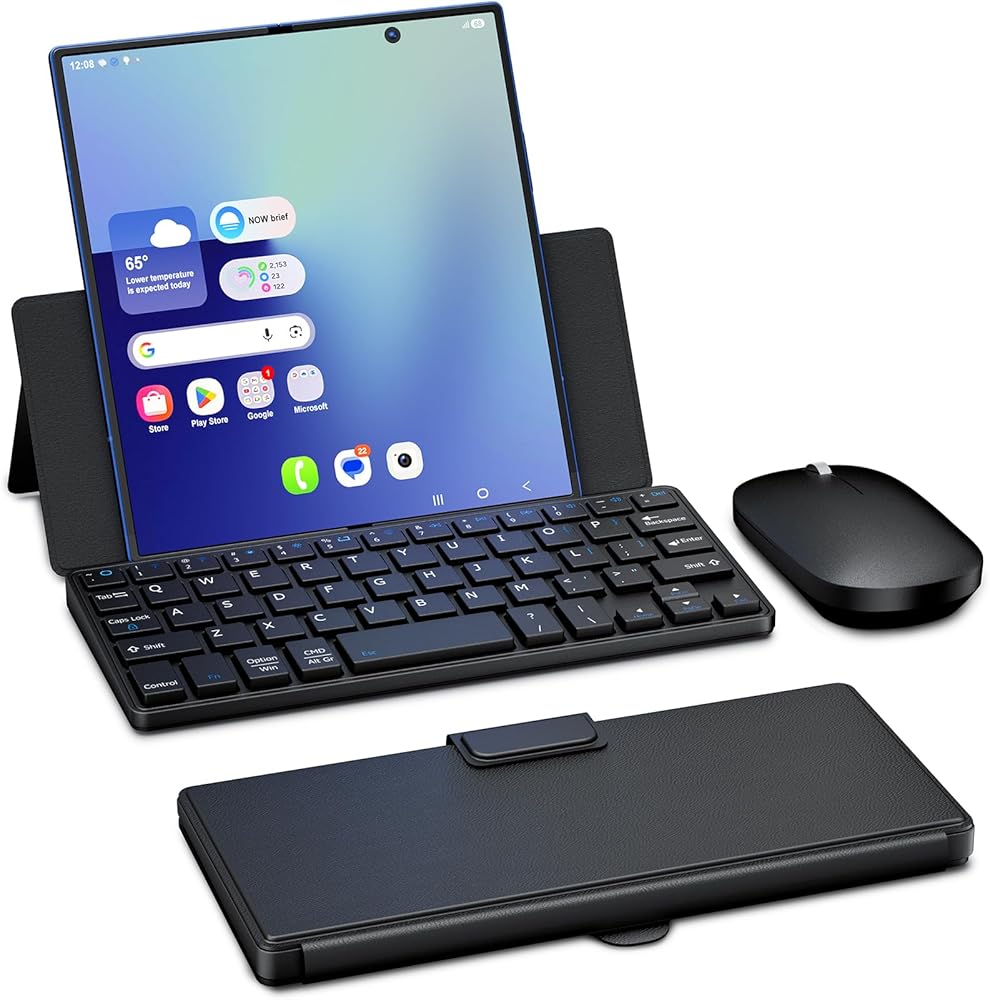
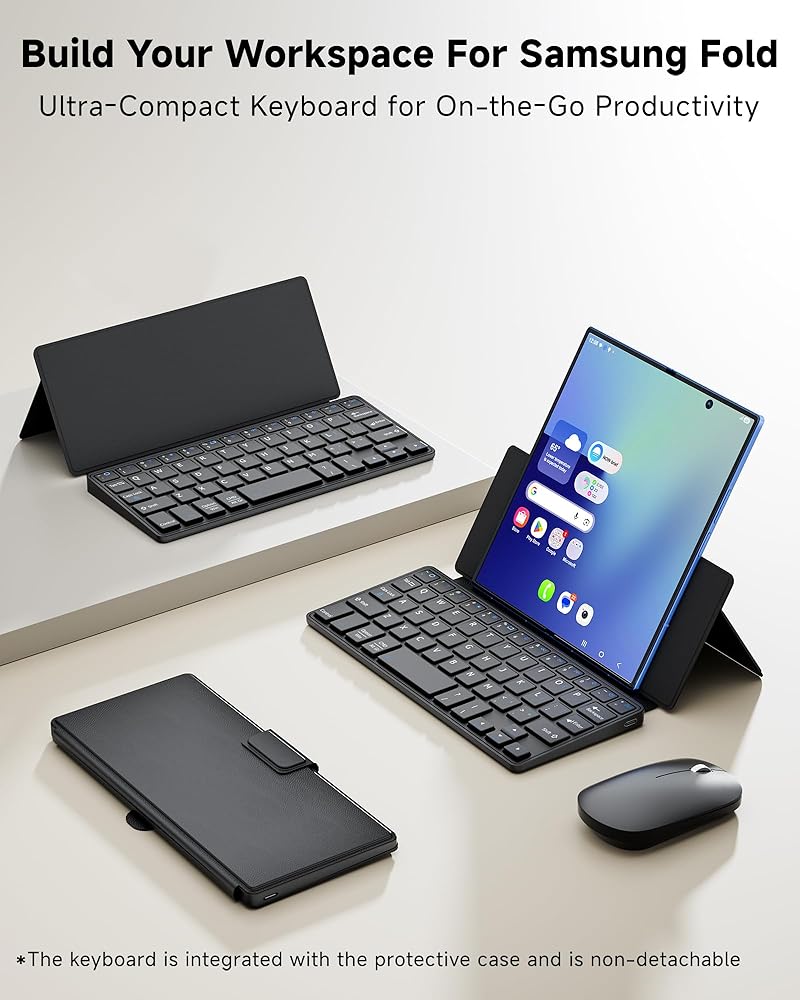
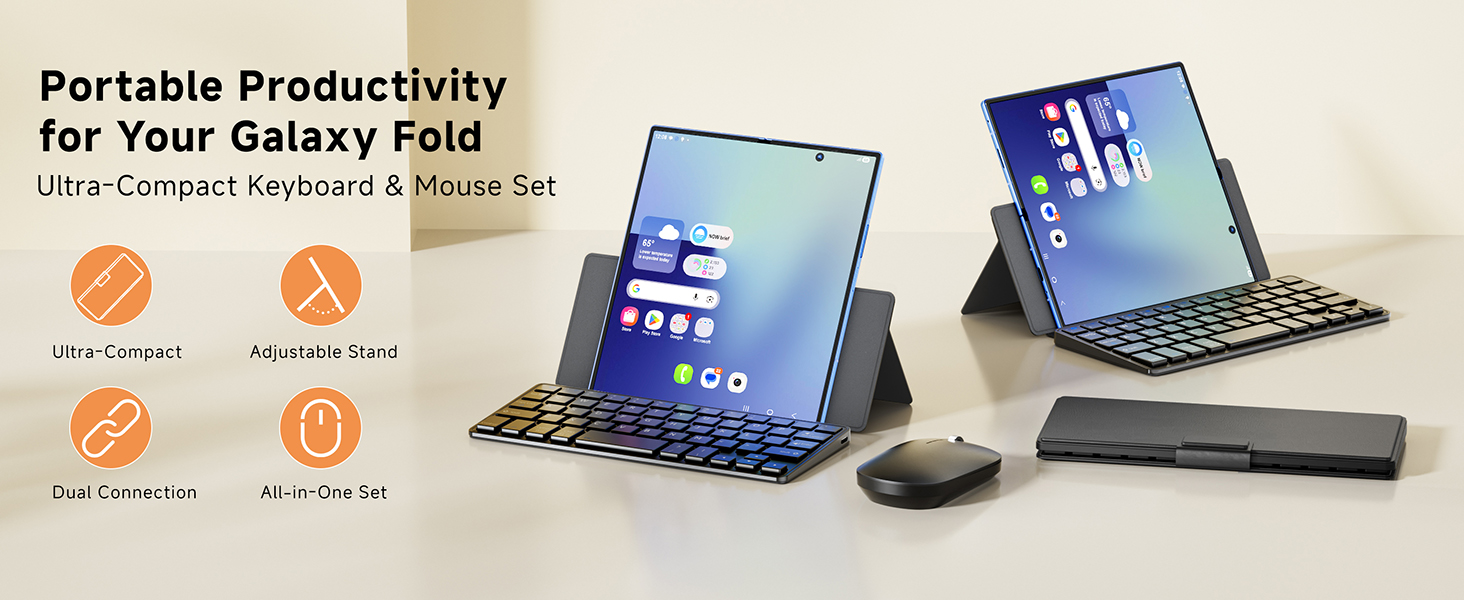
【Exclusively for Galaxy Z Fold】: Specially designed for the Samsung Galaxy Z Fold 7/6/5/4/3, this foldable phone-sized keyboard ensures a perfect fit and seamless connection. It collapses to pocket size for effortless on-the-go typing and mobile work. Package includes: 1 x Small Bluetooth Keyboard, 1 x Slim Wireless Mouse, 1X Type C Cable, 1 x User Manual
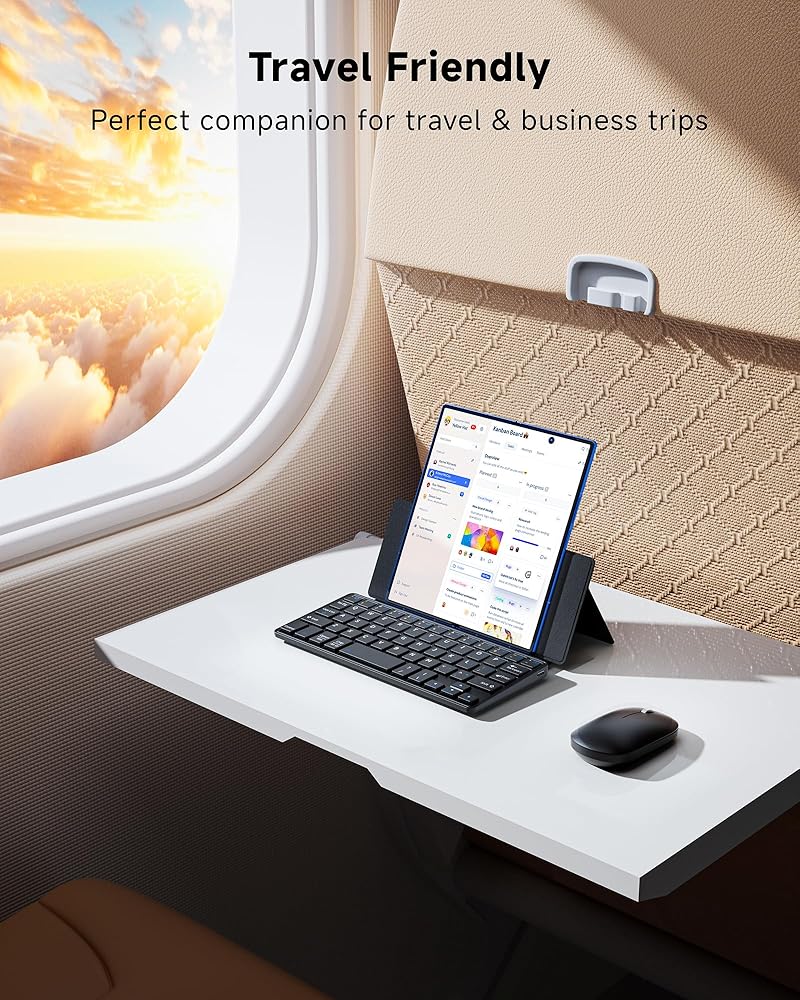
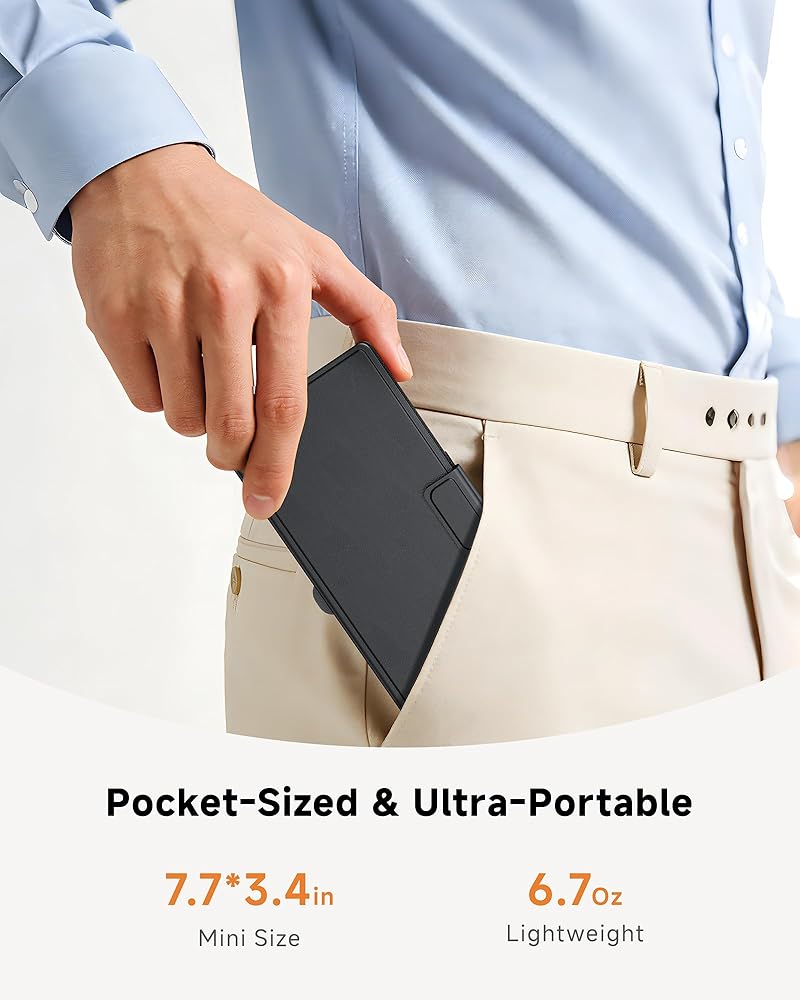
【Compact Design & Smooth Typing】: Compact in design, this keyboard still delivers well-separated keys and a smooth & comfortable typing experience. Ultra-slim, lightweight, and rechargeable—this keyboard is so portable it fits in your pocket or your bag without adding extra bulk. It's just 7.7”×3.4”×0.6” and 6.7Oz.,making it ideal for travelers, note-takers, or anyone who needs quick typing without a full-size keyboard.
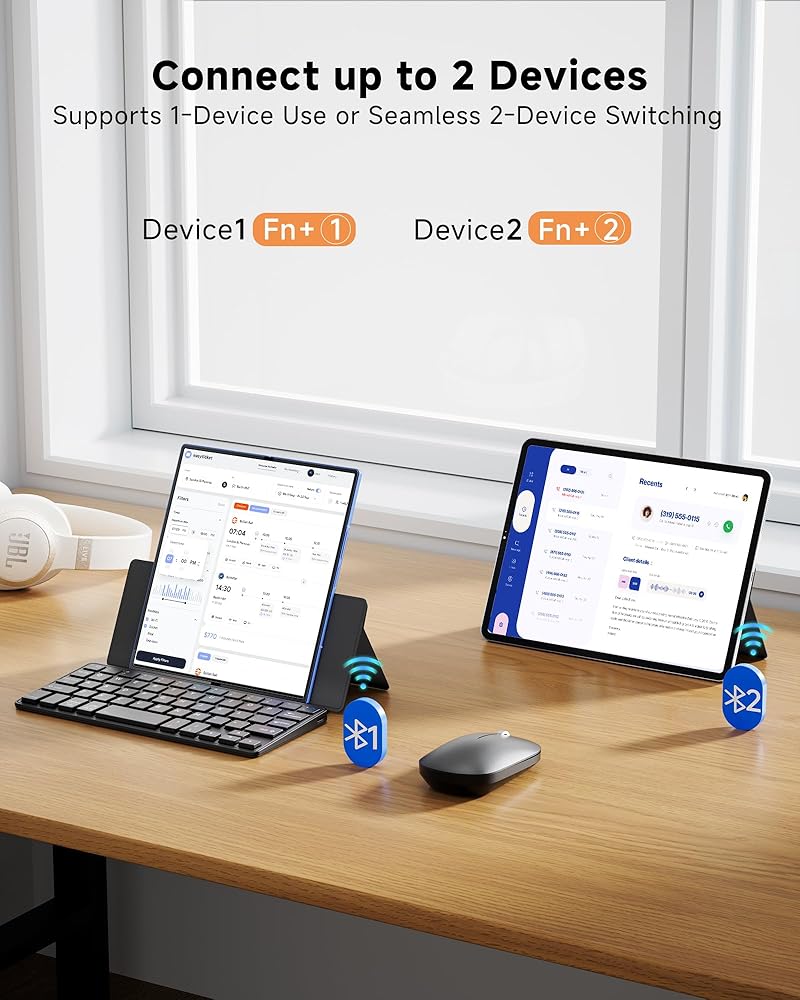
【Dual Bluetooth Support】: This mini keyboard features Dual Bluetooth Channels, allowing you to pair 1 or 2 devices simultaneously. After two devices are successfully connected, you can switch between your Galaxy Z Fold and a second device instantly with the shortcut "FN+1" or "FN+2",and the corresponding indicator light will light up.
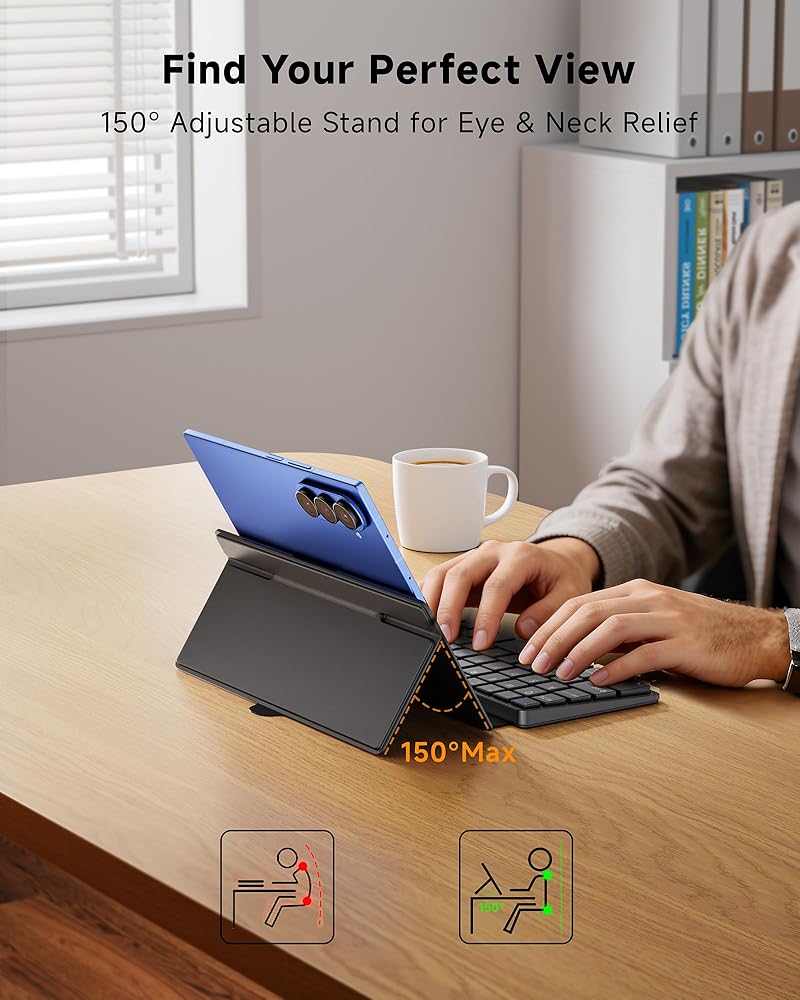
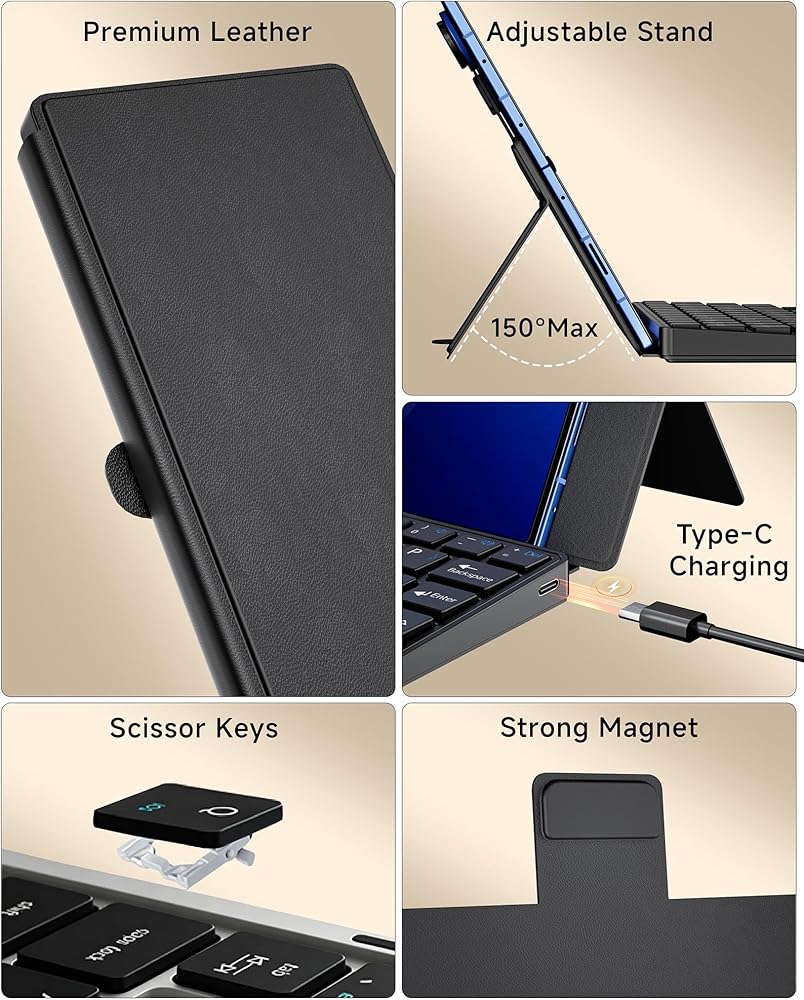
【Adjustable Viewing Stand】: The build-in kickstand allows you to adjust your Galaxy Z Fold to any angle you prefer. Whether you're typing emails, watching videos or drawing, the foldable keyboard stand adjusts smoothly and stays firmly in place, providing a stable and comfortable viewing experience.
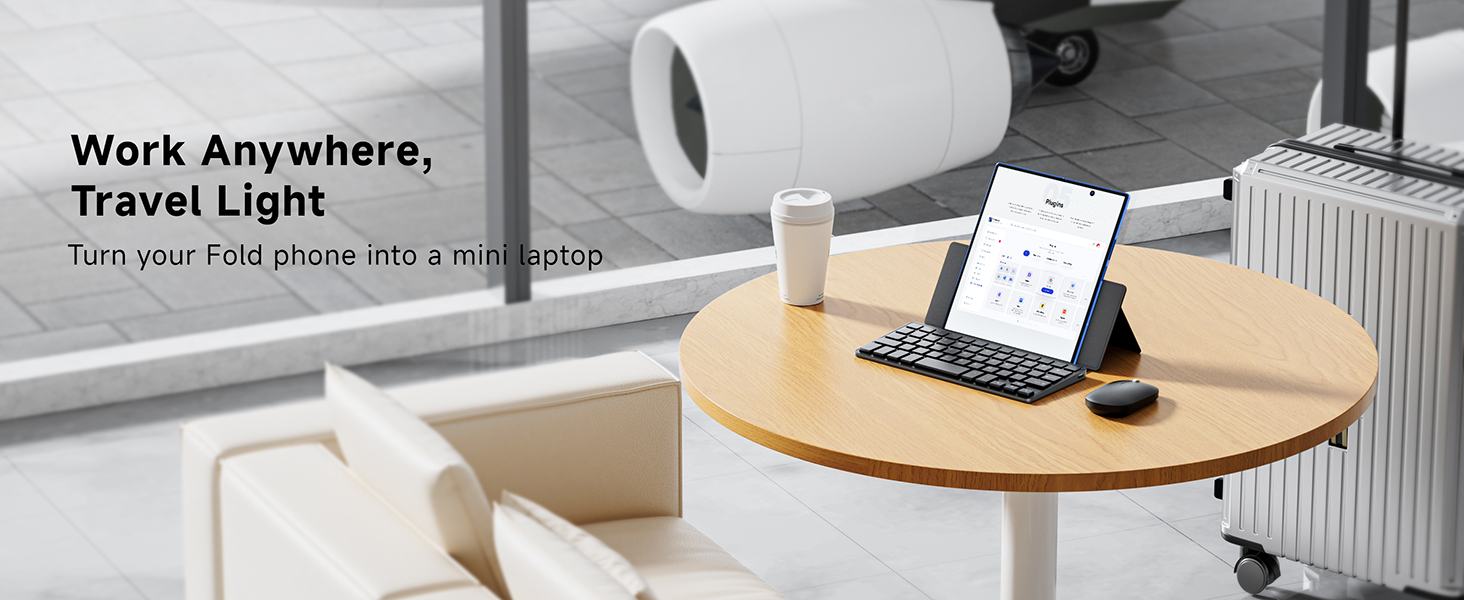
【Stylish Leather Case】: Premium folio-style leather finish delivers a luxury look and all-around protection for keyboard. Pair it with the included silent mouse, and the keyboard-case-mouse combo transforms your Galaxy Z Fold into a fully functional mini laptop—absolute must-have accessories for Z Fold users.
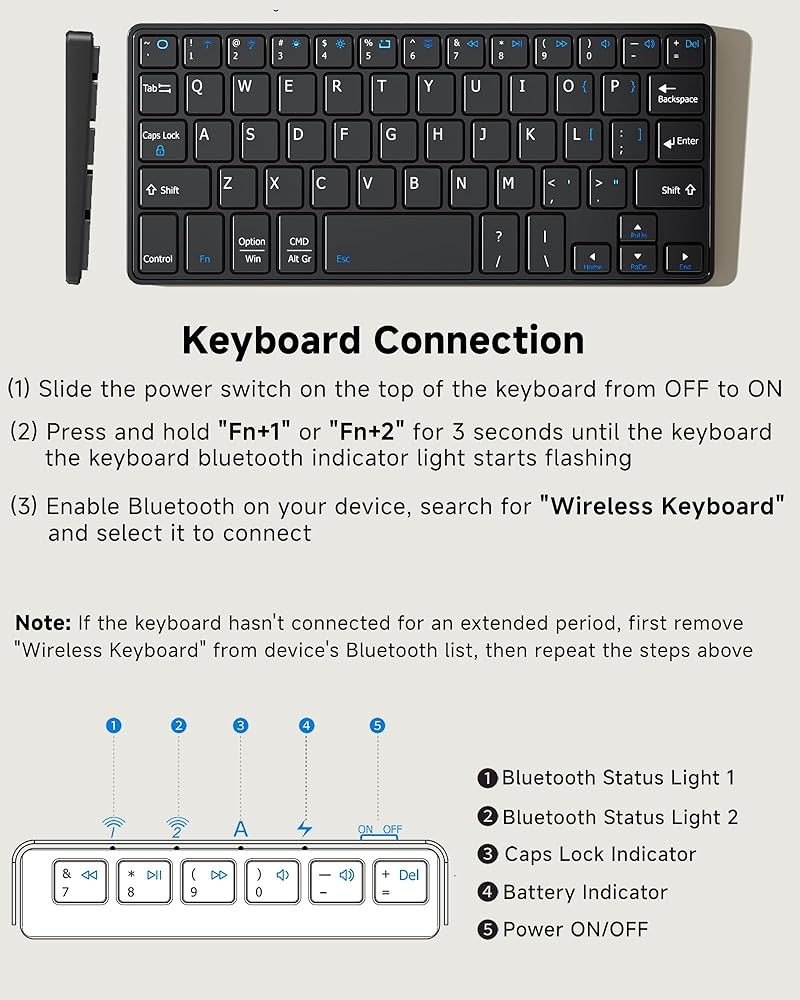
【Warm Tips】 : If Bluetooth connection fails or is unstable, please reset and reconnect as follows: ①Remove "Wireless Keyboard" from your device's Bluetooth list, then turn off the keyboard ②Turn on the keyboard, press and hold the first and last keys on the top row until all indicator lights flash ③The Bluetooth indicator will flash rapidly to enter pairing mode automatically. If not, press Fn + 1 or Fn + 2 ④On your device, search for and select "Wireless Keyboard" to connect
 CaseBuy Palm Rest Protector Skin Cover for 2025-2022 MacBook Air 13.6 inch M4 M3 M2 Chip A3240 A3113 A2681 Anti-Scratch Dust Wrist Rest Decals Sticker,Space Grey
SAR 52
CaseBuy Palm Rest Protector Skin Cover for 2025-2022 MacBook Air 13.6 inch M4 M3 M2 Chip A3240 A3113 A2681 Anti-Scratch Dust Wrist Rest Decals Sticker,Space Grey
SAR 52
 Green Onions Supply[3 Pack Universal Fully Covered Flat Style 0.025mm Wipeable Superb Tactile Feeling Waterproof Anti-Dust Keyboard Cap Cover for Desktop with Numeric Hospital Use
SAR 79
Green Onions Supply[3 Pack Universal Fully Covered Flat Style 0.025mm Wipeable Superb Tactile Feeling Waterproof Anti-Dust Keyboard Cap Cover for Desktop with Numeric Hospital Use
SAR 79
 LOFREE Flow Low Profile Mechanical Keyboard and Mouse, 100 Keys Rechargeable Wireless Keyboards with Bluetooth and Wired Connection
SAR 910
LOFREE Flow Low Profile Mechanical Keyboard and Mouse, 100 Keys Rechargeable Wireless Keyboards with Bluetooth and Wired Connection
SAR 910
 -20%
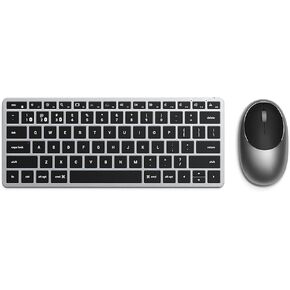
Satechi Slim X1 Bluetooth Backlit Keyboard & M1 Bluetooth Wireless Mouse - Rechargeable Type-C Port - Compatible with 2022 MacBook Pro/Air M2, 2021 MacBook Pro M1 Pro & Max, 2021 iMac, M1 Mac Mini
SAR 417
-20%
Satechi Slim X1 Bluetooth Backlit Keyboard & M1 Bluetooth Wireless Mouse - Rechargeable Type-C Port - Compatible with 2022 MacBook Pro/Air M2, 2021 MacBook Pro M1 Pro & Max, 2021 iMac, M1 Mac Mini
SAR 417