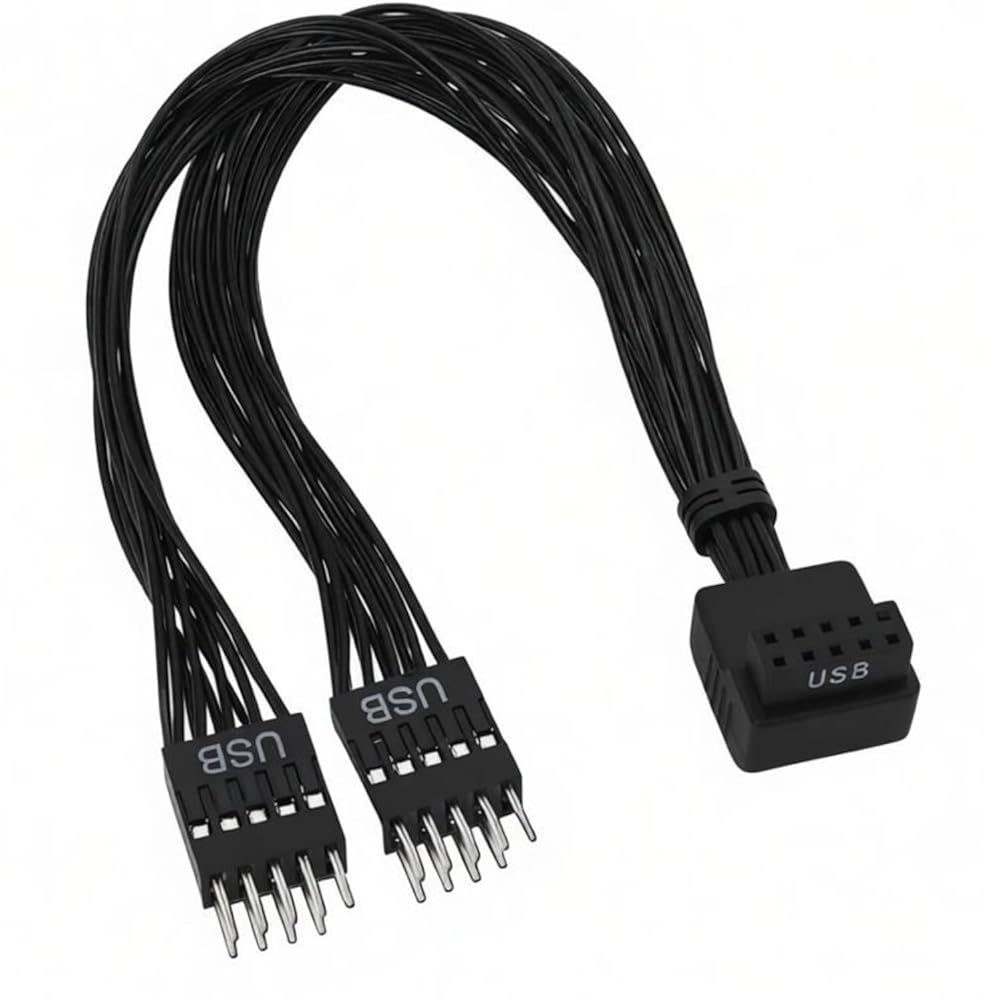
كابل تمديد USB 9 Pin إلى 2 منفذ USB 2.0 للوحة الأم، كابل رأس بزاوية 90 درجة، حقن أسود الكل في واحد 20 سم بدون فضفاض، ترقية اللوحة الأمامية للكمبيوتر الشخصي
Sturdy All-In-One Injection, No Loose Connection: ELFJMZP USB cable adopts reinforced one-piece injection at the elbow, no flimsy splicing like ordinary cables. The joint stays firm, no wobble or looseness even after repeated plugging, avoiding poor contact and signal loss for stable home PC data and power transmission.
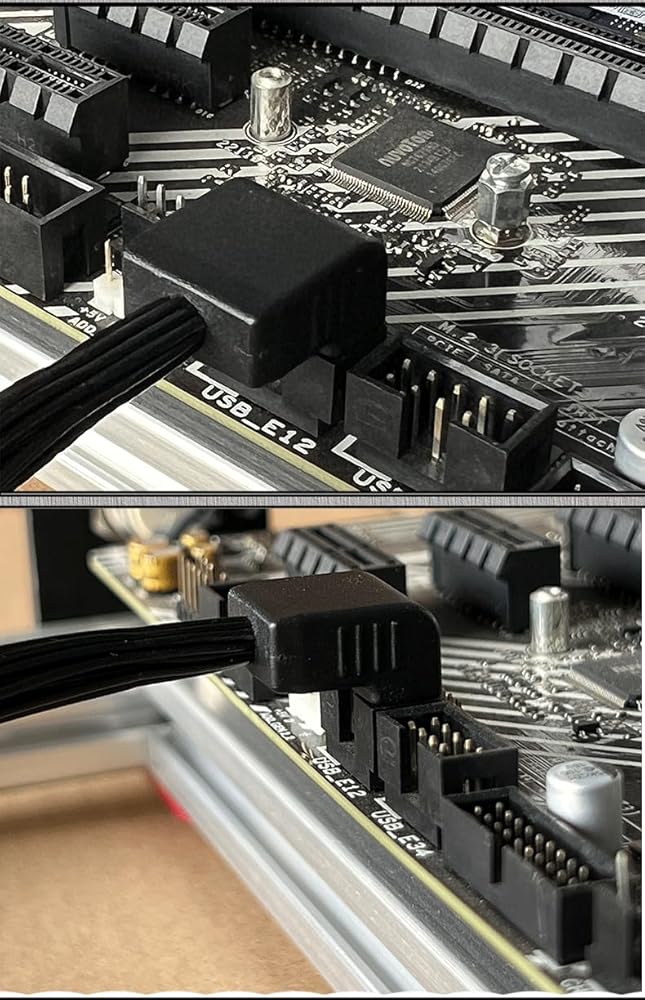
90° Elbow for Neat Case Wiring: Designed with a right-angle elbow to fit narrow PC case spaces, preventing wire bending and damage. It keeps internal wiring tidy and simplifies home computer modification and installation, saving time and effort for DIY upgrades.
1-to-2 USB Port Expansion: This motherboard 9PIN dupont header cable splits one mainboard 9-pin socket into two independent 5-pin plugs, connecting directly to the case front USB panel. Solves insufficient front USB ports, perfect for U disks, keyboards, mice and daily peripherals.
Premium Tinned Copper for Stable Transfer: Made of 1007-24AWG pure tinned copper core and thick PVC jacket, with great conductivity and anti-interference. Ensures steady USB 2.0 signal transfer, no lag or disconnection in daily use.
20CM Black Compact Design: Fixed 20CM length (total 21.5CM with shell, manual error allowed), 14G lightweight, all black. Fits most desktop cases, ideal for home PC modification, plug and play, no drivers needed, easy for beginners.
وصف
The biggest highlight is its one-piece injected elbow, which never loosens — far more durable than cheap, loose cables. Repeated use won't cause connection failure,
and the 90° elbow avoids wire breakage, keeping your case tidy for home upgrades.
Built with high-standard tinned copper and wear-resistant PVC, it delivers stable USB 2.0 performance with no interference. The 20CM black design is compact and versatile,
matching most desktops without taking extra space. A must-have for home USB expansion and simple PC mods.
Warm Note: Check the correct installation direction when connecting to mainboard and case front panel for stable use.
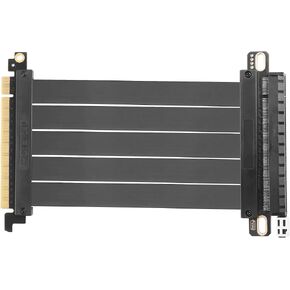 PCIe 3.0 x16 كابل التوسع ، PCI-E 16x محول Hi Extreme Hi-Speed Card 180 درجة موصل ل GPU ، WiFi ، USB ، بطاقات الصوت ، إلخ-20 سم/7.87 في
SAR 121
PCIe 3.0 x16 كابل التوسع ، PCI-E 16x محول Hi Extreme Hi-Speed Card 180 درجة موصل ل GPU ، WiFi ، USB ، بطاقات الصوت ، إلخ-20 سم/7.87 في
SAR 121
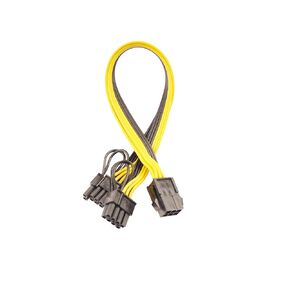 6 دبوس أنثى إلى 8 دبوس (6+2) ذكر PCIe GPU محول الطاقة كابل PCI Express محول كابل الأسلاك الخادم ، خط إمداد بطاقة التعدين
SAR 47
6 دبوس أنثى إلى 8 دبوس (6+2) ذكر PCIe GPU محول الطاقة كابل PCI Express محول كابل الأسلاك الخادم ، خط إمداد بطاقة التعدين
SAR 47
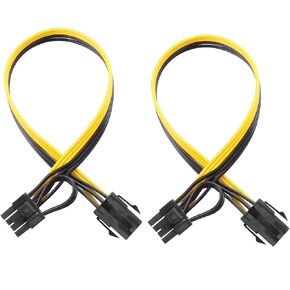 6 دبوس أنثى إلى 8 دبوس (6+2) ذكر كابل محول PCIE Propu Express PCI Express GPU ، كبل مناسب للكمبيوتر (حزمة 2)
SAR 47
6 دبوس أنثى إلى 8 دبوس (6+2) ذكر كابل محول PCIE Propu Express PCI Express GPU ، كبل مناسب للكمبيوتر (حزمة 2)
SAR 47
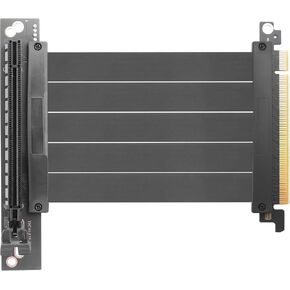 PCIe 3.0 x16 كابل التوسع ، PCI-E 16x محول HI-SPEED المحول ، CARD 90 درجة موصل ل GPU ، WIFI ، USB ، بطاقات الصوت ، إلخ-24 سم/9.5 بوصة.
SAR 121
PCIe 3.0 x16 كابل التوسع ، PCI-E 16x محول HI-SPEED المحول ، CARD 90 درجة موصل ل GPU ، WIFI ، USB ، بطاقات الصوت ، إلخ-24 سم/9.5 بوصة.
SAR 121