- التسوق ، اصبح سهلا.
- /
- احصل على التطبيق!
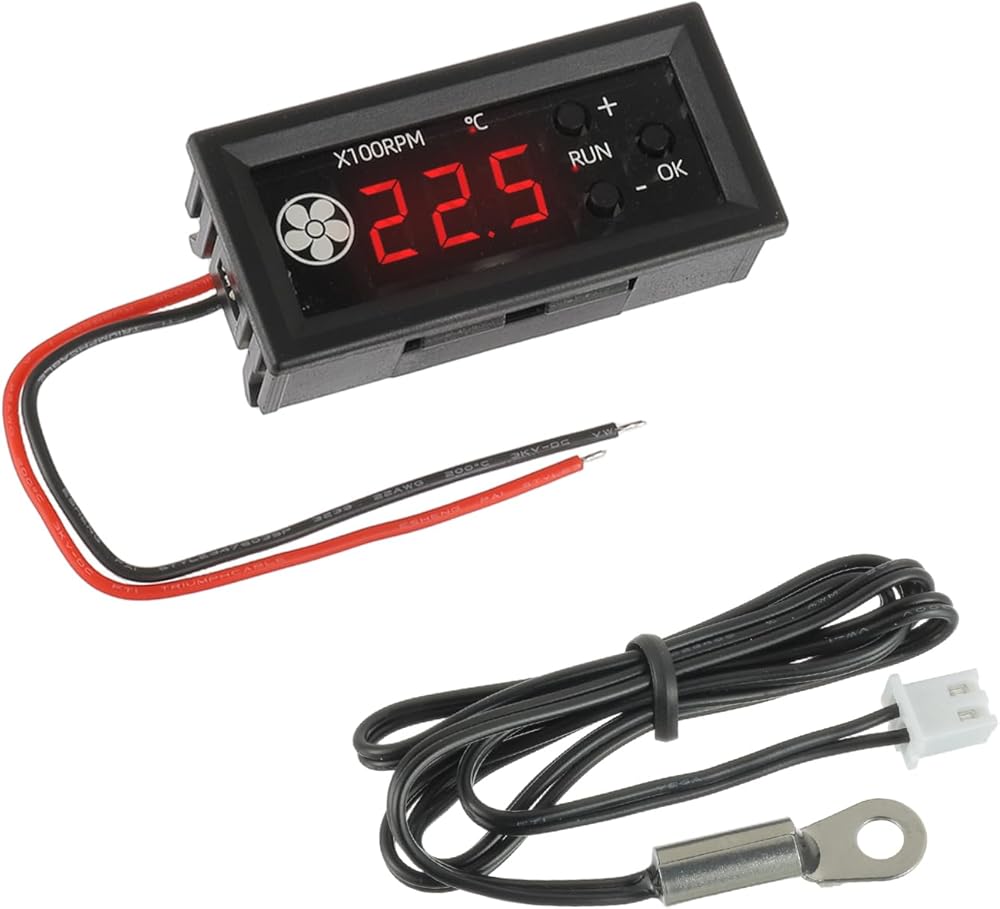
JAMHER 4-Wire PWM Fan Temperature Controller
Power supply voltage: DC12V
Voltage range: DC8-16V (circuit operating voltage, please configure the power supply according to the fan voltage range!)! )
Circuit self consumption: less than 40mA (test value at 12V, for reference only)
Fan current: not exceeding 3.5A
PWM range: 1-100, ± 0.5% (signal percentage not actual speed)
PWM frequency: 25KHZ (± 1KHZ)
PWM signal amplitude: 5V (no-load)
The maximum readable value on the monitor is 300 × 100 RPM=30000 RPM
Temperature measurement range: -9.9-99.9 ℃
Temperature measurement error: The error within the range of 0-50℃ is less than 1.2℃, and the error in other ranges is less than 2℃
Button Description:
+"" - "buttons: Switch display while running, increase or decrease values when setting parameters (long press continuously)
The "OK" button has three functions:
1. In the running state, short press to enter the inherent output setting, which is the manual speed regulation setting, with a range of 1-100 (%). Short press again to save and exit.
2. In the running state, long press to enter the temperature parameter setting. After entering, use the "+" and "-" buttons to modify the parameters. Short press the "OK" button to switch the setting items.
Set the acceleration temperature "L**" and full speed temperature "'H**" in sequence (*represents the number), turn off the temperature "C**", and then short press the "OK" button again to save and exit the settings.
3. After power off, long press the "OK" button and then turn on the power to enter the function settings. Use the "+" and "-" buttons to modify. Short press the "OK" button to confirm and save to exit.
This setting is used to modify the PWM output direction to forward/reverse "P1/P-1". Short press the "OK" button again to save and exit.
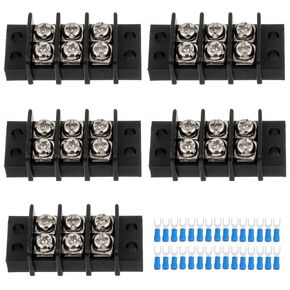 12 دائرة و12 موضعًا، كتلة طرفية 20-30 أمبير 200-450 فولت، شريط طرفي لولبي مزدوج الصف مع 66 قطعة من موصلات شوكة الأسلاك المنكمشة بالحرارة (عبوة من قطعتين)
SAR 53
12 دائرة و12 موضعًا، كتلة طرفية 20-30 أمبير 200-450 فولت، شريط طرفي لولبي مزدوج الصف مع 66 قطعة من موصلات شوكة الأسلاك المنكمشة بالحرارة (عبوة من قطعتين)
SAR 53
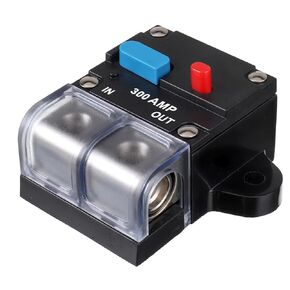 قاطع دائرة 300 أمبير، قاطع دائرة مضمّن قابل لإعادة الضبط 300 أمبير، زر إعادة الضبط اليدوي، قاطع دائرة الاسترداد الذاتي مع غطاء مقاوم للماء لحماية السيارات والقوارب البحرية والأمبيرات
SAR 103
قاطع دائرة 300 أمبير، قاطع دائرة مضمّن قابل لإعادة الضبط 300 أمبير، زر إعادة الضبط اليدوي، قاطع دائرة الاسترداد الذاتي مع غطاء مقاوم للماء لحماية السيارات والقوارب البحرية والأمبيرات
SAR 103
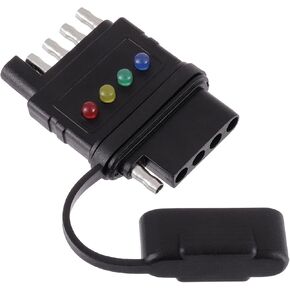 جهاز اختبار أسلاك المقطورة المسطحة للذكور والإناث بخمسة اتجاهات، تصميم مزدوج الطرف، جهاز اختبار ضوء المقطورة بخمسة دبابيس لإشارة الانعطاف، أضواء الفرامل الخلفية، أداة حل المشكلات مع مؤشرات ساطعة
SAR 53
جهاز اختبار أسلاك المقطورة المسطحة للذكور والإناث بخمسة اتجاهات، تصميم مزدوج الطرف، جهاز اختبار ضوء المقطورة بخمسة دبابيس لإشارة الانعطاف، أضواء الفرامل الخلفية، أداة حل المشكلات مع مؤشرات ساطعة
SAR 53
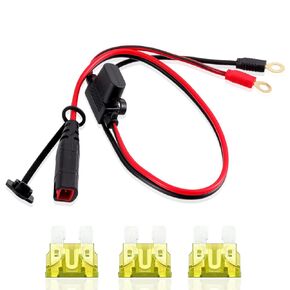 مجموعة أسلاك متوافقة مع موصل طرفية GC002 X-Connect M6 (1/4in) XL لكابل شحن البطاريات الذكي Genius مع صمامات 20 أمبير (M6، 2PACK)
SAR 53
مجموعة أسلاك متوافقة مع موصل طرفية GC002 X-Connect M6 (1/4in) XL لكابل شحن البطاريات الذكي Genius مع صمامات 20 أمبير (M6، 2PACK)
SAR 53

