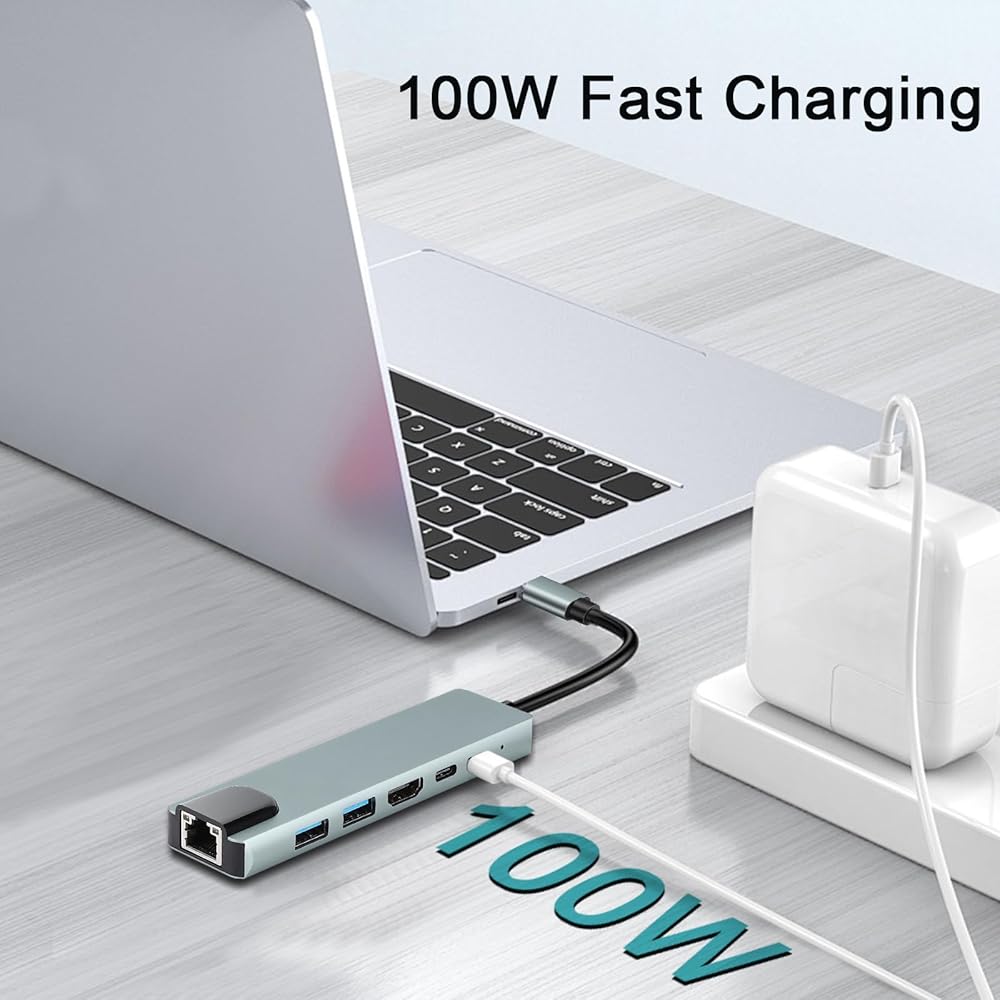
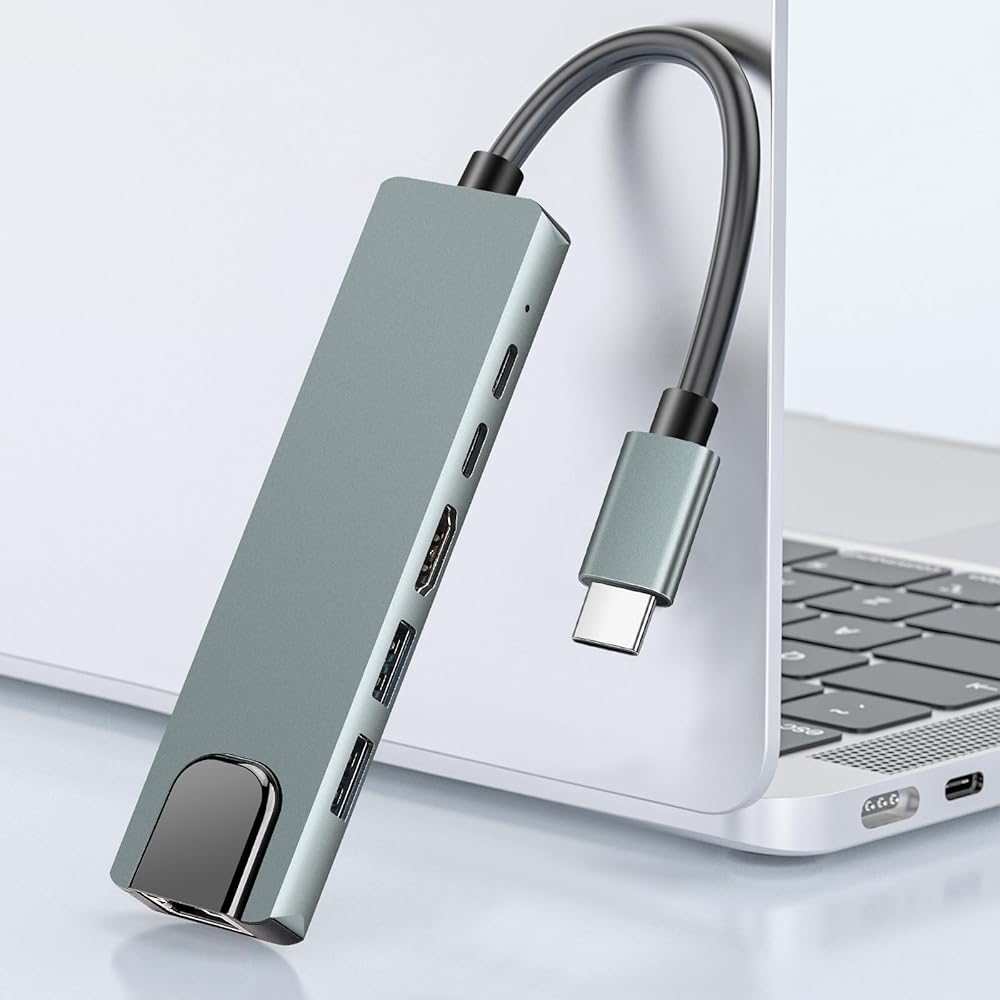
USB C Hub Multiport Adapter for MacBook Air,6 in 1 USBC Dongle with 4K HDMI,RJ45 Ethernet,100W PD,USB 3.0/2.0,USB-C Docking Station for MacBook Pro/Air,iPad Pro,XPS,etc
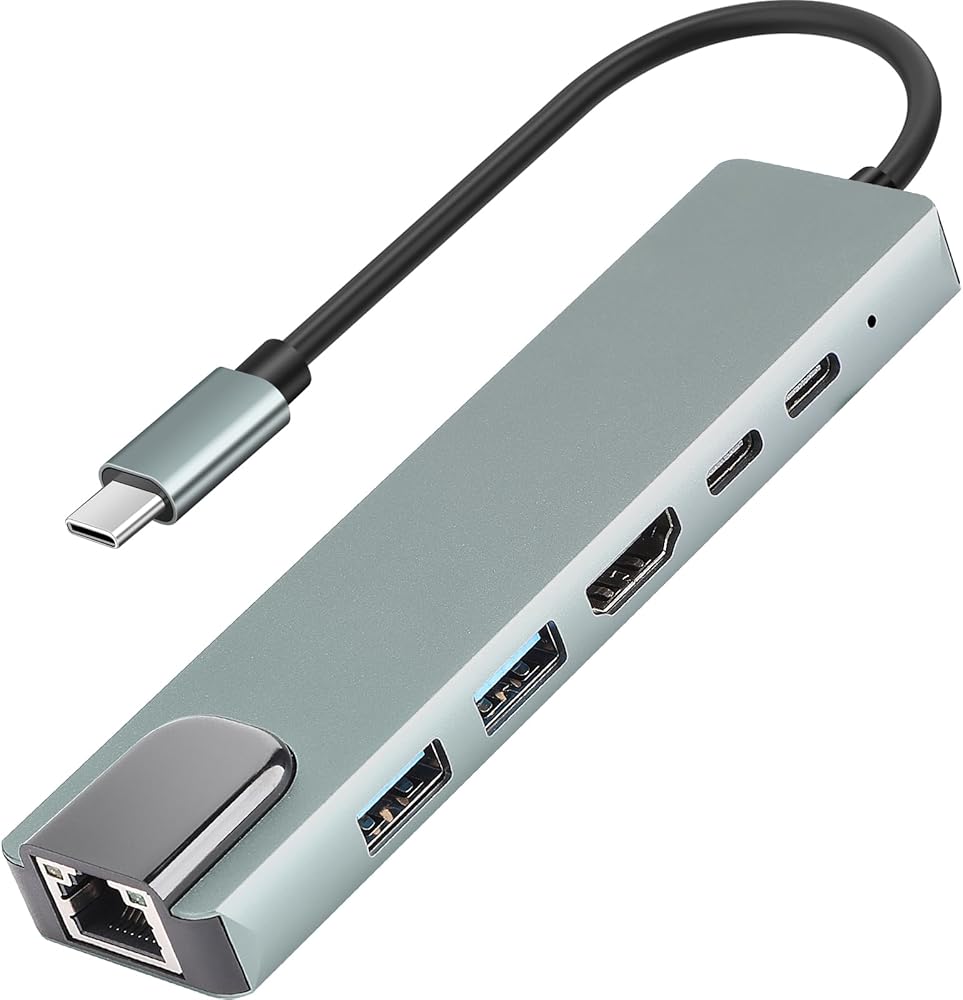
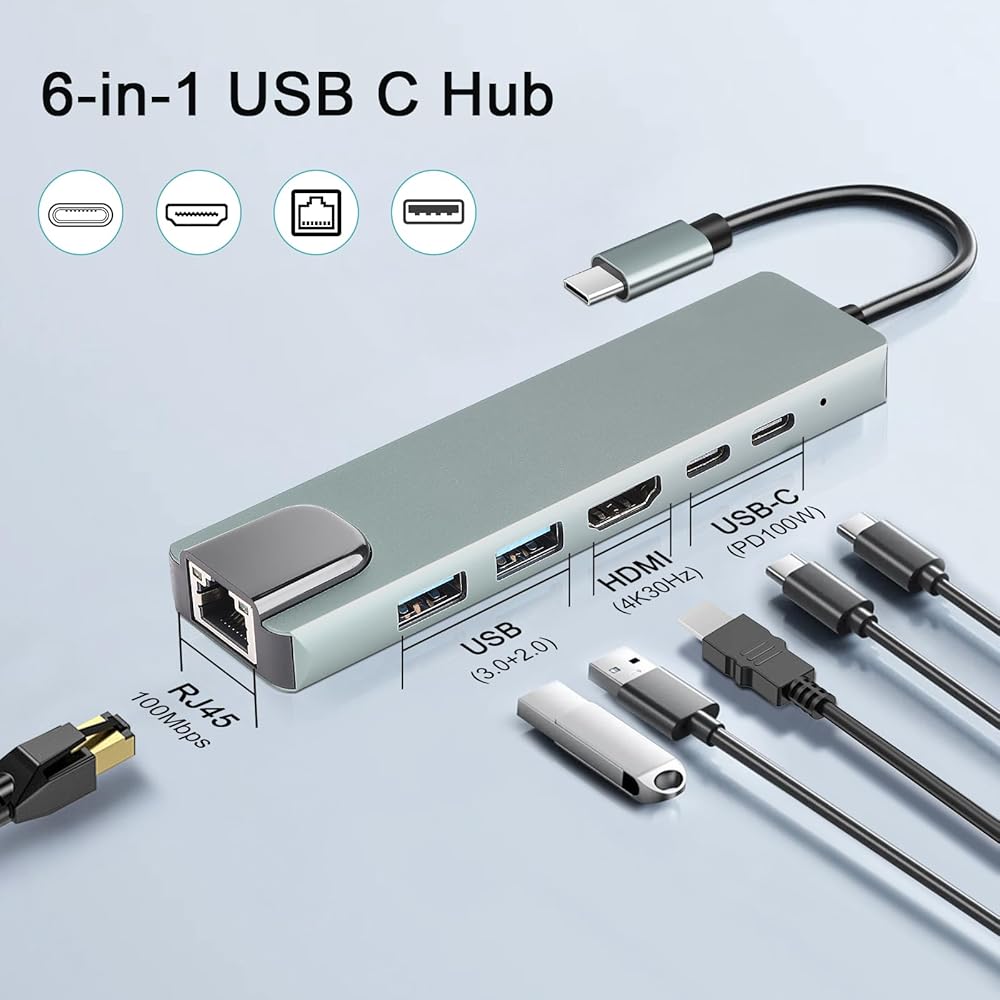
6-in-1 USB-C Hub Expansion: Transform one USB-C port into six essential connections: 1*4K HDMI output,1*RJ45 Ethernet (100 Mbps),1*USB-C PD charging port (up to 100W),1*USB-A 3.0,1*USB-A 2.0,and 1*USB-C data port (interface devices must support 3.0 or above). A practical solution for laptops with limited interfaces—ideal for work, study, or travel
4K HDMI Display Output: Enjoy clear and detailed visuals with the HDMI port supporting up to 4K@30Hz resolution.Easily mirror or extend your display to TVs, monitors, or projectors for efficient multitasking or entertainment. Note: Your USB-C device must support DP Alt Mode for video output
Stable Wired Network Connection: The built-in RJ45 Ethernet port delivers a reliable wired connection with speeds up to 100 Mbps. Perfect for smooth online meetings, gaming, streaming, and large file transfers when Wi-Fi is unstable or unavailable
100W Power Delivery Charging: Keep your laptop powered while using multiple peripherals.The PD 3.0 port supports fast charging up to 100W,maintaining stable performance for devices such as MacBook Pro, MacBook Air, and other USB-C laptops.(The PD port supports charging only; not data transfer)
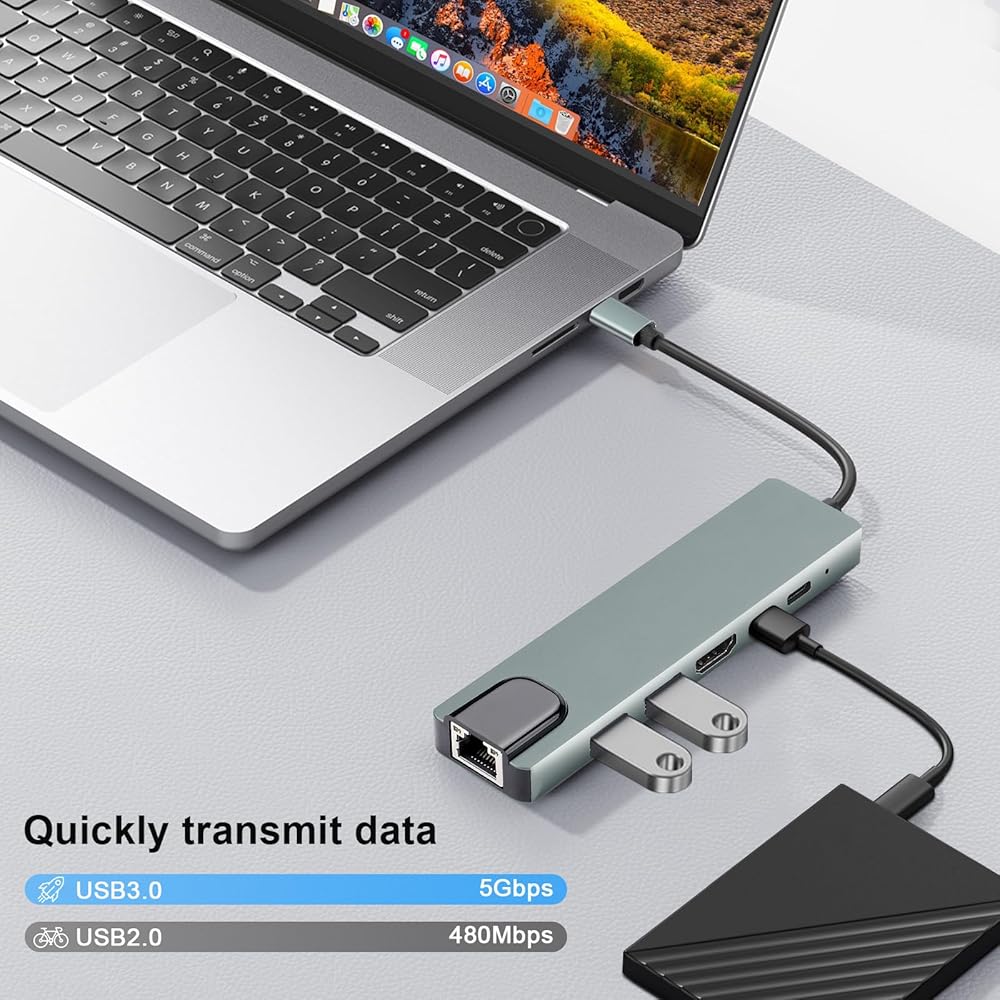
Fast & Flexible Data Transfer: Transfer files efficiently through multiple ports.USB-A 3.0 reaches up to 5 Gbps, while USB 2.0 and USB-C 2.0 offer up to 480 Mbps for connecting accessories like keyboards, mice, and flash drives
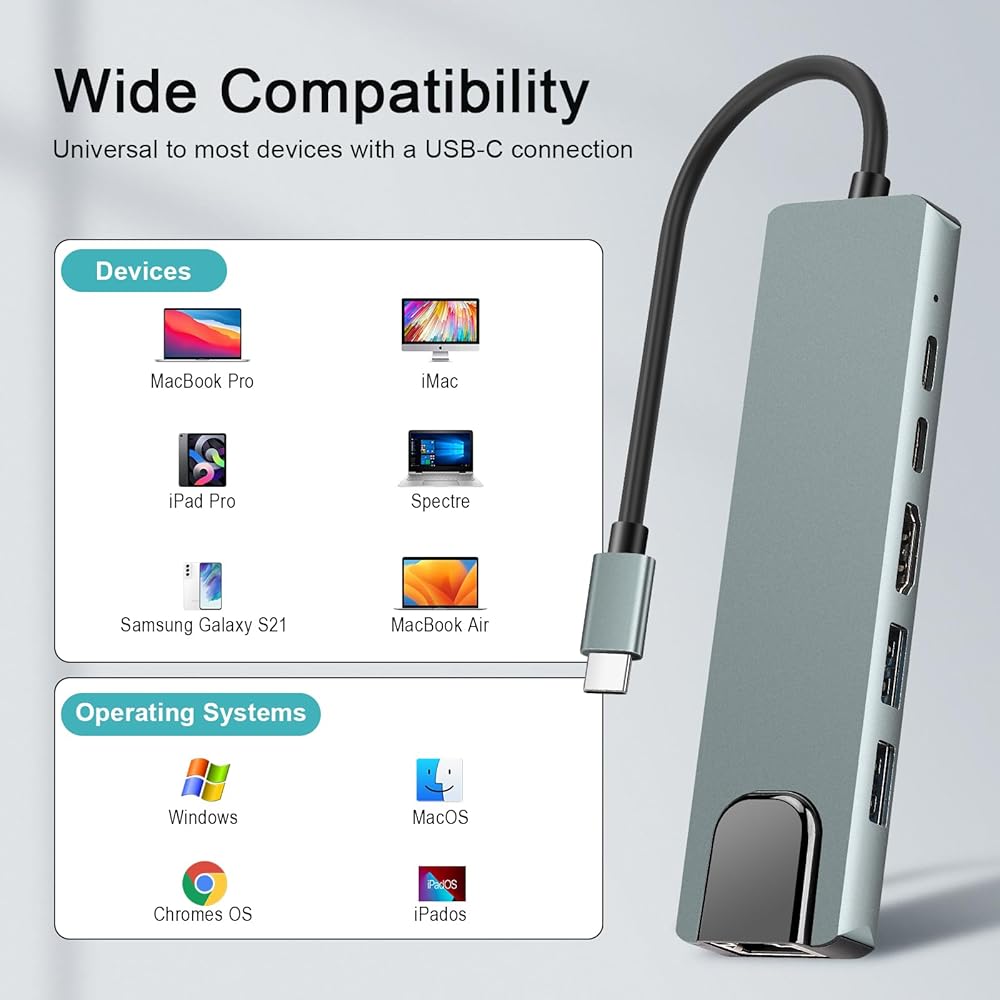
Broad Device Compatibility: Made from durable aluminum alloy for better heat dissipation and long-term use. Plug-and-play design—no drivers required. Compatible with MacBook Pro/Air (M1/M2), iMac, iPad Pro, Dell XPS, HP, Surface, Chromebook, and most USB-C devices
Description
💡A Few Things to Note for Best Results
1.On Data Reading:
If you are using large-capacity storage drives, you might experience slight delays or buffering. This depends largely on your computer's specific setup and environment, not just the hub itself.
2.About Power Supply:
We recommend not using all ports at the same time, especially with power-hungry devices (like external hard drives). This ensures every connected device gets enough stable power.
3.Compatibility Check:
Before buying, please double-check that your device's USB-C port supports USB 3.0 or newer. This hub is designed for modern standards and won't work with older protocols.
 Pasow 10 Port High Speed USB 2.0 Hub with Power Adapter and 3 Control Switches (Black)
SAR 68
Pasow 10 Port High Speed USB 2.0 Hub with Power Adapter and 3 Control Switches (Black)
SAR 68
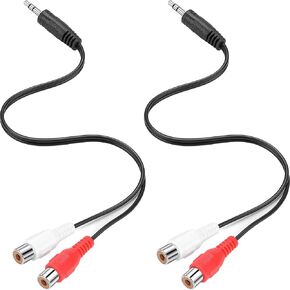 PASOW 3.5mm Male to 2 RCA Female Stereo Audio Y Cable RCA to Headphone Jack Aux Adapter 2 Pack for Speaker, Turntable, Sound Bar, Tablets, HDTV, MP3, HiFi Stereo System (12 inch)
SAR 32
PASOW 3.5mm Male to 2 RCA Female Stereo Audio Y Cable RCA to Headphone Jack Aux Adapter 2 Pack for Speaker, Turntable, Sound Bar, Tablets, HDTV, MP3, HiFi Stereo System (12 inch)
SAR 32
 PASOW 2 Pack 3.5mm Stereo Female to 2RCA Male RCA Audio Y Cable
SAR 27
PASOW 2 Pack 3.5mm Stereo Female to 2RCA Male RCA Audio Y Cable
SAR 27
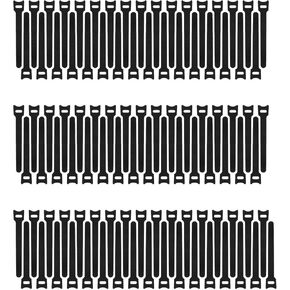 Pasow 100pcs 6-Inch Reusable Fastening Cable Ties Adjustable Wire Management (Black)
SAR 53
Pasow 100pcs 6-Inch Reusable Fastening Cable Ties Adjustable Wire Management (Black)
SAR 53