- التسوق ، اصبح سهلا.
- /
- احصل على التطبيق!
Configuration module parameters
Hardware connection
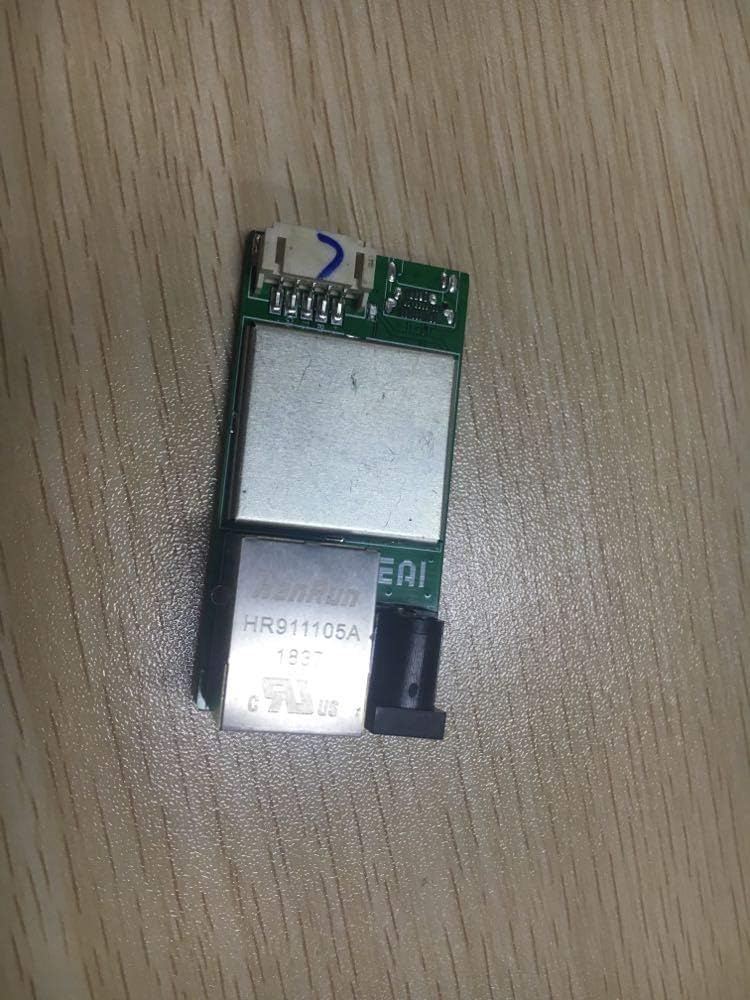
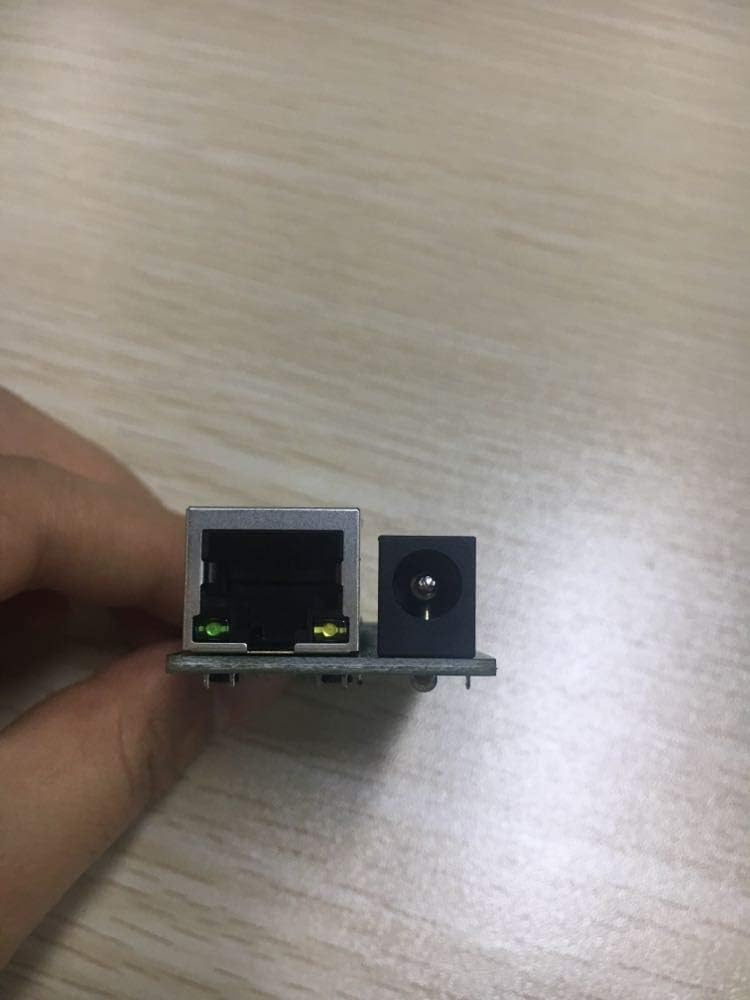
As shown below (connect the module to the computer with TYPE-C cable and network cable)
Parameter configuration of the module
(1) Click “Search Device” and the device list will display the module in the subnet.
(2) Select the module in the device list, modify the parameters on the left and right sides, and then click "Configure Device Parameters".
(3) After the configuration is completed, the module will restart. Wait a moment, click “Search Device” to find the module and see the configuration result.
Detailed operation process
(1) Run NetModuleConfig.exe to set module parameters
The operation is as follows:
Click Search for devices to find the device.
(2) Double-click the searched device to get the parameters.
(3) Modify the module parameters according to actual needs
Left setting: According to the network segment where the computer is located, the module must be set to be in the same subnet as the computer used. For example, when the subnet mask is 255.255.255.0, 192.168.1.1 and 192.168.1.2 are in the subnet. , while 192.168.1.1 and 192.168.2.1 are in different subnets. Check the IP of the computer as shown below.
Set on the left:
Device name: can be taken at will, such as TCP SERVER
DHCP: Unchecked to enable
Device IP: 192.168.0.X (X stands for the same IP as the computer, ie X is not 10, and X can be set to 88, 66, etc., the IP set in this example is 192.168.0.88)
Subnet mask: 255.255.255.0
Gateway: 192.168.0.1 (in the same subnet as the device IP, the last bit is 1)
Serial port negotiation configuration: unchecked to enable
Set on the right:
Network mode: TCP SERVER
Local port: 8000 (you can set the local port number as needed, the port number set in this example is 8000)
Destination IP/Domain Name: IP
Destination IP and destination port number are not grayed out by default.
Serial port baud rate: 2
 قطار الغد من البلاستيك الرمادي للجنسين غير لركوب الخيل
SAR 359
قطار الغد من البلاستيك الرمادي للجنسين غير لركوب الخيل
SAR 359
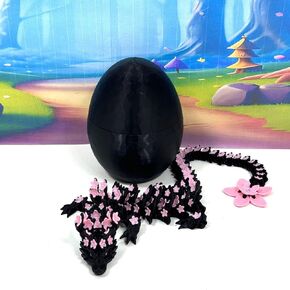 ثلاثي الأبعاد المطبوع من أزهار الكرز السوداء والوردي ، 12 "" التنين المرن ، تململ ADHD Autism Sensory Toy D028-DR
SAR 79
ثلاثي الأبعاد المطبوع من أزهار الكرز السوداء والوردي ، 12 "" التنين المرن ، تململ ADHD Autism Sensory Toy D028-DR
SAR 79
 24pcs الشكل الإيطالي لعمل البكر ، شكل tralalero tralala الشكل مع tralalero tralala ، tung tung tung sahur ، beanrot meme shark ، toys toys to to to to to to to to to to to to to to to to to to to to to to to to to to to to to to to to to to to to to to to
SAR 73
24pcs الشكل الإيطالي لعمل البكر ، شكل tralalero tralala الشكل مع tralalero tralala ، tung tung tung sahur ، beanrot meme shark ، toys toys to to to to to to to to to to to to to to to to to to to to to to to to to to to to to to to to to to to to to to to
SAR 73
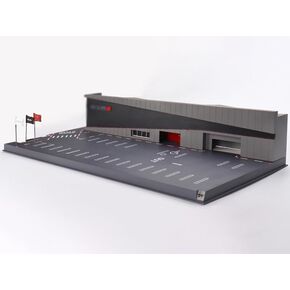 1/64 Mini GT Motorsports & Customizing Co. Ltd. مجموعة نماذج عملية ديوراما MGTAC34
SAR 819
1/64 Mini GT Motorsports & Customizing Co. Ltd. مجموعة نماذج عملية ديوراما MGTAC34
SAR 819