- التسوق ، اصبح سهلا.
- /
- احصل على التطبيق!
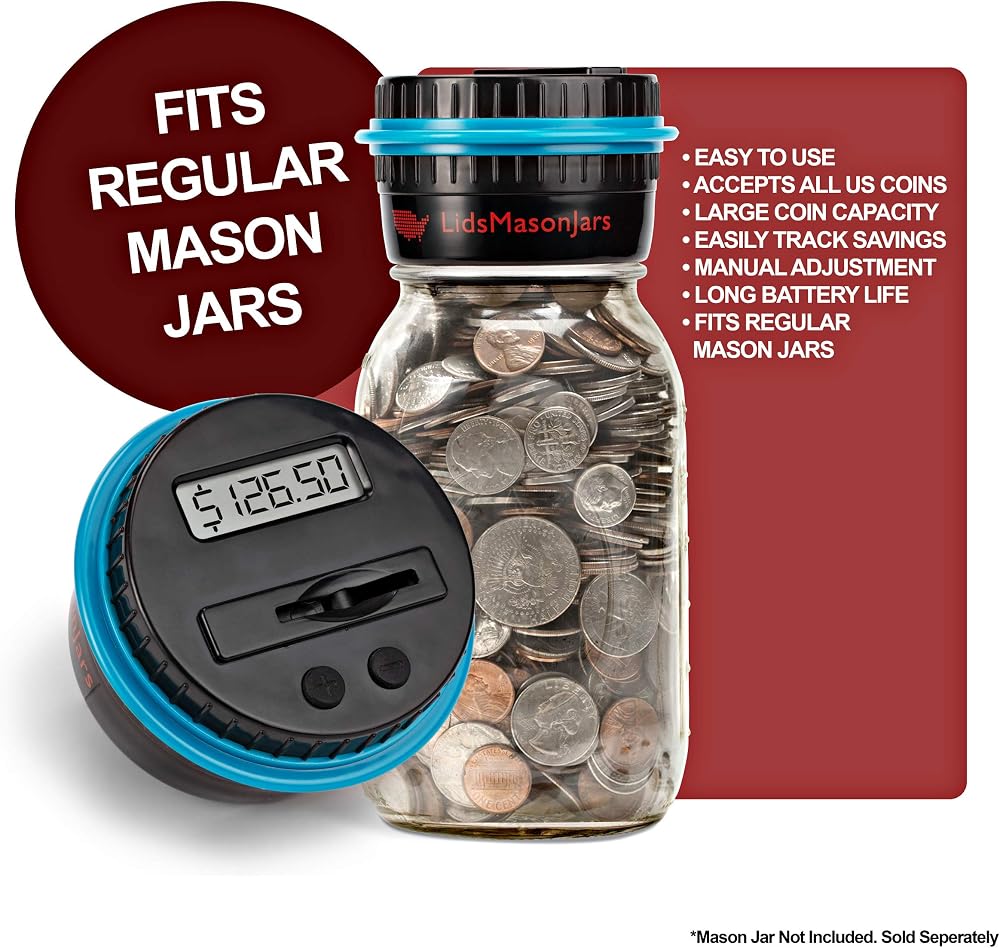
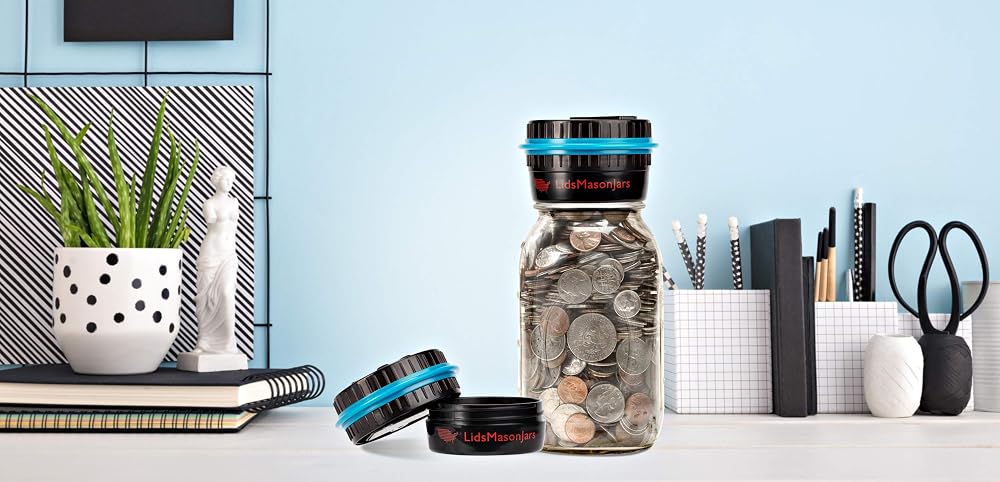
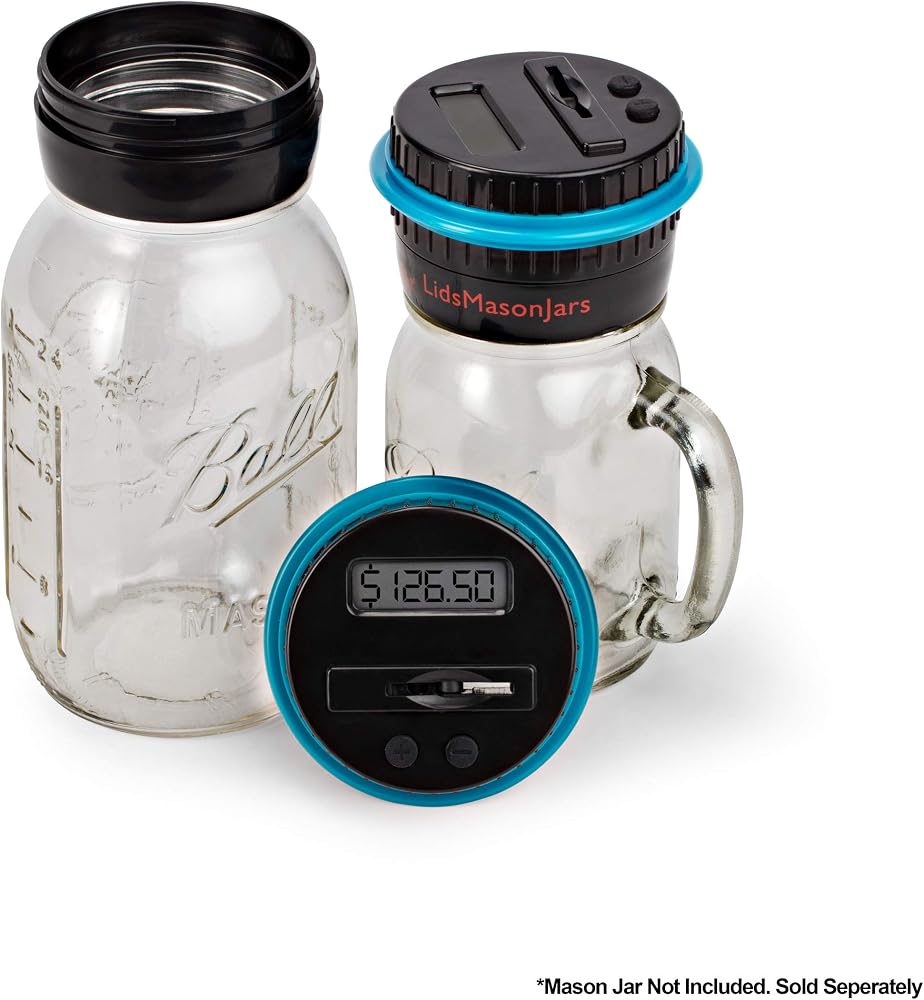
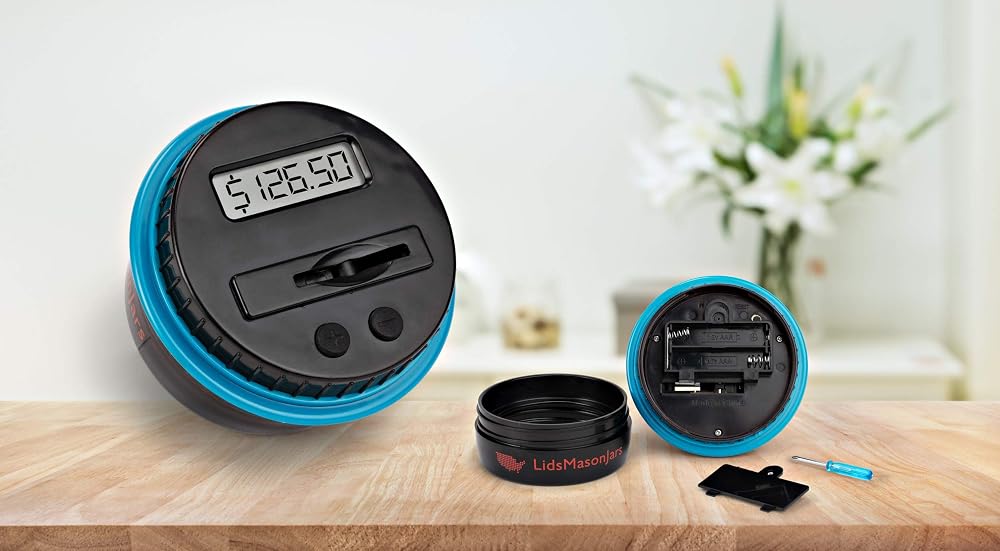
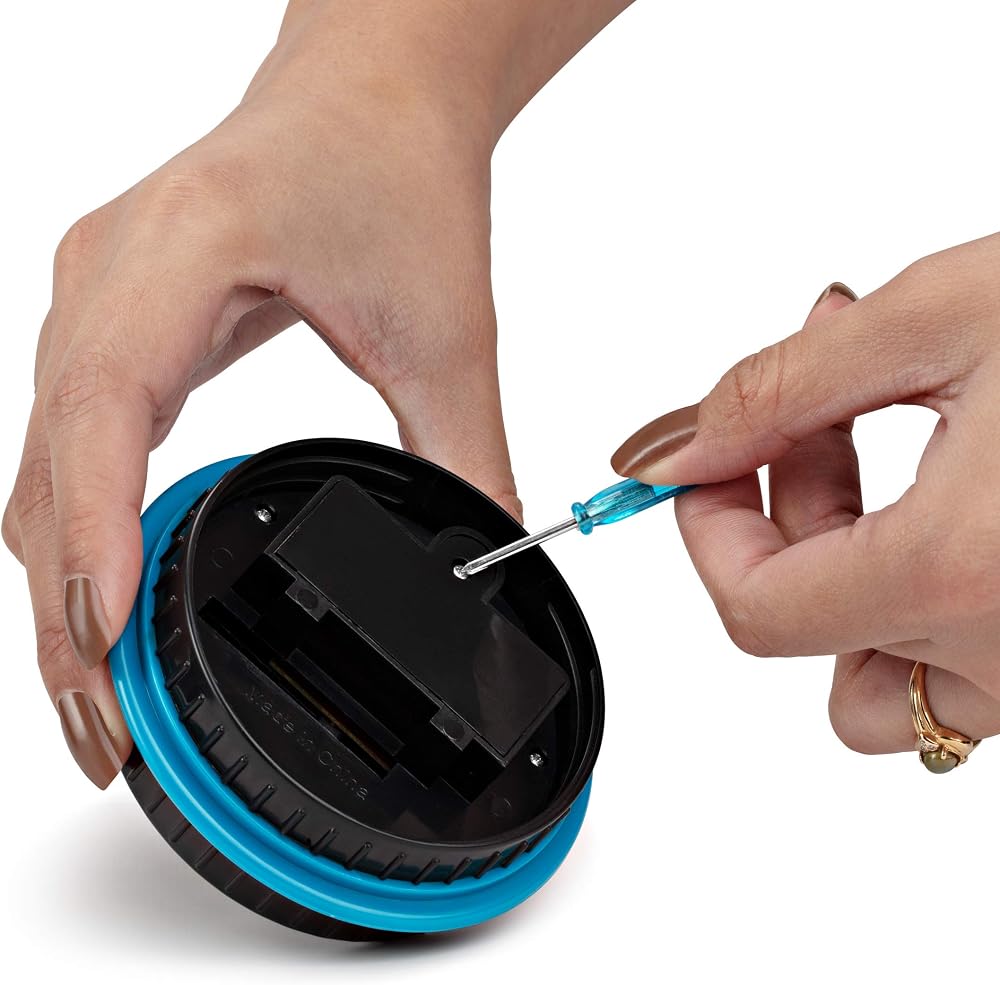
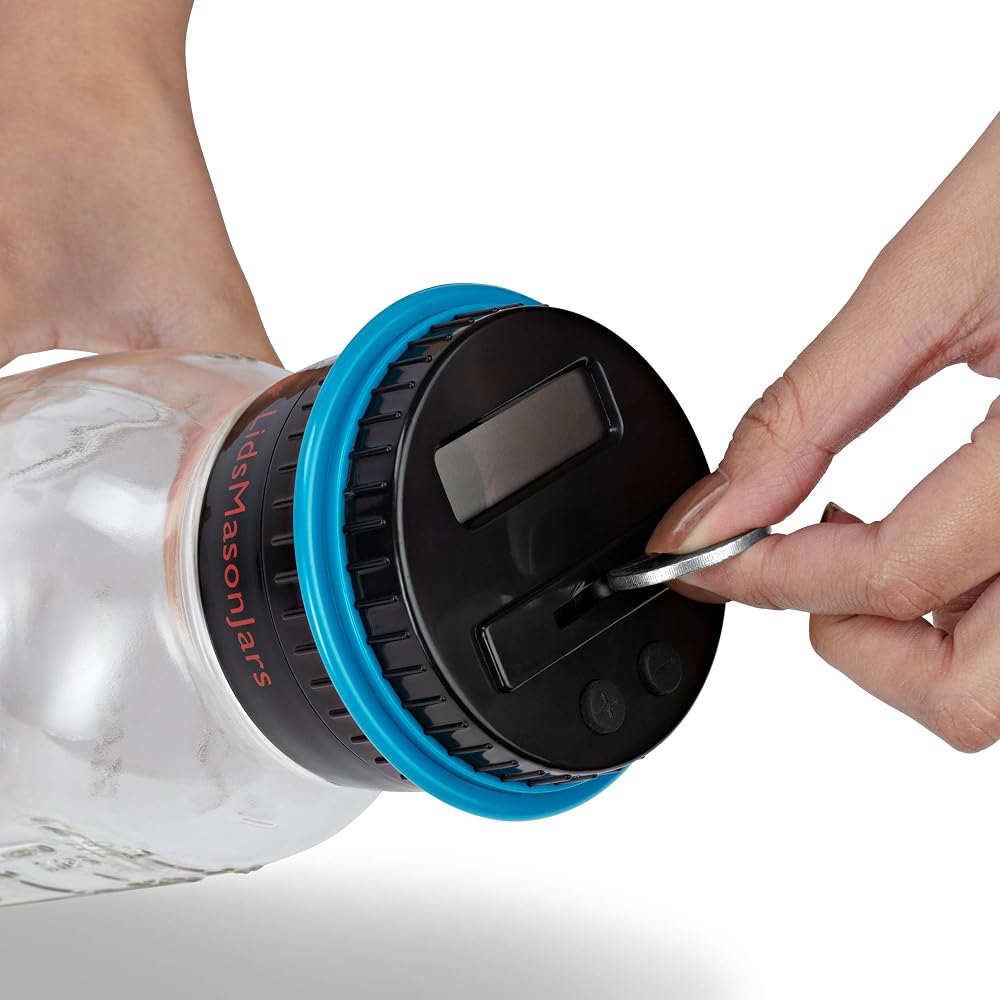
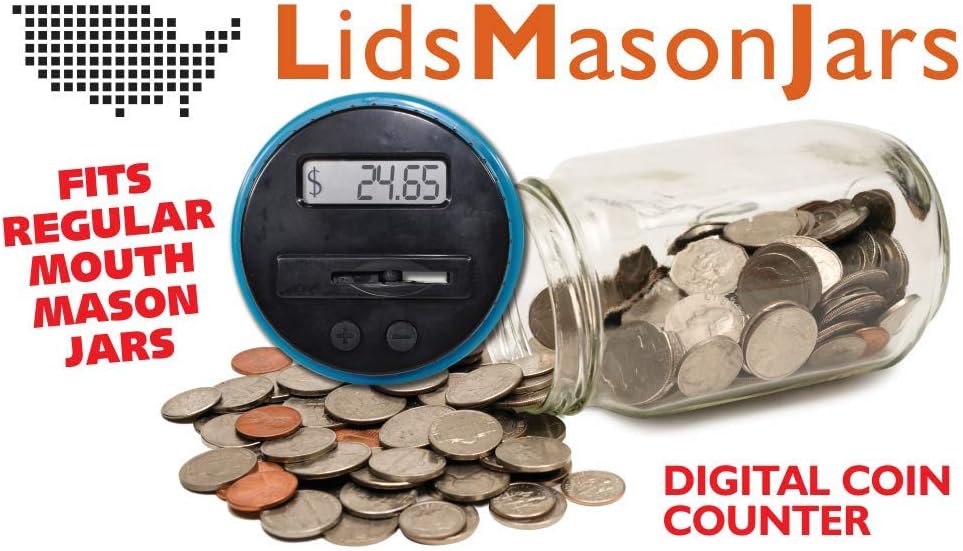
Hi there, I hope you, family and friends are all doing well. The coin counter you are looking at is the only one that can screw straight onto the Regular Mouth Mason Jar, you have at home. By purchasing our LED Display Coin Counter Piggy Bank, you are making use of that empty mason jar you have and helping to save some plastic waste by using a glass jar instead of a plastic jar.1. Adding coins: Push coins through the slot one at a time. The LCD Display will blink showing the value of each coin. When it stops blinking, it will display the total. 2. Alternate way to add coins: Remove the lid. Add coins to the Bank. Attach the lid. Press the Add Coin Button until it displays the total amount of coins you added. To speed the display up, hold the button down. 3. Subtracting coins: Remove the lid. Subtract coins from the Bank. Attach the lid. Press the Subtract Coin Button until it displays the total amount of coins you subtracted. To speed the display up, hold the button down. 4.Resetting the LCD Display: Insert the end of a paperclip or similar object into the reset hole on the underside of the lid. Never soak or submerge in water. Store in a cool, dry location away from sunlight. Battery Installation. When changing batteries, adult supervision is recommended. We recommend using alkaline batteries for best performance. Locate the battery door on the underside of the lid. Using a Phillips screwdriver, remove the screw. Insert 2 x “AAA” batteries in the polarity direction shown on the diagram to the right. Replace the battery door. Note: When the LCD Display starts to fade, it's time to change the batteries. The display memory stays on for only 15 seconds after the batteries are removed. Have 2 new “AAA” batteries ready before removing the old batteries. BATTERY WARNING: Do not mix and new battery Do not mix alkaline, standard (carbon-zinc), or rechargeable (nickel-cadmium) batteries. Insert batteries using the correct polarity. Do not short-circuit the supply terminal.
 -16%
25 قطعة من حوامل الشهادات السوداء، حوامل الدبلوم، اغطية وثائق مع حواف من الرقائق الذهبية، من بيتر اوفيس برودكتس، للورق بحجم الخطابات، 25 قطعة، اسود
SAR 110
-16%
25 قطعة من حوامل الشهادات السوداء، حوامل الدبلوم، اغطية وثائق مع حواف من الرقائق الذهبية، من بيتر اوفيس برودكتس، للورق بحجم الخطابات، 25 قطعة، اسود
SAR 110
 توكيل دائم - محدود - الولايات المتحدة الأمريكية - النماذج القانونية التي يمكنك إجراؤها بنفسك من Permacharts
SAR 53
توكيل دائم - محدود - الولايات المتحدة الأمريكية - النماذج القانونية التي يمكنك إجراؤها بنفسك من Permacharts
SAR 53
 Alipis تسجيل النقدية كليب المال كليب علبة النقدية كليب درج إدراج صينية كليب العملة حتى المال المنظم درج النقود صينية كليب علبة النقدية إدراج تسجيل درج كليب صندوق تخزين صغير معدني
SAR 54
Alipis تسجيل النقدية كليب المال كليب علبة النقدية كليب درج إدراج صينية كليب العملة حتى المال المنظم درج النقود صينية كليب علبة النقدية إدراج تسجيل درج كليب صندوق تخزين صغير معدني
SAR 54
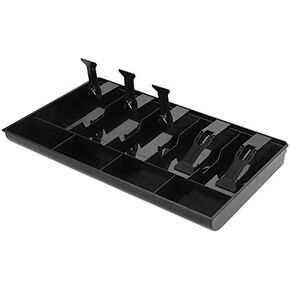 صندوق نقود بخمس شبكات، درج للنقود، سجل إدراج صينية بديلة، 5 فواتير، 4 عملات معدنية لصندوق تخزين الأموال النقدية الصغيرة (أسود)
SAR 97
صندوق نقود بخمس شبكات، درج للنقود، سجل إدراج صينية بديلة، 5 فواتير، 4 عملات معدنية لصندوق تخزين الأموال النقدية الصغيرة (أسود)
SAR 97