- التسوق ، اصبح سهلا.
- /
- احصل على التطبيق!
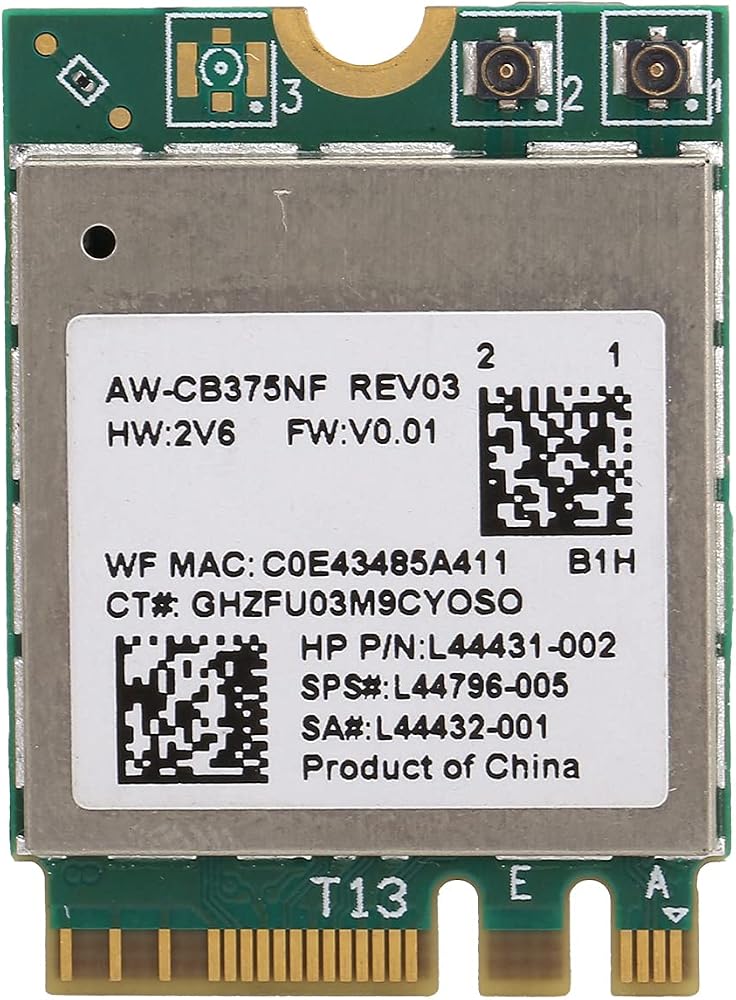
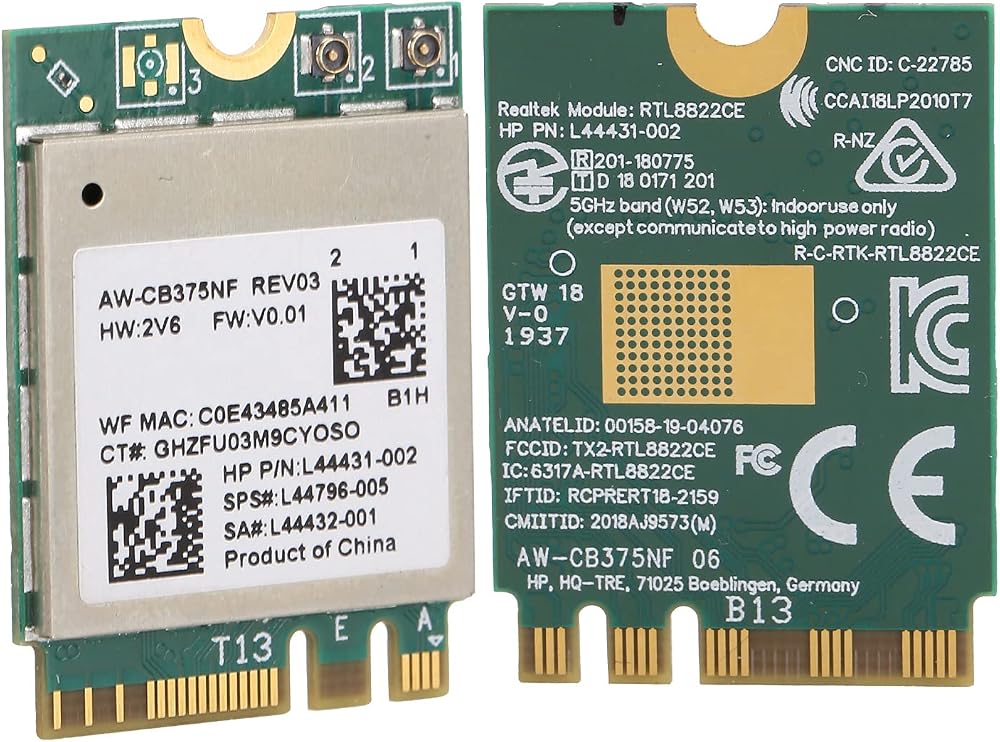
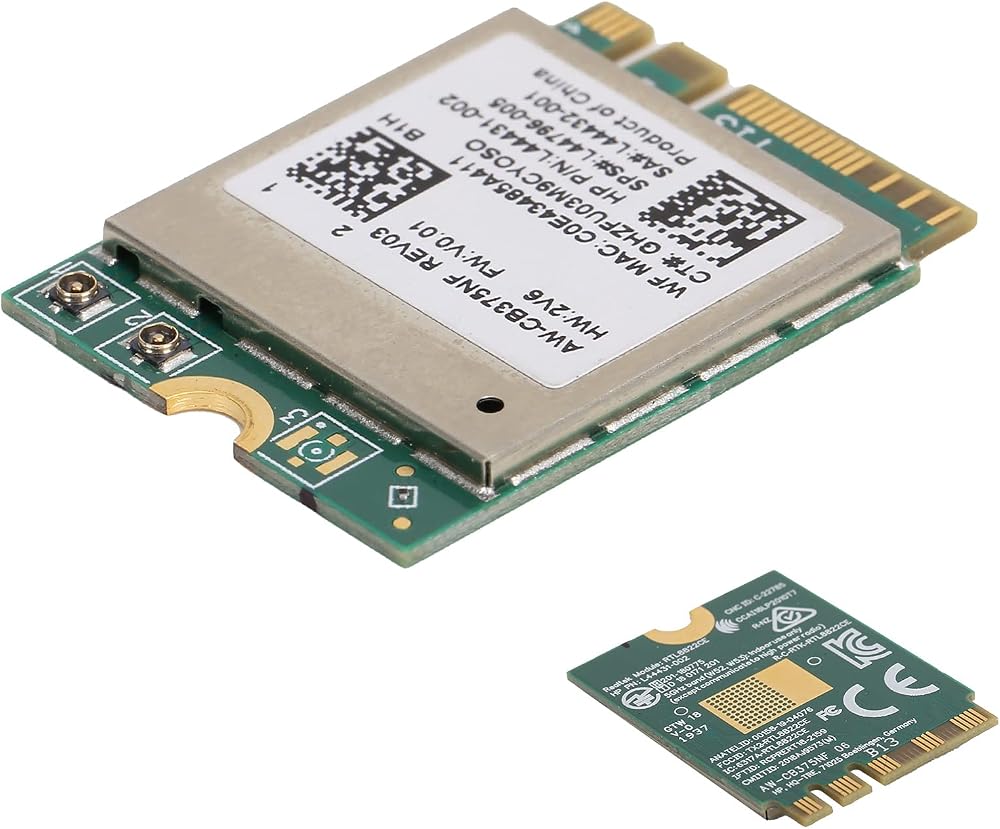
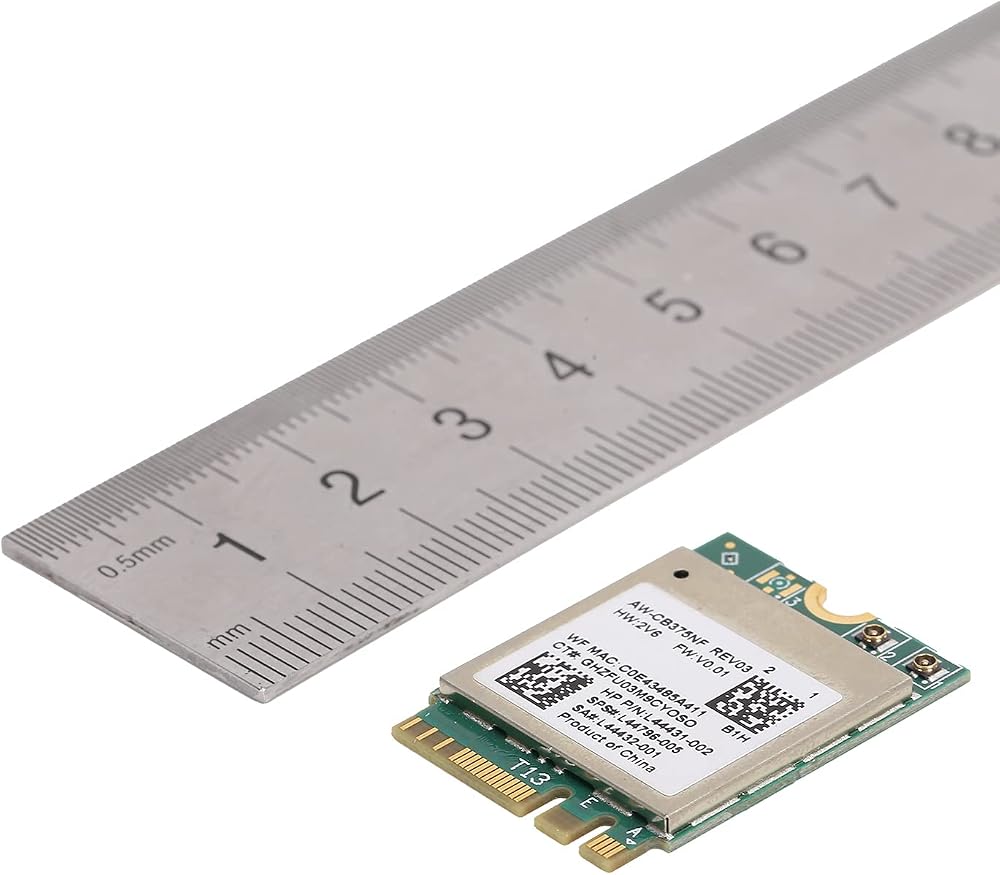
[Highly Compatible] This wifi module complies with ieee 802.11a/b/g/n/ac standards, making it ideal for various devices.
[Quality Design] Crafted from pcb materials, ensuring reliability, miniaturization, and ease of maintenance.
[Multi-system Support] Compatible with 10, , , and more for versatile usage options.
[Advanced ] Equipped with 5.0 support via the m.2 ngff interface for seamless connectivity.
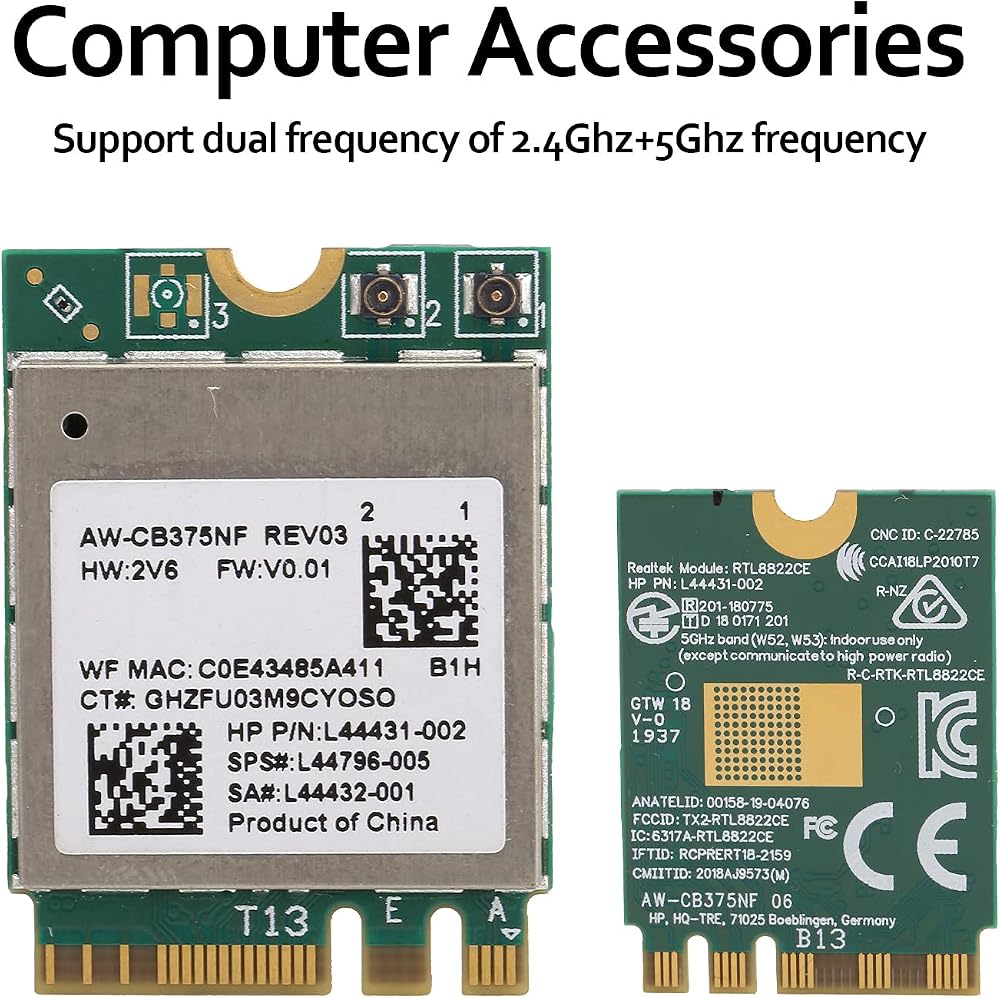
[Dual Frequency Support] Enjoy the flexibility of 2.4ghz and 5ghz frequencies for efficient network connections.
Spec:
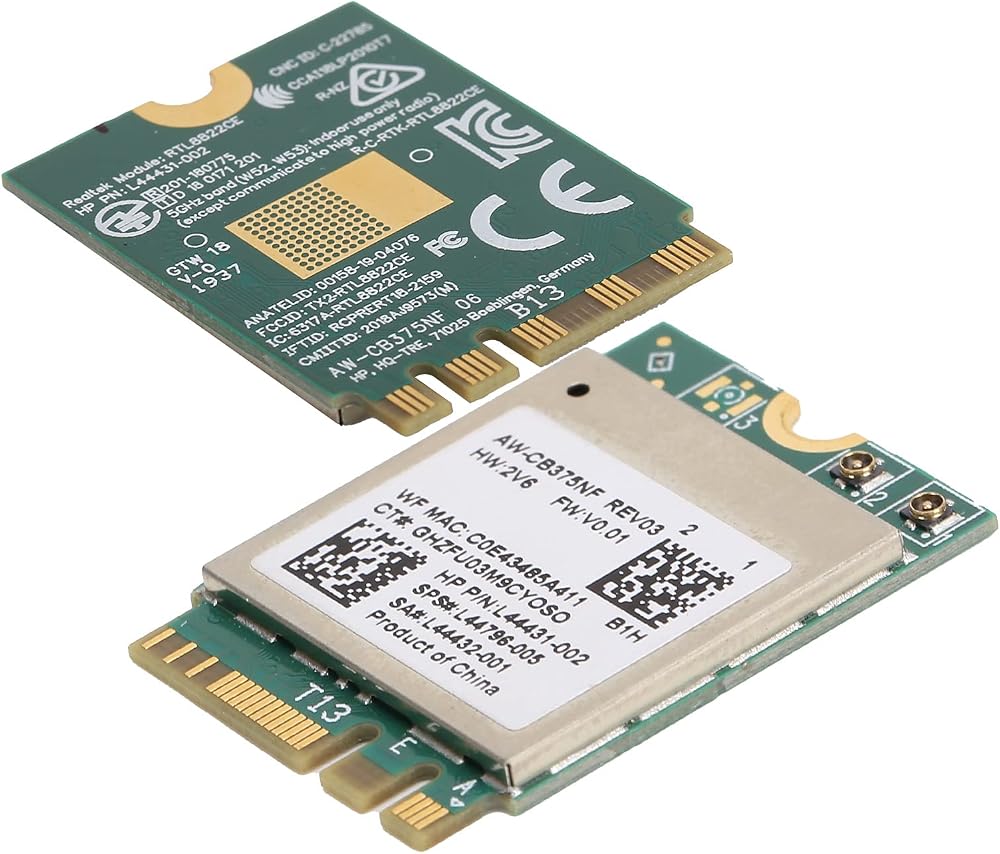
Item Type: Wifi Module
Material: PCB
Color: Green board
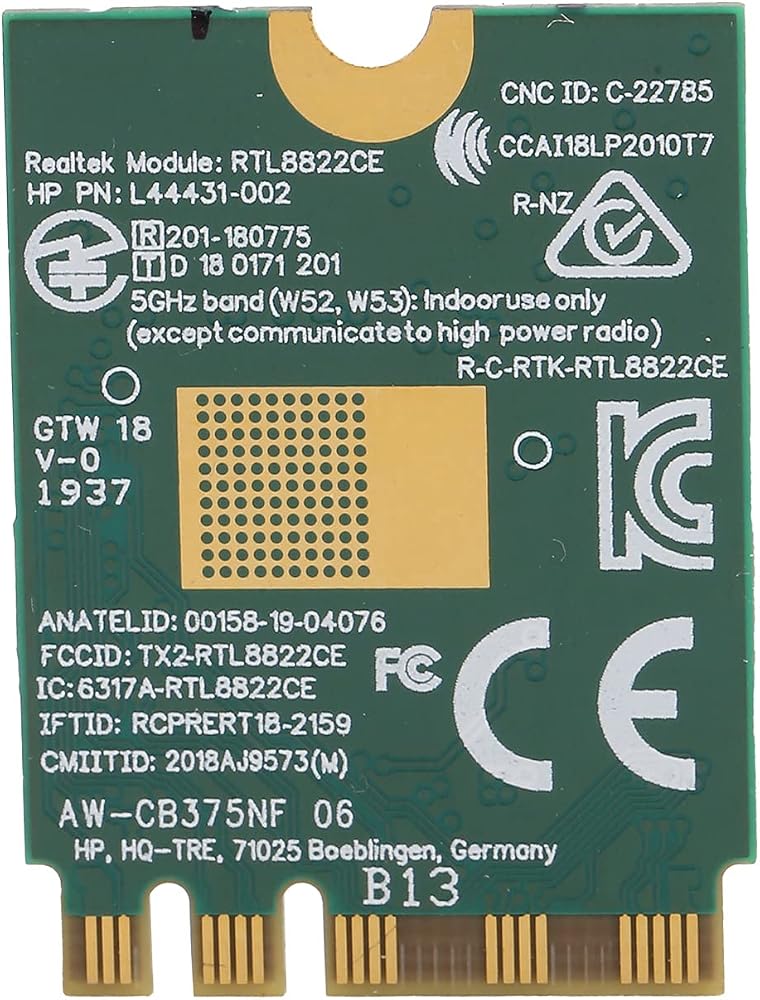
Main Chipset: For RTL8822CE
Network Standard: 802.11a/b/g/n/ac+2T2R
Frequency: 2.4/5.0GHz
Support System: For 10//, etc.
Package List:
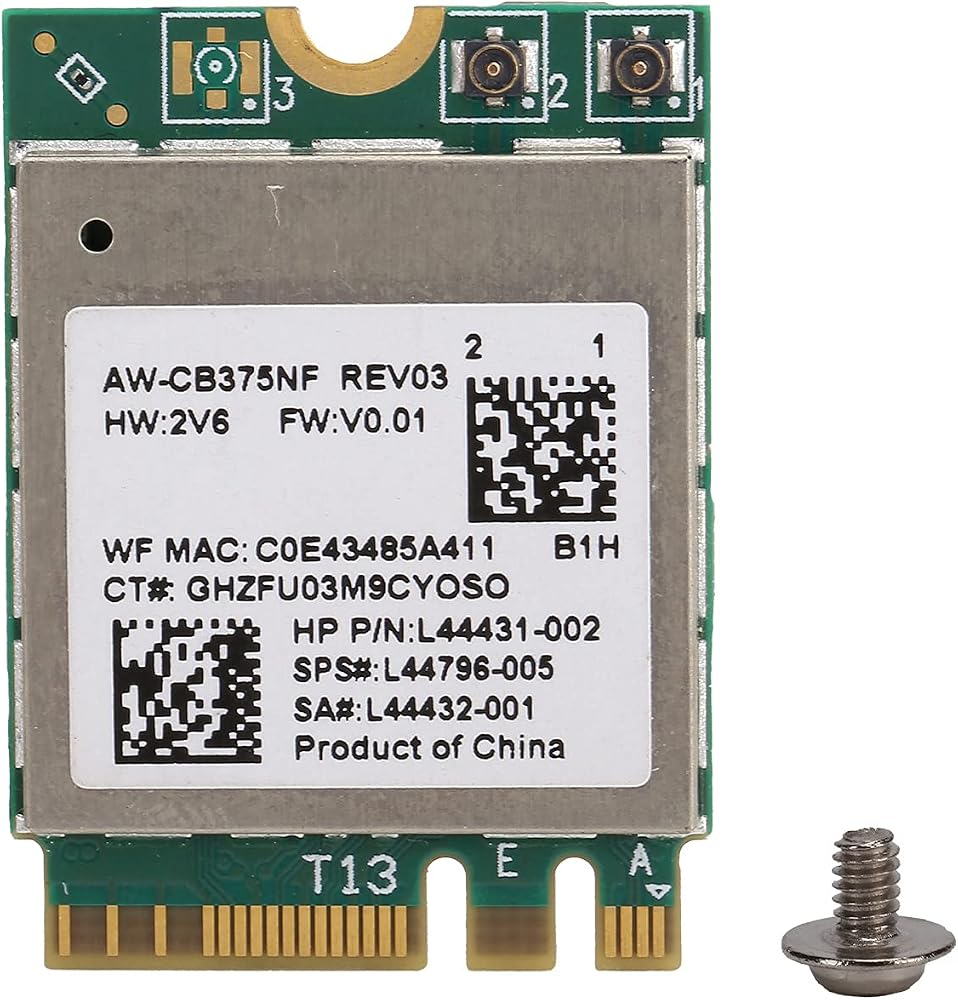
1 x Wifi Module
1 x Screw
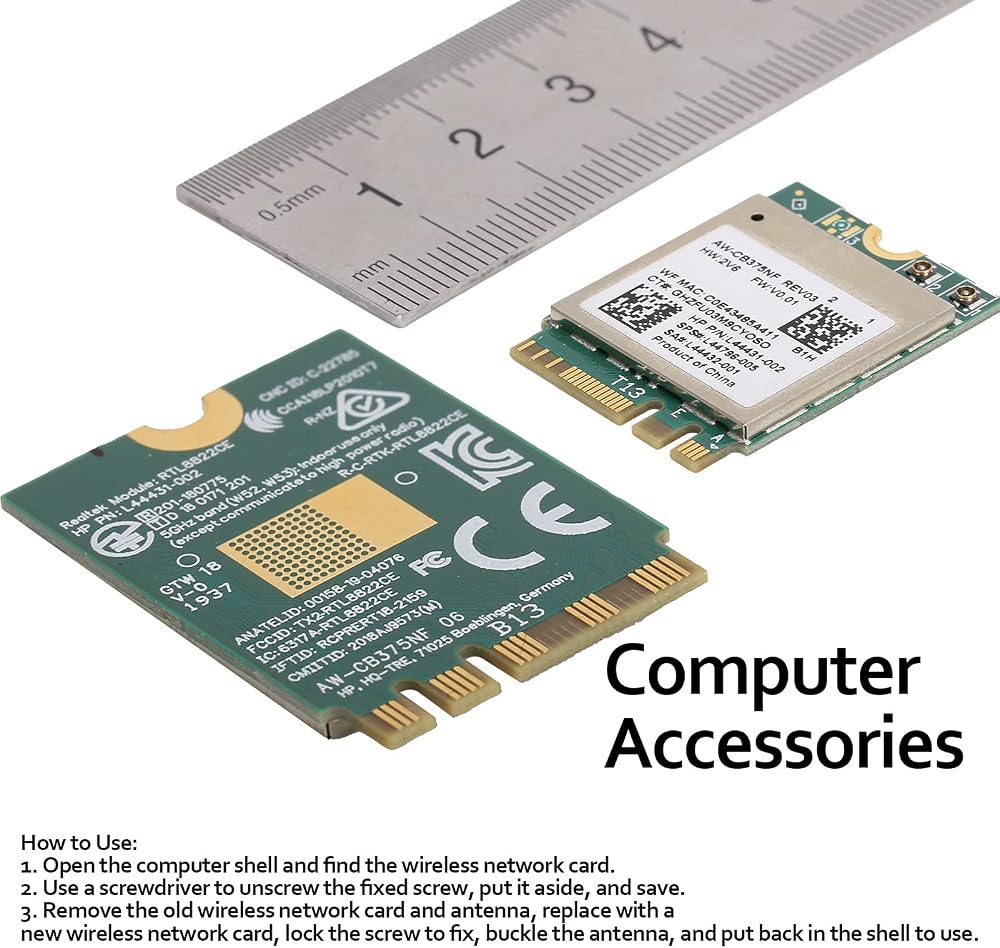
How To Use:
1. Open the computer shell and find the wireless network card.
2. Use a to unscrew the fixed screw, put it aside, and save.
3. Remove the old wireless network card and antenna, replace with a new wireless network card, lock the screw to fix, buckle the antenna, and put back in the shell to use.
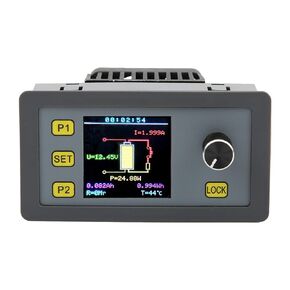 وحدة الحمل الإلكترونية، وحدة كشف الحمل بقدرة 30 وات 5 أمبير مناسبة للديكور والبناء، وتكنولوجيا الطاقة الكهرومائية، واختبار الشيخوخة، وتفريغ البطارية
SAR 151
وحدة الحمل الإلكترونية، وحدة كشف الحمل بقدرة 30 وات 5 أمبير مناسبة للديكور والبناء، وتكنولوجيا الطاقة الكهرومائية، واختبار الشيخوخة، وتفريغ البطارية
SAR 151
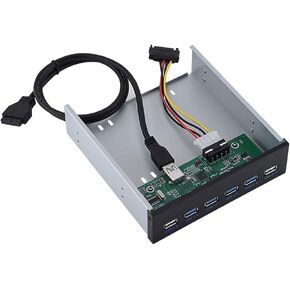 موزع USB 3.0 بلوحة امامية 6 منافذ، موزع USB معدني مع 4 منافذ USB 3.0 ومنفذي USB 2.0 للشحن السريع ونقل البيانات
SAR 145
موزع USB 3.0 بلوحة امامية 6 منافذ، موزع USB معدني مع 4 منافذ USB 3.0 ومنفذي USB 2.0 للشحن السريع ونقل البيانات
SAR 145
 -12%
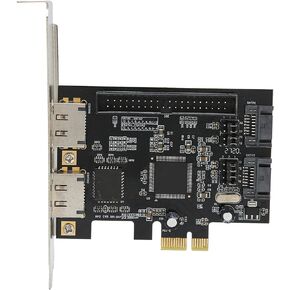
بطاقة محول PCIe، بطاقة محول PCIe إلى SATA ESATA IDE PCB محول الشبكة أجهزة الكمبيوتر مع قرص مضغوط للسائق
SAR 109
-12%
بطاقة محول PCIe، بطاقة محول PCIe إلى SATA ESATA IDE PCB محول الشبكة أجهزة الكمبيوتر مع قرص مضغوط للسائق
SAR 109
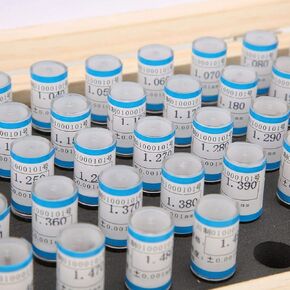 50 قطعة من مقياس الدبوس، 1-1.49 ملم مجموعة دبوس التوصيل 0.001 ملم تحمل التسامح أداة الدقة الفولاذية للوحات الدوائر الإلكترونية
SAR 289
50 قطعة من مقياس الدبوس، 1-1.49 ملم مجموعة دبوس التوصيل 0.001 ملم تحمل التسامح أداة الدقة الفولاذية للوحات الدوائر الإلكترونية
SAR 289