- التسوق ، اصبح سهلا.
- /
- احصل على التطبيق!
Spec:
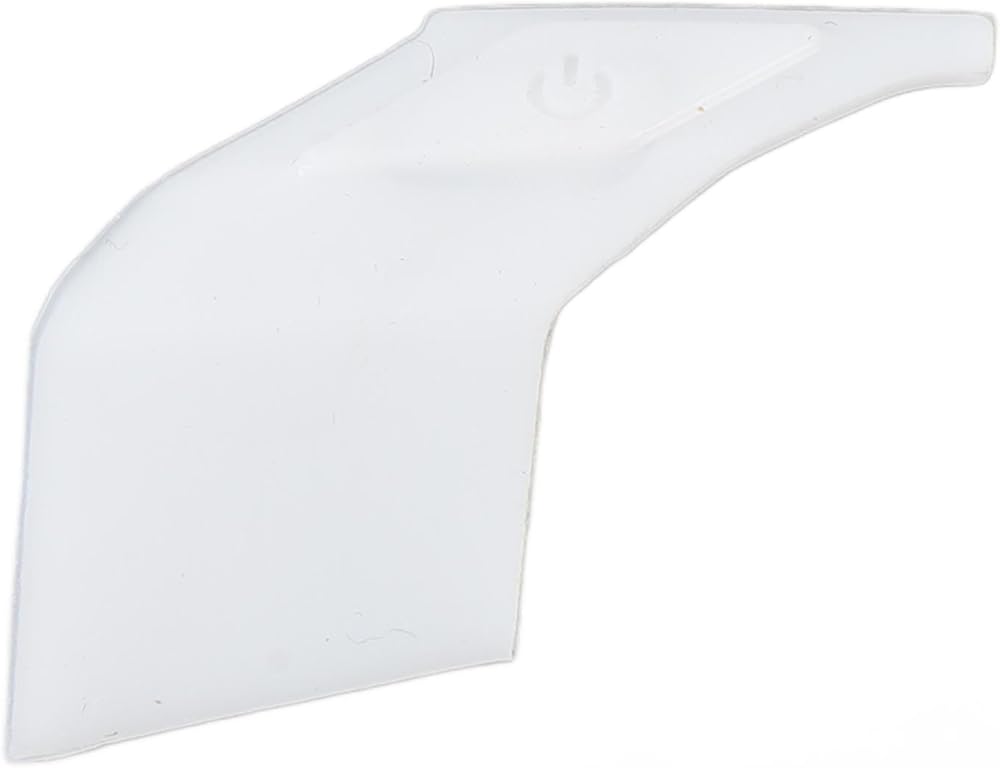
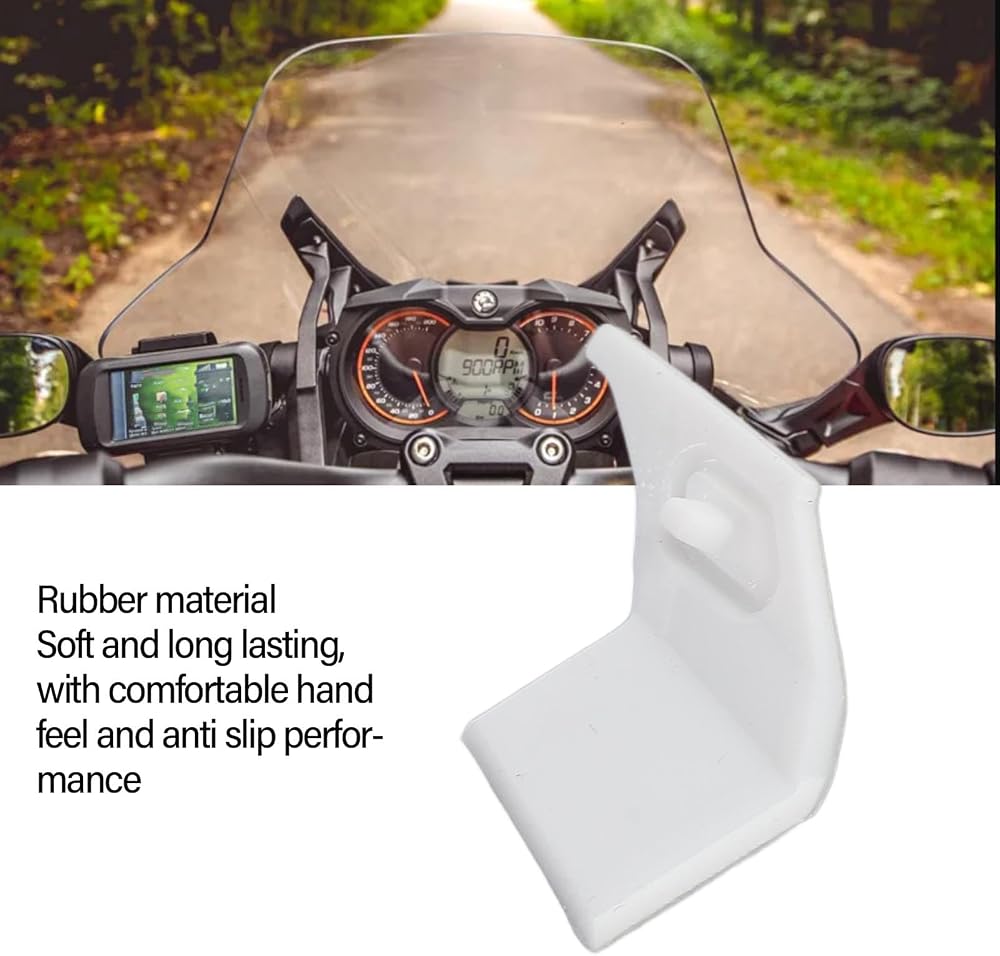
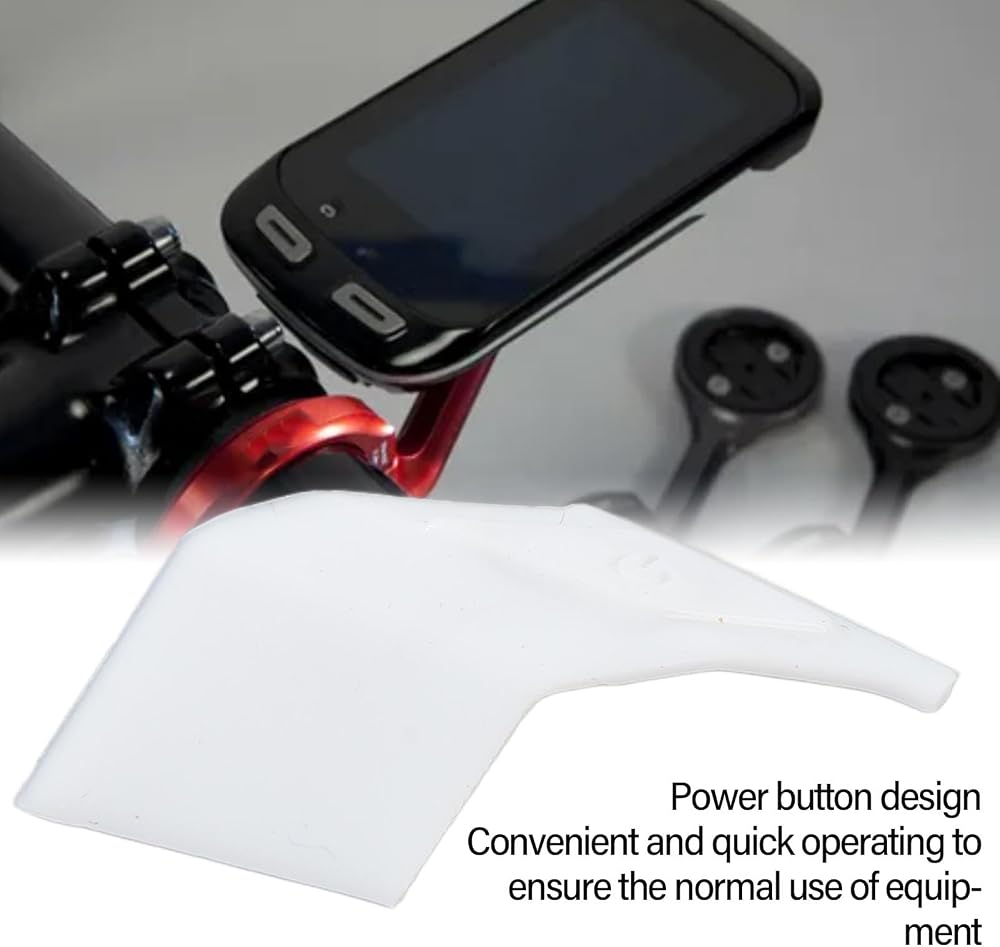
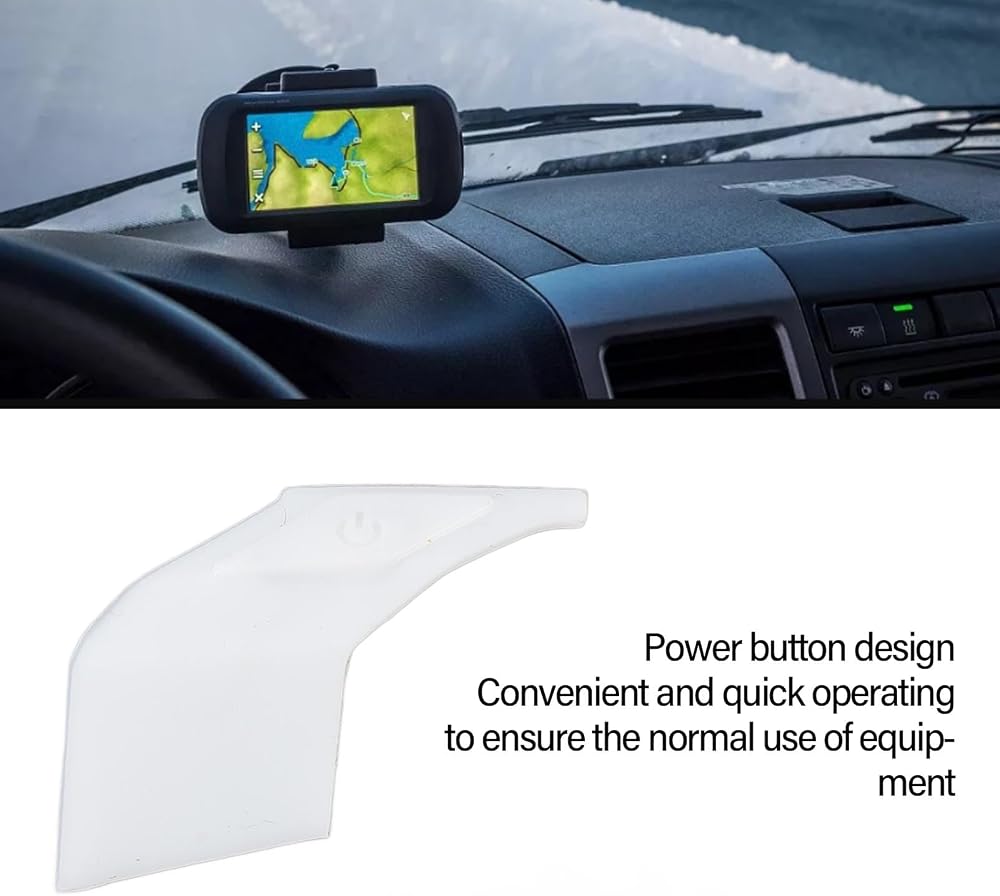
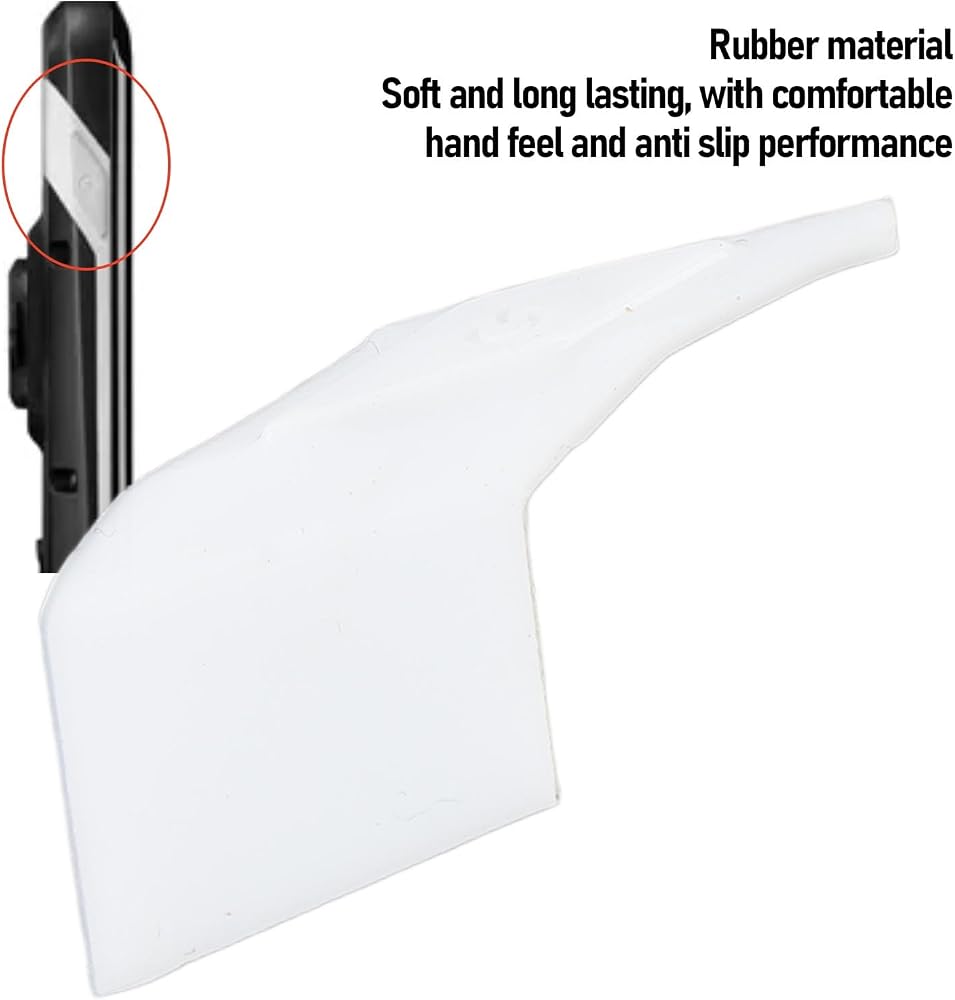
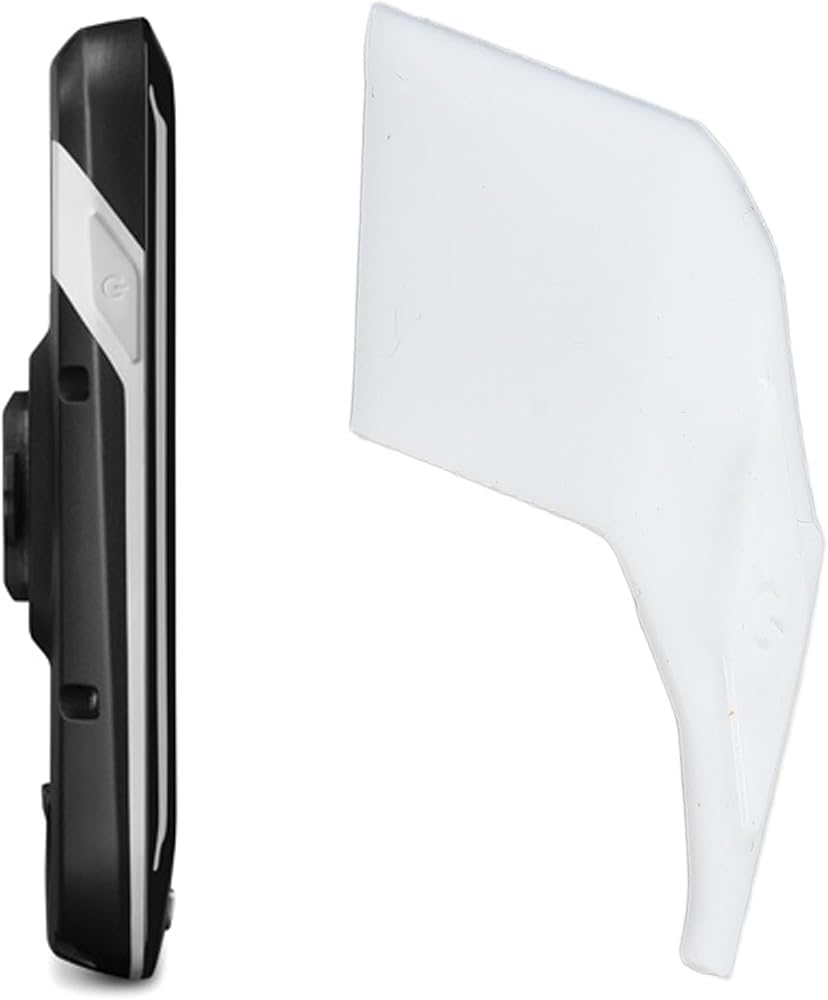
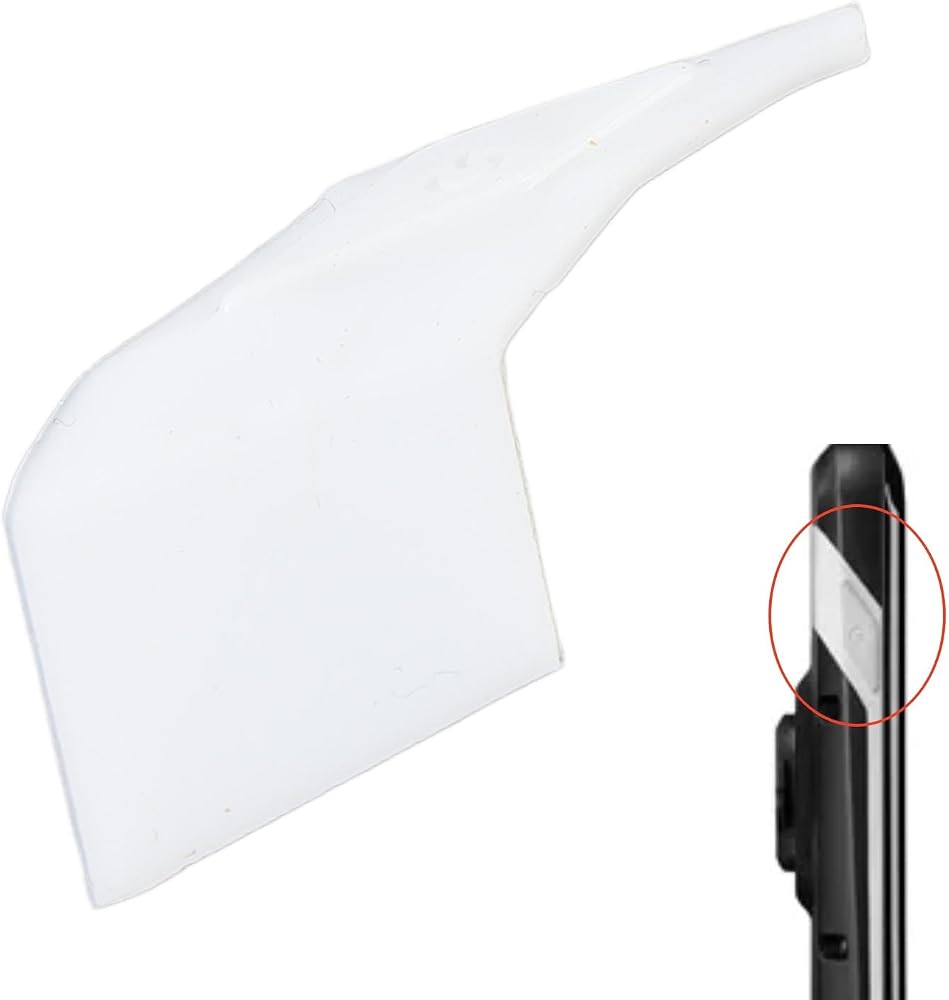
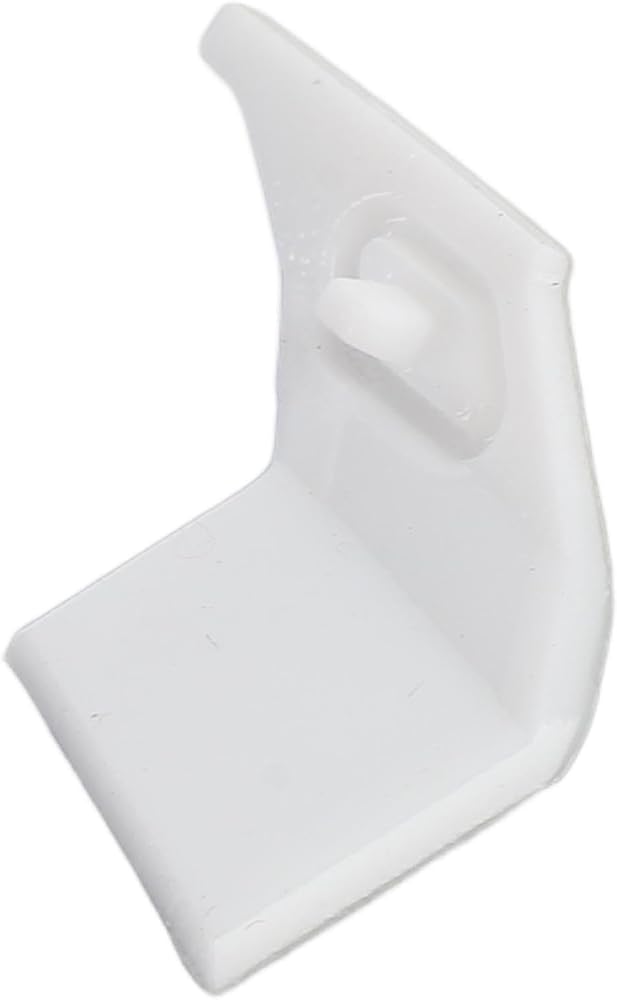
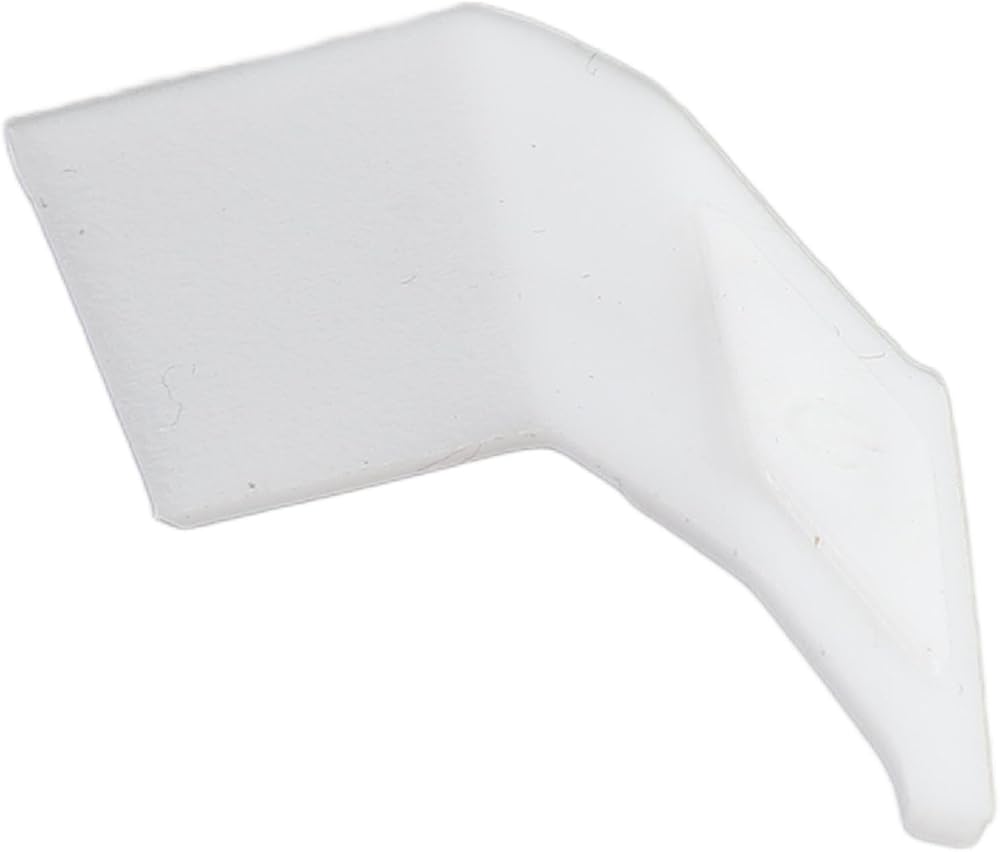
Item Type: Power Button
Material: Rubber
Fitment: Replacement for Edge 1000
Replacement for Edge Explore 1000
How to Use:
1. Clean the on the shell. Do not wet.
2. The back of the shell consists of a plastic base and a rubber layer. Carefully cut the rubber layer with a knife.
3. Use a plastic tool to remove the old rubber layer from the button.
4. Clean the .
5. You can use a primer for better adhesion.
6. Apply glue to all prepared surfaces for better adhesion and waterproofing.
7. Carefully install the buttons and press down to ensure a better bond between the rubber and the plastic base. Wait for 24 hours for better adhesion and curing.
8. All done! Well done! Your device is now operational and waterproofing!
PackageList:
1 * Power Button
 -9%
HKA1-41Z02 عصا التحكم التبديل وحدات تحكم Monolever 2 الموضع 2 لا نوع لحظة لقاطع عصا التحكم شنايدر إلكتريك هارموني قاطع عصا التحكم عصا التحكم 12 فولت عصا التحكم مفتاح عصا التحكم 1
SAR 86
-9%
HKA1-41Z02 عصا التحكم التبديل وحدات تحكم Monolever 2 الموضع 2 لا نوع لحظة لقاطع عصا التحكم شنايدر إلكتريك هارموني قاطع عصا التحكم عصا التحكم 12 فولت عصا التحكم مفتاح عصا التحكم 1
SAR 86
 كوزون بهيكل من الفرو الكهربي الحراري، 1/3/5/10 قطع SP1848-27145 مولد الطاقة الكهربية الحرارية تيج 40x40 ملم 150 درجة مئوية
SAR 39
كوزون بهيكل من الفرو الكهربي الحراري، 1/3/5/10 قطع SP1848-27145 مولد الطاقة الكهربية الحرارية تيج 40x40 ملم 150 درجة مئوية
SAR 39
 مصباح LED مجهر Akozon، كاميرا مجهرية 144 خرزة LED مصدر ضوء سطوع قابل للتعديل لمجهر ستيريو وكاميرا (أسود)
SAR 110
مصباح LED مجهر Akozon، كاميرا مجهرية 144 خرزة LED مصدر ضوء سطوع قابل للتعديل لمجهر ستيريو وكاميرا (أسود)
SAR 110
 حلقة محول عدسة الكاميرا M42-FD M42 التركيز اليدوي لعدسة Canon FD F-1 A-1 T60 محول كاميرا فيلم أسود لمحول العدسة m42-fd m42 جبل إلى fd fd إلى m42 m42 إلى fd محول ae-1 m42 إلى ca
SAR 79
حلقة محول عدسة الكاميرا M42-FD M42 التركيز اليدوي لعدسة Canon FD F-1 A-1 T60 محول كاميرا فيلم أسود لمحول العدسة m42-fd m42 جبل إلى fd fd إلى m42 m42 إلى fd محول ae-1 m42 إلى ca
SAR 79